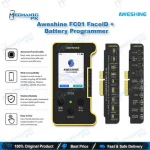
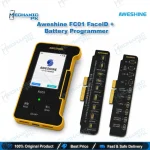
AWESHINE FC01 Face ID & Battery Programmer for iPhone
₨ 7,000
Face ID and Battery Repair Programmer
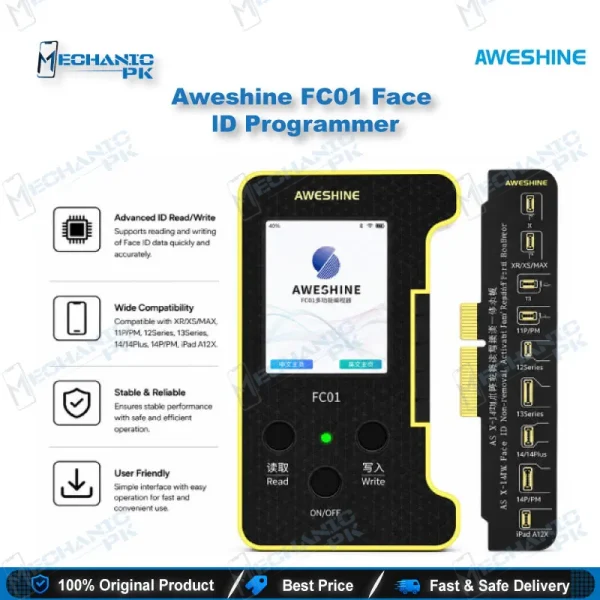
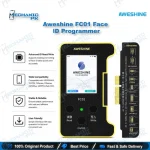
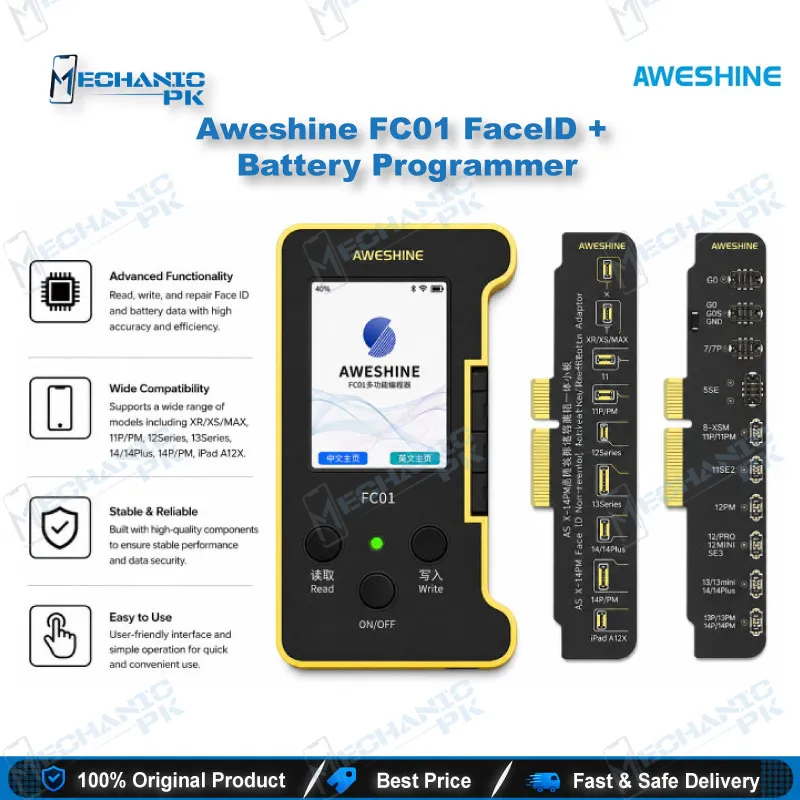
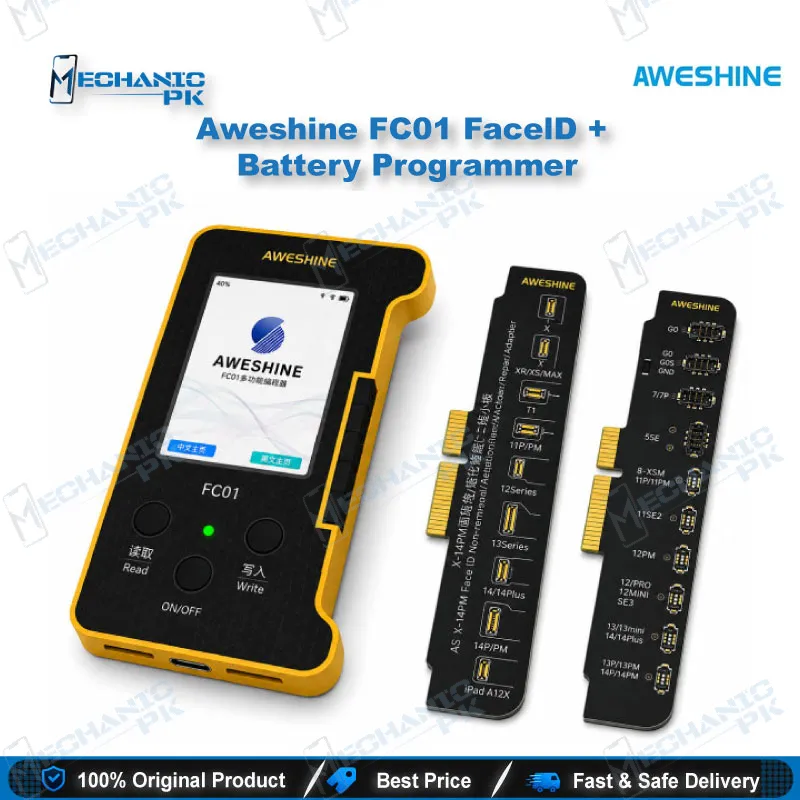
The AWESHINE FC01 covers two jobs that often need separate tools on an iPhone bench: battery data read and write, and Face ID dot projector repair. A Type-C input and 2.4-inch screen keep the workflow on one unit. The package includes a battery detection module and a dot projector detection module. Battery work covers the iPhone 6 to 14 series, and Face ID support targets X through 14 Pro Max. Bluetooth, Wi-Fi and online firmware upgrades let the unit expand over time. It suits repair shops that want one programmer for battery and Face ID jobs.
In stock
iPhone Face ID Battery Programmer for Data-Level Repair
Battery replacement and Face ID repair on modern iPhones both depend on data stored in the device, not only on the hardware. The AWESHINE FC01 is an iPhone Face ID battery programmer built to read and write that data at the bench. It handles two task groups: battery data work for the 6 to 14 series, and Face ID reading and writing for X through 14 Pro Max. If you regularly swap batteries or troubleshoot dot projector faults, one unit that covers both cuts down on tool clutter. The sections below cover what the FC01 does, where it fits in your workflow, and what the package contains.
Battery Data Read, Write and Health Reset
Battery work is the FC01’s most direct use. The unit reads and writes battery data for iPhone 6 through 14 series models. The listing states that batteries installed through the tool default to 100% health and zero cycles, and a one-key batch modification lets you set health and cycle values. The manufacturer also describes clearing the voltage reduction and capacity lock on the original board automatically. Battery tag-on flex cables are supplied as optional accessories, so you can match the adapter to the battery connection in front of you. Write health and cycle values that match the repair record and the customer’s expectations. Do not use them to hide a genuine battery fault.
Face ID Dot Projector Repair Workflow
Face ID repair follows a defined sequence on this unit. The dot projector detection module checks the module first, and the unit identifies the problem block automatically. You then back up the device data through iCloud and activate the genuine Face ID module, as the manufacturer’s steps describe. Next, you connect the Face ID tag-on repair flex cable and write the data. Finally, you install the tag-on FPC in the phone. Seven dot projector flex cables are included as optional accessories. Confirm the module, then write, then test Face ID on the device before you close the phone.
Screen True Tone and Receiver FPC Support
The package includes two screen True Tone repair modules, so display-related True Tone work sits on the same platform as the Face ID and battery functions. A companion earpiece speaker FPC cable from the same brand is listed for iPhone 8 through 15 Pro Max models and addresses True Tone and Face ID problems caused by a missing original receiver FPC. Pair the FC01 with that cable when the receiver FPC is the root cause. Check the receiver FPC during diagnosis before you write any data. This prevents you from reprogramming a phone whose fault sits in the hardware.
Online Upgrades and Offline Operation
The FC01 runs in both offline and online modes, so you can work at a bench with or without a network connection. It supports Bluetooth and Wi-Fi, and firmware upgrades arrive over the air through the online platform. Keep the firmware current before each job, because the manufacturer adds functions through these updates. Cloud backup of device data is part of the workflow, which protects customer data during repair. Plan your bench routine around these features: update first, back up the device data, run the battery or Face ID job, then verify the result on the handset.
| Weight | 0.5 kg |
|---|
Key Features
- Battery data read and write for iPhone 6 to 14 series
- Face ID reading and writing for iPhone X to 14 Pro Max
- Automatic problem block identification
- Offline and online dual operation
- Bluetooth, Wi-Fi and OTA firmware upgrades
- 2.4-inch display with Type-C input
- Cloud data backup before repair
- Support for Chinese and English menus
Specifications
| Brand | AWESHINE |
|---|---|
| Model | FC01 |
| Category | iPhone battery and Face ID repair programmer |
| Compatibility | iPhone battery 6 to 14 series; Face ID X to 14 Pro Max |
| Supported Devices | iPhone X to 14 Pro Max (Face ID); iPhone 6 to 14 series (battery) |
| Technology | Type-C input, Bluetooth, Wi-Fi, OTA firmware upgrades, offline and online operation |
Common Repair Uses
- Battery data read and write during battery replacement
- Battery health and cycle value reset on the bench
- Face ID dot projector repair with tag-on repair FPC
- Dot projector module detection before Face ID data writing
- True Tone repair using the included screen modules
- Receiver FPC fault diagnosis alongside True Tone work
- Firmware upgrades and feature expansion through the online platform
Compatible Devices
- iPhone battery 6 to 14 series, iPhone Face ID X to 14 Pro Max, and True Tone repair on iPhone models supported by the included screen modules
- iPhone 6 to 14 series battery data
- iPhone X to 14 Pro Max Face ID dot projector
- iPhone 8 to 15 Pro Max with the companion earpiece speaker FPC cable
- Battery tag-on flex cables for matching battery connections (optional)
- Dot projector flex cables for Face ID repair (optional)
FAQ
What is the product name?
What is the brand of this product?
What is the model of this product?
What is this product used for?
Which devices are compatible with this product?
Who should use this product?
Does this programmer support firmware updates?
Does the package include repair flex cables?
Related products