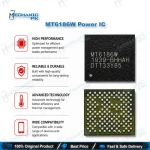
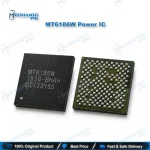
MediaTek MT6186W Network IC – RF Transceiver Chip
₨ 250
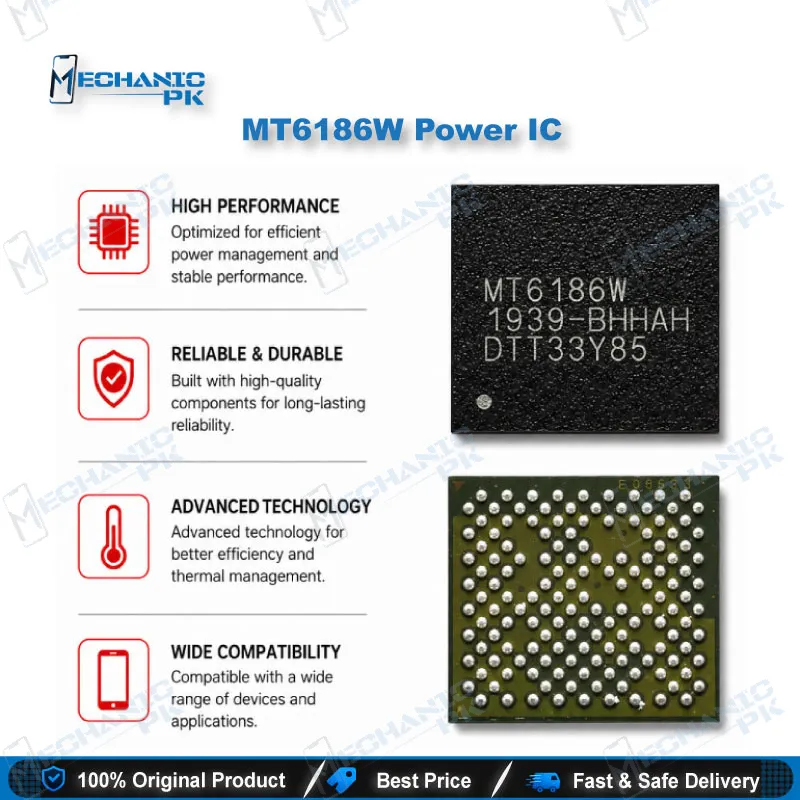
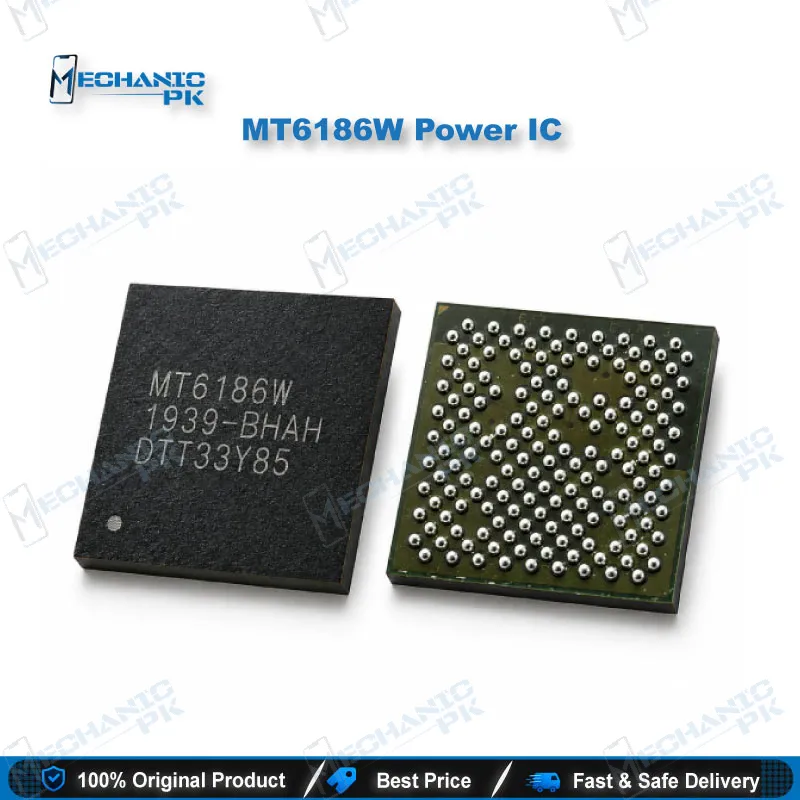
MT6186W Network IC for MediaTek RF Repairs
The MT6186W network IC is MediaTek’s RF transceiver. On a MediaTek phone board it handles the radio signal between the antenna front-end and the baseband. When a phone shows “No Service” or “Emergency Calls Only,” or loses signal after a drop or water damage, this chip is often the source of the network issue. Teardown analysis traces the MT6186W to the Oppo Reno Z board. Mechanicpk supplies this transceiver to technicians who handle IC-level network repairs and need the exact W-suffix part instead of a guessed substitute. You get a direct replacement for RF section faults once you have checked the supply, clock, and antenna path around the chip.
MT6186W Network IC: MediaTek RF Transceiver for Board-Level Signal Repair
The MT6186W network IC is the RF transceiver MediaTek pairs with its application processor on certain smartphone platforms. It manages four signal stages: the receive path, the receive phase-locked loop, the transmit path, and the transmit feedback path. Every voice call, SMS, and mobile data session passes through this chip before it reaches the baseband. Independent teardown work identified the MT6186W inside the Oppo Reno Z, a Helio P90 handset, and found that a die coded BHH10758C1 sits inside the package. For a technician this matters directly: when this chip fails, the phone boots, detects the SIM, and shows a valid IMEI, yet it never registers on the network.
Where the MT6186W Sits in the RF Chain
Picture the network section as a relay. The antenna and front-end modules collect the signal, the MT6186W converts it between radio frequency and baseband form, and the processor’s modem decodes it. The receive PLL locks the chip onto the correct carrier frequency. If that lock drifts, your customer sees bars that jump around or vanish. The transmit path drives outgoing signal toward the power amplifier stage, and the feedback path lets the system monitor and correct that output. A fault in the transmit side typically lets the phone show signal while outgoing calls fail or drop within seconds. Knowing which half is failing narrows your diagnosis before you pick up the hot air gun.
Diagnosing Before You Change the IC
Experienced technicians never treat IC change karna as the first step on a network issue. Start with software: confirm the IMEI and baseband version read correctly, since a corrupted NVRAM produces the same “No Service” symptom without any hardware fault. Next, check the antenna connections and coaxial lines, because a cracked antenna cable or a missing ground clip mimics a dead transceiver. Then measure the supply rails and clock reference feeding the RF section. A missing rail points you back to the PMIC, not the MT6186W. Only when supply, clock, and antenna path test good and the symptom persists does the MT6186W network IC become the prime suspect. This order saves you a wasted chip and an unnecessary rework cycle on the board.
Replacement Workflow and Variant Matching
MediaTek ships the MT6186 family in more than one variant, and the suffix carries real meaning. The MT6186MV, for example, uses a different die (AXD10787B1) and appeared in the Redmi Note 8 Pro. Always read the marking on the original chip and match it before ordering, so you install the variant the board firmware and RF calibration expect. For removal, clear any underfill around the RF section first, then lift the chip with controlled hot air and plenty of flux to protect the pads. Clean the pads with solder wick, inspect them under your microscope for lifted or torn pads, and reball the new chip with the correct stencil if it does not arrive pre-balled. After soldering, let the board cool fully, reassemble, and test calls, SMS, and mobile data on every band your local carrier uses. Keep a hot air station, a quality flux, a BGA reballing kit, and a stereo microscope on your repair bench for this job. For repeated network repairs, a PCB holder with a heat shield protects nearby components during removal.
| Weight | 0.1 kg |
|---|
Key Features
- Genuine MediaTek RF transceiver part number MT6186W
- Integrated receive path for incoming call, SMS, and data signals
- Receive PLL for stable carrier frequency lock
- Transmit path that drives the outgoing signal to the PA stage
- Transmit feedback path for output monitoring and correction
- Exact W-suffix variant for boards built around the MT6186W
- Direct replacement for IC-level network fault repair
- Works with standard BGA rework tools: hot air, flux, and reballing stencil
Specifications
| Brand | MediaTek |
|---|---|
| Model | MT6186W |
| Category | Mobile Phone ICs > Network / RF ICs |
| Technology | RF transceiver (receive path, receive PLL, transmit path, transmit feedback path) |
| Supported Devices | Oppo Reno Z (teardown-verified) |
| Compatibility | MediaTek-platform boards built around the MT6186W marking |
Common Repair Uses
- RF section repair workflows on MediaTek boards
- “No Service” with SIM detected and IMEI intact
- “Emergency Calls Only” fault after software checks pass
- Weak or fluctuating signal after a drop or water damage
- Mobile data not working while the phone shows signal
- Outgoing calls failing or dropping within seconds (transmit path fault)
- Network searching loop that never registers
- RF IC change after confirming supply, clock, and antenna lines
- Reballing or replacing a cracked transceiver after board stress
Compatible Devices
- Verified at device level for one handset. For any other board, match the exact chip marking.
- Oppo Reno Z (Helio P90 platform, teardown-verified source of the MT6186W)
- MediaTek-based phone boards that carry the MT6186W marking in the RF section
- Scope note: MT6186MV (Redmi Note 8 Pro) is a separate variant with a different die, not a confirmed drop-in replacement
FAQ
What is the product name?
What is the brand of this product?
What is the model of this product?
What is this product used for?
Which devices are compatible with this product?
Who should use this product?
Is MT6186W a power IC or a network IC?
Can I replace MT6186W with MT6186MV?
Related products