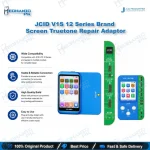
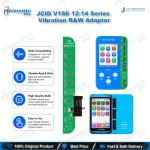
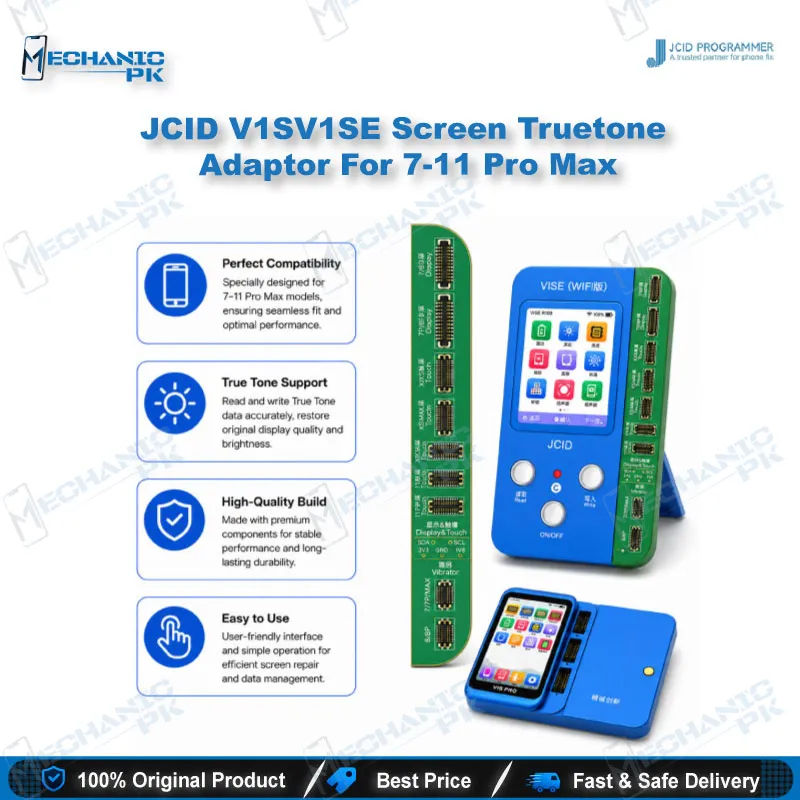
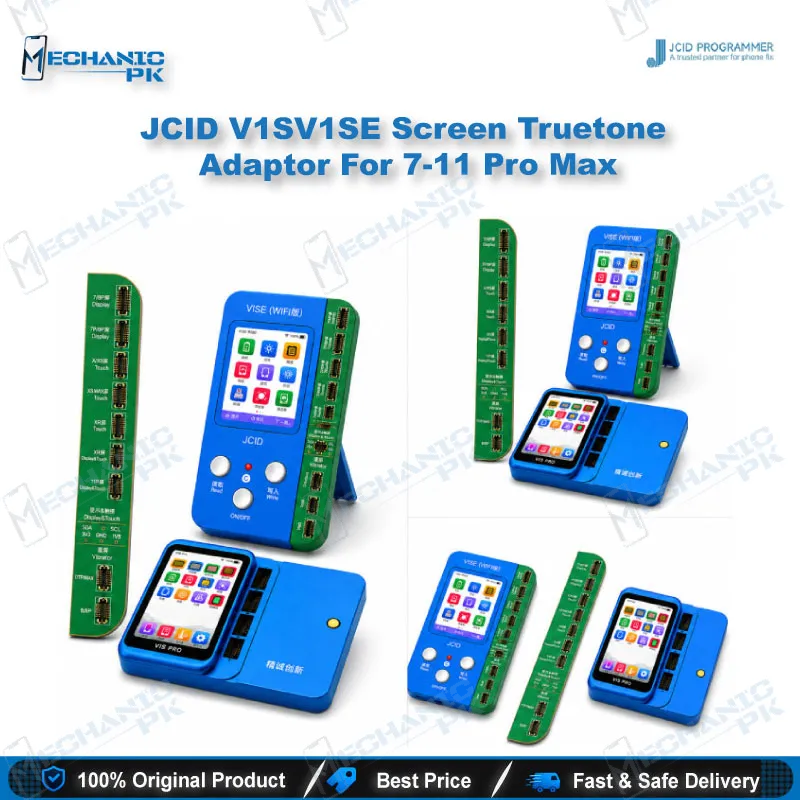
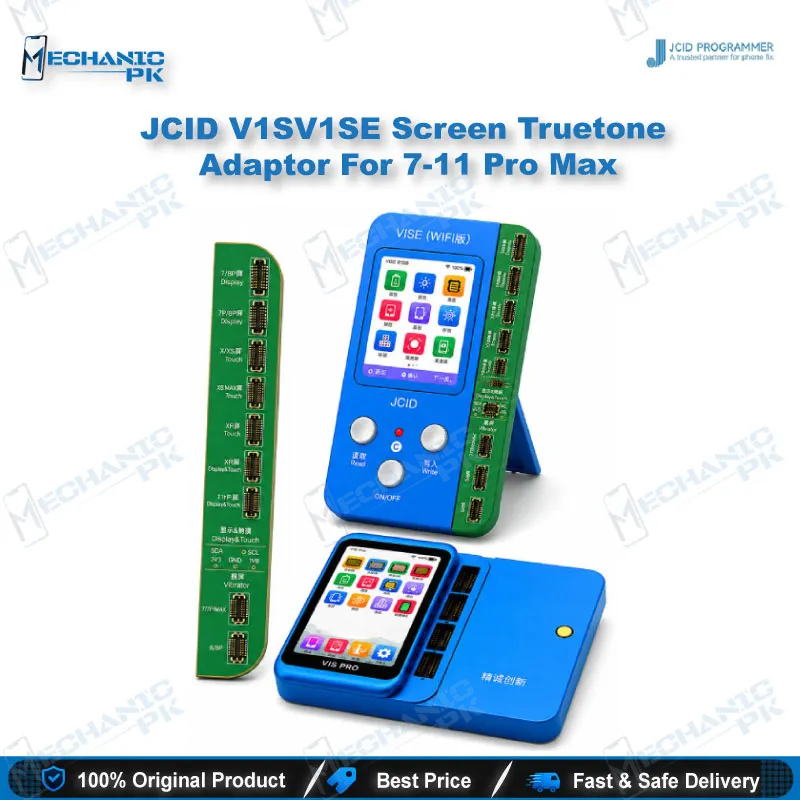
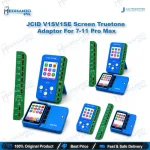
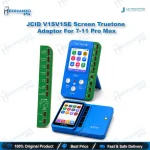
JCID Screen True Tone Adaptor for iPhone 7-11 Pro Max
₨ 2,900
Restore True Tone After iPhone 7-11 Pro Max Screen Repairs
Replace a display on an iPhone 7 through 11 Pro Max and True Tone can stop working. This JCID adaptor restores that function through your V1SE programmer host. It supports repairs with the original screen and with third-party panels, so you can handle both on the same bench. You read the screen data, correct the calibration, and confirm the result in the phone’s display settings. The board suits repair shops that handle high volumes of screen jobs, because each True Tone fix follows one consistent routine.
In stock
iPhone 7-11 Pro Max True Tone Adaptor for Screen Repair Benches
The iPhone 7-11 Pro Max True Tone adaptor is a JCID screen board built for iPhone 7 through 11 Pro Max repairs. It plugs into the V1SE programmer host, which reads and rewrites the True Tone data tied to the display. After a screen replacement, that link often breaks, and the phone stops matching screen colour to the light around it. This adaptor gives your bench a direct route to restore the function. You work from the stored screen information instead of guessing at the fault, which keeps your results consistent from one job to the next. It is a focused tool for technicians who handle screen work every day.
Where the Board Fits in the Screen Repair Workflow
Start the job once the new display is fitted and the flex connections are secure. Connect the programmer to the handset and let the software read the screen information. The data shows whether the stored calibration matches the panel now in the phone. Once you confirm the mismatch, write the correct data through the adaptor and check the True Tone toggle in the settings menu. Run this step before you reassemble the device, so you can catch a fault while the phone is still open. If the reading fails, recheck the flex and the board seating before you blame the adaptor. A clean first read saves time on every later repair on your bench.
Working With and Without the Original Screen
This board covers True Tone repair both when the original screen stays in place and when a third-party panel is fitted. Many shops rely on aftermarket displays, so this flexibility matters on a busy bench. Confirm the panel type before you start the write process, and record it on the job card. Test the display in bright light after each write, because the real check is how the screen responds to ambient light. Note the panel type for each device, so a return visit for the same phone takes less time. Your workflow stays simple once you treat the panel type as the first decision in every True Tone job.
Pairing the Board With the V1SE Programmer Host
The adaptor works as an add-on for the JCID V1SE WiFi programmer. The host supplies the connection and runs the software that handles the read and write steps. Keep the host software current, because JCID releases updates that extend support for newer models. Use the correct cable and check that the board sits flat before each run. Keep the adaptor in an anti-static case when it is not in use, and keep the contacts free of flux residue. Treat the board as part of a complete True Tone kit rather than a standalone tool. JCID also sells separate True Tone adaptors for later iPhone generations, so you can extend the bench as your job mix grows.
| Weight | 0.15 kg |
|---|
Key Features
- Restores True Tone on iPhone 7 through 11 Pro Max after screen replacement
- Supports repair with the original screen or a third-party display
- Connects to the JCID V1SE WiFi programmer host
- Works with V1SE software to read screen information before writing
- Belongs to JCID’s True Tone adaptor line, which covers iPhone 7 through 16 Pro Max
- Suits shops that handle frequent screen replacement jobs
- Gives technicians a repeatable True Tone routine
- Supports confirmation of the result in the phone’s display settings
Specifications
| Brand | JCID |
|---|---|
| Category | Programmer Adaptors |
| Compatibility | JCID V1SE WiFi programmer host |
| Supported Devices | iPhone 7 through 11 Pro Max |
| Technology | True Tone calibration repair |
Common Repair Uses
- Restoring True Tone after an LCD or OLED screen replacement on iPhone 7 to 11 Pro Max
- Recovering True Tone when a third-party display is fitted
- Checking True Tone status on the bench before reassembling the device
- Correcting screen calibration data after a display swap, using the V1SE host
- Restoring ambient light colour adjustment for customers who report True Tone complaints
- Repeating a standard True Tone routine across multiple jobs in a repair shop
- Reading stored screen information before writing any correction
- Verifying True Tone in the display settings once the write process completes
Compatible Devices
- iPhone 7
- iPhone 7 Plus
- iPhone 8
- iPhone 8 Plus
- iPhone X
- iPhone XR
- iPhone XS and XS Max
- iPhone 11, 11 Pro and 11 Pro Max
FAQ
What is the product name?
What is the brand of this product?
Which models does this adaptor cover?
What is this product used for?
Which devices are compatible with this product?
Who should use this product?
Can I restore True Tone without the original screen?
Which programmer does this adaptor connect to?
Related products