



















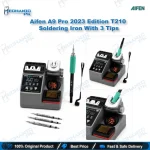
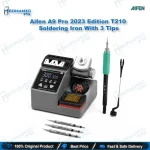
AIFEN A9 Pro 2023 T210 Soldering Station with 3 Tips
₨ 22,000
AIFEN A9 Pro 120W Soldering Station with T210 Handle and C210 Tips
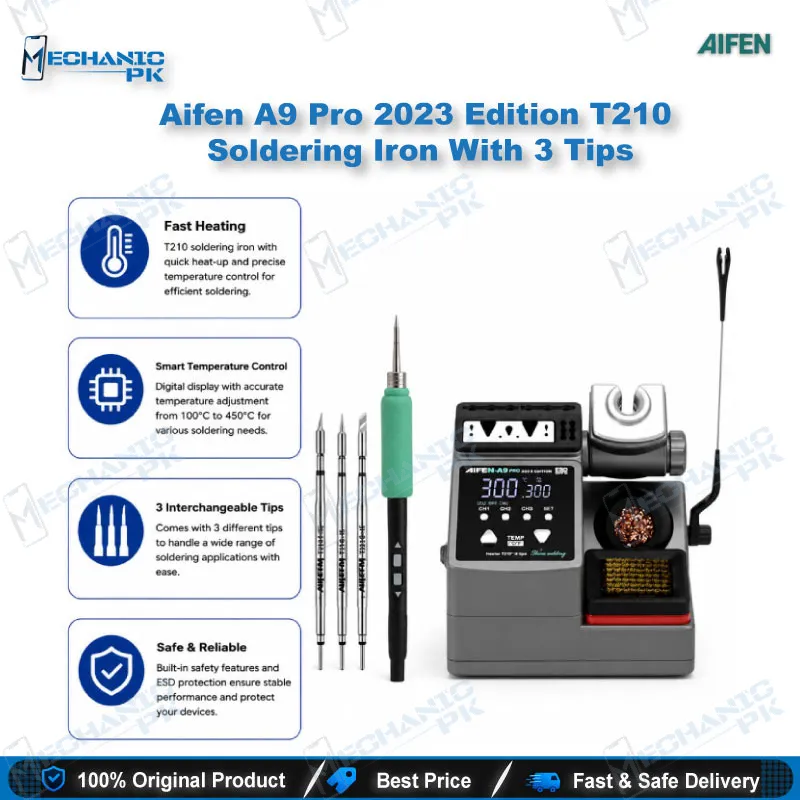
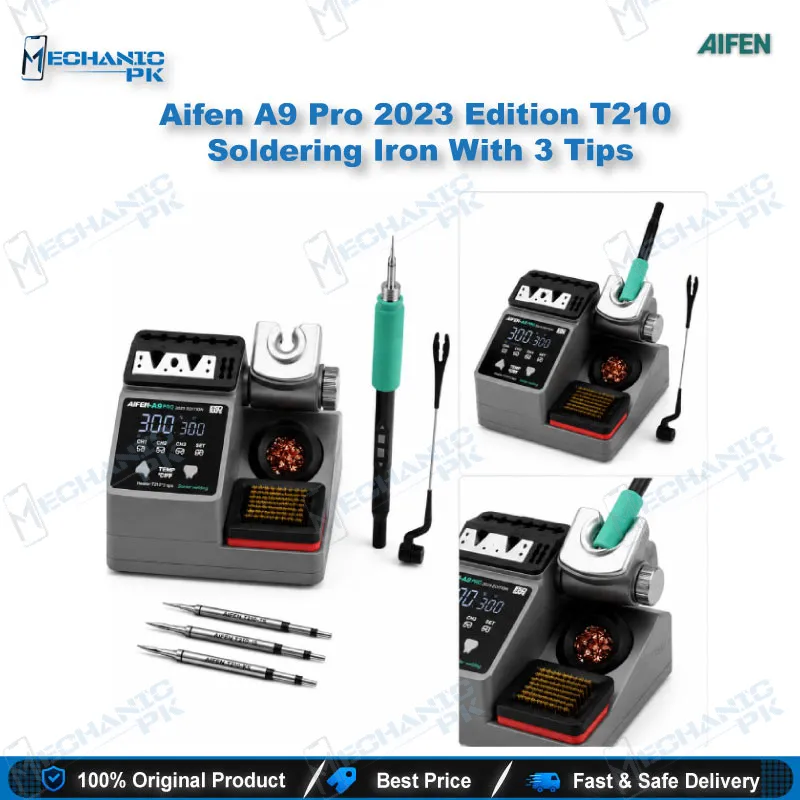
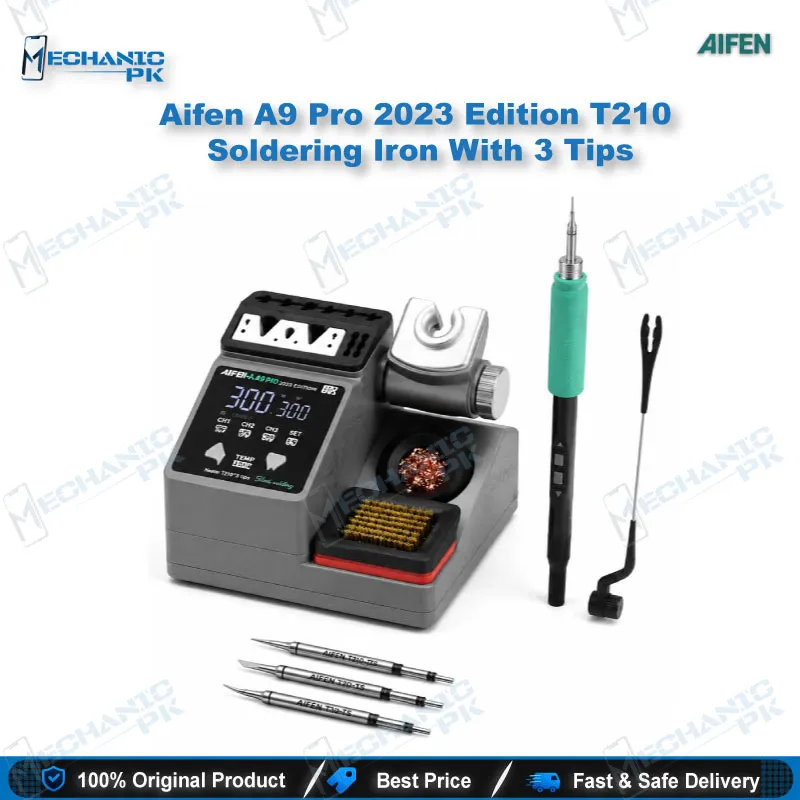
The AIFEN A9 Pro 2023 Edition gives your bench a 120W station with program-chip temperature control between 100°C and 450°C. The kit includes a T210 handle and three C210 tips, so you can start on mobile board work straight out of the box. The station supports C210, C245 and C115 tip families, and the 2023 Edition adds a larger plug-in box and an angle-adjustable sleep bracket. Its on-screen power readout and heating percentage show you how hard the iron is working during each joint.
In stock
AIFEN A9 Pro 120W Soldering Station for Mobile Board Repair
The AIFEN A9 Pro 120W soldering station is built for technicians who work on mobile phone boards, where a few degrees of error can lift a pad or damage a chip. It delivers up to 120W and regulates tip temperature through an onboard program chip, with a working range of 100°C to 450°C (212°F to 842°F). The 2023 Edition keeps the C210, C245 and C115 tip families, so your existing tips and handles carry over to the new bench setup. Every stage of a board job depends on stable heat, from the first pass on a charging port to the final reflow of a small SMD line. This page walks through the features that matter at each stage, so you can judge whether the station fits your daily repair volume.
How the Heating Control Responds on Your Bench
The control board reads tip temperature through its program chip and adjusts output to hold your setpoint. The manufacturer describes melting solder in about two seconds, and in practice that speed matters most when you work near a connector or a fine trace. Heat recovery after you pull a joint is also quick, so the tip does not sag in the middle of a job. The A9 Pro displays power and heating percentage, which tells you whether the iron is pushing hard or holding steady. A short press reads the current temperature, and a longer press stores a preset for fast switching between tasks. Set the temperature a little above your solder’s melting point rather than far above it, because excess heat wears tip plating faster and shortens tip life.
T210 Handle and C210 Tip Compatibility
The T210 handle is the working core of the kit, and it pairs with C210 tips for most mobile board tasks. The station also accepts T245 and T115 handles, which take C245 and C115 tips for heavier or finer jobs. The C245 family reaches a higher maximum output, which helps when you solder larger ground planes or shield areas that pull heat away quickly. The C115 family suits very small pads and tight component spacing. The larger plug-in box holds each handle securely while you switch tips, and the new silicone tip organizer keeps spare tips separated and easy to find. Check the tip family against your handle before you order spares, since the handles and tips are matched by family.
Cleaning, Sleep Mode and Tip Life
Tip life depends mostly on how you clean and store the iron between jobs. The A9 Pro includes a cleaning brush made from thousands of fine brass wires, which removes oxide without the heavy scraping that wrecks plating. Clean the tip before each new joint, then tin it lightly before you park the handle. The adjustable hibernation bracket lets you set the handle angle on the bench, and the auto sleep function lowers heat when the iron sits idle. Clean the brush gently and avoid dragging the tip across hard surfaces. A consistent cleaning routine keeps heat transfer even across the tip and prevents the cold spots that cause dry joints on dense boards.
Fitting the A9 Pro into Your Repair Workflow
This station covers the soldering and desoldering stages that come before and after board-level diagnostics. Use it to remove a damaged connector, solder a replacement charging port, or lift a small SMD component for testing. It also supports careful IC removal when you pair it with flux and a fresh tip. For BGA rework, a hot air station remains the better tool, so plan to use the A9 Pro alongside your hot air setup rather than in its place. A holder for PCB clamping and a microscope for close inspection round out the bench. If your work grows into heavier thermal jobs, the A9E 160W sibling is the upgrade path to consider, since it offers a higher wattage for thermal-heavy boards.
| Weight | 2.0 kg |
|---|
Key Features
- 120W maximum output for mobile and small PCB work
- Program-chip temperature control from 100°C to 450°C
- Compatible with C210, C245 and C115 tip families
- Power and heating percentage display on the A9 Pro
- Short press temperature read and long press preset storage
- Angle-adjustable hibernation bracket with auto sleep
- Larger plug-in box and silicone tip organizer
- Brass-wire cleaning brush for tip maintenance
Specifications
| Brand | AIFEN |
|---|---|
| Model | A9 Pro 2023 Edition |
| Category | Soldering Station |
| Compatibility | C210, C245 and C115 tip families with T210, T245 and T115 handles |
| Technology | Program-chip temperature control |
| Input Voltage | AC 110V / 220V (universal) |
| Power Rating | 120W (max) |
| Temperature Range | 100°C to 450°C (212°F to 842°F) |
Common Repair Uses
- Removing and replacing mobile charging port connectors
- Soldering and desoldering SMD components on phone boards
- Lifting and replacing small ICs with flux and a fresh tip
- Repairing lifted or damaged pads with careful tinning
- Heavy ground-plane soldering with C245 tips
- Fine-pitch work with C115 tips on dense board areas
Compatible Devices
- Tip and handle families: C210 and T210 (kit default)
- Tip and handle families: C245 and T245
- Tip and handle families: C115 and T115
FAQ
What is the product name?
What is the brand of this product?
What is the model of this product?
What is this product used for?
Which devices are compatible with this product?
Who should use this product?
Which tip families does the A9 Pro accept?
What temperature range does the A9 Pro reach?
Related products
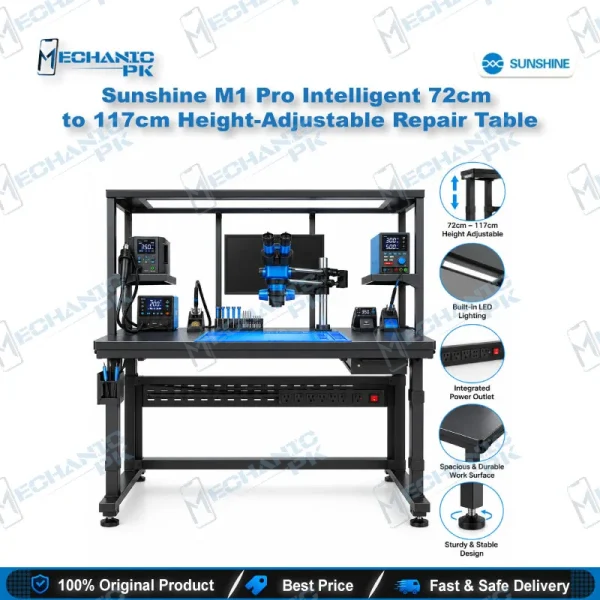
Sunshine M1 Pro Intelligent Height Adjustable Repair Table (72cm to 117cm)
In stock