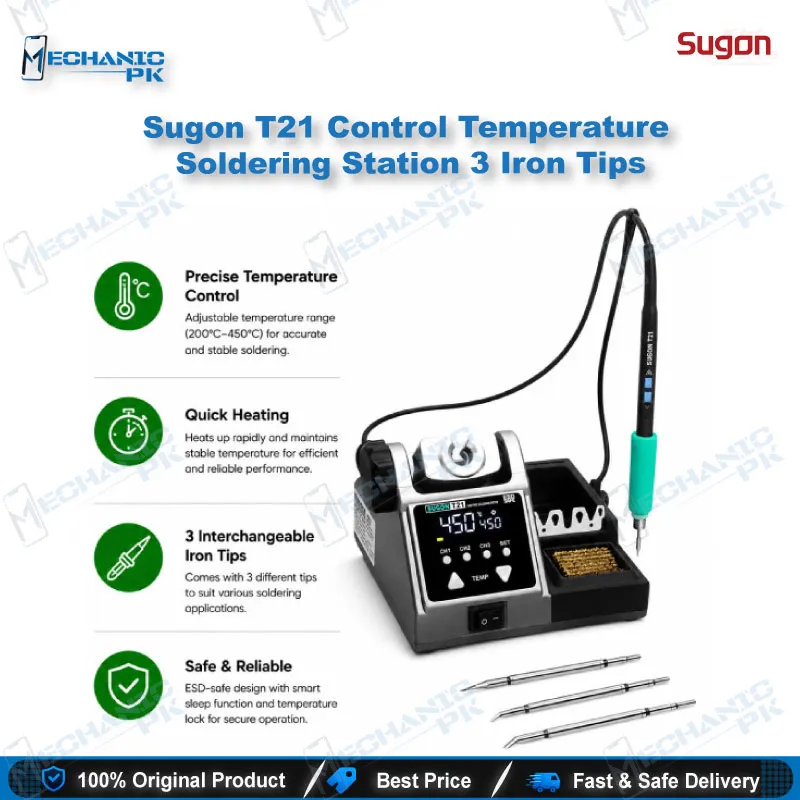
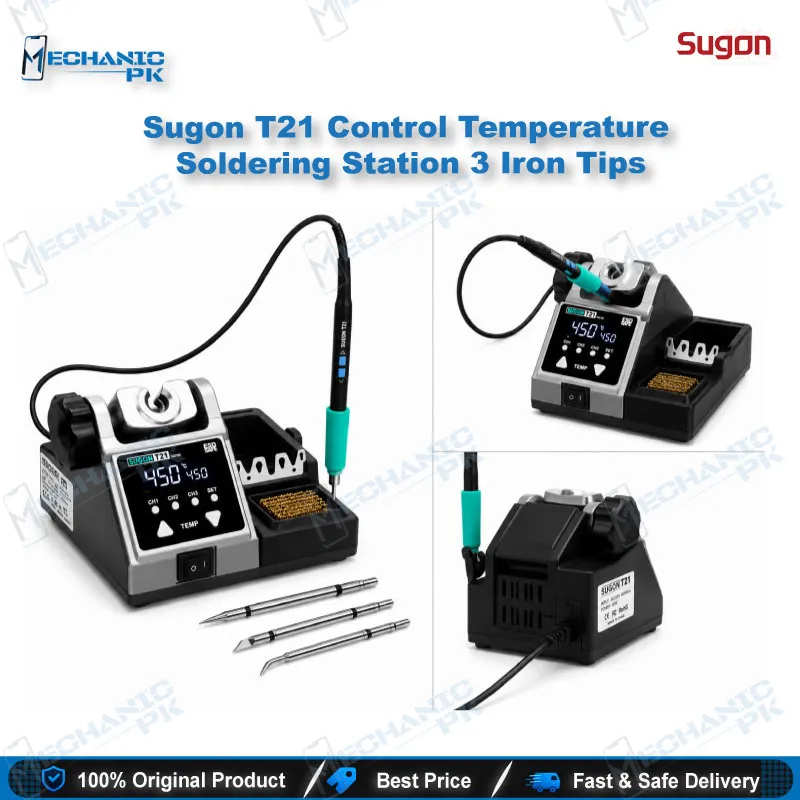
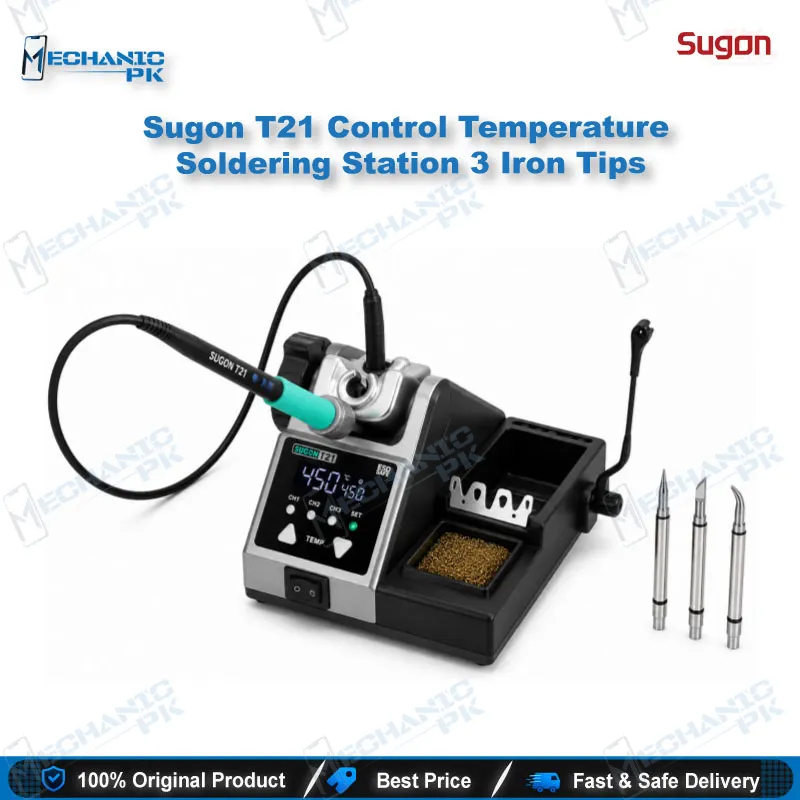
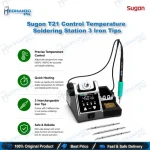
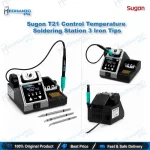
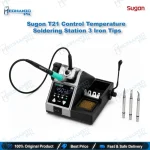
SUGON T21 Soldering Station 120W with 3 C210 Tips
₨ 2,500
120W Control Station for Board-Level Repair
The SUGON T21 delivers up to 120W with a 100–450°C working range. It pairs with T115, T210 and T245 handles, so one station covers fine pad work and heavier joints. You set the temperature directly on the handle, which keeps your focus on the board. Three C210 series tips come with this set. Automatic standby, key lock and °C/°F switching keep the bench controlled through long shifts. Universal 110V/220V input gives you flexibility on different power supplies.
In stock
SUGON T21 Soldering Station for Board-Level Phone Repair
The SUGON T21 soldering station puts 120W of controlled heat on your bench for motherboard soldering, tinning, desoldering and CPU BGA chip work. You set the temperature between 100°C and 450°C directly on the T210 or T245 handle, so your attention stays on the joint. Phone and laptop technicians need one station that handles fine pads and heavier ground planes without constant changeovers. This unit covers that range, and the three included tips give you a strong start on everyday jobs.
Key Technical Highlights
The T21 runs at a maximum output of 120W, which gives the tip enough energy to bring a joint to temperature without long waits. Its programmable chip temperature control differs from traditional AC voltage control, and it heats quickly and accurately. This matters when you reflow a pad and need a consistent melt. The display shows set temperature, power and heating percentage together, so you read the station state at a glance. Four standby temperature groups let you store preset levels for different joint types. Input runs on universal AC at 110V or 220V, 50–60Hz, so the station works on either mains supply. Stored presets give you repeatable settings from one job to the next.
Handle and Tip System
The T21 platform works with the T115, T210 and T245 wired handles. Temperature control sits on the T210 and T245 handles, so you change heat without reaching back to the main panel. The handle holder adjusts 45 degrees up and down, which helps when you hold the iron at an angle over a board mounted in a PCB holder. This set includes three C210 series tips. The same handle family accepts C115 and C245 tips, so you can match tip shape to the pad size and component you work on. Keep a spare tip in your kit to cut downtime during long jobs. Clean the tip with a copper wire brush between joints, since a clean tip transfers heat more evenly to the pad.
Workflow Fit on Your Repair Bench
On a motherboard job, tin the pads first, then bring the iron to the joint for a short, controlled contact. Lower the set temperature for thin traces and delicate pads, and raise it when the board has large ground planes that pull heat away. A microscope shows the joint clearly, and a PCB holder keeps the board still while you work. For reballing or reworking larger components, pair the T21 with a dedicated hot air station. The iron handles spot joints while the hot air handles bulk heat. Multimeters and test boxes then confirm the repair before the board goes back to the customer. This layout gives you a repeatable process that protects delicate pads.
Safety and Bench Control
The T21 includes features that keep the bench predictable. Automatic standby mode lowers heat when the iron rests, which protects the tip during pauses. A heating shutdown option works as a second safeguard after a set idle period. Key lock prevents accidental temperature changes mid-repair, and the buzzer can be switched off for a quieter workshop. A temperature compensation function supports steady readings, and you can switch between Celsius and Fahrenheit. If you train apprentices, these controls make the station easier to hand over without setting mistakes.
| Weight | 2.49 kg |
|---|
Key Features
- 120W maximum output power
- 100–450°C operating temperature range
- Temperature control directly on T210 and T245 handles
- Handle holder adjusts 45 degrees up and down
- Display shows temperature, power and heating percentage
- Four standby temperature groups for preset recall
- Automatic standby, heating shutdown and key lock
- Celsius/Fahrenheit switching with temperature compensation
Specifications
| Brand | SUGON |
|---|---|
| Model | T21 |
| Category | Soldering Stations |
| Compatibility | T115, T210 and T245 handles; C115, C210 and C245 tips |
| Supported Devices | Smartphone and laptop motherboards |
| Technology | Programmable chip temperature control |
| Input Voltage | Universal AC 220V / 110V, 50–60Hz |
| Power Rating | 120W (max) |
Common Repair Uses
- Board-level soldering and desoldering workflows
- Motherboard component soldering
- CPU BGA chip soldering
- Tinning pads and wires
- Component desoldering
Compatible Devices
- Chipset-independent. Compatible with T115, T210 and T245 wired handles and C115, C210 and C245 tip series.
- Mobile phone motherboards (general board-level repair)
- Laptop motherboards (general board-level repair)
- T115, T210 and T245 handle series
- C115, C210 and C245 tip series
- Universal 110V and 220V AC mains supply
FAQ
What is the product name?
What is the brand of this product?
What is the model of this product?
What is this product used for?
Which devices are compatible with this product?
Who should use this product?
Which tips work with the SUGON T21?
Does the SUGON T21 work on both 110V and 220V power?
Related products
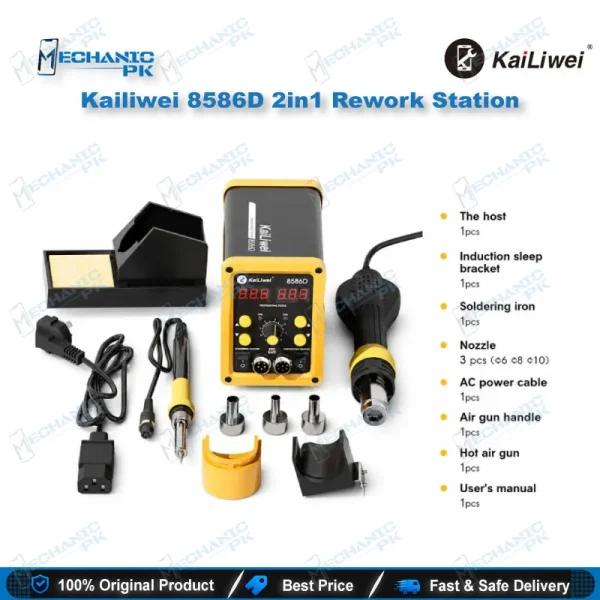

Kailiwei 8589D 2in1 Rework Station
In stock