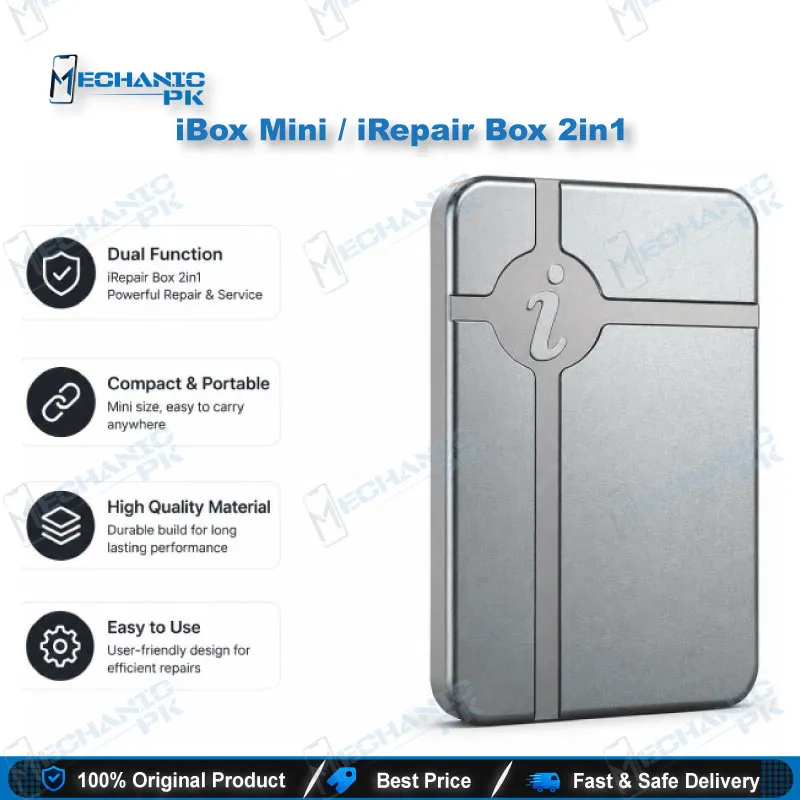
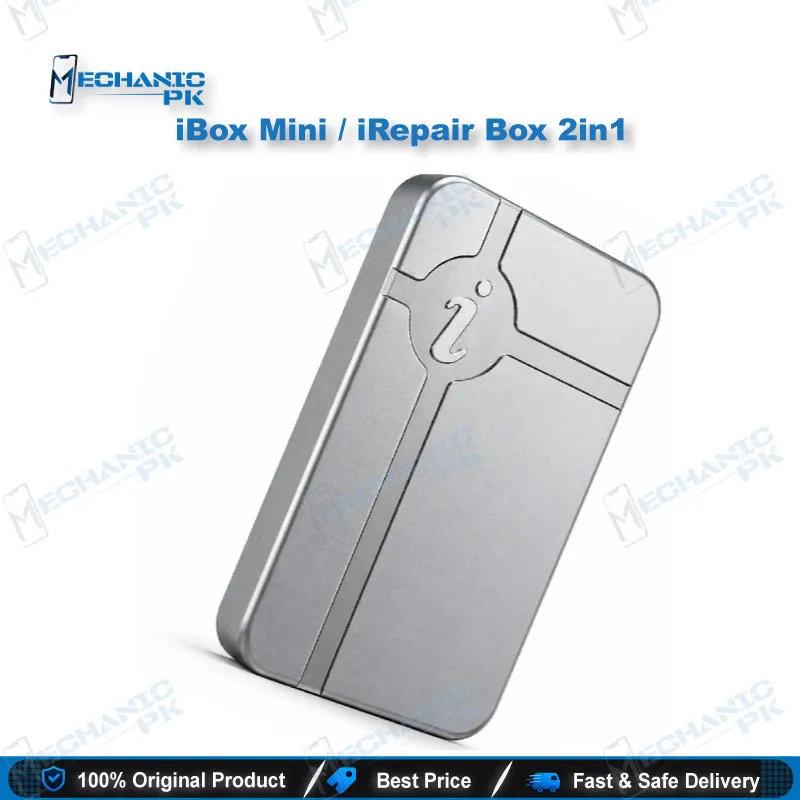
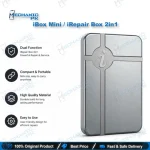
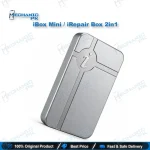
iBox Mini DFU Programmer for iPhone NAND Repair
₨ 19,500
iBox Mini DFU Programmer for Fast iPhone NAND Work
The iBox Mini DFU programmer reads and writes iPhone NAND data over USB without disassembling the device. It enters DFU mode with one click on supported A7 to A11 models, from iPhone SE through iPhone X. Repair shops use it for WiFi IC changes, serial and Bluetooth data fixes, and logic board swaps. It runs on Windows 7, 8 and 10, and the chip stays on the board throughout the session, which protects the pads and flex cables.
In stock
iBox Mini DFU Programmer for iPhone NAND Repair
The iBox Mini DFU programmer gives your bench direct access to iPhone NAND data without desoldering the logic board. You connect the device over USB, let the software force DFU mode with one click, and read or write the storage from a Windows PC. Technicians use it when a board job depends on keeping the original device data intact.
Where the iBox Mini DFU Programmer Fits Your Workflow
Most iPhone board jobs stall at the data stage. The phone shows a dead screen after a logic board swap, the WiFi module refuses to pair, or the replacement board carries the wrong serial data. This tool works at that data layer, before and after your soldering work. Hardware and data stay separate, so each step has a clear result.
One-Click DFU Entry Without Disassembly
Putting an iPhone into DFU mode by hand takes button timing and cable tricks. The iBox Mini removes that trial and error. The software sends the device into DFU mode from your PC, so you start the session in seconds. The phone stays assembled, which protects the display and flex cables during the process.
iPhone NAND Read and Write for SYSCFG Data
The NAND holds SYSCFG data, including the serial number, Bluetooth and WiFi codes, model, country, and camera values. Read this data before a board change and keep a backup on file. After the new board is in place, write the data back. Your board swap then leaves the customer’s device identity intact.
Backup Discipline Before Every Write
Always read and save the NAND data before you write anything. A bad write on a board without a backup can force a full board replacement. Label each backup with the device model, serial number and date. Store the files on a separate drive, so a PC fault cannot take your only copy with it.
WiFi IC Replacement Without Removing NAND
On iPhone 6S, 6S Plus, 7, 7 Plus, 8, 8 Plus and X, a WiFi IC change usually means pulling the NAND to unbind the module. With this tool, you connect the handset and unbind the WiFi data directly. The NAND stays on the board, which lowers the risk of lifting pads. Your WiFi jobs move faster and the bench stays cleaner.
Motherboard Replacement and NAND Capacity Upgrade
When you replace a logic board, back up the NAND first. Then assemble the new board and write the saved data to it. The same process supports NAND expansion from 16GB to 64GB, 128GB or 256GB, provided you fit a larger chip. Buy and confirm the replacement chip before you start the session, so the job does not stall midway.
Typical Pakistani Repair Shop Scenarios
A customer brings in a dead after board swap phone, and the shop needs the original serial data back. A WiFi complaint arrives after a screen change. Your team wants to IC change karna without wasting a NAND chip. In each case, the NAND session decides whether the job closes in one visit or two. Plan the data step before you pick up the iron.
Supported Models and Scope
The tool covers iPhone SE, iPhone 6 through iPhone X, and several iPads built on A7 to A11 chipsets. Listed iPads include iPad mini 4, iPad Air 2, iPad 5, iPad 6, iPad Pro 10.5 and iPad Pro 12.9. Support expands through automatic software upgrades over WiFi. Some servicing features do not apply to every model, so check your specific device in the software before you begin.
Setup Requirements and Bench Routine
The software runs on Windows 7, 8 and 10 only. Set up a clean Windows workstation for this tool, connect the iPhone with a stable USB cable, and confirm the device responds before you read any data. Keep a dated backup of every NAND read so you can roll back a failed write.
Limits to Plan For
This programmer handles iOS NAND data only. It does not cover eMMC, UFS or ISP chips, so keep a separate programmer for Android storage work. It also does not diagnose board faults. Confirm the failure point with a multimeter and visual inspection before you start a data session.
| Weight | 0.4 kg |
|---|
Key Features
- One-click DFU mode entry from the PC
- WiFi IC changes on supported models without NAND removal
- Read and write SYSCFG data without disassembly
- Automatic software upgrades over WiFi for new models
- NAND backup and restore for board replacements
- NAND expansion support up to 256GB with a larger chip
- Windows 7, 8 and 10 support
- No ISP test points required
Specifications
| Brand | iBox |
|---|---|
| Model | iBox Mini DFU Programmer |
| Category | iPhone NAND Repair Tools |
| Compatibility | Windows 7, Windows 8, Windows 10 |
| Supported Devices | iPhone SE, iPhone 6 to iPhone X; listed iPad models on A7–A11 chipsets |
| Technology | One-click DFU entry and NAND read/write |
| Material | Aluminium |
Common Repair Uses
- WiFi IC replacement without NAND removal on iPhone 6S to X
- Motherboard replacement with NAND SYSCFG backup and restore
- Serial number and model data correction after a board swap
- Bluetooth and WiFi code read and write
- NAND capacity expansion from 16GB to 64GB, 128GB or 256GB
- Camera-related SYSCFG data read and write
- Pre-repair NAND backup before board-level work
- Writing backed-up NAND data to a replacement board
Compatible Devices
- Verified scope is iPhone A7–A11 chipset models and listed iPad models.
- iPhone SE
- iPhone 6 and 6 Plus
- iPhone 6S and 6S Plus
- iPhone 7 and 7 Plus
- iPhone 8 and 8 Plus
- iPhone X
- iPad mini 4 (A1538, A1550)
- iPad Air 2 (A1566, A1567)
FAQ
What is the product name?
What is the brand of this product?
What is the model of this product?
What is this product used for?
Which devices are compatible with this product?
Who should use this product?
Does the iBox Mini support iPhone 11 or newer models?
Can the iBox Mini replace a WiFi IC without removing the NAND?
Related products