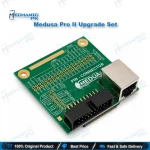
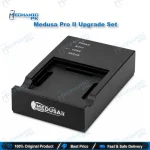
Medusa Pro II Upgrade Set for UFS and eMMC Repair
₨ 120,000
Medusa Pro II Upgrade Set for Existing Box Owners
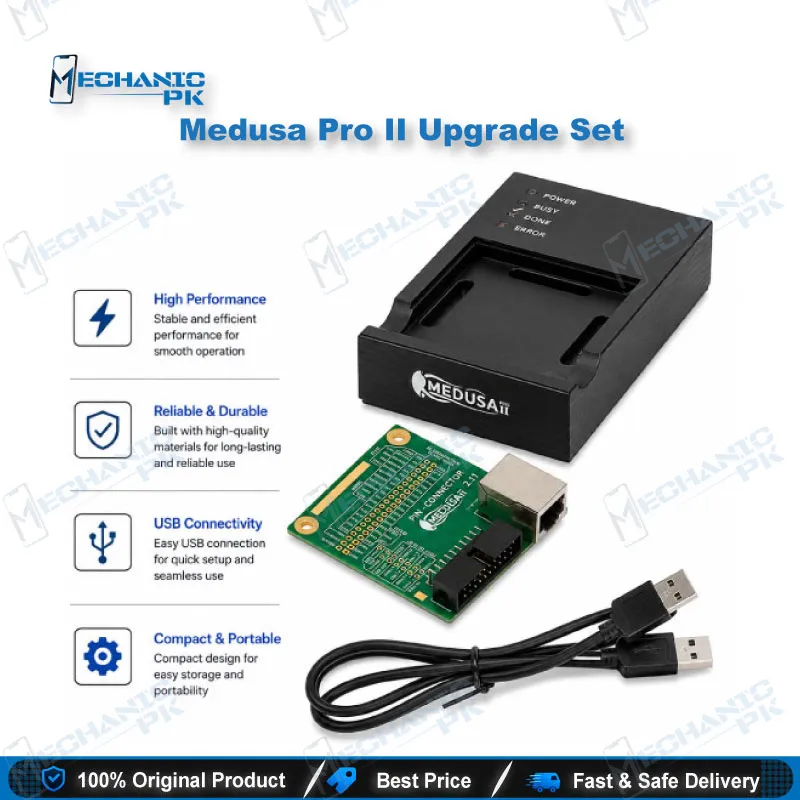
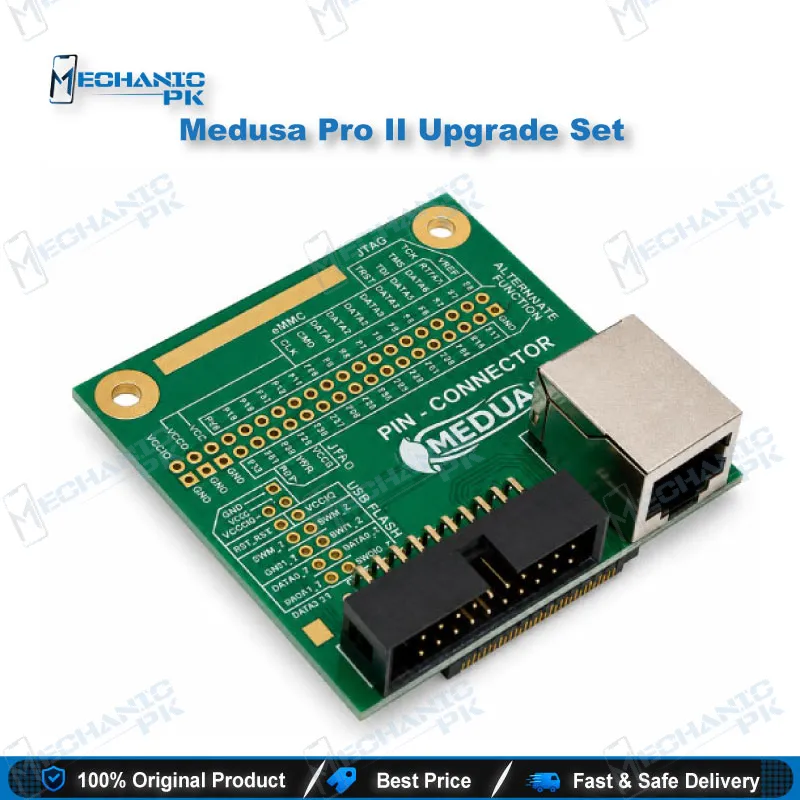
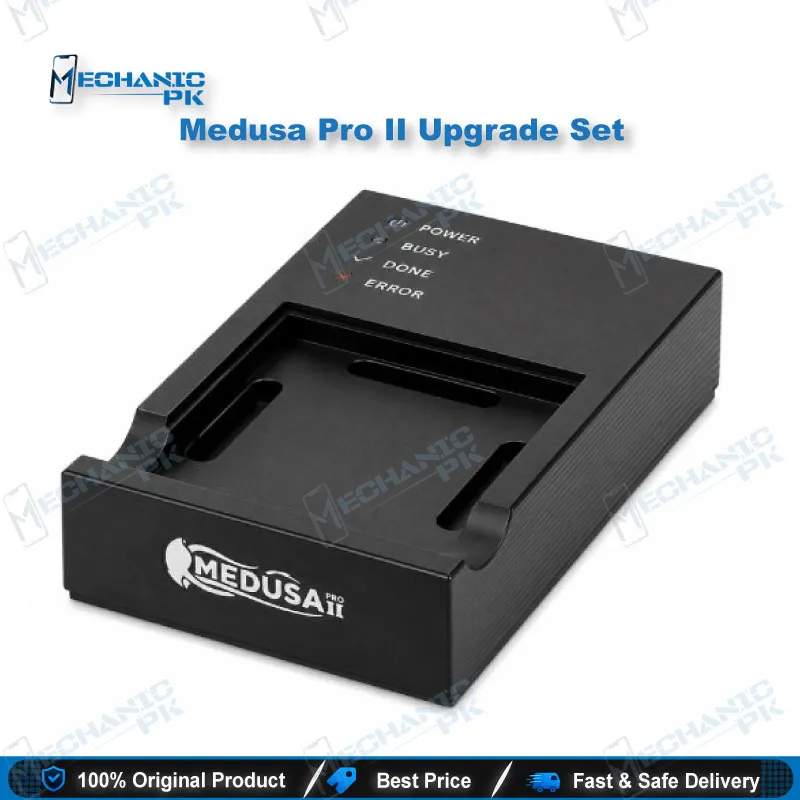
The Medusa Pro II upgrade set moves your existing Medusa, Medusa Pro, or Octoplus Pro Box to Pro II hardware. You get USB 3.0 high-speed access with UFS and eMMC support, plus JTAG coverage for ARMv5, ARMv6, and ARMv7 processors. Technicians who handle dead phone cases, boot loop issues, and storage-level recovery benefit most. The set suits repair shops that already run a compatible box and want to extend its reach without changing their bench layout. Pair it with the adapters your chip package requires and verify every write before the device returns to the customer.
In stock
Medusa Pro II Upgrade Set for UFS and eMMC Repair Workflows
The Medusa Pro II upgrade set brings Pro II hardware to technicians who already own a Medusa, Medusa Pro, or Octoplus Pro Box. Storage-level repair has become the core of modern phone work, because boot partitions, user data, and calibration areas often sit on one UFS or eMMC chip. Your workflow depends on reading that chip cleanly, writing the correct image, and verifying the result before the device goes back to the customer. A stronger interface and broader memory support shorten each step, and that matters on a busy bench. This guide explains what the upgrade covers, how the memory interfaces differ, where JTAG fits, and how to build a safe recovery routine around the set.
Hardware Interface and Memory Support
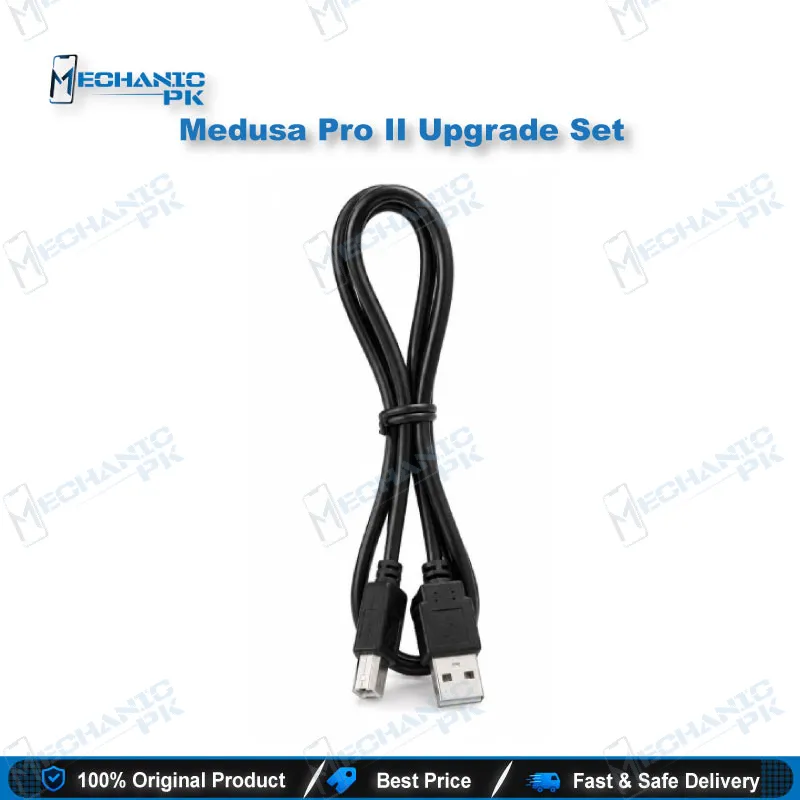
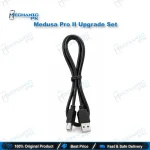
Start every job by identifying the memory type on the board. The upgrade lists USB 3.0 high-speed hardware with UFS and eMMC support, which gives you faster transfers than older USB 2.0 setups. Devices with NAND, OneNAND, or eMMC memory connect over USB, while eMMC devices also work through the MMC interface. Confirm the ball package before you lift any chip, because BGA footprints for UFS and eMMC parts differ in size and layout. Measure once, check the datasheet footprint, and pick the adapter that matches the chip exactly. A mismatched socket can crack a pad and turn a simple read into a board repair. Keep the USB cable short and the port stable during every write. Power fluctuation can leave a partially written partition, and that partial state often causes the next boot loop issue on the customer’s phone.
JTAG Access for ARM Devices
Some boards give no clean USB response, even when the storage chip is healthy. JTAG gives you a second access route into the processor. The upgrade lists JTAG support for ARMv5, ARMv6, and ARMv7 processors, so you can work on boards where the USB path fails. Start with the board’s test pad layout and compare it against a verified schematic. Identify ground, reset, and data pins first, then connect. A reversed pin or unstable supply can damage the processor, so confirm the voltage on your bench before the first contact. Log every pad you use, because boards from the same revision often share a layout and your notes will save time on the next job. Treat JTAG as a diagnostic path, not a shortcut around hardware faults. If the board shows a dead regulator or a shorted line, fix that fault first.
Dead Phone Recovery and Boot Loop Issues
Most dead phone jobs start with a damaged boot or system partition. A boot loop issue after a failed update usually points to a partially written image, while a hang on logo often comes from a corrupted system area. Read a full backup image before you write anything. That copy gives you a rollback point if the first write goes wrong. Write only the partitions you have verified against the correct firmware for that model and storage type. After each write, reboot the device, confirm that it reaches the setup screen, and test the core functions. Charging, display, and network checks reveal hardware faults that a software fix cannot solve. Record the firmware version and partition list on your job sheet. Clear records protect you when a customer questions the repair, and they make your next job on the same model faster.
Upgrade Path and Workshop Routine
The upgrade set makes the most sense for shops already invested in a compatible box. You keep your existing adapters and workflow habits, and you gain the Pro II platform. Check your current box model before you order, because the set targets owners of the Medusa, Medusa Pro, and Octoplus Pro Box configurations. A consistent routine keeps your bench productive. Start each shift with a tool check: confirm the USB connection, update your software, and clean the BGA socket contacts. Keep a labelled chip tray for every job, and clean each adapter before you use it on another chip. Set a backup policy for customer data, because recovery is only as good as the copy you hold. Finally, run a known-good test device through every mode before you trust the set on a paying customer’s phone. That habit catches configuration errors before they become expensive mistakes, and repeat business often follows from the reliability it protects.
| Weight | 0.6 kg |
|---|
Key Features
- USB 3.0 high-speed hardware interface
- UFS+ and eMMC memory support
- NAND and OneNAND support through USB
- eMMC support through the MMC interface
- JTAG support for ARMv5, ARMv6, and ARMv7 processors
- Upgrade path for existing Medusa, Medusa Pro, and Octoplus Pro Box owners
- Pro II hardware platform for storage-level repair
- Suited to storage recovery and dead phone workflows
Specifications
| Brand | Medusa |
|---|---|
| Model | Medusa Pro II |
| Category | eMMC and UFS Programmers |
| Compatibility | Existing Medusa, Medusa Pro, and Octoplus Pro Box owners (upgrade path) |
| Supported Devices | Samsung, Huawei, LG, Lenovo, Motorola, Oppo, Sony, Xiaomi, ZTE |
| Technology | USB 3.0, UFS, eMMC, NAND, OneNAND, JTAG (ARMv5, ARMv6, ARMv7) |
Common Repair Uses
- Dead phone recovery with damaged boot partitions
- Boot loop issue repair after a failed update
- Hang on logo recovery from corrupted system partitions
- eMMC read, write, and flash on removed chips
- UFS read and write with matching BGA adapters
- JTAG access on ARM-based boards without USB response
- Storage backup before any partition change
- Post-repair checks of boot, network, and hardware function
Compatible Devices
- Existing Medusa, Medusa Pro, and Octoplus Pro Box units (upgrade scope)
- UFS storage chips, with UFS+ support per the manufacturer listing
- eMMC chips through the USB interface
- eMMC chips through the MMC interface
- NAND and OneNAND devices through the USB interface
- ARMv5, ARMv6, and ARMv7 processors through JTAG
- Samsung, Huawei, LG, Lenovo, Motorola, Oppo, Sony, Xiaomi, and ZTE devices
- Device-level results depend on matching the adapter to the chip package
FAQ
What is the product name?
What is the brand of this product?
What is the model of this product?
What is this product used for?
Which devices are compatible with this product?
Who should use this product?
Does the upgrade support eMMC and UFS chips?
Which ARM processors does JTAG support with this upgrade?
Related products