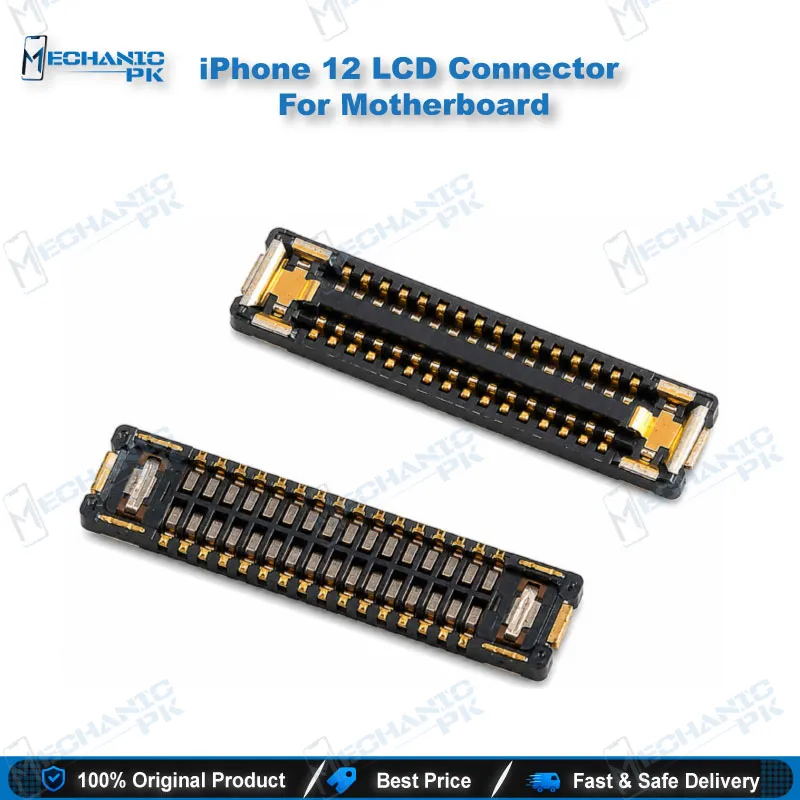
iPhone 12 LCD Connector for Motherboard Repair Part
₨ 240
iPhone 12 LCD Connector for Logic Board Repair
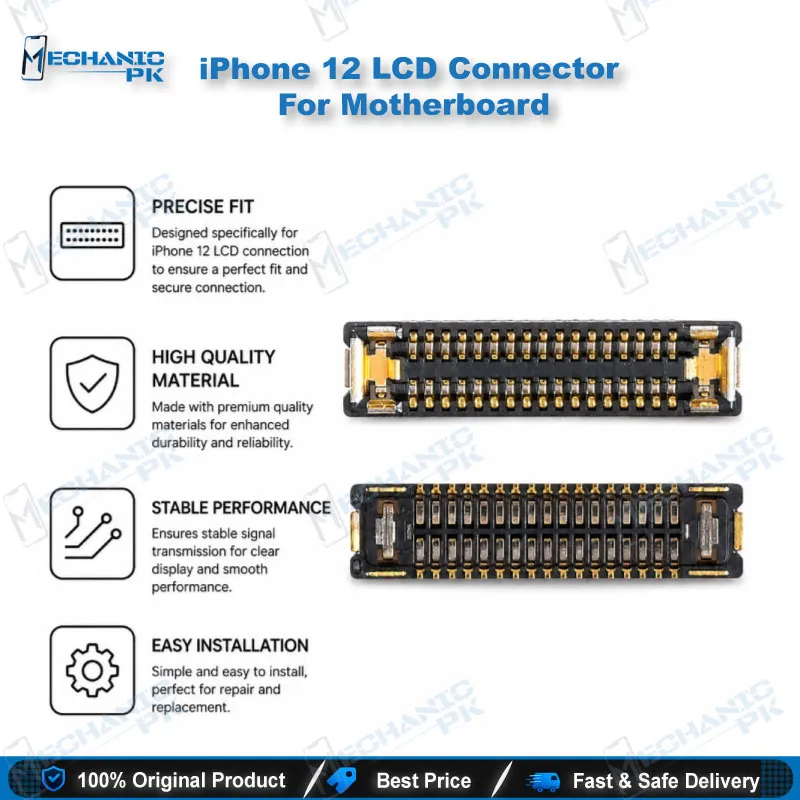
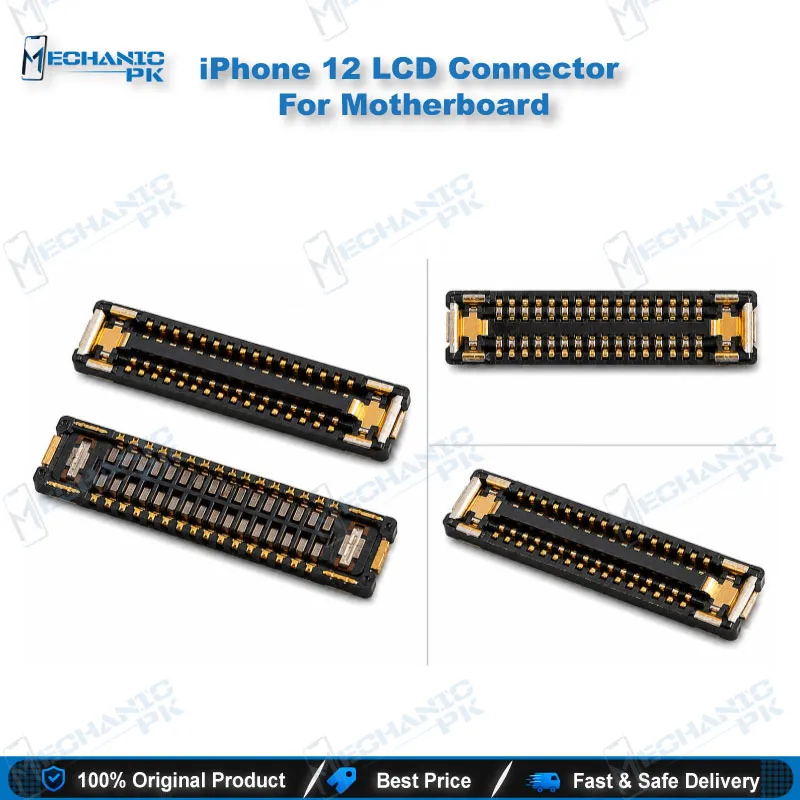
The iPhone 12 LCD connector is the socket on the logic board that receives the display flex cable and passes video and touch signals to the screen. When this socket cracks, lifts, or loses pins, you see a black screen after a display swap, flickering lines, or dead touch along one edge. This replacement part lets you rebuild the connection on a board that still holds its other circuitry. It suits technicians who want to restore display function on the 6.1-inch iPhone 12 without replacing the entire motherboard.
In stock
iPhone 12 LCD Connector for Motherboard: Repair Workflow and Fit
The iPhone 12 LCD connector sits on the logic board and receives the display flex cable, which carries the video and touch signals to the panel. Damage to this socket usually comes from a forced display removal, a drop that lifts the pads, or liquid entering the chassis. You get the best outcome when you confirm the fault lives in the socket before you pick up the hot air station. This part gives you a clean replacement path for a iPhone 12 board that still has healthy surrounding circuitry. Test the display cable and the panel first, so you do not rework a board for a fault that sits elsewhere.
Diagnosing a Faulty Display Connector
Start every repair with a visual inspection under a microscope at good magnification. Look for lifted pads, bent or missing pins, scorched solder, and green or white corrosion around the socket. Next, test the display with a known-good flex cable if your bench has one. If the symptom follows the cable, the fault sits in the flex or the panel, not the socket. Measure continuity between the socket pins and their test points on the board when the symptom stays put. Document each reading before you desolder anything, because the readings tell you whether the socket alone explains the fault.
Removing the Old Socket and Preparing the Pad Area
Apply flux generously around the socket and bring the board to preheat before you touch the hot air nozzle. Use a moderate airflow and keep the nozzle a few millimetres above the socket, moving it in a steady circle. Shield nearby components with kapton tape or a heat-resistant cover, especially the small parts close to the connector. Lift the old socket once the solder reflows evenly. Then clean the pads with flux remover and a fine brush, and check each pad under magnification for lifted copper before you place the new part. A lifted pad means you need a bridge wire or a pad repair, not a simple reflow.
Installing the Replacement and Verifying Display Function
Align the replacement socket with the pad pattern and check pin one orientation before you solder. Tack two opposite corner pins first to lock the alignment, then reflow the rest of the pins with a fine tip and a small amount of fresh solder. Inspect the joints under magnification and clear any bridges between adjacent pins with flux and a clean tip. Check adjacent lines with a multimeter for shorts before you power the board. Once the board boots, test the display output, the touch response across the full panel, and the brightness control. Reconnect the flex cable with a firm, even press so the latch seats fully.
| Weight | 0.1 kg |
|---|
Key Features
- Replacement socket for the iPhone 12 display flex connection
- Built to match the iPhone 12 logic board pad layout
- Restores video and touch signal path to the display
- Suited to hot air and microscope-based rework
- Supports full board repair when the rest of the board is healthy
- Lets you avoid replacing the complete logic board for a socket fault
- Designed for technicians working on the 6.1-inch iPhone 12
- Pairs with standard flux, fine tips, and a multimeter for verification
Specifications
| Brand Entity | Apple iPhone |
|---|---|
| Product Entity | iPhone 12 LCD connector |
| Technology Entity | Display flex cable connector on logic board |
| Compatible Device Entities | iPhone 12 (6.1-inch) |
| Repair Process Entity | Board-level LCD connector replacement |
| Industry Entity | Mobile phone repair |
Common Repair Uses
- Restoring display output after a display swap that shows no picture
- Replacing a socket with bent or broken pins from forced flex removal
- Fixing flickering lines or intermittent display after a drop
- Repairing a socket damaged by liquid corrosion
- Restoring touch response along one edge when the socket connection fails
Compatible Devices
- Apple iPhone 12 (6.1-inch)
- Apple iPhone 12 model A2172
- Apple iPhone 12 model A2402
FAQ
What is the product name?
What is the brand of this product?
What is the model of this product?
What is this product used for?
Which devices are compatible with this product?
Who should use this product?
Does a dead display on iPhone 12 always mean a bad LCD connector?
Is hot air rework safe for the iPhone 12 LCD connector pads?
Related products