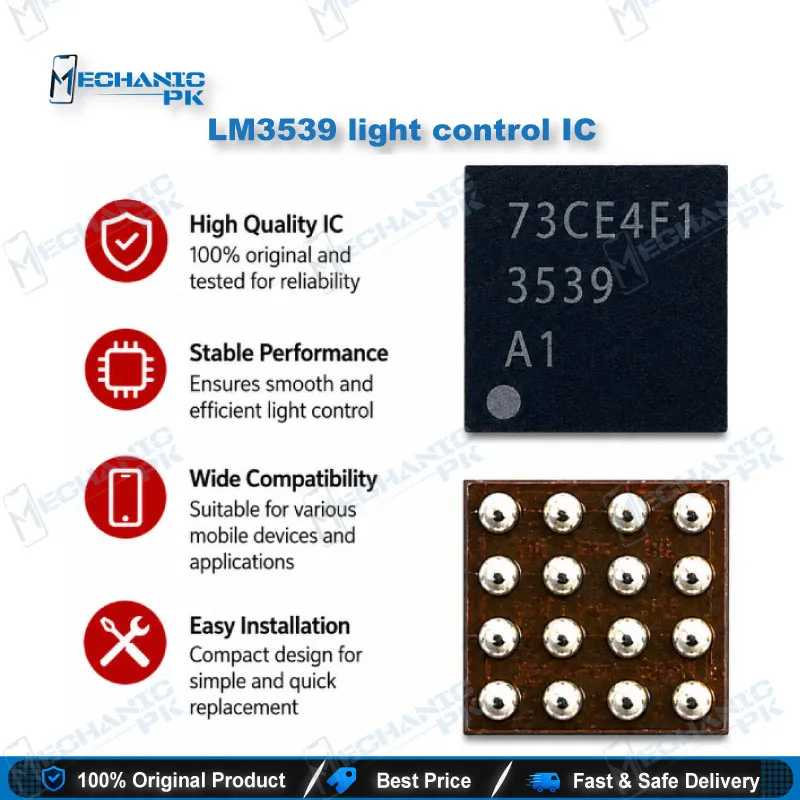
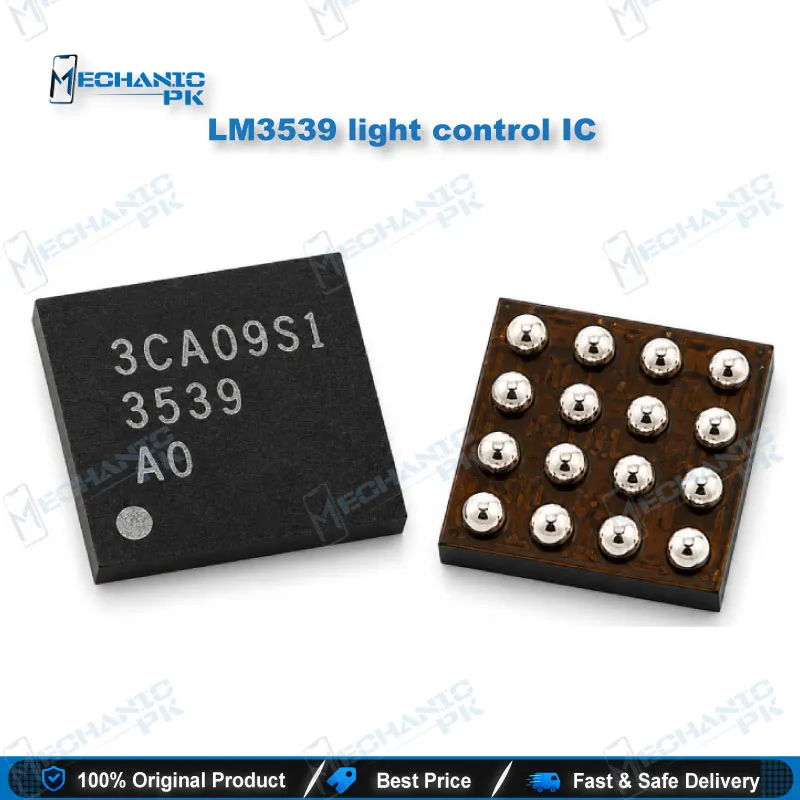
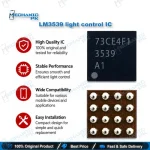
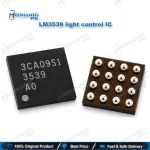
LM3539 Light Control IC – Backlight Repair Part
₨ 180
LM3539 Light Control IC for Backlight Repair
When a phone shows a dead or dim backlight but still responds to touch, the backlight driver stage is a strong suspect. The LM3539 light control IC sits in that backlight circuit. Check the boost inductor, its capacitors, and the display connector path before you replace the IC, because those parts cause the same symptoms. Confirm the exact board label on the logic board before you order.
LM3539 Light Control IC: Backlight Driver Repair on the Logic Board
The LM3539 light control IC drives the backlight in a phone’s display circuit. Most of the time you find it on the logic board, not inside the display assembly. That is why a new screen often fails to fix a real backlight fault. Start your diagnosis with the board, then decide whether the IC is at fault.
Diagnosing a Backlight Fault Before Replacing the IC
Begin with a visual check under magnification. Look for lifted pads, cracked solder joints, and burnt components near the backlight circuit. Then test continuity from the display connector back toward the boost path. A dead backlight with a responsive touchscreen and working audio points toward this stage. Confirm the fault with your meter before you commit to rework.
Checking the Boost Path and Supporting Components
A boost inductor or its capacitors can fail and mimic a failed IC. Test these parts before you pull the driver. A cracked inductor or a shorted capacitor gives the same dim or dead backlight. Replacing the IC alone then leaves the fault in place. Clear the supporting parts first, and your IC replacement becomes a confirmed repair.
Board-Level Replacement and Reballing
Removing and reballing a backlight driver IC is a microsoldering job. Use hot air with flux and control the temperature carefully. Overheating nearby pads can lift neighboring components on a dense board. Use a stencil or a steady manual technique, and inspect the new joints under magnification before you power the board. Clean flux residue after reflow.
Verifying the Repair
After you fit the new IC, power up the board and check the backlight at several brightness levels. Look for stable light, full brightness, and no flicker. If the backlight still fails, return to the boost path and the display connector. A clean board with stable backlight confirms the repair.
| Weight | 0.1 kg |
|---|
Key Features
- Backlight driver IC for LED display circuits
- Board-level replacement part for logic boards
- Supports diagnosis of dead and dim backlight faults
- Pairs with hot air rework and microscope inspection
- Fits into a step-by-step backlight diagnostic workflow
Specifications
| Category | Mobile Phone ICs |
|---|---|
| SKU | MST-IC-338 |
Common Repair Uses
- Dead backlight diagnosis, dim display correction, backlight flicker troubleshooting, and board-level IC replacement after confirmed driver failure.
- Dead backlight with working touch and audio
- Dim display that does not reach full brightness
- Backlight flicker that changes with movement or temperature
- Board-level IC replacement after the boost path checks pass
Compatible Devices
- Mobile phone logic board backlight circuit. Specific model and board-label compatibility is not independently verified. Confirm the board label on your logic board before fitting.
- Mobile phone logic boards with an LED backlight boost circuit
- Backlight driver stage on the logic board, not the display assembly
- Board-level replacement on boards that use this driver layout
- Confirm the specific board label before ordering or fitting
FAQ
What is the product name?
What is this product used for?
Which devices are compatible with this product?
Who should use this product?
Should the boost inductor be checked before replacing this IC?
Is hot air enough to reball this IC?
Related products