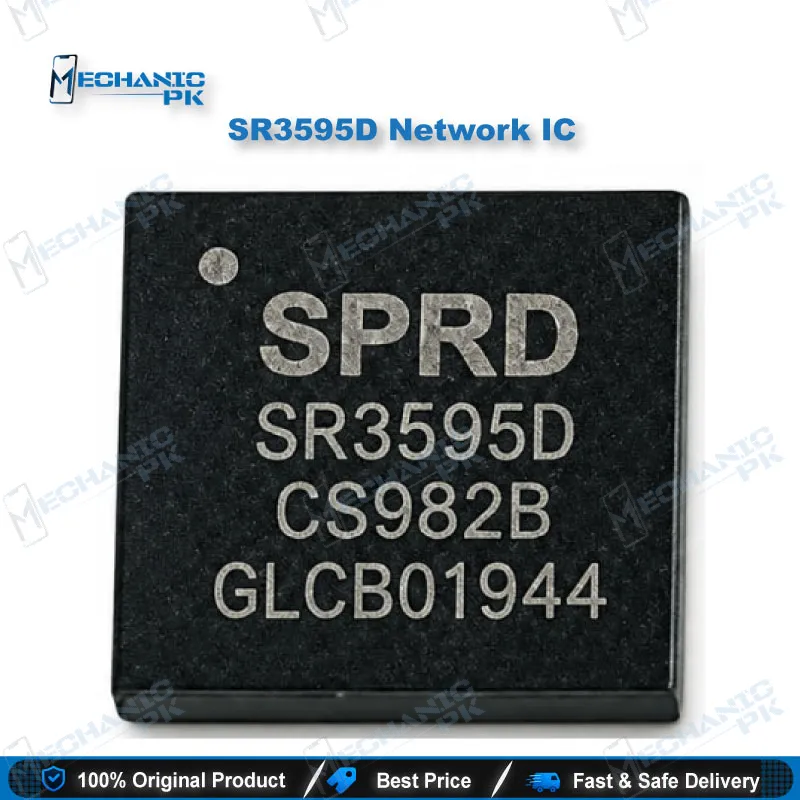
SR3595D Network IC UNISOC RF Transceiver for Repair
₨ 350
[H2] SR3595D Network IC for No-Signal and Network Fault Repair
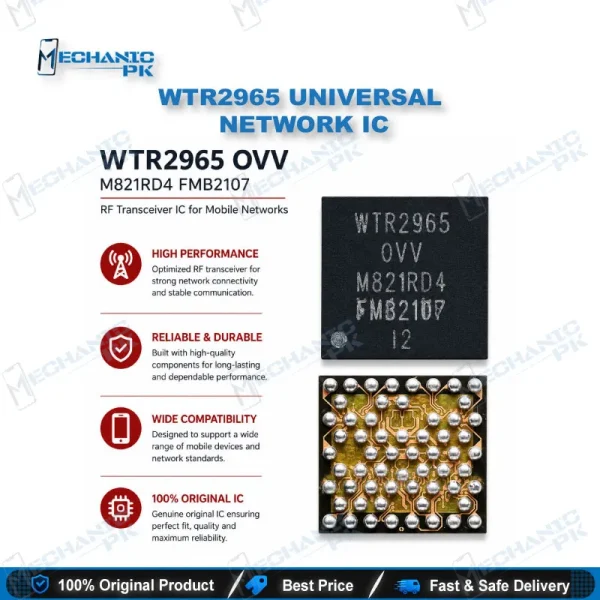
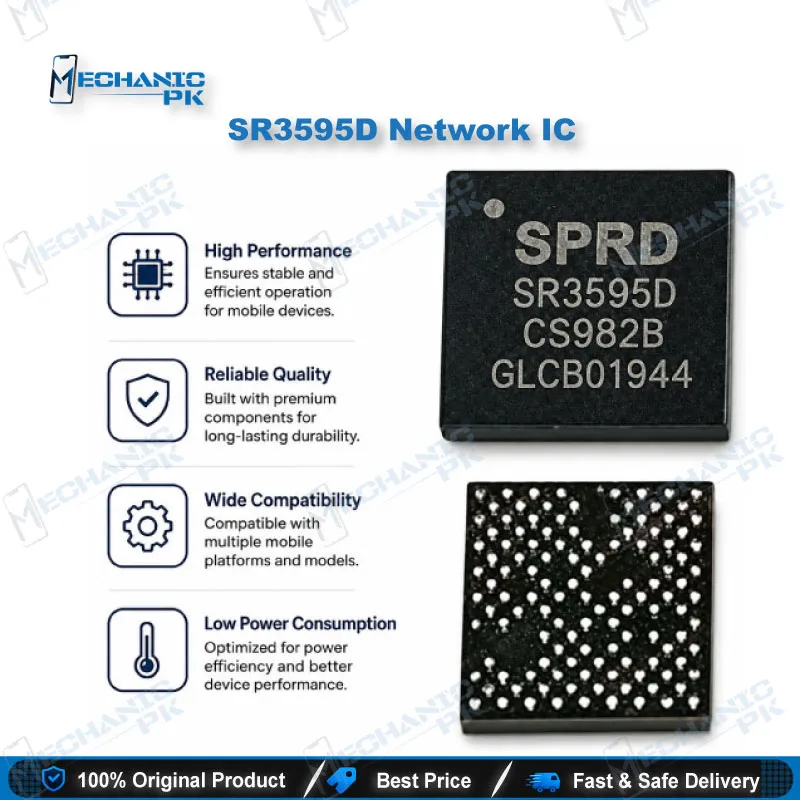
The SR3595D network IC is a UNISOC (formerly Spreadtrum) RF transceiver that handles the radio link between the baseband processor and the antenna chain. You use it when board-level diagnosis shows a dead transceiver on a handset with no service, a dropping network, or empty signal bars despite a working SIM. The part gives you a direct match when your removed chip carries the SR3595D marking. Technicians and repair shops across Pakistan order it from Mechanicpk for IC change work on the RF section of UNISOC-platform boards.
[H2] SR3595D Network IC: UNISOC RF Transceiver for Signal-Path Repair
The SR3595D network IC is an RF transceiver from UNISOC, the company formerly known as Spreadtrum. It sits in the radio path of handsets built on UNISOC platforms and manages the conversion between the baseband processor and the antenna chain. When this chip fails, the phone loses its link to the mobile network, even though the display, charging, and storage all work normally. You order this part when board-level diagnosis points to the transceiver and you want an exact part-number match for your IC change. Mechanicpk supplies it to technicians and repair shops across Pakistan.
[H3] Where the SR3595D Sits in the Signal Path
A network IC controls the network operation of the phone. In the radio section, the antenna switch, power amplifier, crystal oscillator, filters, and transceiver work as one chain, and the baseband processor drives the whole chain. The SR3595D occupies the transceiver position. Independent teardown firms have published an RF architecture analysis of the SR3595D, which confirms it as a dedicated RF transceiver rather than a power or charging IC. Read this role before you reach for the hot air gun. Check the antenna connector, antenna switch, and SIM circuit first, because each of them produces the same no-signal symptom.
[H3] Faults That Point Toward a Failed Transceiver
Water ingress, repeated drops, and a faulty charger or unstable voltage source rank among the common causes of network IC damage. The symptoms show up as no service, a network that vanishes after a few minutes, or a SIM that reads fine while the signal bars stay empty. Airplane mode toggling may bring the signal back for a short time, then it disappears again. Rule out software first. Reflash the firmware and check that the IMEI is intact, because a corrupt IMEI or operating system also triggers a no-signal fault. Dead after flash and hang on logo cases usually point elsewhere, so separate those from true network faults before you spend time on the RF section. When the software side checks out and the antenna path measures good, the transceiver becomes the prime suspect.
[H3] SR3595D Network IC Replacement and Rework
Replacing a transceiver is IC change karna work at fine pitch, so prepare your bench before you lift the old chip. Use a hot air station with controlled airflow, flux, and a preheater so you protect the neighboring shields and filters. Remove the faulty chip, clean the pads with braid, and inspect for lifted pads under a microscope. Reball only when your stencil matches the footprint of the chip you removed, and confirm that footprint against the old IC, not against assumption. Place the new IC in the correct orientation, reflow evenly, and let the board cool before testing. After the swap, check network registration, test a call, and confirm the IMEI status. Avoid overheating, because the pads and nearby RF components tolerate less heat than a power IC.
[H3] Match the Part Number Before You Order
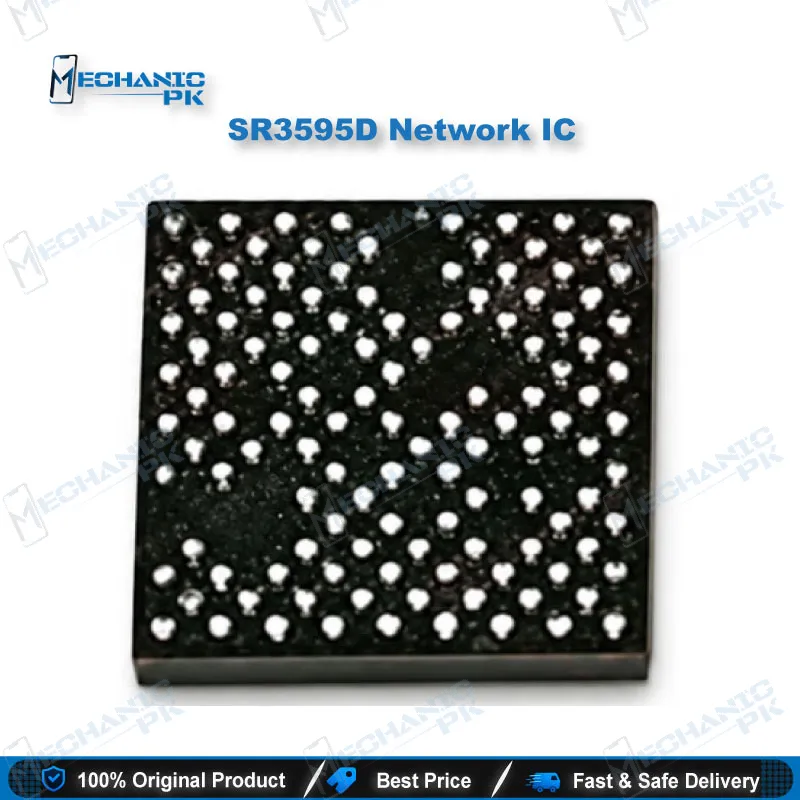
Radio ICs from the same maker carry similar markings. The SR3595D is a distinct part from the SR3593A, and a published teardown report compares the two directly, so a near-match marking does not mean a drop-in swap. Read the full marking on the chip you remove, compare it under magnification, and order the exact part. Keep the removed IC until the repaired phone passes a full network test. If your board carries a different transceiver, a different part is the correct order. You get fewer comebacks when you confirm the marking first, and your workflow stays clean when you record the part number on each job card.
| Weight | 0.1 kg |
|---|
Key Features
- UNISOC (Spreadtrum) RF transceiver in the SR3595D part number
- Dedicated radio front end for the network section of the board
- Direct part-number match for IC change on SR3595D boards
- Suits hot air rework with preheater, flux, and microscope
- Fits the diagnostic path after antenna, switch, and SIM checks
- Supports repair of no-service and intermittent network faults
- Distinct from the SR3593A, so you verify the marking before ordering
- Supplied by Mechanicpk for Pakistani technicians and repair shops
Specifications
| Brand | UNISOC (formerly Spreadtrum) |
|---|---|
| Model | SR3595D |
| Category | RF Transceiver IC / Network IC |
| Technology | RF transceiver |
| Compatibility | UNISOC-platform mobile boards that use the SR3595D transceiver |
Common Repair Uses
- Real board-level scenarios where a failed RF transceiver is confirmed.
- No service or no signal after antenna path and SIM circuit tests pass
- Network that drops a few minutes after airplane mode toggling
- Empty signal bars with a SIM that reads normally
- Network loss after liquid damage
- Network loss after a drop or board flex
- No signal after reflash with software and IMEI confirmed good
- IC change on the RF section with a matching SR3595D marking
- Reference swap against a donor board to isolate a transceiver fault
Compatible Devices
- Boards and handsets on UNISOC (Spreadtrum) platforms that carry the SR3595D RF transceiver. This is a part-number match, not a universal network IC.
- UNISOC (Spreadtrum) platform smartphones fitted with an SR3595D
- Boards where the removed transceiver carries the SR3595D marking
- Handsets with a faulty SR3595D showing no service
- Handsets with a faulty SR3595D showing intermittent network
- Water-damaged UNISOC-platform boards with a failed RF transceiver
- Drop-damaged UNISOC-platform boards with a lifted or cracked transceiver
- Donor-board comparison on UNISOC-platform models that share the part
- Not for boards fitted with a different transceiver such as the SR3593A
FAQ
What is the product name?
What is the brand of this product?
What is the model of this product?
What is this product used for?
Which devices are compatible with this product?
Who should use this product?
Which symptoms point to a faulty SR3595D network IC?
Can I use an SR3593A in place of the SR3595D?
Related products