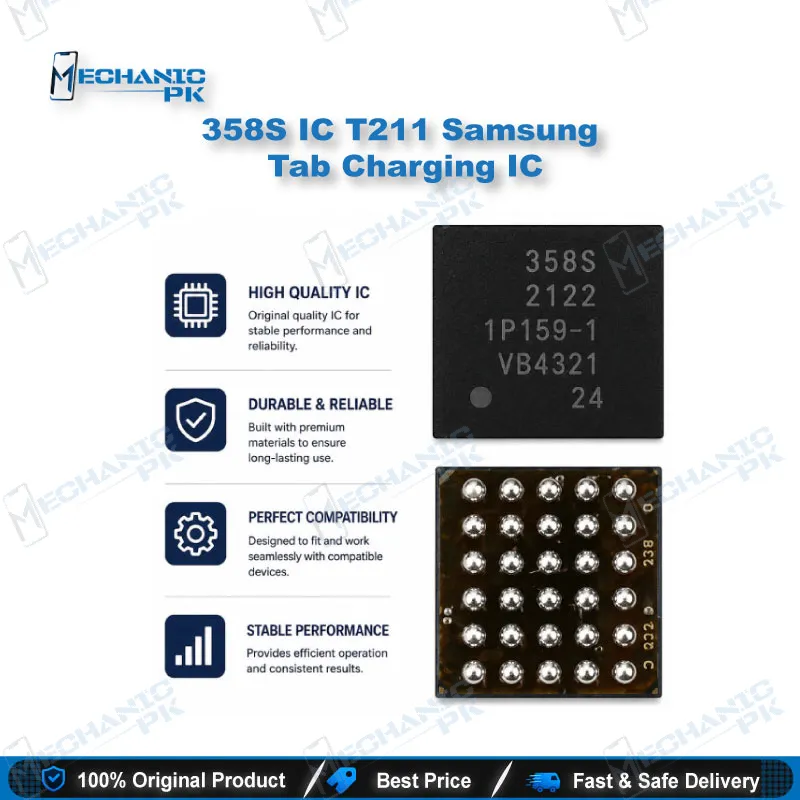
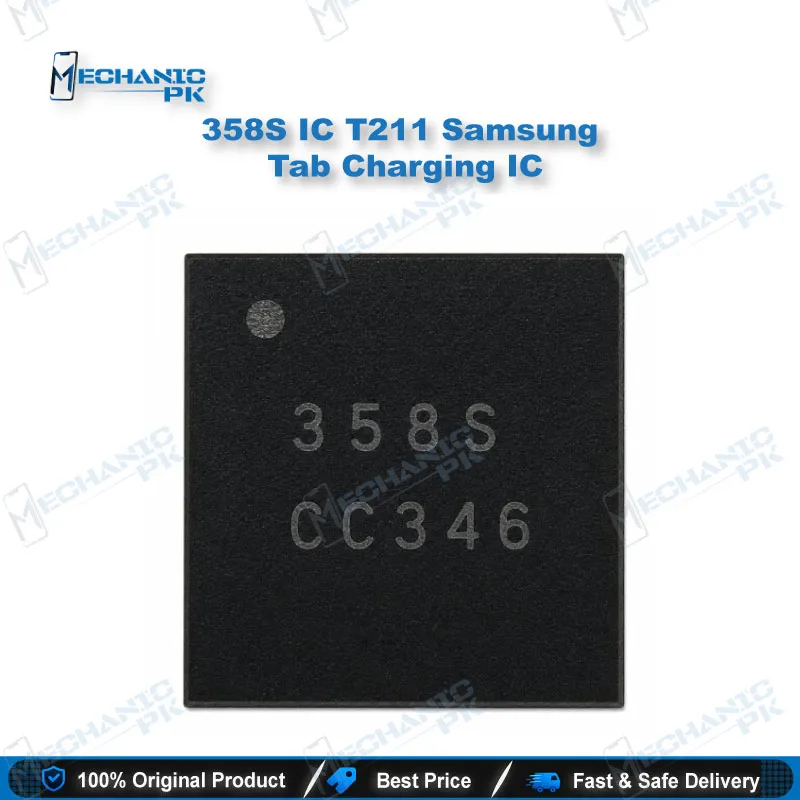
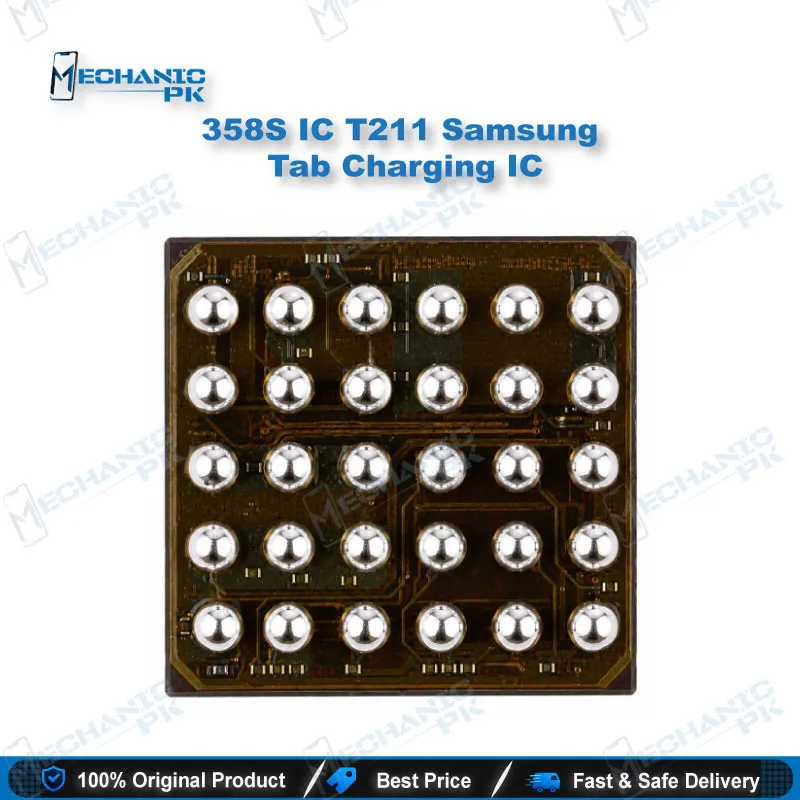
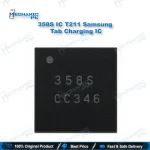
358S IC T211 Samsung Tab Charging IC – Tab 3 USB Charger IC
₨ 500
358S IC T211 Samsung Tab Charging IC for Board-Level Charging Repair
The 358S IC T211 Samsung Tab Charging IC is a surface-mount USB charging controller for the Samsung Galaxy Tab 3 7.0 (SM-T210/SM-T211) and Galaxy Mega 5.8 (GT-I9152) mainboards. It manages the incoming USB charging supply between the charging port and the battery circuit, so a failed 358S usually shows up as a tablet that won’t charge, a charge percentage that never climbs, or a dead board with a short on the VBUS line. Mechanicpk supplies this 358S charging IC for repair labs and service centers that do IC-level charging repair, where replacing the chip itself fixes a fault that a new charging port can’t.
358S IC T211: Precise Charging Control for Samsung Tablet Mainboards
The 358S IC T211 Samsung Tab Charging IC sits at the start of the power path on the Galaxy Tab 3 7.0 logic board. When a technician connects a charger, the 358S receives the USB input and regulates how the board passes that current to the battery and power management circuitry. When the chip fails, the charging path stops working, even with a healthy port, a good flex, and a working battery. For a technician diagnosing a no-charge fault on an SM-T211, the 358S is one of the first components to check once you have ruled out the port and battery.
Where the 358S Charging IC Fits in the Repair Workflow
Charging faults on Samsung tablets usually come from a few causes: worn charging ports, damaged flex cables, degraded batteries, and failed charging ICs. The first three need only part swaps. The charging IC needs board-level work. A technician typically confirms a 358S failure in three steps. First, a USB ammeter shows almost no current draw with a known-good charger. Second, a multimeter in diode mode shows a short or abnormal reading on the VBUS line to ground. Third, a thermal camera or freeze spray shows the 358S heating up as soon as voltage reaches the board. If the board shows that pattern, replacing the IC restores charging without replacing the whole mainboard.
Verified Compatibility Across Samsung Tablet Platforms
Distributor cross-reference data lists the 358S as the charging IC on several Samsung platforms besides the Tab 3 7.0. These include the Galaxy Mega 5.8 GT-I9152, the Galaxy Tab 4 series (SM-T230, SM-T330, SM-T331, SM-T335, SM-T530, SM-T535), the Galaxy Tab E 9.6 (SM-T560, SM-T561), and the Galaxy Tab Pro 10.1 SM-T525. That shared footprint makes one stock of the 358S charging IC useful for a range of older Samsung tablets that still come into Pakistani repair shops every week. Before soldering, always match the chip marking on the original board, since board revisions within one model family can differ.
Replacement Procedure and Recommended Bench Setup
Replacing the 358S calls for controlled rework. Secure the board in a PCB holder, shield nearby plastic connectors and small passives with heat-resistant tape, and lift the old chip with a temperature-controlled hot air station. Clean the pads with flux and a fine desoldering wick using a soldering station, then inspect the pad area under a microscope for lifted pads or bridged traces before you place the new IC. Align the new 358S by its orientation mark, reflow it evenly, and let the board cool before you reconnect the battery.
After the install, measure the VBUS line again with a multimeter to confirm the short is gone. Then connect a charger through a USB ammeter and watch for a normal current draw that stabilizes. A rising battery percentage on the display confirms the repair. If the board still shows no current, check the surrounding filter capacitors and the charging port pins, since a power surge strong enough to damage the 358S can also damage nearby passives.
Why Technicians Stock the Samsung Tab 3 Charging IC
Samsung Galaxy Tab 3 and Tab 4 units remain common in schools, offices, and households across Pakistan, and charging failures are one of the most frequent complaints on these models. Low-quality chargers and unstable power supplies often damage the charging IC directly. A shop that keeps the 358S in stock can turn a “dead tablet” job into a same-day repair instead of quoting a full board replacement the customer will often decline. For service centers handling volume repairs, the shared compatibility across several tablet families helps keep inventory simple.
Matching Tools for Charging IC Repair
The 358S IC T211 works best on a bench equipped for IC-level work. A hot air station with stable airflow, a fine-tip soldering station, a stereo microscope, a digital multimeter, and a sturdy PCB holder cover the full job. Technicians moving into BGA and PMIC work can extend the same setup with reballing kits and stencils. Mechanicpk carries each of these categories, so you can source the IC and the tools that install it from one distributor.
| Weight | 0.1 kg |
|---|
Key Features
- Dedicated USB charging controller for Samsung Galaxy Tab 3 7.0 mainboards
- Fits the SM-T211 and SM-T210 charging circuit directly
- Shared footprint across Galaxy Tab 4, Tab E, Tab Pro, and Galaxy Mega 5.8 boards
- Restores charging without a full mainboard replacement
- Surface-mount package suited to standard hot air rework
- Fixes no-charge and VBUS short faults at the IC level
- Useful stock item for service centers handling older Samsung tablets
- Pairs with hot air stations, soldering stations, and microscopes in the Mechanicpk range
Specifications
| Model | 358S |
|---|---|
| Category | Charging IC (USB Charging Controller) |
| Compatibility | Samsung Galaxy Tab 3 7.0 SM-T210 / SM-T211, Galaxy Mega 5.8 GT-I9152, and cross-referenced Samsung Tab 4 / Tab E / Tab Pro platforms |
| Supported Devices | Samsung tablets and select Samsung phones using the 358S charging IC footprint |
| Technology | Surface-mount (SMD) charging IC |
Common Repair Uses
- Tablet shows no charging response with a known-good charger and port
- Charging icon appears but the battery percentage never increases
- Dead tablet caused by a short on the VBUS charging line
- Charging IC heats up immediately when a charger is connected
- Board damage after using a faulty or low-quality charger
- Abnormally high or zero current draw on a USB ammeter
- Charging faults remaining after charging port replacement
- Charging circuit restoration after liquid damage cleaning
Compatible Devices
- Verified via distributor cross-reference lists; match the chip marking on the original board before replacing.
- Samsung Galaxy Tab 3 7.0 SM-T210 (Wi-Fi)
- Samsung Galaxy Tab 3 7.0 SM-T211 (3G)
- Samsung Galaxy Mega 5.8 GT-I9152
- Samsung Galaxy Tab 4 7.0 SM-T230
- Samsung Galaxy Tab 4 8.0 SM-T330 / SM-T331 / SM-T335
- Samsung Galaxy Tab 4 10.1 SM-T530 / SM-T535
- Samsung Galaxy Tab E 9.6 SM-T560 / SM-T561
- Samsung Galaxy Tab Pro 10.1 SM-T525
FAQ
What is the product name?
What is the brand of this product?
What is the model of this product?
What is this product used for?
Which devices are compatible with this product?
Who should use this product?
How do I confirm the 358S IC is faulty on a Samsung T211 that is not charging?
Does replacing the charging port fix a Samsung Tab 3 that still won't charge?
Related products