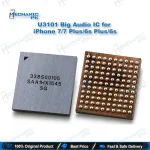
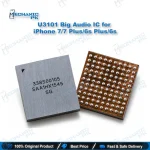
U3101 Big Audio IC for iPhone 7/7 Plus/6s Plus/6s
₨ 800
U3101 Big Audio IC — 338S00105 Audio Codec for iPhone 7 and 6s Series
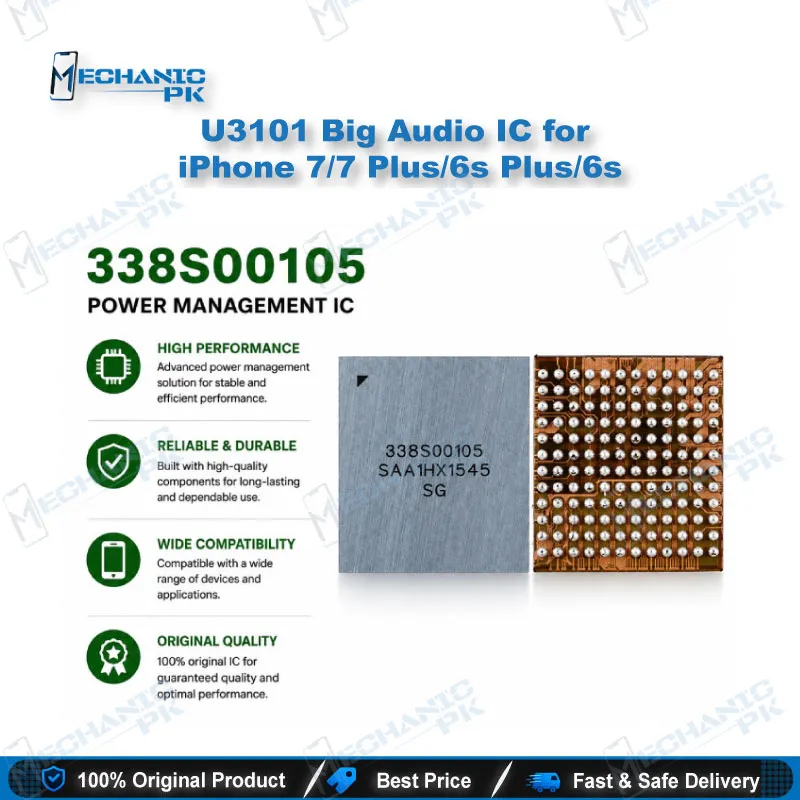
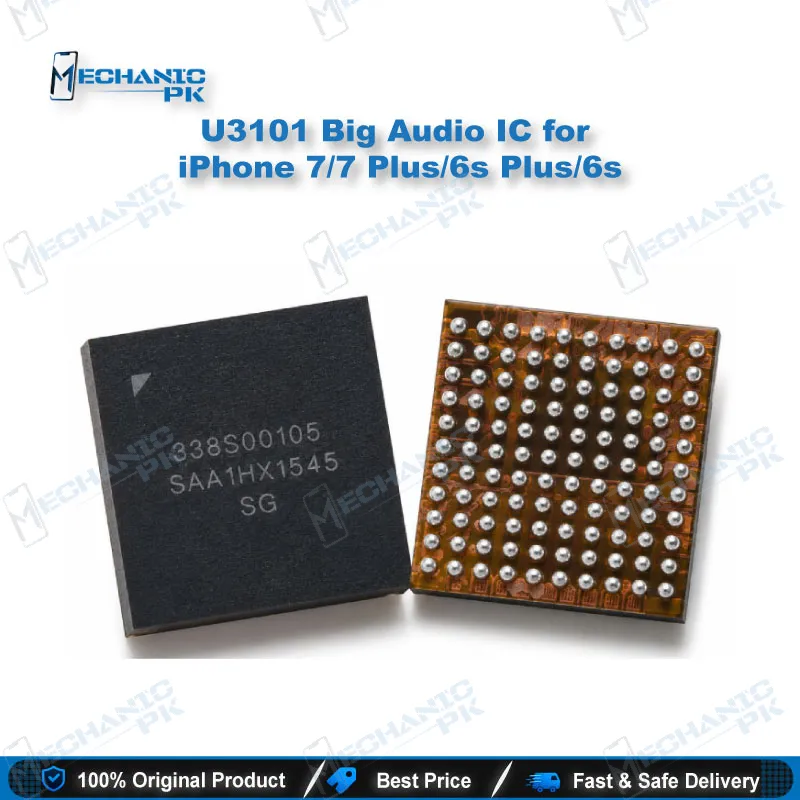
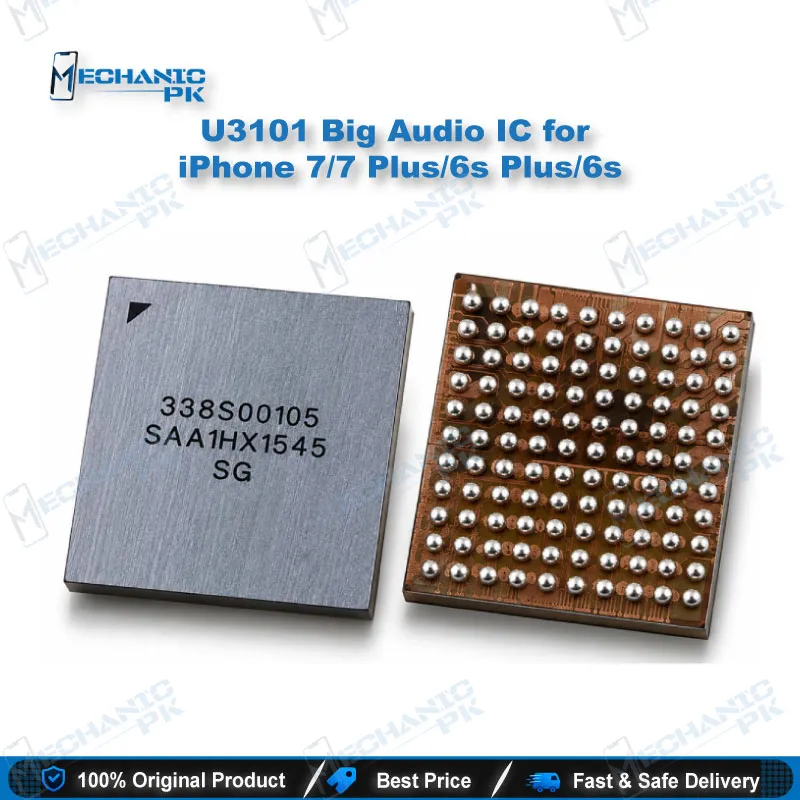
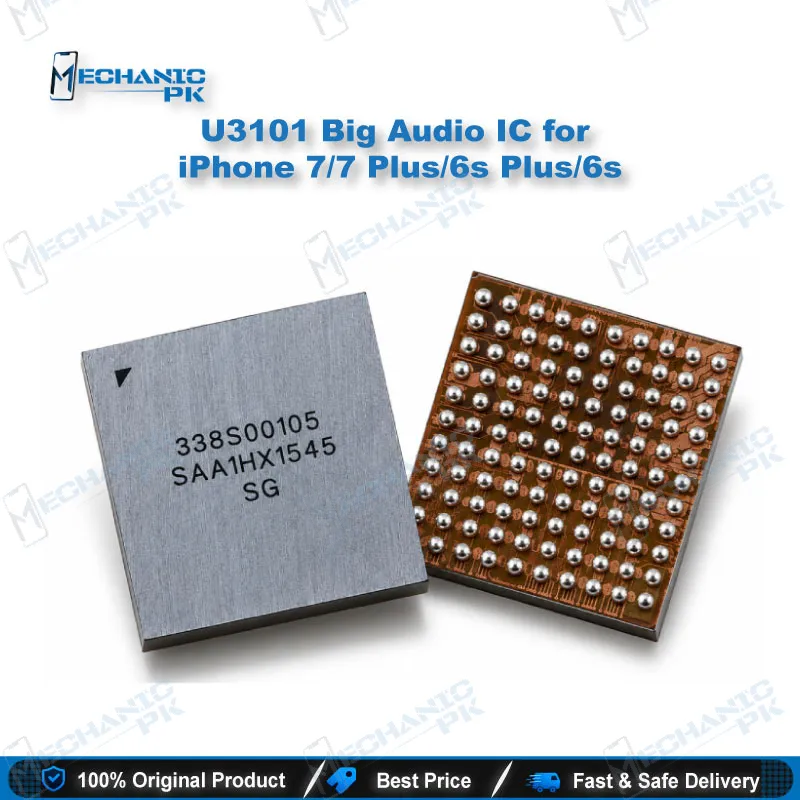
The U3101 Big Audio IC for iPhone 7/7 Plus/6s Plus/6s is the genuine-spec 338S00105 audio codec that controls speaker output and microphone input on Apple logic boards. It sits at position U3101 on iPhone 7 and 7 Plus boards and at U3500 on iPhone 6s, 6s Plus and iPhone SE (2016) boards. This 144-pad BGA chip restores call audio, voice recording and dictation when the original codec suffers damage during rework or pad repair. Mechanicpk supplies this U3101 Big Audio IC for micro-soldering technicians who need the exact part number for clean board-level audio repairs.
U3101 Big Audio IC: The Main Audio Codec Behind Every Call and Recording
The U3101 Big Audio IC for iPhone 7/7 Plus/6s Plus/6s carries Apple part number 338S00105, the main audio codec that links the application processor with every analog audio path on the logic board. The U3101 Big Audio IC converts digital audio streams into signals for the earpiece and loudspeaker circuits, and it digitises input from the built-in microphones. When this chip or the solder joints beneath it fail, the phone loses voice on calls, recording in Voice Memos and microphone input across every app. Technicians who work at board level need the exact 144-pad BGA part, and that precision defines this listing.
One Part Number, Two Board Designations
Apple runs the same 338S00105 codec across two board generations. The schematic labels it U3101 on iPhone 7 and 7 Plus boards and U3500 on iPhone 6s, 6s Plus and iPhone SE (2016) boards. The silicon stays identical, so one stock line covers five models in your parts drawer. Check the 338S00105 laser marking on the old chip before you order, because the marking confirms a match faster than the board designator alone. Do not confuse this chip with the smaller audio ICs nearby on the iPhone 7 board, such as the 338S00220 parts, which perform a different audio function.
Symptoms That Point to the iPhone 7 Audio IC
The iPhone 7 audio IC fault ranks among the most documented board-level failures in Apple repair. Typical complaints include a greyed-out speaker button during calls, Voice Memos that refuse to record, silent video recordings and Siri or dictation that cannot hear the user. Many units also hang on logo for an extended time during boot or restart without warning. Customers often describe these phones as having a network issue or a charging issue, so a correct diagnosis saves you from replacing the wrong part.
Pad Fault or Chip Fault: Diagnose Before You Replace
On iPhone 7 boards, board flex frequently cracks the solder joints under U3101, with the C12 pad as the best-known weak point. A typical repair removes the chip, runs a jumper from the broken pad and then reinstalls a reballed codec. The original chip rarely dies on its own, but rework itself damages many units through heat, tweezer slips or torn balls during removal. A fresh 338S00105 codec lets you finish the job without reusing a stressed chip, and it gives you a reliable replacement when a previous technician already attempted the repair.
Bench Workflow for Installing the 338S00105 Audio Codec
Secure the logic board in a PCB holder and preheat it to reduce thermal stress on surrounding components. Lift the old codec with a hot air station using controlled airflow, then clean the pads with a soldering station, fresh flux and solder wick. Inspect every pad under a stereo microscope and repair broken pads with a fine jumper wire before you continue. Reball the new chip with a matched stencil from a reballing kit, align it carefully and reflow it into position. Verify the audio lines in diode mode with a multimeter, then test calls, speakerphone, Voice Memos and video recording before you close the device.
Tools That Complete This Repair
A successful U3101 job depends on more than the chip itself. Pair this audio codec with a stable hot air station, a temperature-controlled soldering station and a stereo microscope for pad inspection. Add a BGA reballing kit with the correct stencil, a rigid PCB holder for iPhone 7 boards and a reliable multimeter for diode-mode checks. Service centers that handle iPhone boards in volume often keep test boxes on the bench to confirm audio function before final assembly.
Who Should Stock This Chip
This 338S00105 audio codec suits micro-soldering specialists, iPhone board repair labs, mobile service centers and repair shops that accept dead phone and audio-fault jobs. Training institutes that teach BGA rework also use iPhone 7 boards as practice platforms, and a spare codec supply keeps those sessions productive. Keeping several units in stock lets your workshop handle iPhone 7, 7 Plus, 6s, 6s Plus and SE (2016) audio jobs on the same day without waiting on parts.
| Weight | 0.1 kg |
|---|
Key Features
- Genuine-spec 338S00105 part number, the main audio codec for Apple's iPhone 7 and 6s generations
- 144-pad BGA package that matches the original footprint at U3101 and U3500
- Single part covers five iPhone models, reducing the number of codec SKUs you need on your shelf
- Controls speaker output and microphone input, restoring call audio, recording and dictation
- Direct replacement for codecs damaged during removal, pad repair or failed earlier rework
- Supports the standard iPhone 7 audio IC repair workflow, including C12 pad jumper jobs
- Suitable for reballing with standard iPhone 6s/7 stencils from a BGA reballing kit
- Board-level component for experienced micro-soldering technicians and service centers
Specifications
| Brand | Apple |
|---|---|
| Model | 338S00105 |
| Category | Mobile Phone ICs > Audio ICs |
| Compatibility | iPhone 7, iPhone 7 Plus, iPhone 6s, iPhone 6s Plus, iPhone SE (2016) |
| Supported Devices | U3101 position (iPhone 7/7 Plus), U3500 position (iPhone 6s/6s Plus/SE 2016) |
| Technology | BGA audio codec IC, 144 pads |
Common Repair Uses
- Greyed-out speaker button during calls on iPhone 7 and 7 Plus
- No audio recording in Voice Memos or video recording
- Microphone failure affecting calls, Siri and dictation
- Phone that hangs on logo or takes an extended time to boot due to audio codec faults
- Replacing a codec damaged during C12 pad jumper repair
- Replacing a chip after failed or previous rework by another technician
- BGA reballing and reflow practice on iPhone 6s and 7 training boards
- Board-level recovery of iPhones with audio faults after drop or board flex
Compatible Devices
- iPhone 7 (A1660) — board designation U3101
- iPhone 7 Plus (A1661) — board designation U3101
- iPhone 6s (A1633) — board designation U3500
- iPhone 6s Plus (A1634) — board designation U3500
- iPhone SE 2016 (A1662) — board designation U3500
- All iPhone 7 series logic boards using the U3101 audio codec position
- All iPhone 6s series logic boards using the U3500 audio codec position
- Any Apple logic board fitted with a 338S00105-marked audio codec
FAQ
What is the product name?
What is the brand of this product?
What is the model of this product?
What is this product used for?
Which devices are compatible with this product?
Who should use this product?
Is the U3101 audio IC on iPhone 7 the same chip as U3500 on iPhone 6s?
Does every iPhone 7 audio IC fault need a new U3101 chip?
Related products