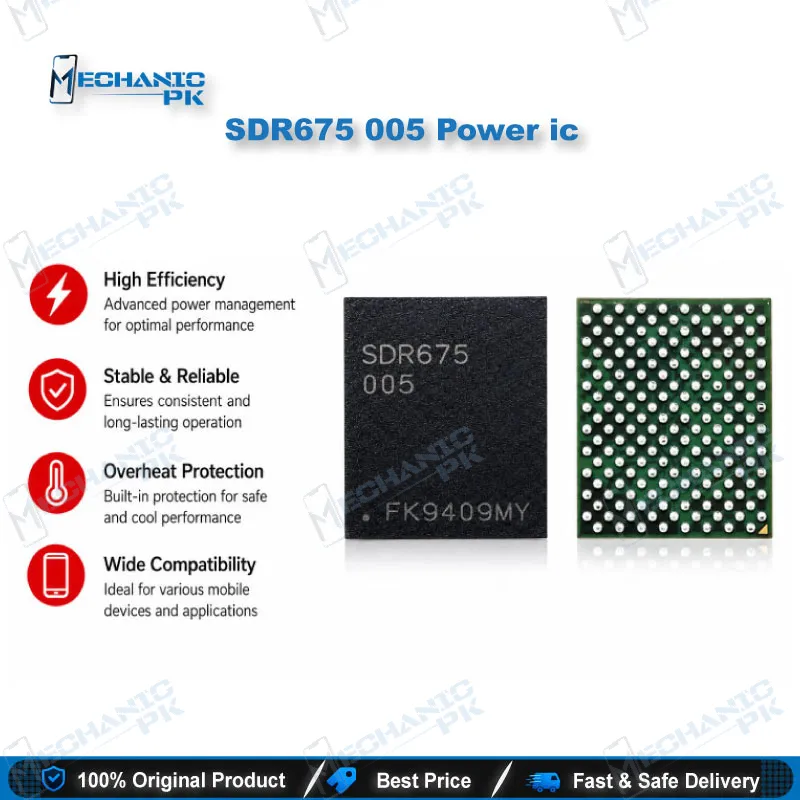
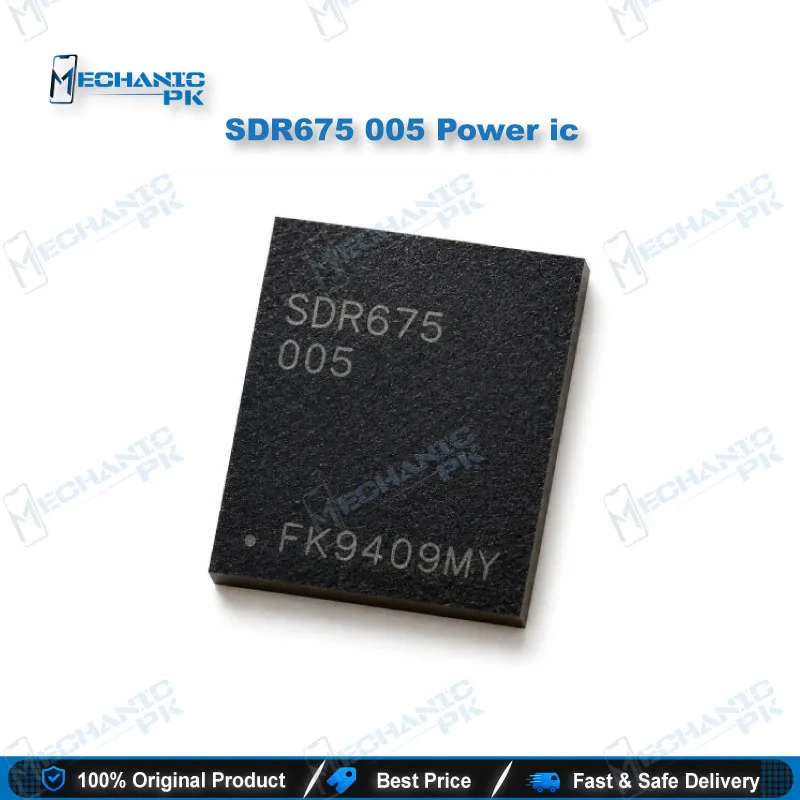
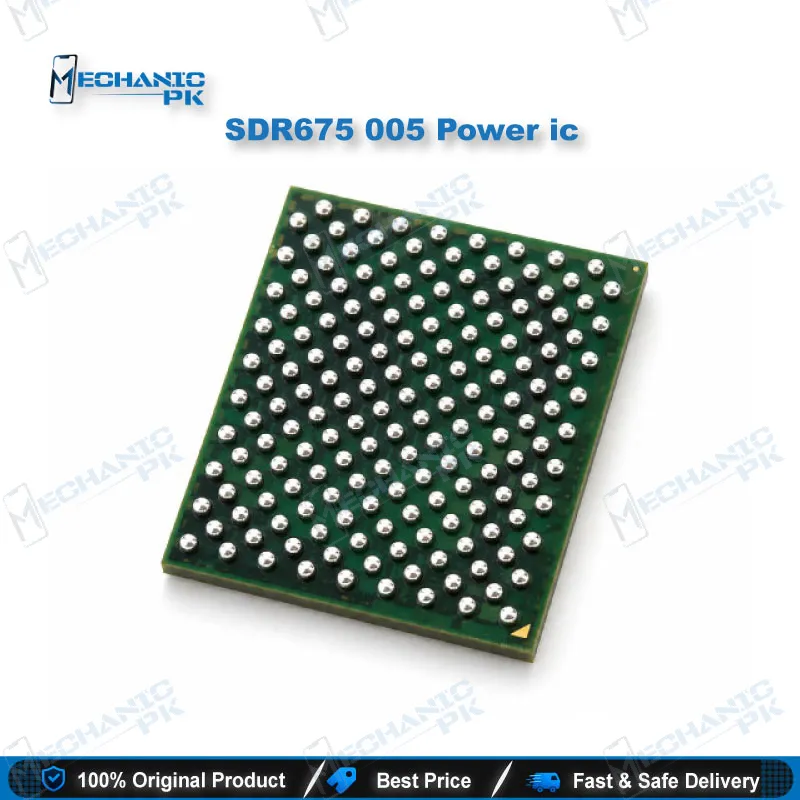
Qualcomm SDR675 005 Network IC – RF Transceiver BGA
₨ 250
SDR675 005 Qualcomm RF Transceiver for Network Repair
The SDR675 network IC is a genuine-marking Qualcomm RF transceiver in a BGA package, built for board-level network section repair. This chip converts baseband data from the modem into radio signals and processes incoming signals from the antenna path. A failed SDR675 typically shows up as no service, weak signal, or a phone stuck on network search while every other function works. You get the exact 005 marking, so your IC change matches the original part on the board. Pair it with a reballing stencil, quality flux, and a controlled hot air station for a clean, reliable network repair on Qualcomm-based motherboards.
Qualcomm SDR675 Network IC for RF Section Board Repair
The SDR675 network IC is a Qualcomm RF transceiver that handles the radio side of a phone’s cellular connection. It sits between the baseband modem inside the Qualcomm platform and the RF front end that feeds the antennas. On transmit, it turns digital data from the modem into radio-frequency signals. On receive, it takes the weak signal coming back through the front end and converts it into data the modem can decode. When this chip fails, the phone usually boots, charges, and runs apps normally while the status bar shows no service or a constant search for network. Mechanicpk stocks the SDR675-005 marking for technicians who have traced a network issue to the transceiver stage and need the exact replacement part.
Where the SDR675 Fits in the RF Signal Chain
Every Qualcomm-based phone splits its cellular hardware into stages. The modem processes data, the transceiver handles frequency conversion, and the front end modules, PA, filters, and antenna switches deliver the signal to the antennas. The SDR675 occupies the middle of that chain, so a fault here blocks the whole path even when the modem and front end are healthy. That position explains why a transceiver failure looks so different from a SIM fault. The SIM reads, the IMEI displays in the dialer, but the phone cannot register on any band. Understanding this chain helps you avoid replacing the wrong part. Swapping a front end module or PA will not fix a dead transceiver, and replacing the transceiver will not fix a broken antenna line.
Diagnosing an SDR675 Network IC Fault Before You Change the IC
Confirm the fault before you lift a BGA chip. Start with the software side: check that the IMEI and baseband version appear correctly, and rule out a corrupted EFS or network partition, since a dead-after-flash phone can show the same no-service symptom. Next, inspect the antenna path, the coaxial connectors, and the front end modules under a microscope for corrosion or cracked solder. Check the supply rails feeding the transceiver area with a multimeter; a shorted capacitor on a nearby rail can mimic a dead IC. If the software and power checks pass and the phone still finds no network, focus on the SDR675 itself. Water damage, drop impact on the board, and earlier failed rework attempts are the most common causes of transceiver failure in the field.
Installation Notes for the 005 Marking
Match the marking on the old chip before you install the new one. The 005 suffix identifies this specific variant, and your replacement should carry the same code as the original on the board. Secure the motherboard in a PCB holder so heat spreads evenly. If the board has underfill around the chip, soften and clear it carefully before lifting so you don’t tear pads. After removal, clean the pads with fresh flux and solder wick until every pad sits flat and bright. Reball the chip with the correct stencil from a reballing kit, or prepare the pads with a thin, even layer of solder. Align the IC by its pin-1 marker, apply controlled airflow from a hot air station, and let the chip self-center as the balls reflow.
After installation, power the board and check network registration on more than one band before you close the phone. A strong, stable signal confirms the joint quality. A weak or dropping signal often points to an unreflowed ball or a lifted pad, so inspect again under magnification. For shops handling regular Qualcomm network repairs, a stereo microscope is the upgrade that makes the biggest difference to SDR675 success rates. It lets you see pad damage, bridged balls, and flux residue that the naked eye misses on a dense RF section.
| Weight | 0.1 kg |
|---|
Key Features
- Qualcomm SDR675 RF transceiver with the original 005 marking
- BGA package for board-level IC change
- Handles RF conversion between the modem and the RF front end
- Targets no-service and network search faults on Qualcomm boards
- Exact-marking match for original part replacement
- Works with standard reballing, flux, and hot air rework workflows
- Suited to repair shops, service centers, and RF section specialists
- Supplied for professional board-level repair
Specifications
| Brand | Qualcomm |
|---|---|
| Model | SDR675-005 |
| Category | Mobile Phone ICs > Network / RF ICs |
| Technology | RF Transceiver |
| Package | BGA |
Common Repair Uses
- No service / no network on a Qualcomm board after software checks pass
- Phone stuck on “searching for network” with SIM reading normally
- Weak or unstable signal traced to the transceiver stage
- Network failure after water damage in the RF section
- Network loss after a drop that cracked transceiver solder joints
- Replacing a transceiver damaged during an earlier failed rework
- Re-mounting the RF section after a board-level jumper or pad repair
- Network section restoration in motherboard refurbishment
Compatible Devices
- Verified at part-number level. Fit depends on the board’s schematic, not the phone brand.
- Motherboards that list SDR675 at the RF transceiver position in their schematic or boardview
- Boards carrying the original SDR675-005 marking (same-marking replacement)
- Qualcomm Snapdragon-platform motherboards using the SDR675 transceiver
- Not a universal part. It replaces only an SDR675 on the same board design
- Not interchangeable with other SDR-series transceivers (SDR660, SDR735, etc.)
- Not a PMIC. It does not replace a power management IC
- Confirm with the board’s boardview before ordering
- Suitable for board-level rework only, not plug-in replacement
FAQ
What is the product name?
What is the brand of this product?
What is the model of this product?
What is this product used for?
Which devices are compatible with this product?
Who should use this product?
Is the SDR675 a power IC or a network IC?
Will replacing the SDR675 IC erase the IMEI or QCN?
Related products