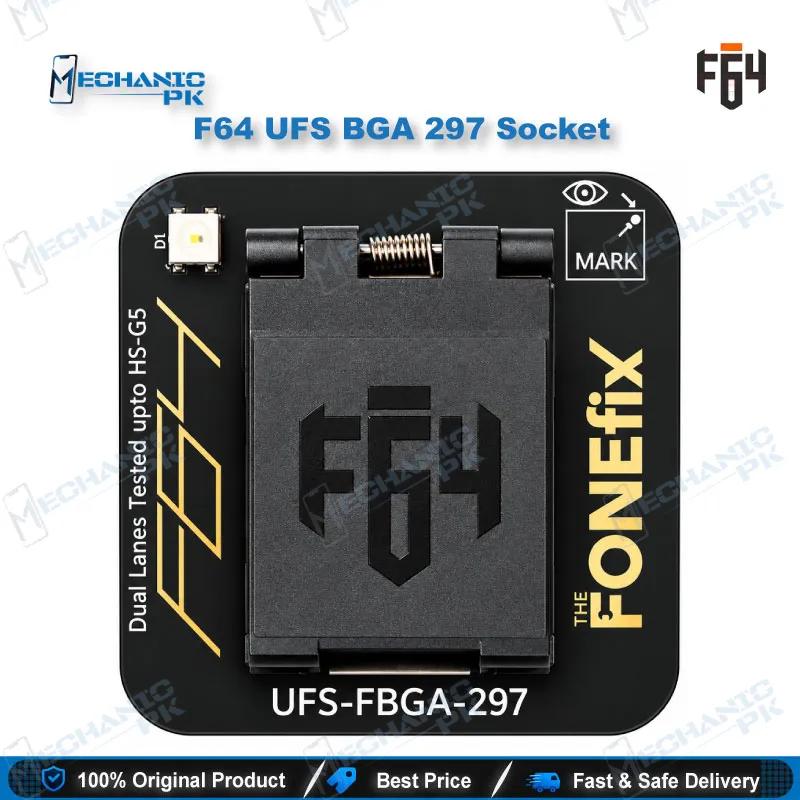
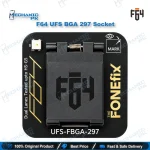
F64 UFS BGA 297 Socket Adapter for Flash 64 Box
₨ 28,000
F64 UFS BGA 297 Socket Adapter for Flash 64 Ultra and Lite
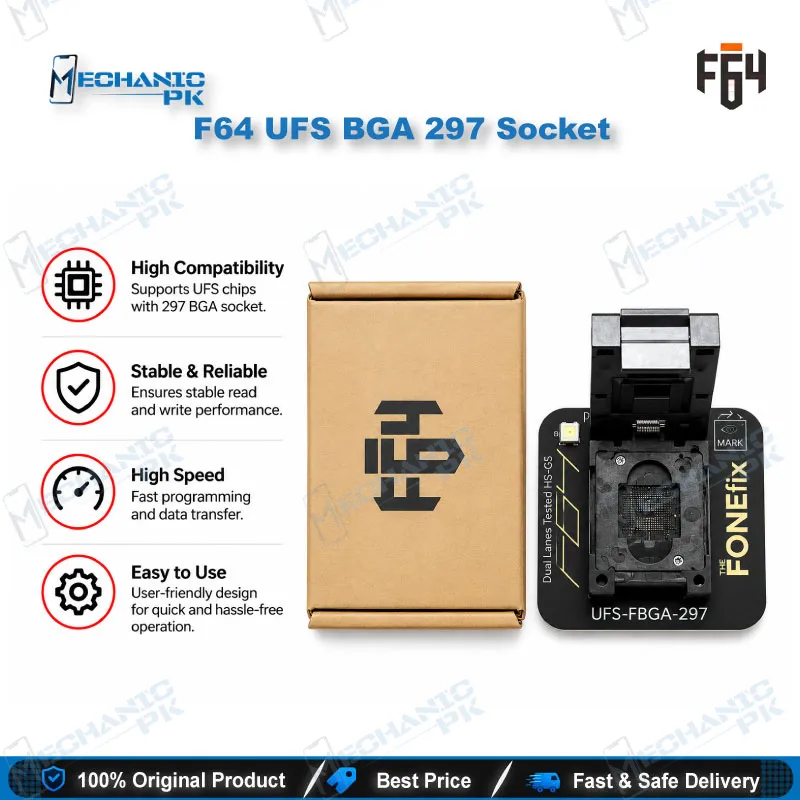
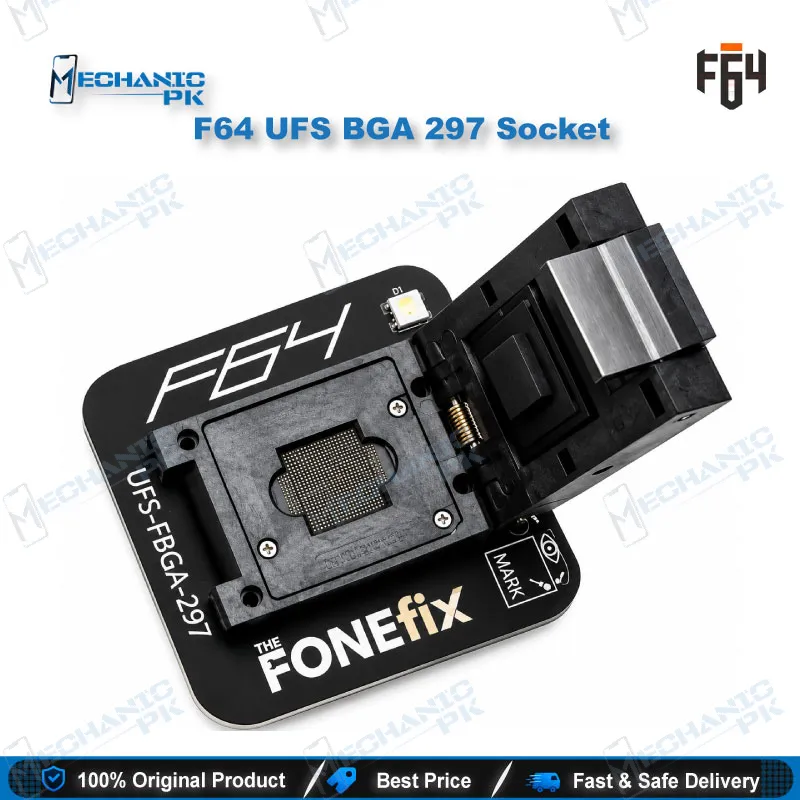
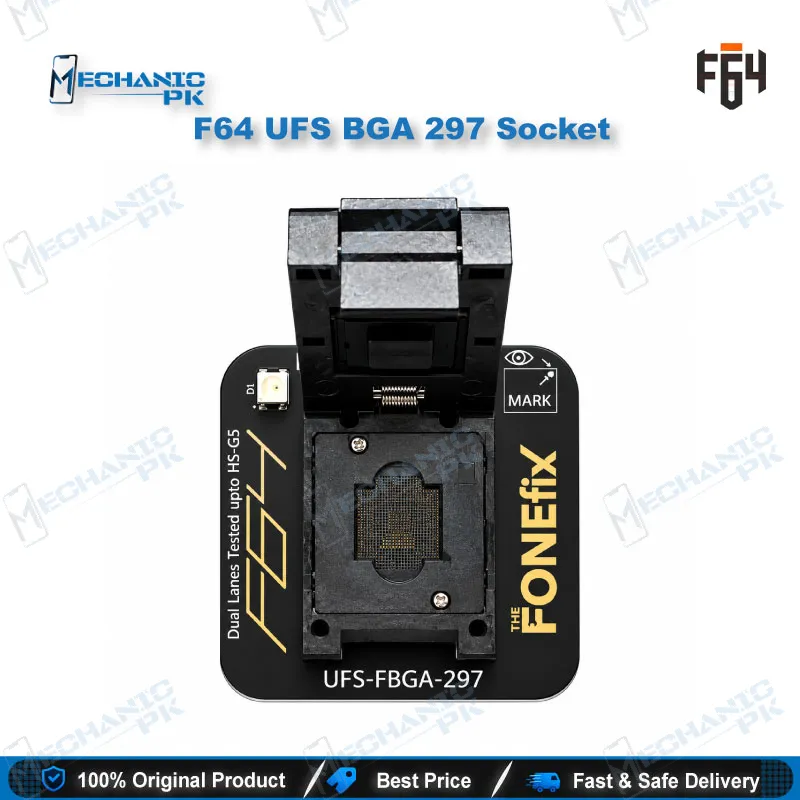
The F64 UFS BGA 297 socket adapter seats a UFS chip in a 297-ball package so your Flash 64 box can read and write it off the mainboard. You get a solder-free test position for chips you have already lifted, so each read or write attempt needs no soldering back to a board. Pair it with the F64 Ultra or F64 Lite box and its software to work with UFS memory in dead phones, boot loop cases, and hang on logo faults. The socket suits technicians who handle UFS storage regularly and want a repeatable connection at the bench. It covers the BGA 297 package only, so keep the 153 and 254 variants for other UFS chips.
In stock
[H2] F64 UFS BGA 297 Socket Adapter: Off-Board UFS Access for Flash 64 Boxes The F64 UFS BGA 297 socket adapter is the UFS-FBGA-297 position in the Flash 64 adapter family. It holds a UFS chip in a 297-ball package and connects its contacts to an F64 Ultra or F64 Lite box. The socket works as the physical bridge between a bare UFS chip and the programmer, which makes it the part of the setup that decides whether your box sees the memory at all. You place the removed chip in the socket, connect the adapter to the box, and work with the memory through the F64 software instead of soldering the chip back to a board for every attempt. That saves time on a dead phone where the board is damaged, the UFS fails to respond in-circuit, or a bad flash left the device in a boot loop issue. Shops that see frequent UFS jobs, from dead after flash cases to hang on logo faults, gain from keeping a dedicated socket for each package instead of improvising connections. You can add this position to a bench that already runs the 153 or 254 sockets. The box and software are separate products, and this listing covers the socket adapter alone. [H3] Where the F64 UFS BGA 297 Socket Adapter Fits in Your UFS Workflow UFS work on the F64 platform runs in three stages: lift the chip, seat it in the matching socket, then run the operation from the box software. The BGA 297 socket handles the second stage for chips in the 297-ball package, so the chip stays in position while the box reads or writes data. The F64 Ultra suite lets you access and configure UFS descriptors, attributes, and flags, which helps you confirm the IC setup after a reflash. The F64 Ultra box lists UFS compatibility from version 1.0 to 4.1 with HS-Gear speeds up to 420 MB/s, though your real transfer rate depends on the chip and the connection. Treat the socket as the physical link in that chain, because every later step depends on it. A clean, aligned seat gives the box a stable connection, while a poor seat produces read errors that look like a dead chip. [H3] Matching the Socket to the Right UFS Package UFS chips ship in several ball-grid packages, and each package needs its own socket. The F64 range covers UFS-FBGA-153, UFS-FBGA-254, and UFS-FBGA-297 adapters alongside an eMMC 4 in 1 adapter. This listing is the 297 variant only, so confirm your target chip uses that package before you add it to your cart. Before you order, read the package marking on the chip or check the board documentation, because a socket with a different ball count will not seat the chip correctly, and forcing it risks damage to both parts. When your shop handles mixed UFS jobs, you can build the set one socket at a time. Related tools on your bench, such as a hot air station for chip removal, a reballing kit for ball surface preparation, and a microscope for inspection, feed directly into this step. [H3] Bench Handling for Reliable Reads and Writes Use a multimeter and a microscope rather than visual judgment alone when you suspect a connection fault, because a hairline contact problem is easy to miss by eye. Lift the chip with controlled heat, clean the pads, and seat the chip with the ball side down and aligned with the socket contacts before you start the F64 software. Keep the socket free of flux residue and dust, since debris on the contacts causes intermittent detection. Store the adapter in its pack when idle, away from moisture and heavy pressure on the contacts. If the box does not detect the chip, reseat it first, clean the contacts next, and suspect the chip itself last. Follow the F64 documentation for the box and software steps, because this F64 UFS BGA 297 socket adapter changes the physical connection only and leaves the operating procedure the same.
| Weight | 0.45 kg |
|---|
Key Features
- UFS-FBGA-297 socket for chips in the 297-ball package
- Works with the Flash 64 Ultra and F64 Lite boxes
- Solder-free chip seating for off-board access
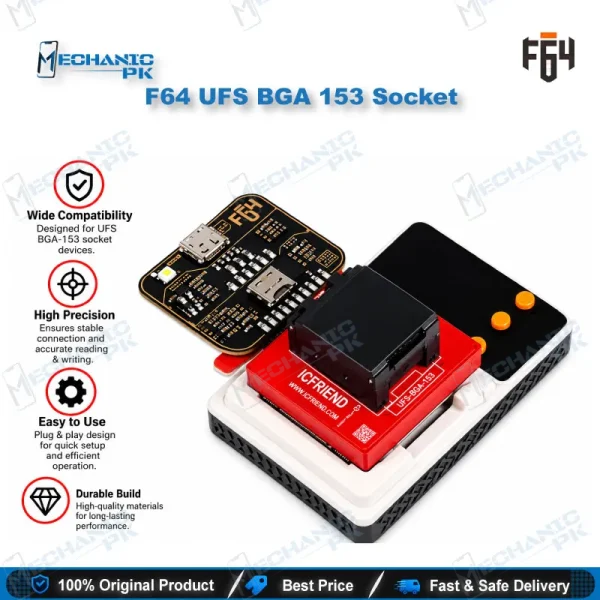
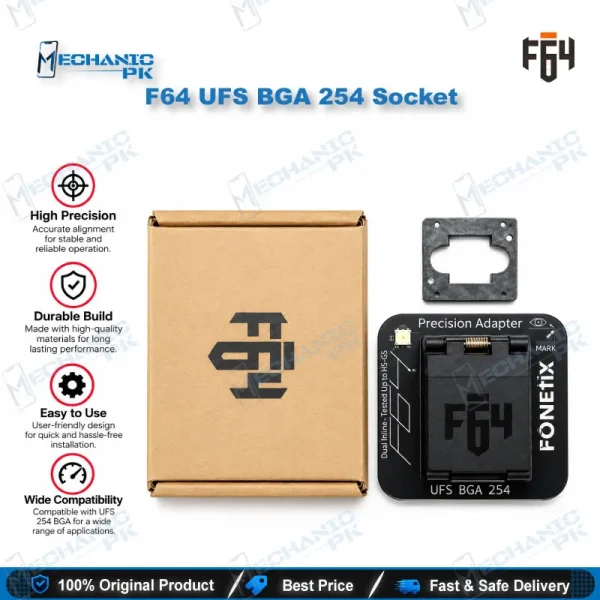
- Part of the F64 adapter family alongside the 153 and 254 sockets
- Supports the F64 box workflow for UFS descriptors, attributes, and flags
- Repeatable connection for multiple read and write attempts
- Sold as a single adapter, so you add only the package you need
- Built for professional technicians and repair shops
Specifications
| Brand | Flash 64 (F64) |
|---|---|
| Model | UFS-FBGA-297 Adapter |
| Category | UFS BGA Socket Adapter |
| Compatibility | Flash 64 (F64) Ultra and F64 Lite box |
| Supported Devices | UFS chips in the 297-ball BGA package |
| Technology | UFS (Universal Flash Storage), FBGA 297 socket |
Common Repair Uses
- Off-board UFS access for chips lifted from damaged or faulty boards.
- Reviving a dead phone by programming a lifted UFS chip off-board
- Clearing a boot loop issue caused by a bad flash
- Addressing hang on logo faults linked to corrupted UFS content
- Recovering data from a UFS chip removed from a damaged board
- Writing flash data to a UFS chip without soldering it to a board
- Checking UFS descriptors, attributes, and flags after a reflash
- Testing chip detection before reballing and reinstalling the IC
- Separating a chip fault from a board fault by checking detection in the socket
Compatible Devices
- UFS chips in the 297-ball BGA package, used with Flash 64 boxes. Universal — not tied to one phone model.
- Flash 64 (F64) Ultra box
- Flash 64 (F64) Lite box
- UFS chips in the BGA 297 (UFS-FBGA-297) package
- UFS chips removed from the mainboard for off-board work
- F64 software workflows for UFS read and write
- Boards where the UFS package is confirmed as 297-ball
- Used alongside the F64 UFS 153 and 254 adapters for other packages
- Not for eMMC chips, which use the F64 eMMC 4 in 1 adapter
FAQ
What is the product name?
What is the brand of this product?
What is the model of this product?
What is this product used for?
Which devices are compatible with this product?
Who should use this product?
Which F64 boxes work with the UFS BGA 297 socket adapter?
Can I use the F64 UFS BGA 297 socket for BGA 153 or BGA 254 UFS chips?
Related products