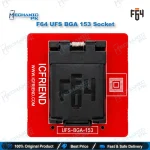
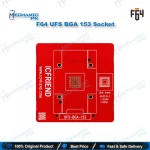
F64 UFS BGA 153 Socket Adapter
₨ 30,000
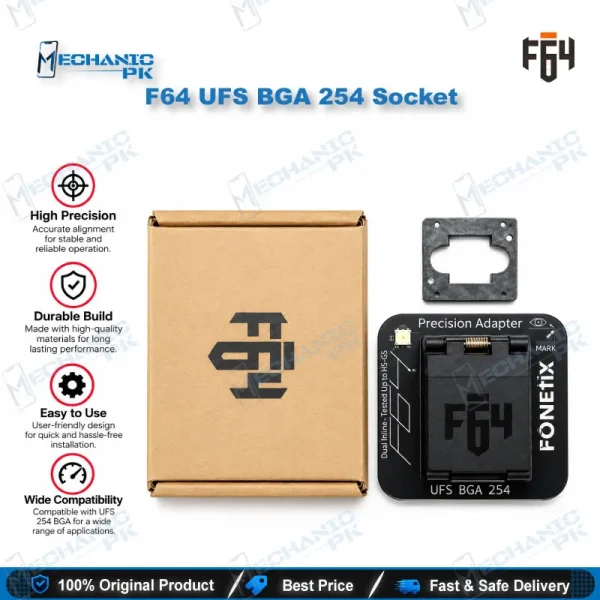
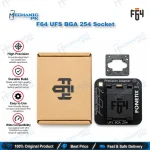
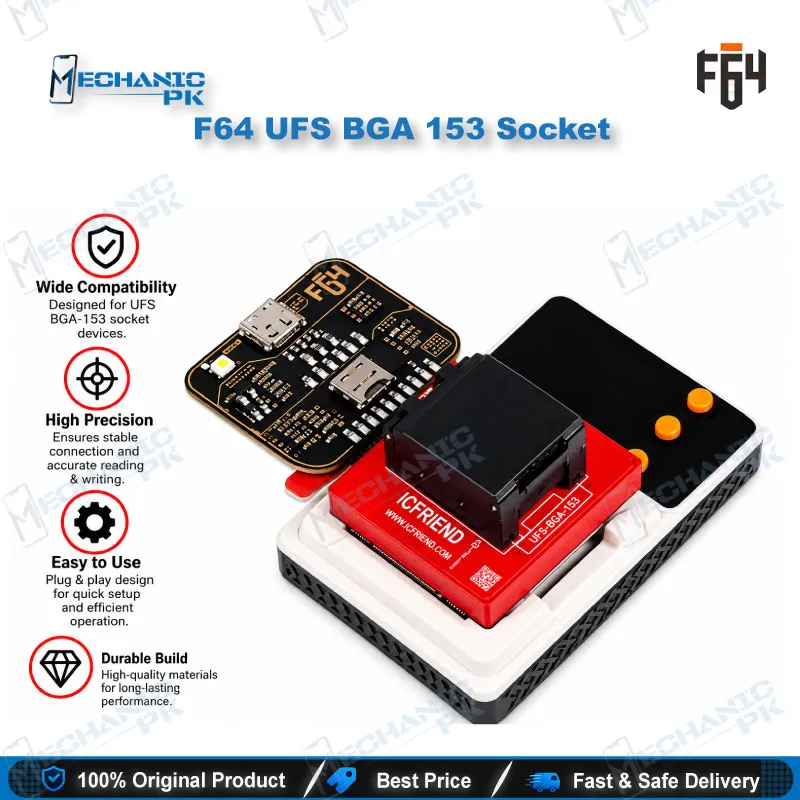
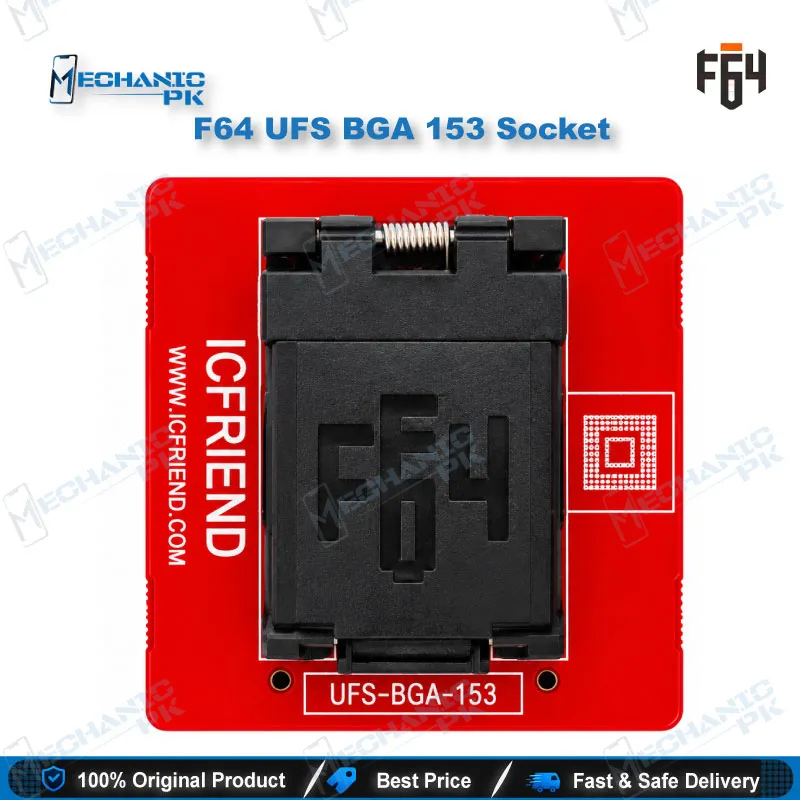
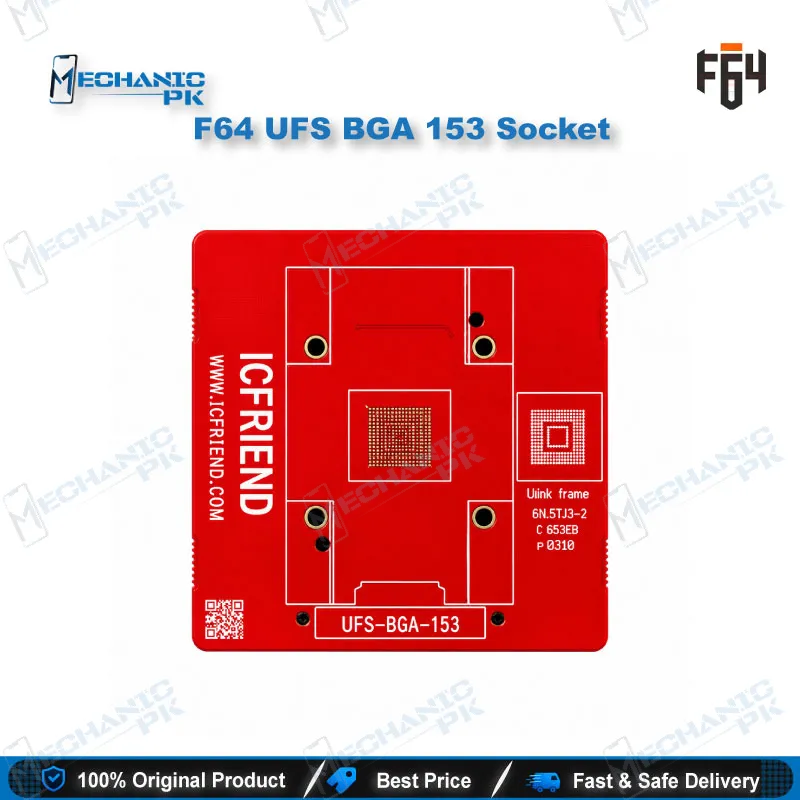
<h2>F64 UFS BGA 153 Socket for Solder-Free UFS Programming</h2> The F64 UFS BGA 153 socket gives your Flash64 setup a dedicated seat for UFS memory ICs in the BGA153 package. You place the removed chip in the socket and connect it to your F64 Box, F64 Lite, or F64 Ultra without reballing it onto a test board. That keeps heat cycles off a chip you cannot easily replace and shortens every UFS job on your repair bench. Match the chip’s package to the socket before you seat it, and the adapter gives your F64 software a clean path to the memory. Mechanicpk supplies it to Pakistani repair shops that handle UFS-based phones.
In stock
<h2>F64 UFS BGA 153 Socket for Chip-Off UFS Work</h2> The F64 UFS BGA 153 socket gives your Flash64 setup a solder-free seat for UFS memory in the BGA153 package. When a phone arrives as a dead phone, hangs on logo, or goes dead after flash, and the UFS chip needs direct access, you lift the IC, place it in this socket, and let your F64 box communicate with the memory. You skip the reballing step that a test-board method demands, and you protect a chip that has already survived one reflow. This page explains what the adapter covers, where it fits in your UFS workflow, and how to handle it so the contacts last. <h3>BGA153 Package and Socket Interface</h3> UFS memory ships in several ball-grid packages, and the ball count decides which socket you need. This adapter targets UFS ICs in the BGA153 (FBGA153) footprint. The socket works as a temporary interface: it holds the chip, aligns the ball array with the contacts, and routes the signals to your F64 programmer. Because you place the chip rather than solder it, you swap chips quickly and avoid repeated thermal stress on the memory and on your own pads. A BGA254, BGA297, or BGA95 UFS chip needs its own socket, so read the package marking and confirm the footprint before every job. <h3>F64 Box, F64 Lite and F64 Ultra Workflow</h3> Market listings pair this socket with the Flash64 platform, covering the F64 Box, F64 Lite, and F64 Ultra. Your workflow runs in four steps. First, you remove the UFS chip from the faulty board with hot air and clean the balls and pads. Second, you seat the chip in the socket with correct orientation. Third, you connect the adapter to your F64 box and open the UFS function in the F64 software. Fourth, you run the operation the software supports for that chip and verify the result before the chip goes back on the board. This flow suits boot loop issue cases, hang on logo faults, and dead phones where a software-only fix has already failed. <h3>Fitting the Socket into Your Bench Setup</h3> The socket sits in the middle of a larger chip-off process, so the quality of your tools around it matters. A hot air station with stable temperature control lifts the chip cleanly, a microscope lets you inspect balls and pads before and after, and a reballing kit prepares the IC when it returns to the board. A PCB holder keeps the donor board steady while you work. If your shop also handles eMMC jobs, add an eMMC programmer or an ISP pinout tool to the same bench, and move up to a full F64 kit when your daily UFS volume justifies it. Browse the UFS Adapters, Hot Air Stations, Microscopes, and Reballing Kits categories on Mechanicpk to complete the set. <h3>Handling and Care</h3> A socket only performs as well as its contacts. Seat the chip gently and never force it down, because bent contacts cause intermittent reads that waste your time. Check orientation against the chip’s corner marking each time. Keep the contact area free of flux residue and dust, and clean the chip’s balls before placement. Store the adapter in an anti-static pouch or box when you finish, and keep it away from moisture. These habits protect both the socket and the UFS chip, and they keep your results consistent across repeated jobs.
| Weight | 0.45 kg |
|---|
Key Features
- Seat for UFS ICs in the BGA153 (FBGA153) package
- Solder-free chip placement
- Works with the F64 Box, F64 Lite, and F64 Ultra
- Removes the need for a reballed test board
- Keeps repeated heat cycles off the chip
- Quick chip swap between jobs
- Clear fit for UFS-specific workflows
- Pairs with hot air, microscope, and reballing tools on your bench
Specifications
| Brand | F64 (Flash64) |
|---|---|
| Model | F64 UFS BGA 153 Socket |
| Category | UFS Adapters |
| Compatibility | F64 Box, F64 Lite, F64 Ultra |
| Technology | UFS (Universal Flash Storage) |
| Package Supported | BGA153 (FBGA153) |
Common Repair Uses
- Real workflows that follow from a UFS socket on an F64 platform.
- Reading a removed UFS chip on a dead phone
- Writing or restoring data on a chip from a hang on logo device
- Working on boot loop issue boards after the chip is lifted
- Recovering a phone that went dead after flash
- Verifying chip health before you reball and refit it
- Testing a replacement UFS IC before IC change karna
- Data recovery jobs where the board no longer powers on
- Checking donor chips before you commit them to a repair
Compatible Devices
- Verified scope is the adapter family and chip package, not individual phone models.
- UFS memory ICs in the BGA153 (FBGA153) package
- F64 Box programmer
- F64 Lite programmer
- F64 Ultra programmer
- Phones and boards that use a BGA153 UFS chip (chip-off workflow)
FAQ
What is the product name?
What is the brand of this product?
What is the model of this product?
What is this product used for?
Which devices are compatible with this product?
Who should use this product?
Do I need to solder the UFS chip to use the F64 UFS BGA 153 socket?
Can I use this socket for BGA254 or BGA297 UFS chips?
Related products