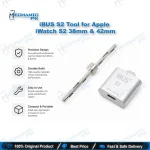
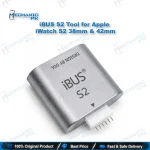
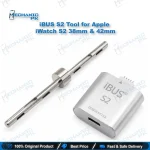
iBUS S2 Tool for Apple iWatch S2 38mm & 42mm
₨ 20,000
Apple Watch S2 Restore and Repair Tool
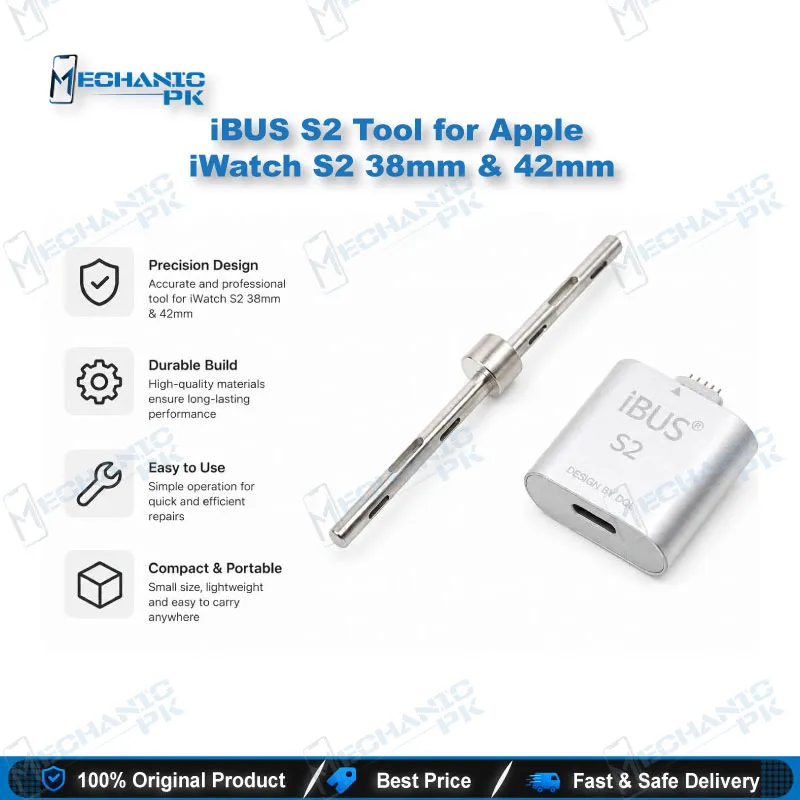
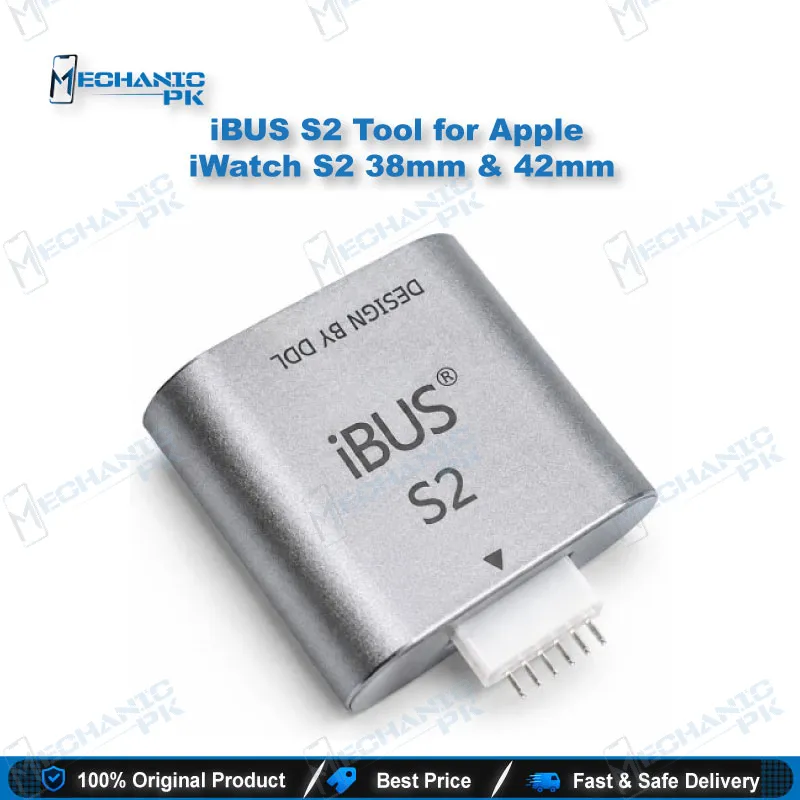
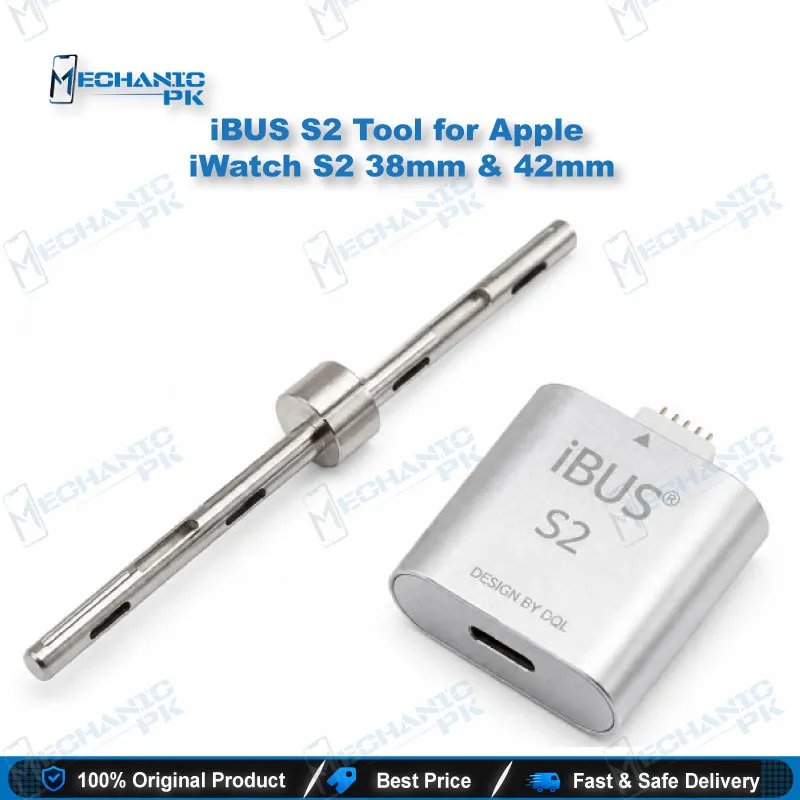
The iBUS S2 Tool for Apple iWatch S2 38mm & 42mm connects Apple Watch Series 2 and Series 3 units to a computer through the watch’s maintenance port. Apple Watch has no standard data connector, so iTunes normally cannot see the device for restore or downgrade work. This tool bridges that gap with a Lightning-to-USB connection, letting a technician enter DFU mode, restore firmware, and run repair software. It also supports glass digitizer touch programming. Built by the MFC team, it suits repair shops and service centers that need controlled firmware work on the 38mm and 42mm sizes.
In stock
The iBUS S2 Tool for Apple iWatch S2 38mm & 42mm is a dedicated Apple Watch S2 restore tool for technicians who need direct computer access to a watch that otherwise offers only wireless charging. Apple Watch models do not expose a standard data port, so this tool connects through the hidden maintenance port and presents the device to iTunes on a Mac or Windows machine. For shops handling firmware recovery, version downgrades, and repair software on Series 2 units, it provides a controlled workshop route instead of sending the watch to an Apple retail location. Designed by the MFC team, the S2 version supports the 38mm and 42mm cases and their Series 3 counterparts in the same sizes. Its pin layout differs from the S1 model, so confirm the generation before ordering. The tool attaches to the watch’s maintenance port and runs a standard USB 2.0 connection to the computer, which keeps the setup simple for a bench technician. Once the watch is in DFU mode and iTunes recognizes it, you can restore the watch with a firmware file on your computer, downgrade to an older watchOS build, or flash repair software. The same connection also supports programming for a replaced glass digitizer touch, which matters when a screen swap leaves touch calibration out of sync. Your workflow starts with the device check: confirm the model number, the case size, and whether the watch responds at all. Then seat the tool, enter DFU, and let iTunes detect the unit before you start any write operation. Apple does not publish full watchOS restore files to the public, so you need to source the correct firmware for the exact model and build before you begin. A failed write on a watch without valid firmware can leave the unit unusable, so verify the file first. Keep in mind that Apple Watch Series 7 and later removed this maintenance port, so this tool does not apply to those models. Any software work through the diagnostic port voids the warranty, which matters for customer units still under coverage. Technicians choose this tool when a watch refuses normal updates, stalls during setup, or needs a clean restore that the companion Watch app cannot provide. It also suits training institutes that teach Apple Watch service fundamentals on hands-on hardware. The iBUS S2 gives your bench a reliable, purpose-built way to handle Series 2 and Series 3 firmware work at the 38mm and 42mm sizes, with a clear route from DFU entry to a completed restore.
| Weight | 0.3 kg |
|---|
Key Features
- Connects Apple Watch Series 2 and Series 3 (38mm and 42mm) through the maintenance port
- Lightning-to-USB connection for use with a desktop iTunes setup on Mac or Windows
- Supports full watchOS restore and downgrade using a firmware file on your computer
- Supports DFU mode entry and recovery workflows once iTunes detects the device
- Supports repair software and glass digitizer touch programming
- Designed by the MFC team for professional repair use
- Compact dongle format that stays on the bench between jobs
- Suited to repair shops, service centers, and technical training courses
Specifications
| Brand Entity | MFC (iBUS) |
|---|---|
| Product Entity | iBUS S2 Tool for Apple iWatch S2 38mm & 42mm |
| Technology Entity | iTunes-based watchOS restore via maintenance port (DFU and recovery mode) |
| Compatible Device Entities | Apple Watch Series 2 (A1757, A1758) and Series 3 (A1858, A1859), 38mm and 42mm |
| Repair Process Entity | Firmware restore, watchOS downgrade, digitizer touch programming |
| Industry Entity | Mobile and wearable repair, Apple Watch service |
Common Repair Uses
- Restoring watchOS firmware when the watch fails to update or boots into an error state
- Downgrading to an older watchOS build using a verified firmware file
- Entering DFU mode and recovering a unit that iTunes cannot otherwise detect
- Running repair and diagnostic software through the maintenance port
- Programming a replaced glass digitizer touch layer
- Preparing Series 2 and Series 3 units for bench service in a workshop environment
Compatible Devices
- Apple Watch Series 2, 38mm (Model A1757)
- Apple Watch Series 2, 42mm (Model A1758)
- Apple Watch Series 3, 38mm (Model A1858)
- Apple Watch Series 3, 42mm (Model A1859)
FAQ
What is the product name?
What is the brand of this product?
What is the model of this product?
What is this product used for?
Which devices are compatible with this product?
Who should use this product?
Does the iBUS S2 work with Apple Watch Series 1 or Series 4 and later?
Can I restore an Apple Watch with this tool without a firmware file?
Related products