
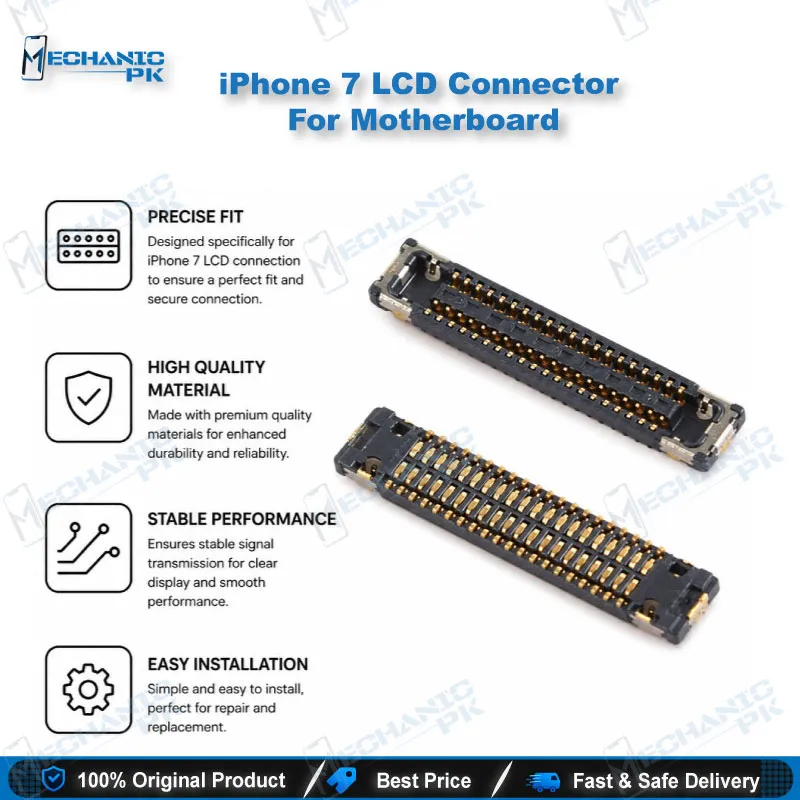
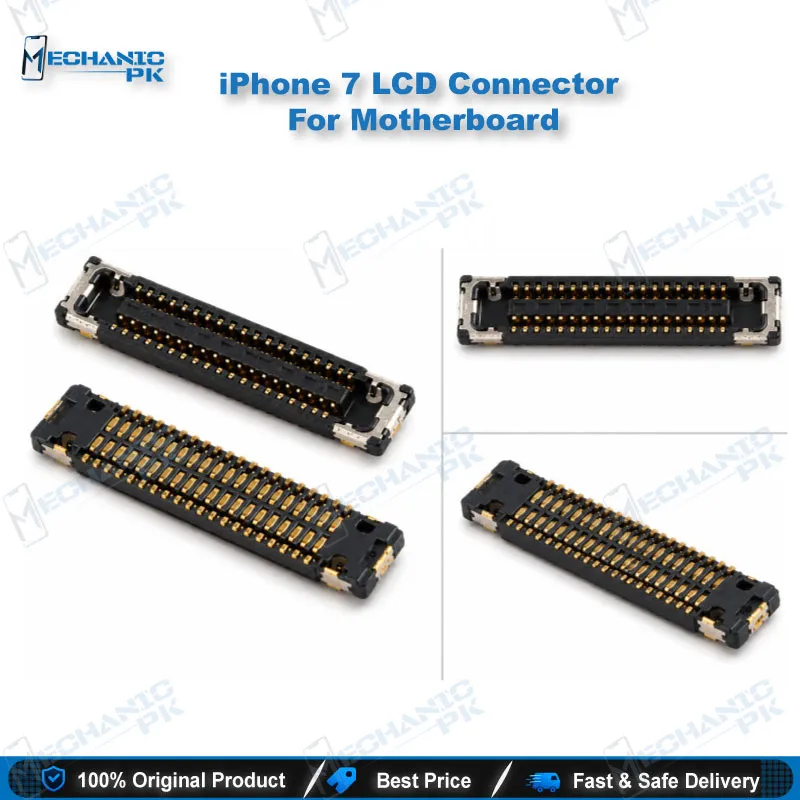
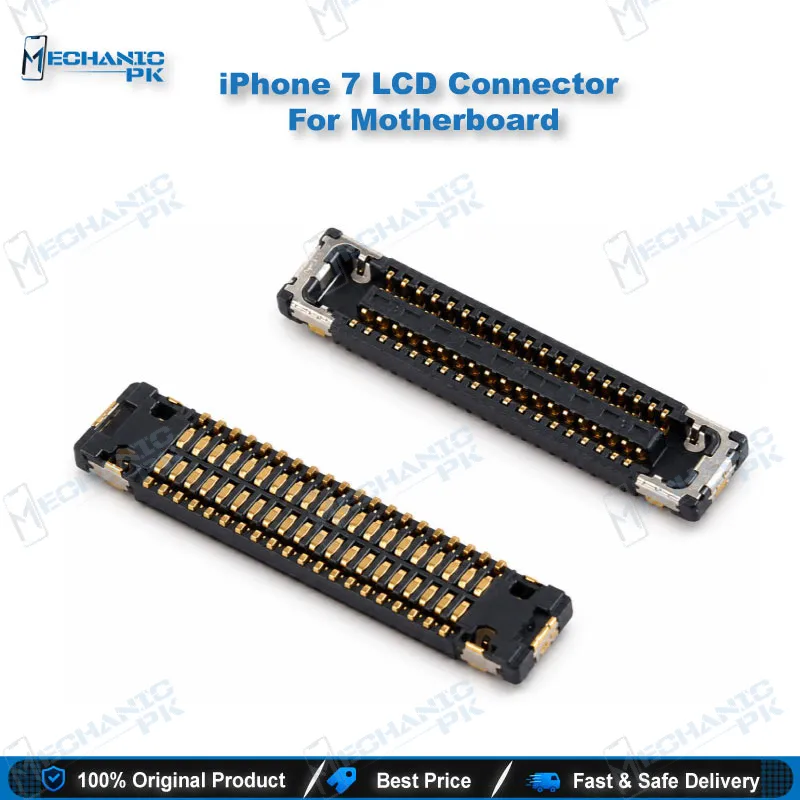
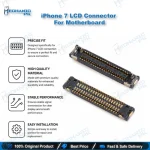
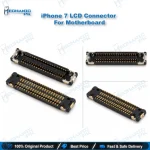
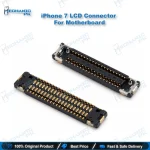
iPhone 7 LCD Connector For Motherboard
₨ 160
iPhone 7 LCD Connector For Motherboard Replacement
This LCD connector sits on the iPhone 7 logic board and carries the display signal from the board to the panel. When the port is damaged, a healthy screen can still show a black display, a blank display, or vertical lines. Your workflow should test the port before you replace the panel. The iPhone 7 routes its display flex from the bottom edge, so cable orientation and bracket placement matter during reassembly. Use this part when a diagnosis points to the logic board connector rather than the display assembly.
In stock
iPhone 7 LCD Connector For Motherboard: The Display Signal Entry Point
The LCD connector on the iPhone 7 logic board is where your display signal enters the main board. When this port fails, the panel itself may be fine, yet the screen stays black, goes blank, or shows vertical lines. That symptom often sends technicians straight to the display before they check the board. This page explains how the iPhone 7 routes its display flex, how to diagnose a faulty port on your bench, and how to handle replacement cleanly. Use it when you need an LCD connector for an iPhone 7 logic board and want a clear diagnostic path before any soldering begins.
Bottom-Edge Flex Routing on the iPhone 7
The iPhone 7 display assembly differs from earlier iPhones in one important way. Earlier models bring their flex cables out of the top edge, while the iPhone 7 brings them out of the bottom edge. This layout changes how the display seats against the logic board, so you should confirm cable orientation before you connect anything. A connector setup that works on an older model can sit at the wrong angle here. Plan your teardown order around this difference. Lift the retaining bracket carefully so the flex does not tear near the port. Compare the routing on the donor display and the new display before you remove the old connector, because that comparison prevents misalignment during reassembly. Keep the cable path clear of the battery and the antenna area when you close the device.
Diagnosing a Faulty LCD Connector
Start with the symptoms and confirm them on a known-good display before you replace any part. A blank or black screen, or vertical lines on a panel that works on another board, can point to a damaged LCD connector or a loose contact at the port. Inspect the metal pins under magnification and look for lifted, bent, or cracked pins. Check the surrounding pads for lifted traces and cold joints. Measure continuity to the port only after you confirm the board has power and the panel is verified. Be careful about part identity: the iPhone 7 Plus uses a different 40-pin J4502 LCD and digitizer connector, so never swap connectors between models without checking the designation on the board. Document every finding, including pin condition and pad condition, so your diagnosis holds up if the customer returns.
Replacement Workflow on Your Repair Bench
Remove the old connector with controlled heat from a hot air station set to a moderate temperature. Protect nearby components with heat-resistant tape or shielding, because a few degrees of overshoot can lift surrounding parts. Clean the pads with flux and isopropyl alcohol, then tin the pads lightly so the new joints wet evenly. Position the replacement connector and confirm alignment against the pad outline before you apply heat. Reflow with steady, even heat, then check the joints under the microscope for bridging or cold solder. Power the board and test the display, including the touch layer, before you reassemble the phone. Seat the flex firmly, confirm the bracket holds the connector in place, and recheck the display after the final close-up.
| Weight | 0.1 kg |
|---|
Key Features
- Designed as a replacement LCD connector for the iPhone 7 logic board
- FPC connector format for the display signal path
- Suited to hot air rework with standard repair bench tools
- Supports display and touch testing after reflow
Specifications
| Brand Entity | Apple iPhone 7 (compatible part) |
|---|---|
| Product Entity | iPhone 7 LCD connector for motherboard |
| Technology Entity | FPC display connector |
| Compatible Device Entities | iPhone 7 |
| Repair Process Entity | LCD connector replacement and hot air reflow |
| Industry Entity | Mobile repair and logic board rework |
Common Repair Uses
- Replacing a cracked or pin-damaged LCD connector on the iPhone 7 logic board
- Fixing a black or blank screen when the panel tests good on another board
- Correcting vertical lines caused by a loose LCD contact at the port
- Restoring display signal after a drop or board-level damage near the connector
- Rework of lifted or damaged connector pads before reflow
Compatible Devices
- Apple iPhone 7 logic board, LCD connector port
- Apple iPhone 7 display assemblies with bottom-edge LCD flex routing
- Apple iPhone 7 LCD and digitizer flex connection on the logic board
FAQ
What is the product name?
What is the brand of this product?
What is the model of this product?
What is this product used for?
Which devices are compatible with this product?
Who should use this product?
Does this connector fit the iPhone 7 Plus?
What symptoms point to a faulty LCD connector on the iPhone 7?
Related products