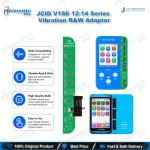
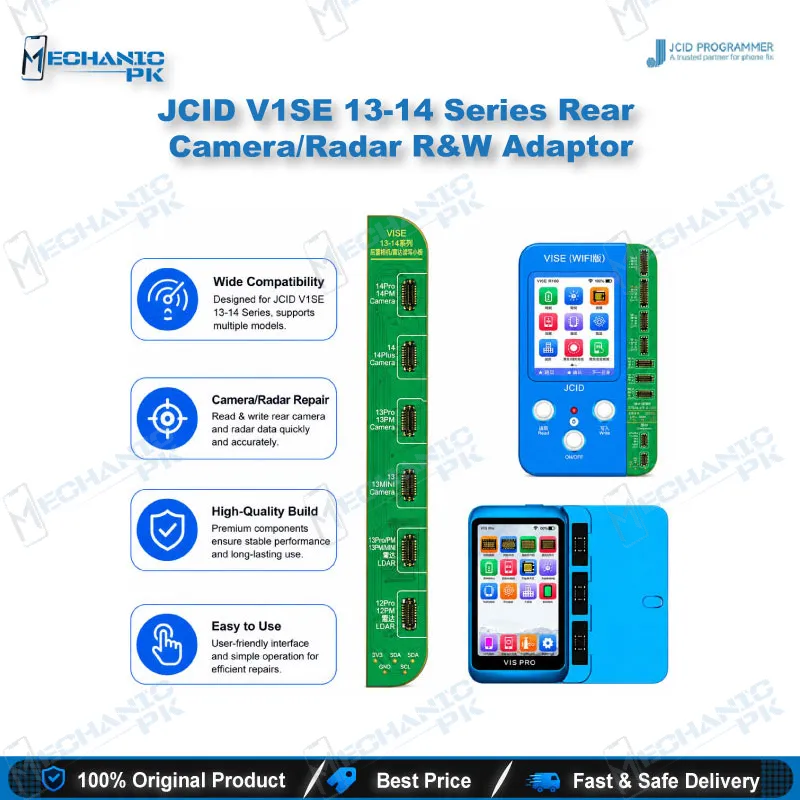
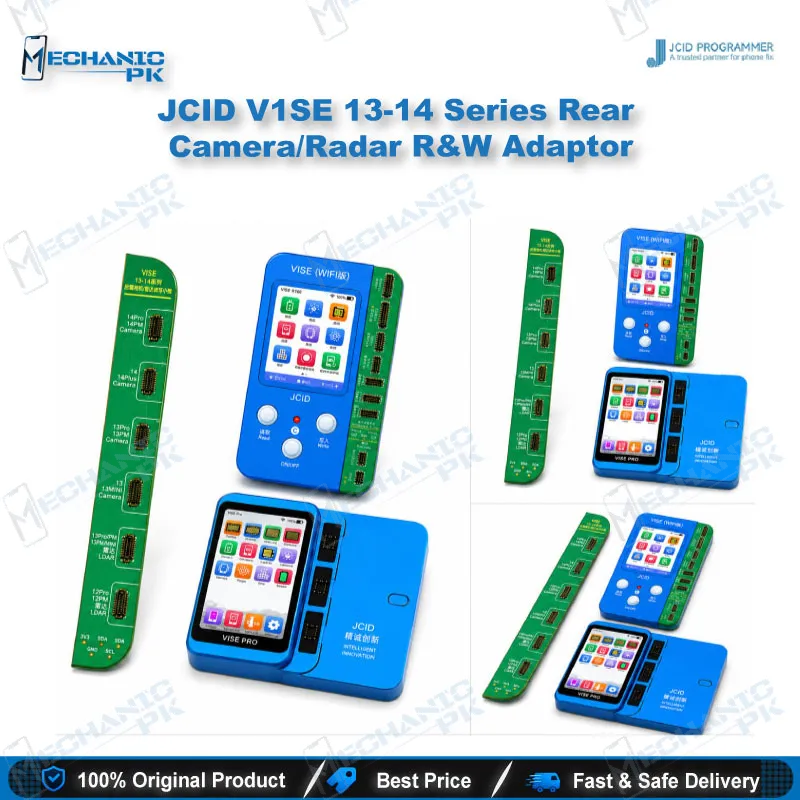
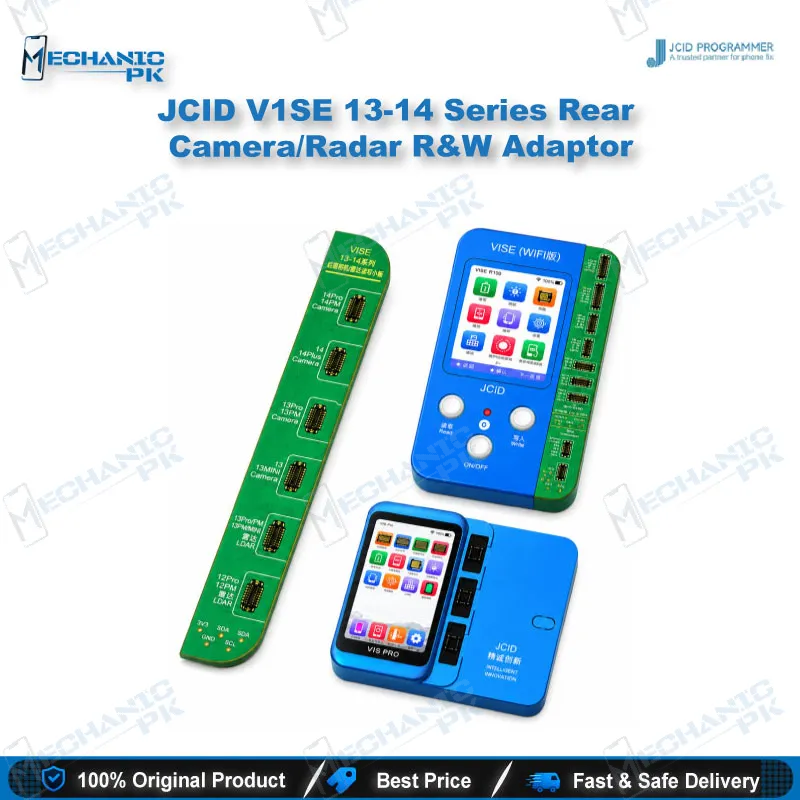
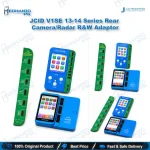
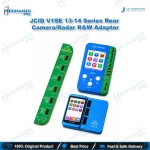
JCID V1SE 13-14 Series Rear Camera/Radar R&W Adaptor
₨ 5,500
JCID V1SE Rear Camera Adaptor for iPhone 13 to 14 Pro Max
This JCID read and write adaptor connects to the V1SE and V1S Pro programmers to read original rear camera data from iPhone 13, 13 mini, 13 Pro, 13 Pro Max, 14, 14 Plus, 14 Pro and 14 Pro Max, then write it back after the repair. It also covers LiDAR read and write on iPhone 12 Pro through 14 Pro Max. Use it when a non-genuine rear camera triggers the “can’t check original camera” warning or a camera freezes after replacement. Pair it with the JCID camera repair FPC for the pop-up fix. The adaptor is not matched with the V1S programmer, so confirm your programmer model before ordering. Sold as one piece per bag or ten pieces per bundle.
Out of stock
JCID V1SE Rear Camera Adaptor for iPhone 13 to 14 Pro Max
The JCID V1SE rear camera adaptor is a read and write tool built for one repair job: moving original camera data between the socket and the programmer on iPhone 13 and 14 series devices. Non-genuine rear cameras often trigger a warning that the camera cannot be verified, and that pop-up can keep a repaired phone from passing the camera check. This adaptor sits between the rear camera socket and the programmer, reads the original data from the module, and writes it back after the swap. The same board also covers LiDAR read and write on selected 12 Pro through 14 Pro Max models. Technicians who run high-volume camera jobs will find the repeatable setup the real advantage, because each module follows the same read, save, and write sequence. For your repair bench, a camera replacement becomes a defined programmer step rather than trial and error.
Rear Camera Read and Write Workflow
Start with a clear fault check. If the phone shows the warning that it cannot confirm the rear camera is original, or the camera freezes after a swap, the read and write step is the right path. Connect the adaptor to the programmer, attach the rear camera module, and read the original data first. Save that read before you write anything, because it gives you a reference when the replacement behaves differently. Then write the saved data to the replacement camera and test the camera in the phone’s camera app. The adaptor handles the data exchange only, so keep the flex connector clean and check the socket pins for damage before each attempt. A bent pin produces read errors that look like adaptor failure, and that mistake costs technicians hours. A tidy bench, a fresh flex, and a labeled donor module remove most of the variables before the programmer even starts.
Matching the Adaptor with V1SE and V1S Pro
This adaptor is built for the V1SE and V1S Pro programmers. The official listing marks it as unmatched with the V1S, so the V1S will not give you a working read and write session with this board. Before you start, confirm which programmer you hold, keep its software current, and follow the JCID operation guide for the 13 to 14 series rear camera function. When the pop-up comes from an unmatched rear camera, the adaptor works alongside the JCID camera repair FPC, and the two parts must be matched to the module you are installing. Ordering the FPC with the adaptor avoids a second trip to the parts supplier and keeps the workflow complete from the first attempt. Keep a record of which programmer and software version you used for each job, so a future issue can be traced back quickly.
LiDAR Read and Write on iPhone 12 Pro to 14 Pro Max
The adaptor also handles LiDAR read and write on iPhone 12 Pro, 12 Pro Max, 13 Pro, 13 Pro Max, 14 Pro and 14 Pro Max. When a replacement LiDAR module arrives, read the original data from the donor part, then write it to the new module through the adaptor. The LiDAR path uses the same socket logic as the camera path, so your bench setup stays familiar when you move between the two jobs. Keep the donor and replacement modules labeled, because the data you save belongs to one specific module. Stop the job and recheck the connection if the read returns unexpected data, rather than writing over a saved module. Use the adaptor for the models listed here, and check the operation guide before you attempt any model outside that scope.
| Weight | 0.15 kg |
|---|
Key Features
- Read and write adaptor for iPhone 13 and 14 series rear cameras
- LiDAR read and write for iPhone 12 Pro through 14 Pro Max
- Matches V1SE and V1S Pro programmers
- Not matched with the V1S programmer
- Works with the JCID camera repair FPC for the rear camera pop-up fix
- Reads original module data and writes it back to the replacement
- Green adaptor board
- Sold as 1 piece per bag or 10 pieces per bundle
Specifications
| Brand | JCID |
|---|---|
| Category | Programming Tool |
| Compatibility | V1SE and V1S Pro programmers (unmatched with V1S) |
| Supported Devices | iPhone 13, 13 mini, 13 Pro, 13 Pro Max, 14, 14 Plus, 14 Pro, 14 Pro Max (rear camera); iPhone 12 Pro, 12 Pro Max, 13 Pro, 13 Pro Max, 14 Pro, 14 Pro Max (LiDAR) |
| Technology | Read and write of rear camera and LiDAR module data |
Common Repair Uses
- Rear camera and LiDAR module data restoration during board-level camera and sensor repair
- Clearing the “can’t check original camera” warning after an iPhone 13 or 14 series rear camera replacement
- Pairing with the JCID camera repair FPC to fix the pop-up caused by an unmatched rear camera
- Restoring a frozen rear camera on iPhone 13 and 14 series after a non-genuine module swap
- Saving original rear camera data from a donor module before replacing it
- Writing original data to a replacement rear camera module on iPhone 13 and 14 Pro series
- Restoring LiDAR data on iPhone 12 Pro through 14 Pro Max after a LiDAR module swap
- Camera data checks during diagnosis when a rear camera fault follows a replacement
- Running the read and write workflow on a V1SE or V1S Pro programmer alongside the JCID operation guide
Compatible Devices
- Device-specific, verified by JCID for the models below, used with V1SE and V1S Pro programmers
- iPhone 13 and iPhone 13 mini rear camera
- iPhone 13 Pro and iPhone 13 Pro Max rear camera
- iPhone 14 and iPhone 14 Plus rear camera
- iPhone 14 Pro and iPhone 14 Pro Max rear camera
- iPhone 12 Pro and iPhone 12 Pro Max LiDAR
- iPhone 13 Pro and iPhone 13 Pro Max LiDAR
- iPhone 14 Pro and iPhone 14 Pro Max LiDAR
- JCID V1SE and V1S Pro programmers (not matched with V1S)
FAQ
What is the product name?
What is the brand of this product?
What is the model of this product?
What is this product used for?
Which devices are compatible with this product?
Who should use this product?
Does this adaptor work with the V1S programmer?
Does this adaptor fix the rear camera pop-up on a non-genuine camera?
Related products