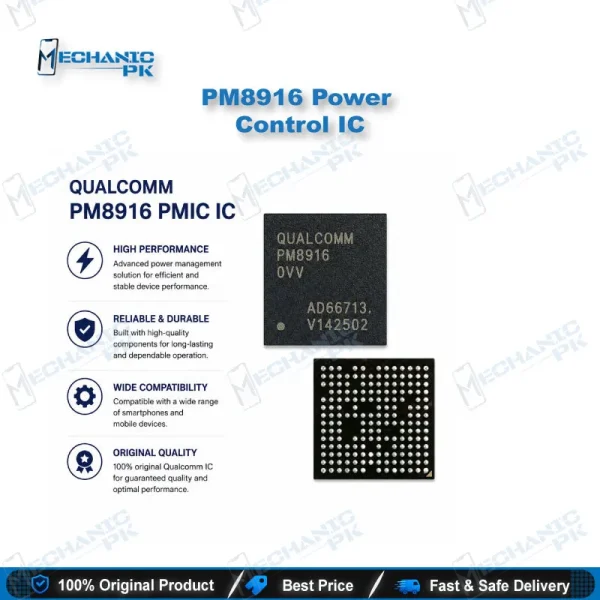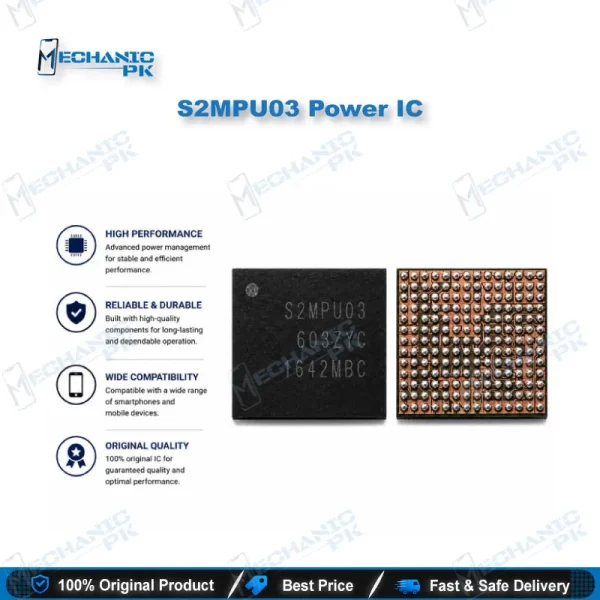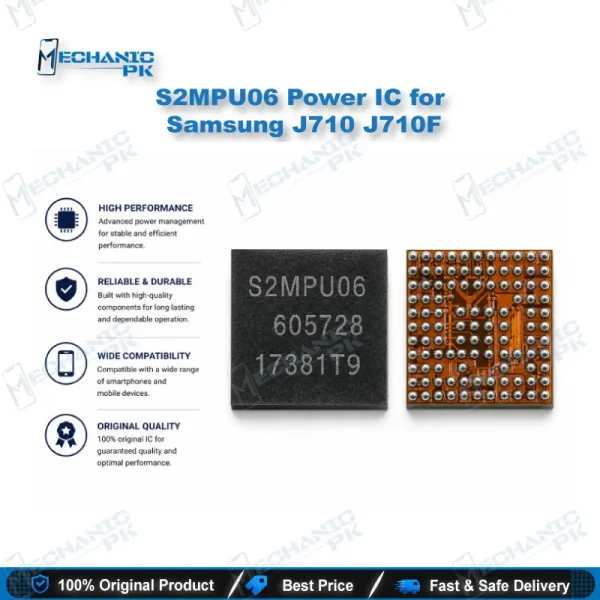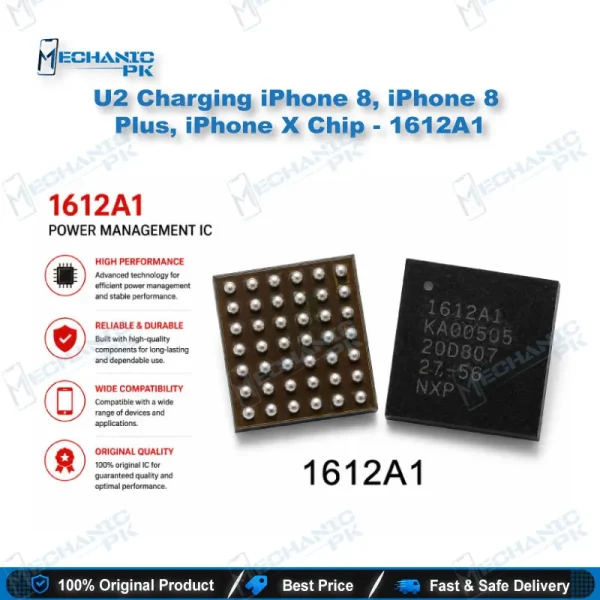
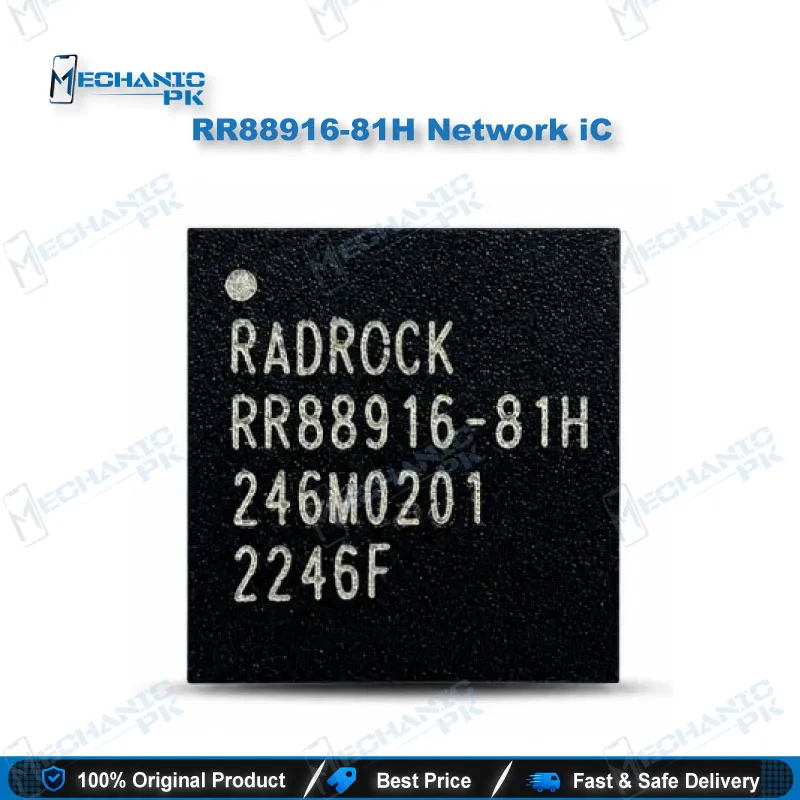
RR88916-81H Network IC for Mobile Repair
₨ 350
RR88916-81H Network IC for Signal-Side Mobile Repair
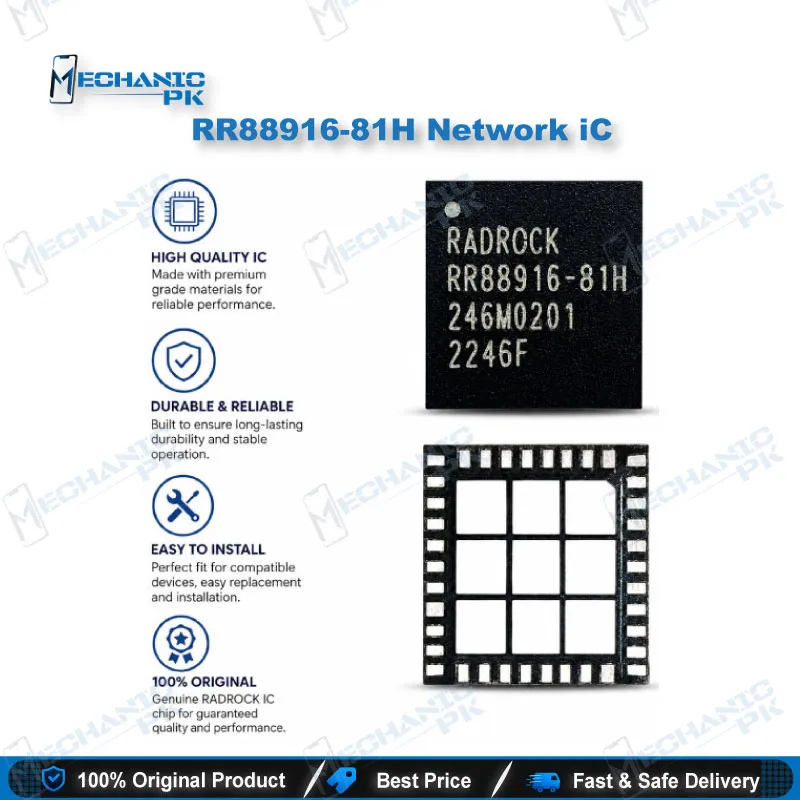
The RR88916-81H network IC gives your repair bench a direct replacement part for handset boards with a failed RF-side stage. You use it when a phone shows no signal, drops calls, loses mobile data, or draws abnormal current from the battery after a short in the network section. Mechanicpk supplies the IC for technicians who change RF-area components at board level instead of swapping the whole PCB. Match the top marking on your board against this part before you order, then follow standard hot air rework practice for removal and fitting. The listing suits repair shops, service centers, and hardware technicians who handle network faults regularly.
RR88916-81H Network IC for Mobile PCB Repair
The RR88916-81H network IC serves technicians who repair the radio side of a mobile phone board. When a handset loses signal, refuses to hold a call, or heats up near the RF section, a failed IC in this stage often sits behind the fault. You replace that single component, restore the signal path, and return the phone without paying for a new motherboard. Mechanicpk stocks the RR88916-81H for repair shops across Pakistan that diagnose network faults at component level.
Where the RR88916-81H Sits in the Repair Workflow
This part belongs to the network and RF stage of the PCB, not the power or charging stage. You reach for it after you rule out the SIM tray, the antenna contacts, and the software side. Marketplace listings group the RR88916 family under amplifier and PA-type ICs, so treat the part as a signal-path component that affects transmit and receive behavior. The marking on the board decides compatibility, not the phone model name alone. Read the top marking under the microscope, compare it with the part on your bench, and confirm the match before you heat anything.
Diagnosing a Network Fault Before You Replace the IC
A dead network section rarely announces its cause, so work through the checks in order. Start with the basics: a known-good SIM, a clean tray, and a fresh network reset. Next, measure the current draw on a bench power supply. A network-stage short pulls extra current even when the phone looks dead, and a thermal camera or freezing spray points you to the hot component quickly. If the RR88916-81H marking sits on the hot spot, you have a strong candidate for replacement. Swap it only after you confirm the surrounding capacitors and filters test normal, because a bad neighbor can kill the new IC within minutes.
Rework and Installation on Your Repair Bench
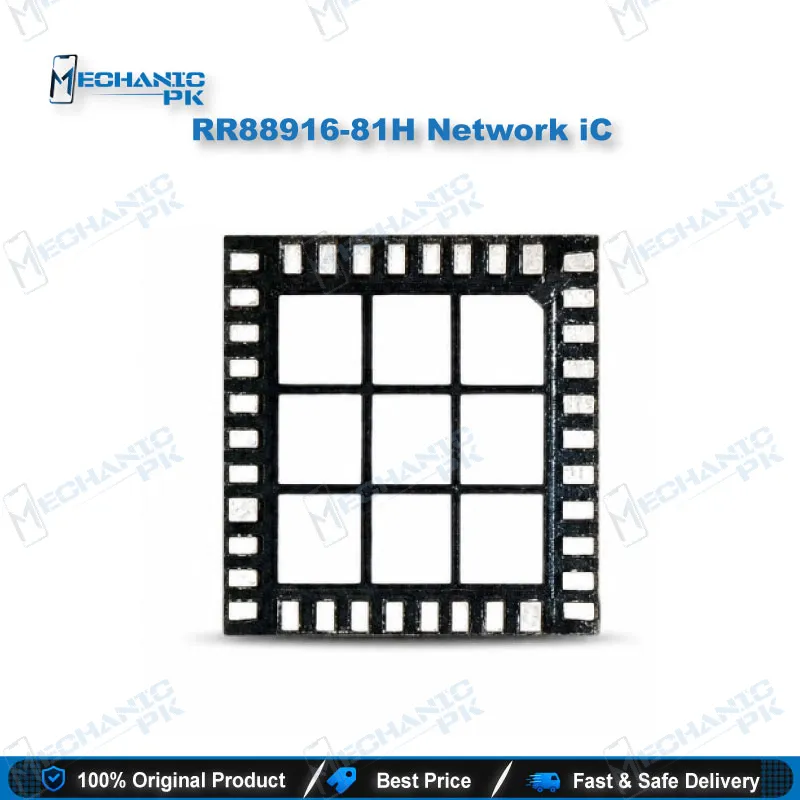
Lift the board shield, preheat the PCB, and remove the old IC with controlled hot air. Keep the airflow low so you avoid shifting nearby RF components. Clean the pads with flux and braid until they sit flat, then align the new IC with the marking dot and seat it with steady heat. Lead-free boards need a higher profile than leaded work, so follow the solder type already on your board. After the joint cools, inspect it under the microscope, refit the shield, and test signal, calls, and mobile data before you close the phone.
Handling and Quality Checks
Check the markings and the pin side under magnification as soon as the part arrives. Store the IC in an anti-static bag until the moment of fitting, and ground your station to protect it from discharge. A clean pad, fresh flux, and a steady hand protect the result more than any shortcut. Run a full network test after the repair, and keep the replaced IC aside until the customer confirms the phone works.
| Weight | 0.1 kg |
|---|
Key Features
- Network-stage IC for board-level mobile repair
- Matched by top marking RR88916-81H
- Suits no signal, weak signal, and call drop faults
- Supports IC change karna without replacing the full PCB
- Works with standard hot air rework on a repair bench
- Helps isolate network short circuits during diagnosis
- Fits repair shop and service center workflows
- Supplied for technicians who verify the marking before fitting
Specifications
| Model | RR88916-81H |
|---|---|
| Category | Mobile Phone Network IC |
| Compatibility | Universal part listing, not device-specific; confirm against the board marking |
Common Repair Uses
- Network and signal faults at board level.
- No signal or “no service” after SIM and software checks
- Weak signal or frequent call drops
- Mobile data not connecting on a healthy SIM
- Dead phone with abnormal current draw from a network-stage short
- Heat near the RF section during standby
- Network failure after liquid damage to the RF area
- Network failure after a drop that cracked a solder joint on the IC
- Replacement of a failed IC lifted from a donor board
Compatible Devices
- Universal part listing, not tied to one phone model. Verify the marking on your board before you order.
- Boards that carry an RR88916-81H marking in the RF section
- Handset PCBs where the network stage matches this top marking
- Donor boards that show the same marking on the signal path
- Phones whose schematic or boardview lists this part number
- Models you identify by the IC marking, not by the retail name
- Boards with no signal after a confirmed short in the RF stage
- Phones that need a like-for-like replacement of a failed network IC
- Repair jobs where you match the pad layout and marking by eye
FAQ
What is the product name?
What is the brand of this product?
What is the model of this product?
What is this product used for?
Which devices are compatible with this product?
Who should use this product?
How do I confirm the RR88916-81H causes a no signal fault?
How should I remove and fit the RR88916-81H with hot air?
Related products