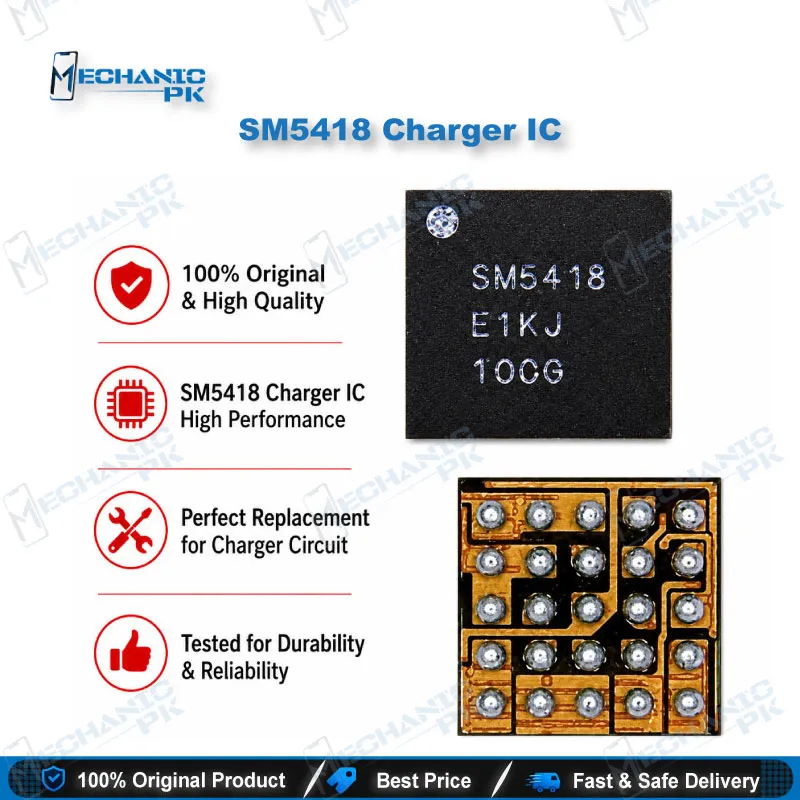
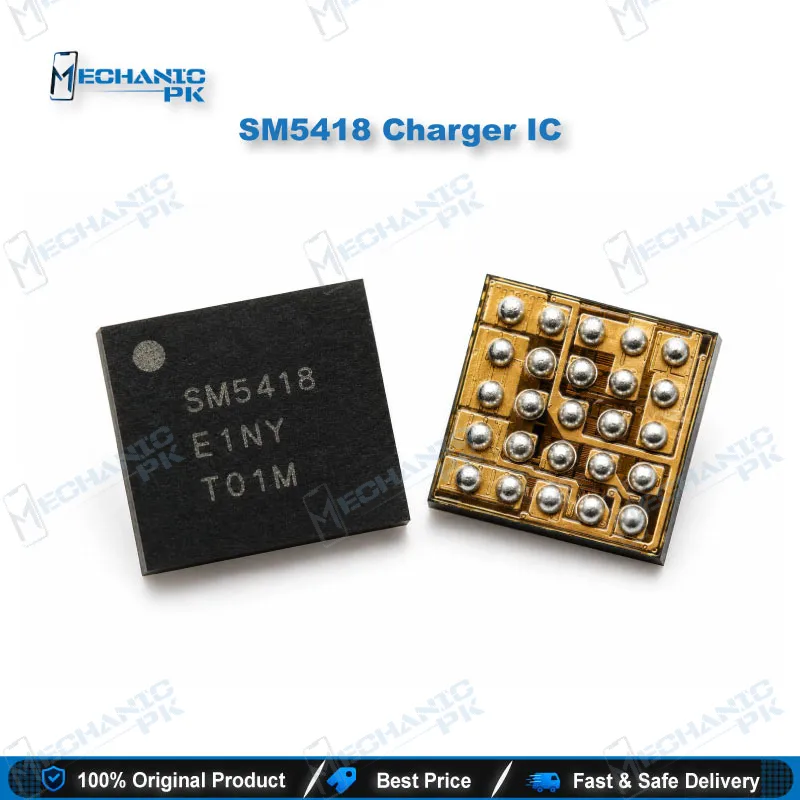
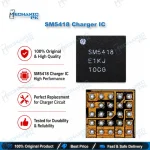
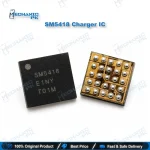
SM5418 Charger IC for Samsung Galaxy Tab 4 7.0 T231/T235
₨ 200
SM5418 Charger IC for Galaxy Tab 4 7.0 Charging Circuit Repair
The SM5418 Charger IC is the charging control chip on the Samsung Galaxy Tab 4 7.0 main board, fitted in both the SM-T231 (3G) and SM-T235 (LTE) variants. It sits behind the Micro USB input and manages how the tablet charges its Li-Po battery. When this IC fails, the tablet typically stops charging, shows a charging icon without any rise in battery percentage, or goes completely dead after a bad adapter. Mechanicpk supplies the SM5418 as a model-matched, board-level replacement for repair benches handling Samsung tablet charging faults.
SM5418 Charger IC: Charging Control for the Galaxy Tab 4 7.0 Board
The SM5418 Charger IC handles battery charging on the Samsung Galaxy Tab 4 7.0 logic board, covering the SM-T231 3G model and the SM-T235 LTE model. Parts distributors across multiple markets list this exact chip against these two tablets, which makes the SM5418 charger IC a confirmed, model-specific replacement rather than a generic substitute. For a service center that still receives Tab 4 units with power and charging complaints, keeping this IC on the shelf turns a common no-charge job into a predictable board-level repair.
Where the SM5418 Sits in the Tablet’s Power Path
The Galaxy Tab 4 7.0 SM-T231 takes power through a Micro USB 2.0 port and stores it in a 4000 mAh Li-Po cell. The SM5418 controls the stage between those two points. It receives the incoming USB supply and regulates how charge reaches the battery. Because the IC sits directly behind the charging port, it takes the stress from cheap adapters, damaged cables, and unstable supplies. That position makes it a primary suspect whenever a Tab 4 arrives on your bench with a charging complaint.
Charging Faults That Point to the SM5418 Charger IC
Technicians usually trace these symptoms back to the charging section: no charging response at all, a charging icon that appears while the percentage never climbs, very low current draw with a known good cable, and a dead tablet right after the customer used a faulty adapter. Heat building up near the charging area with the cable connected is another strong indicator. A charging issue on this model does not always mean the IC has failed, though. A worn port, a weak battery, or a shorted capacitor can produce the same complaint, so confirm the fault before you lift anything off the board.
Diagnosing Before You Replace
Start with the basic checks. Inspect the Micro USB port for bent pins, corrosion, or a loose connection, and test the battery separately. Next, connect a USB ammeter and read the current draw. Zero or near-zero current with a known good port, cable, and battery points toward the charging section. Mount the board on a PCB holder and use a multimeter in diode mode on the USB VBUS line, comparing your reading against a healthy board. If a short on that line clears after you remove the SM5418, the IC was the fault. A microscope lets you inspect the surrounding capacitors and traces for burn marks, since a shorted capacitor next to the IC can mimic a dead charger chip and waste a replacement part.
Replacement Workflow on the Repair Bench
Removal and fitting call for controlled, even heat. A hot air station lifts the old IC without disturbing nearby components, while a soldering station with a fine tip cleans and levels the pads. Apply quality flux, clean the pads flat, align pin one of the new SM5418 with the board’s orientation mark, and reflow evenly. If the pads need fresh solder, a reballing kit with a suitable stencil helps you restore clean contact points. After fitting, re-check VBUS for shorts, connect a charger, and confirm a healthy current reading on your ammeter before you close the tablet.
Why Mechanicpk Stocks the SM5418
Older Samsung tablets stay in service in Pakistan for years, used by students, families, and small businesses, and the Tab 4 7.0 belongs firmly in that group. Mechanicpk lists the SM5418 against its verified model compatibility, so you match the part to the job without guesswork. Combine it with the right rework setup, from hot air stations and soldering stations to multimeters, microscopes, and PCB holders, and a no-charge Tab 4 becomes a short, repeatable repair instead of a board swap. If the tablet shows a software fault such as hang on logo or boot loop once power returns, handle that as a separate job through your test box workflow rather than blaming the new charger IC.
| Weight | 0.1 kg |
|---|
Key Features
- Model-specific charging IC for Samsung Galaxy Tab 4 7.0 SM-T231 and SM-T235
- Controls battery charging between the Micro USB input and the Li-Po battery
- Direct board-level replacement for confirmed charging-section faults
- Restores charging when a failed or shorted charger IC causes the fault
- Suits standard hot air rework with flux and soldering station pad preparation
- Supplied as a single IC for workshop and service center stock
- Fits a diagnose-first workflow using multimeter and USB ammeter checks
- Supports Pakistani repair shops that service older Samsung tablets
Specifications
| Model | SM5418 |
|---|---|
| Category | Charging IC (Tablet Power Management IC) |
| Compatibility | Samsung Galaxy Tab 4 7.0 |
| Supported Devices | SM-T231, SM-T235 |
| Technology | Battery charging control for the tablet's single-cell Li-Po battery via Micro USB input |
Common Repair Uses
- Board-level charging section repair on the Galaxy Tab 4 7.0
- Not-charging repair on Galaxy Tab 4 7.0 SM-T231 and SM-T235
- Charging icon visible but battery percentage does not increase
- Zero current draw on a USB ammeter with a good port, cable, and battery
- Short on the USB VBUS line traced to the charger IC
- Dead tablet after charging with a faulty adapter
- Overheating in the charging section with the cable connected
- Charging section restoration after liquid damage or corrosion
- Charging still dead after a charging port replacement
Compatible Devices
- Model-specific, Samsung Galaxy Tab 4 7.0 series
- Samsung Galaxy Tab 4 7.0 SM-T231 (3G)
- Samsung Galaxy Tab 4 7.0 SM-T235 (LTE)
- Galaxy Tab 4 7.0 main boards carrying the SM5418 marking at the charging IC position
FAQ
What is the product name?
What is the brand of this product?
What is the model of this product?
What is this product used for?
Which devices are compatible with this product?
Who should use this product?
How do I confirm the SM5418 is faulty before replacing it?
Can a bad charging port cause the same symptoms as a dead SM5418 on the Tab 4 T231?
Related products