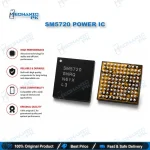
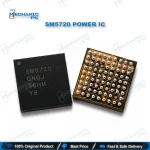
SM5720 POWER IC for Samsung Galaxy S8, S8+ & Note 8
₨ 300
SM5720 Power IC for Samsung Galaxy S8 Series and Note 8
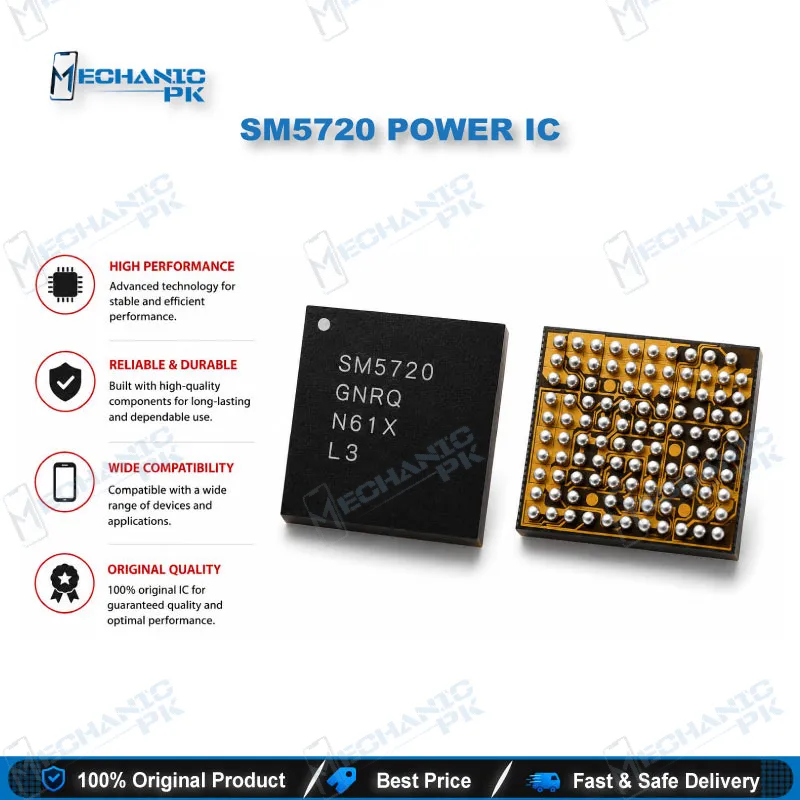
The SM5720 POWER IC is a baseband power management chip that controls the charging side of the power stage on Samsung Galaxy S8 (SM-G950), Galaxy S8+ (SM-G955F, SM-G955U, SM-G9550) and Galaxy Note 8 logic boards. Repair technicians know it as the Samsung S8 charging IC. If a board shows a charging issue, gives no response to a charger, or turns into a dead phone traced to the charging section, you replace this chip at board level with hot air rework. Mechanicpk supplies the SM5720 power IC as a single replacement chip for chip-level technicians, repair shops and service centers across Pakistan.
SM5720 Power IC: Charging-Side Power Control for Galaxy S8, S8+ and Note 8
The SM5720 POWER IC sits in the power path of three closely related Samsung flagship boards: Galaxy S8, Galaxy S8+ and Galaxy Note 8. Parts suppliers classify it as a baseband power management IC, and the repair trade calls it the charging IC for these models. When the SM5720 power IC fails, the symptoms usually point straight at the charging section. The phone stops taking a charge, the board ignores a known-good cable, or the handset refuses to power up from the port. Mechanicpk stocks this part for technicians who repair at chip level instead of replacing the full motherboard.
Where the SM5720 Fits in the Samsung Power Architecture
Samsung boards from this generation split power duties across more than one chip. The main PMIC feeds the processor and memory rails, and a separate charging-side IC handles the power that enters through the USB port on its way to the battery. On the S8, S8+ and Note 8, the SM5720 takes that charging role. Its position explains why it fails so often in the field. A faulty adapter, a liquid-damaged port or an unbranded fast charger hits this chip before anything else on the board. Treat it as the first line of defense in the charging circuit, and you will diagnose these boards faster.
Fault Symptoms That Point to This Chip
Confirm the fault with measurements before you lift any chip. Typical signs on these three models include no charging response with a known-good cable and adapter, abnormal current draw the moment you connect a charger, and a dead phone that powers on from the battery but shows no reaction on charge. A thermal check often reveals a hot spot on a shorted SM5720, and diode-mode readings on a multimeter quickly expose a short on the lines around it. If the handset sits in a boot loop or hangs on logo without any charging symptom, start with software and the main power rails before you suspect the charging IC.
Replacing the SM5720 Power IC on Your Repair Bench
Secure the board in a PCB holder and remove the shield that covers the charging section. Apply quality flux, then lift the old chip with a hot air station at a controlled temperature and airflow so the nearby components stay in place. Clean the pads with desoldering wick and a soldering station, then inspect every pad under a microscope. A torn or missing pad needs a jumper before the new chip goes down. If the pads need fresh solder, use a reballing kit and stencil to restore an even surface. Align the new SM5720 with its pin-1 marker, reflow it, let the board cool naturally, and clean the flux residue. Finish with a current-draw check on a DC power supply before you run a full charging test.
Matching the Part to the Right Board
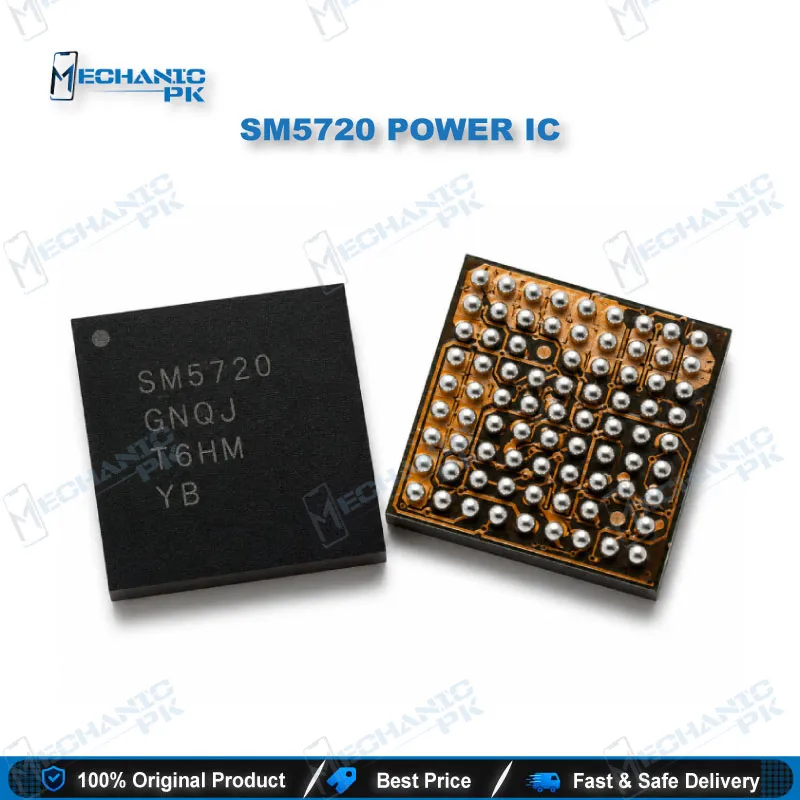
Read the marking on the original chip before you order. This part matches boards that carry the SM5720 marking on Galaxy S8 (SM-G950), Galaxy S8+ variants SM-G955F, SM-G955U and SM-G9550, and the Galaxy Note 8. If the chip on your board shows a different marking, you need a different part. A quick marking check saves you a wasted rework cycle and protects the board from unnecessary heat exposure.
Tools That Complete the Job
A clean SM5720 swap depends on the right bench setup. Mechanicpk carries the full workflow around this repair: hot air stations for controlled IC removal, soldering stations for pad cleanup, microscopes for alignment and pad inspection, reballing kits for pad restoration, PCB holders to keep the board steady under heat, and multimeters for short detection before and after the job. Technicians who move from basic charging port work into board-level repair often build their bench around exactly these tools.
Buying Notes for Repair Shops
Charging IC failures come back regularly on these Samsung models, so many service centers keep a few SM5720 chips in their parts drawer instead of ordering one per job. Store spare chips in anti-static packaging and keep them away from moisture until you mount them. Keep this Galaxy S8 power management IC on hand, and you can return a charging-fault board to the customer the same day rather than quoting a full motherboard replacement.
| Weight | 0.1 kg |
|---|
Key Features
- Replacement baseband power management IC with the SM5720 marking
- Known in the repair trade as the charging IC for the Galaxy S8 series and Note 8
- Matches Galaxy S8 (SM-G950) logic boards
- Matches Galaxy S8+ SM-G955F, SM-G955U and SM-G9550 logic boards
- Fits Galaxy Note 8 logic boards
- Board-mounted part that requires soldering and hot air rework to install
- Supplied as a single IC for individual repair jobs
- Supports chip-level repair instead of full board replacement
Specifications
| Model | SM5720 |
|---|---|
| Category | Mobile Phone ICs / Power & Charging ICs |
| Compatibility | Samsung |
| Supported Devices | Galaxy S8, Galaxy S8+, Galaxy Note 8 |
| Technology | Baseband power management IC (charging IC) |
Common Repair Uses
- Board-level charging and power-stage repair on supported Samsung models
- Charging IC replacement on boards with no charging response
- Recovery of boards damaged by faulty chargers or cables
- Charging-section repair after liquid damage and corrosion cleanup
- Dead phone repair where the fault traces to the charging power stage
- Short-circuit repair on lines connected to the charging IC
- Replacement of an overheating charging IC found during thermal checks
- Pad repair and re-mounting after a failed earlier IC replacement
- Chip-level repair as an alternative to full motherboard replacement
Compatible Devices
- Samsung Galaxy S8 series and Note 8 boards carrying the SM5720 marking
- Samsung Galaxy S8 (SM-G950)
- Samsung Galaxy S8+ (SM-G955F)
- Samsung Galaxy S8+ (SM-G955U)
- Samsung Galaxy S8+ (SM-G9550)
- Samsung Galaxy Note 8
FAQ
What is the product name?
What is the brand of this product?
What is the model of this product?
What is this product used for?
Which devices are compatible with this product?
Who should use this product?
Is the SM5720 the charging IC for the Samsung Galaxy S8 and S8+?
How do I install the SM5720 power IC on a Galaxy S8 board?
Related products