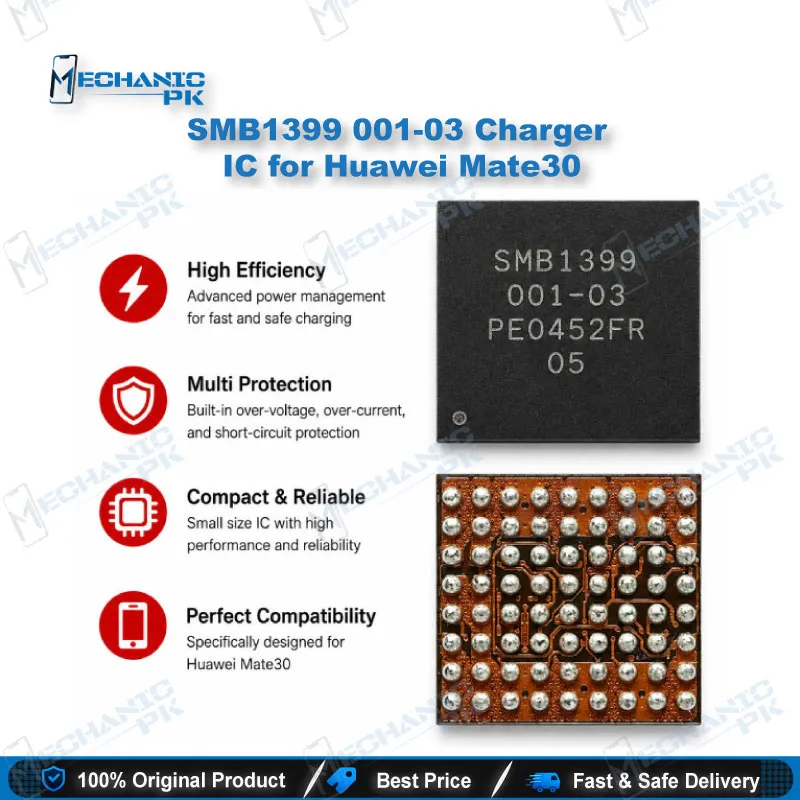
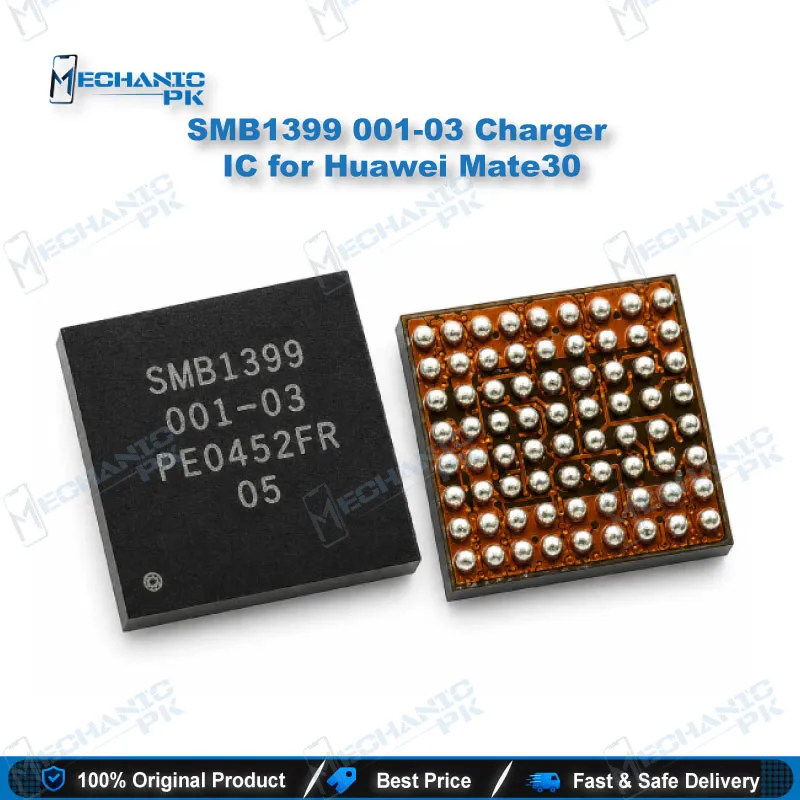
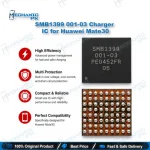
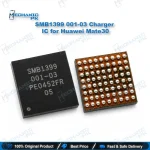
SMB1399 001-03 Charger IC for Huawei Mate30
₨ 350
H2: SMB1399 001-03 Charging IC for Huawei Mate 30
The SMB1399 001-03 Charger IC for Huawei Mate30 restores the charging section of the Mate 30 main board when the original chip fails. Technicians reach for this part when a Mate 30 shows no charging, slow charging, lost fast charge, or a short on the charger input line. It carries the exact SMB1399 001-03 marking, so you match the original chip on the board instead of relying on a cross-reference. Pair it with a hot air station, quality flux, and a microscope for a clean board-level swap, then confirm current draw with a USB tester before you close the phone.
H2: SMB1399 Charging IC for Huawei Mate 30 Board-Level Repair
The SMB1399 001-03 Charger IC for Huawei Mate30 sits in the charging path of the Mate 30 main board, between the USB-C input and the battery. When this SMB1399 charging IC fails, the phone shows a familiar pattern on the bench: no charging animation, a USB ammeter stuck at zero or a few milliamps, fast charging that drops out, or a dead phone with a short on the input line. Mechanicpk supplies this chip for technicians who diagnose down to component level and need the exact marking to restore a Mate 30 charging circuit, not a guess-fit part pulled from a different model.
H3: Where the Huawei Mate 30 Charging IC Sits in the Power Path
The Mate 30 supports Huawei’s 40W SuperCharge wired charging, and that much power passes through dedicated charging silicon before it reaches the cell. Huawei built the handset around the Kirin 990 platform with HiSilicon power management, and the SMB1399 handles its share of the charging section on that board. A fault here rarely stays quiet. A shorted input rail drags the charger voltage down, a damaged internal switch blocks current flow, and a partial failure often limits the phone to slow charging. Low-quality adapters, liquid entering through the charging port, and voltage spikes from damaged cables cause most of the failures you see on the bench. Before you order a replacement, confirm the fault with a diode-mode reading on the input lines and a thermal check: inject low voltage from a DC supply and watch for the chip that heats first. If the SMB1399 warms immediately, you have found your culprit and can plan the swap with confidence.
H3: Replacement Workflow for an SMB1399 Charging IC Swap
Clamp the board in a PCB holder, shield nearby components with heat-resistant tape, and apply quality flux around the chip. Remove the old IC with a hot air station on a controlled temperature profile, and lift it only once the solder flows fully so you avoid tearing pads. Clean the land pattern with desoldering wick and fresh flux until every pad sits flat and bright. If the new chip needs fresh solder balls, reball it with a matching stencil from a reballing kit before placement. Align the IC with the pin-one marker and the outline on the board under a microscope, because even a slight offset on a fine-pitch charging chip creates a bridged ball or an open joint. Reflow it in place, let the board cool naturally without forced air, and clean the flux residue with IPA. Before you reassemble, measure the input line in diode mode again and confirm that the short has cleared.
H3: Post-Swap Testing and Tools That Speed Up Your Bench
Connect the board to a DC power supply or a USB tester and watch the current draw rise as the charging circuit negotiates with the adapter. A healthy Mate 30 moves from standard charging to fast charging once the phone completes its handshake with a compatible Huawei charger. If current stays flat, recheck the charging port flex, the sub-board connector, and the battery connector before you blame the new IC. For consistent results on charging IC work, pair this part with a temperature-controlled hot air station, a stereo microscope, and a multimeter with a fast diode mode. Technicians who handle many Huawei boards every week often upgrade to a thermal camera, which locates a shorted charging IC in seconds and removes guesswork from the voltage-injection step.
| Weight | 0.1 kg |
|---|
Key Features
- Exact SMB1399 001-03 marking for a direct Mate 30 match
- Restores the charging section at component level
- Fixes no-charge and slow-charge faults caused by the IC
- Clears input-line shorts traced to the charging chip
- Suits hot air removal and reflow on a standard rework bench
- Supports reballing with a matching stencil when needed
- Lets you repair the board instead of replacing it
- Works with standard diagnostic flow: diode mode, injection, thermal check
Specifications
| Model | SMB1399 001-03 |
|---|---|
| Category | Charging IC |
| Compatibility | Huawei Mate 30 |
| Supported Devices | Huawei Mate 30 |
| Technology | Battery charging / power path IC |
Common Repair Uses
- Board-level charging faults on the Huawei Mate 30
- Phone not charging with any cable or adapter
- Very slow charging with original Huawei charger
- Fast charging (SuperCharge) not activating
- Short on the charger input (VBUS) line
- Dead phone traced to a shorted charging circuit
- Charging section heating while connected to power
- Charging fault after liquid damage near the port
- Fault remaining after a charging port replacement
Compatible Devices
- Verified scope is device-specific: Huawei Mate 30 main board. Match the SMB1399 001-03 marking on the original chip before replacement.
- Huawei Mate 30 (main logic board charging section)
FAQ
What is the product name?
What is the model of this product?
What is this product used for?
Which devices are compatible with this product?
Who should use this product?
How do I check if the SMB1399 charging IC is shorted on a Huawei Mate 30?
Does replacing the SMB1399 IC restore fast charging on the Mate 30?
Related products