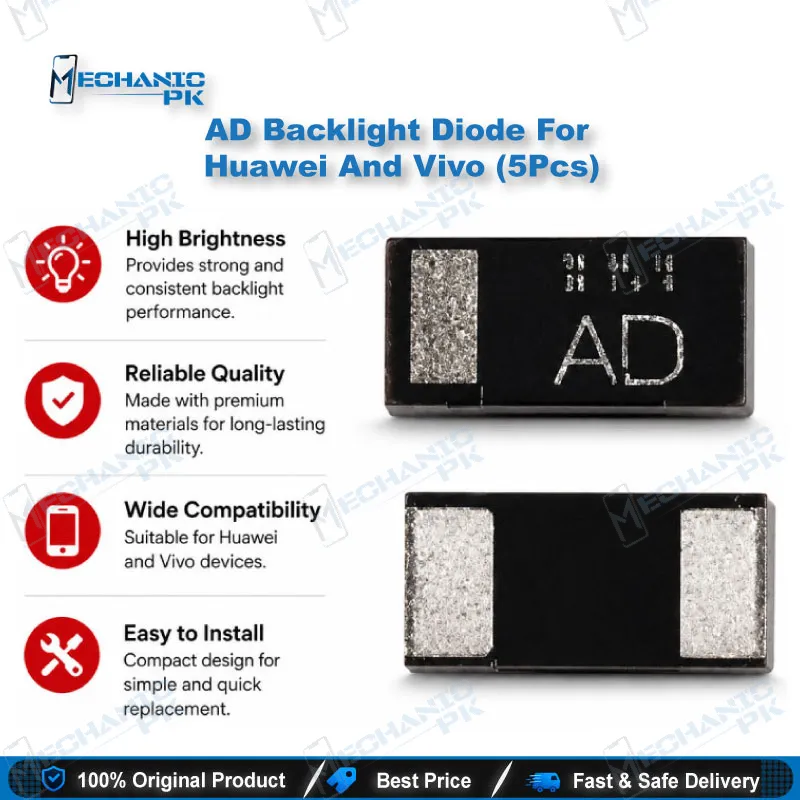
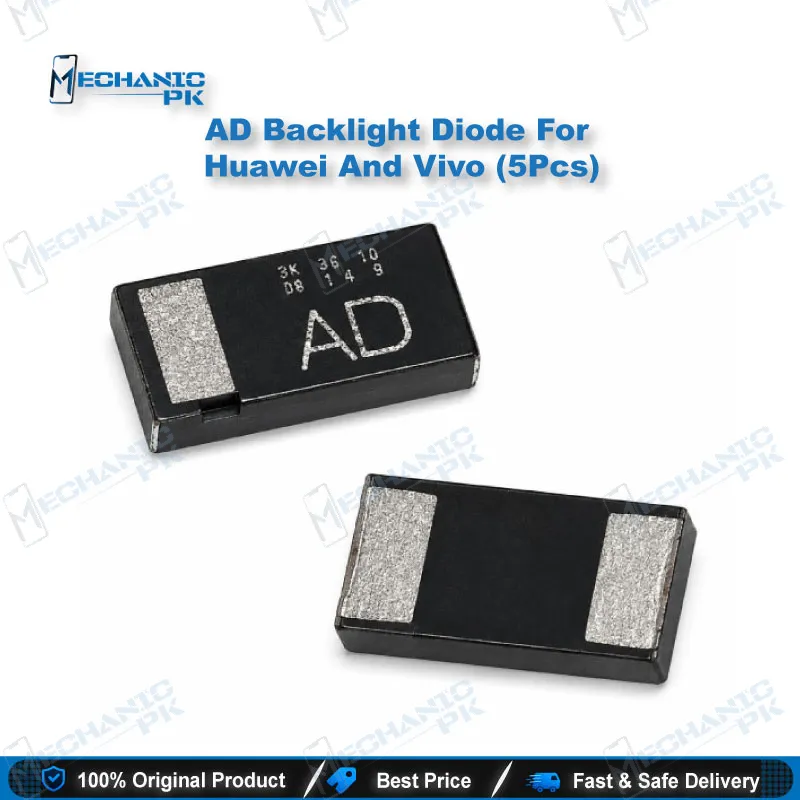
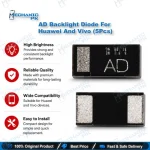
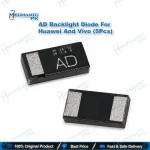
AD Backlight Diode for Huawei & Vivo Boards (5 Pcs)
₨ 1
AD Backlight Diode Pack for Huawei and Vivo LCD Repair
This pack gives you five AD-marked SMD diodes for the LCD backlight boost circuit on Huawei and Vivo logic boards. When a phone shows a dark screen but touch, ringtone, and calls still work, a failed backlight diode often causes the fault. Replace the diode at component level instead of changing the whole display or leaving a jumper on the board. The 5-piece quantity covers several jobs and keeps a spare ready for a second attempt. Match the AD marking and polarity of the original part, reflow with hot air or a fine-tip iron, and you restore the backlight supply the way the board design intends.
AD Backlight Diode for Huawei and Vivo Display Backlight Repair
When a Huawei or Vivo phone shows a black screen while touch, sound, and incoming calls still work, the backlight boost circuit becomes your first checkpoint. The AD backlight diode sits inside that circuit, right after the boost converter, and passes the stepped-up voltage that drives the LED string behind the LCD panel. This pack gives you five AD-marked SMD diodes, so you can replace a failed part on the board instead of swapping the display or bridging the position with a wire. For technicians who handle display problem cases every day, a stocked AD backlight diode keeps the repair at component level, protects your margin, and gets the phone back to the customer faster.
Where the AD Backlight Diode Sits in the Boost Circuit
Phone LCDs light up through a string of white LEDs wired in series. Battery voltage alone cannot push current through that string, so the board uses a boost converter to raise it, often to around 25V on smartphone backlights. The diode in this stage blocks the boosted voltage from flowing back into the switching node and delivers it to the LED string as a steady supply. Board designers usually place this backlight boost diode as an external part beside the backlight IC, and that exposed position makes it a frequent failure point. A shorted or open diode cuts the backlight completely, while a degraded one can produce dim or flickering illumination.
Diagnosing a No-Backlight Fault Before You Replace
Confirm the fault before you lift any component. Shine a torch at an angle across the screen and look for a faint image; if the image appears, the panel and display data path work, and the hardware fault lies in the backlight supply. Set your multimeter to diode mode and test the AD diode on the board for a forward reading in one direction and an open reading in reverse. A short in both directions, or an open reading in both directions, points to a failed Huawei backlight diode. Check the boost coil, the backlight IC, and the output filter capacitors in the same session, because a shorted capacitor loads the output line and mimics a diode fault.
Replacing the Diode with Hot Air or a Soldering Iron
Small SMD diodes come off cleanly with hot air at a moderate temperature and a little flux. Shield nearby plastic connectors and the display FPC socket with kapton tape before you apply heat. Note the polarity band on the original part before removal, because the cathode must face the same direction on the replacement; a reversed diode leaves the backlight dark and stresses the boost stage. Clean the pads with solder wick, add fresh flux, place the new AD backlight diode with fine tweezers, and reflow until it self-aligns on the pads. Inspect both joints under your microscope for full wetting and no bridge to neighbouring capacitors or resistors.
Why Technicians Keep a 5-Piece Pack on the Bench
Backlight failures arrive in batches, especially after water damage, a faulty charger, or a low-grade replacement display that overloads the boost line. Five pieces cover several jobs and leave a spare if the first board hides a second fault. A genuine diode restores the circuit as the manufacturer designed it, while jumper lagana across the diode position defeats the rectification the boost stage depends on and leaves the backlight unstable or dead. Pair this part with a backlight IC, a boost coil, a reliable multimeter, and a PCB holder, and you can close most no-backlight jobs on Huawei and Vivo LCD models in one sitting. For heavier board work, a hot air station with precise airflow control is the natural upgrade for your diode and IC change karna workflow.
| Weight | 0.1 kg |
|---|
Key Features
- Five AD-marked SMD diodes per pack
- Built for the LCD backlight boost stage on Huawei and Vivo boards
- Restores backlight at component level instead of a full display swap
- Small SMD footprint for hot air or fine-tip iron rework
- Keeps the original reverse-blocking function of the boost circuit
- Spare pieces for repeat jobs and second attempts
- Pairs with backlight ICs, boost coils, and output capacitors
- Suits diode-mode multimeter checks before and after fitting
Specifications
| Model | AD (SMD marking code) |
|---|---|
| Category | Mobile Phone Repair Parts > Backlight Diodes |
| Compatibility | Huawei and Vivo LCD backlight boost circuits that use an AD-marked diode |
| Supported Devices | Huawei and Vivo smartphones with LCD displays (match the board marking before replacement) |
| Technology | SMD diode for LCD backlight boost (step-up) circuit |
Common Repair Uses
- No backlight with working touch and sound
- Dim or uneven backlight
- Flickering backlight under load
- Backlight dead after a display replacement
- Water-damaged backlight boost line
- Shorted backlight diode replacement
- Diode replacement alongside a backlight IC change
- Restoring the original circuit after a previous jumper repair
Compatible Devices
- Scoped to Huawei and Vivo boards where the original backlight diode carries the AD marking — verify the marking on the board before fitting.
- Huawei smartphones with LCD panels using an AD-marked backlight diode
- Vivo smartphones with LCD panels using an AD-marked backlight diode
- LCD backlight boost circuits on Huawei logic boards
- LCD backlight boost circuits on Vivo logic boards
- Any board position where the original part carries the AD marking code
- Not compatible with OLED/AMOLED panels, which use no LED backlight
FAQ
What is the product name?
What is the brand of this product?
What is the model of this product?
What is this product used for?
Which devices are compatible with this product?
Who should use this product?
How do I check a backlight diode with a multimeter?
Why does the backlight stay dark after replacing the AD diode?
Related products