










































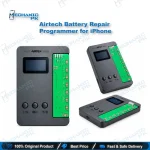
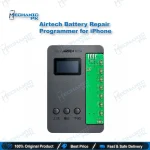
Airtech iPhone Battery Data Repair Programmer
₨ 3,500
Battery Data Repair Built for Workshops
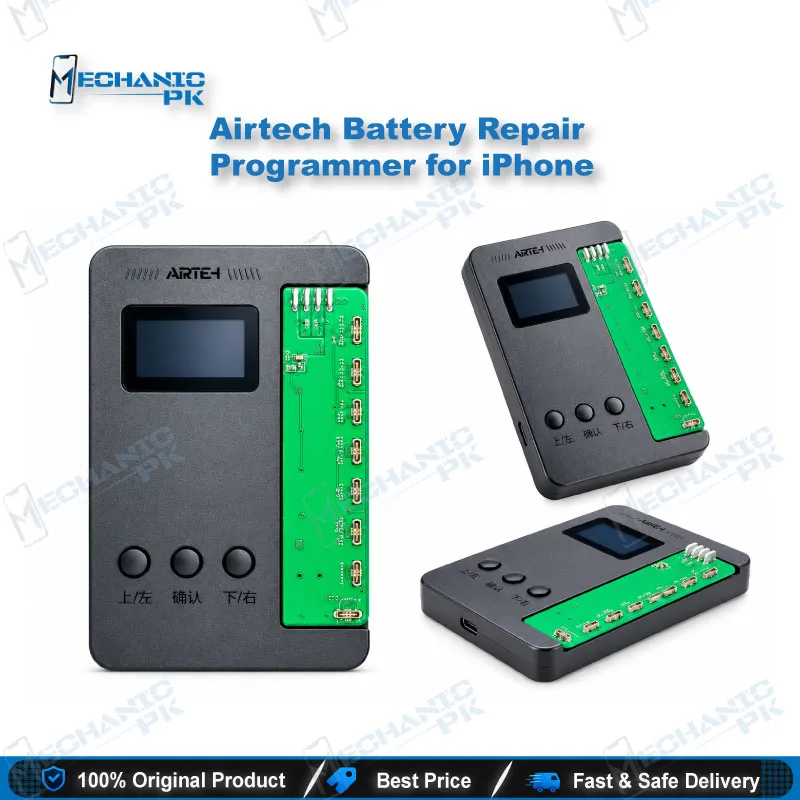
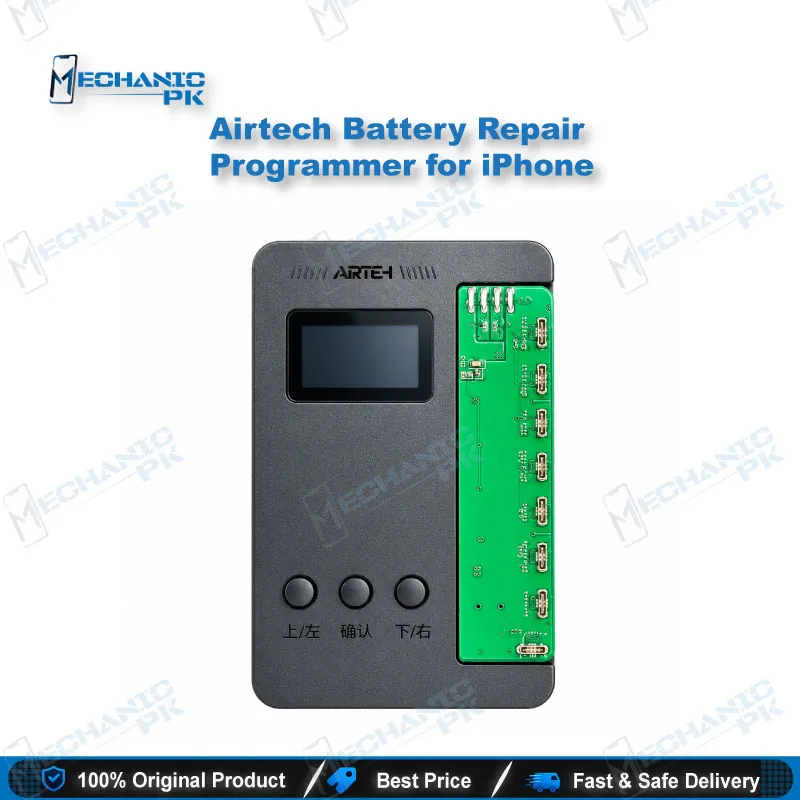
The Airtech iPhone battery data repair programmer gives you direct read and write access to the battery records stored in the phone after a battery swap. Use it to back up the existing data, correct the values, and clear the Important Battery Message that often appears after a third-party cell is fitted. It connects through the battery flex cable and runs with PC-based repair software, so it sits alongside your flashing and IC tools without extra setup. For workshops handling steady battery volume, it helps you return phones with accurate health readings and no false warnings.
In stock
iPhone Battery Data Repair Programmer for Workshop Benches
A new battery can work perfectly and still leave the phone reporting an Important Battery Message or a health figure tied to the old cell. The stored battery records, not the cell itself, cause this behavior. The iPhone battery data repair programmer from Airtech reads those records, lets you keep a backup, and writes corrected values back to the phone. Used at the right point in the job, it turns a common repeat-visit complaint into a finished repair. The sections below explain where it fits, how the workflow runs, and which faults it addresses.
Where the Battery Data Step Fits in Your Job
Battery data work belongs after the physical swap, not before it. Fit the new cell, reconnect the board, and run the data step on the bench before final testing. Skipping this step leaves the phone showing a battery warning even when the new cell performs correctly, and the customer reads that warning as a failed repair. Treat the programmer as the last technical check on every battery job. That habit lowers callbacks, protects your shop’s reputation, and gives the customer a clean result they can verify on the screen.
Connection and Software Workflow
The programmer links to the phone through the battery flex cable and its interface board, so this step does not require board-level soldering. Connect a Windows PC to the unit and open the companion repair software. Read the existing battery data first and save it as a backup before changing anything. Only after that backup exists should you write the corrected values and confirm the result on the handset. Reading before writing gives you a recovery point if a write goes wrong, and that matters on a bench where every phone belongs to a paying customer.
Fault Patterns This Programmer Addresses
Three fault patterns come up most often. The first is the Important Battery Message that appears after a third-party battery fit, even when the new cell functions correctly. The second is a battery health percentage that carries over the history of the old cell. The third is a charging issue or a wrong percentage that shows up after a flash or a board-level job touched the power management circuit. In each case the fault sits in stored battery data rather than in the hardware, so rewriting that data restores the correct reading. Take a phone that returns from a flash with odd battery readings: check the stored data before you reopen the board again.
Bench Fit for Battery-Heavy Workshops
Workshops with steady battery volume gain the most from this unit. It sits beside your eMMC programmer, UFS adapter, and ISP pinout tools without taking extra space, and it follows the same PC routine your technicians already use for software-side work. The data task runs in a fixed sequence of read, back up, and write, which makes it straightforward to train new staff on. Standardizing that sequence across every battery job reduces rework and keeps warranty complaints about battery warnings low. Battery programming also complements your NAND and IC-level repairs, so the tool earns its place on a bench that handles both hardware and data jobs.
| Weight | 0.1 kg |
|---|
Key Features
- ✓Reads and writes iPhone battery data through the battery flex cable
- ✓Backs up existing battery data before any write operation
- ✓Targets the Important Battery Message after a third-party battery fit
- ✓Corrects battery health percentage readings
- ✓Runs with PC-based companion repair software on Windows
- ✓Fits into existing software and flashing workflows without board-level soldering
- ✓Supports diagnosis of battery-related charging issues
- ✓Compact unit designed for daily workshop use
Specifications
| Brand | Airtech |
|---|---|
| Category | Mobile Repair Tools |
| Technology | Battery data read and write |
| Compatibility | iPhone, general battery-data scope (no model-by-model list published for this unit) |
| Weight | 0.1 kg |
Common Repair Uses
- ✓Verified workflows this product supports.
- ✓Reading existing battery data and saving a backup before any change
- ✓Writing corrected battery data after a battery replacement
- ✓Clearing the Important Battery Message after a third-party battery fit
- ✓Correcting battery health percentage that carries over from the old cell
- ✓Resolving battery-related charging issues after a flash or board-level repair
- ✓Fixing wrong battery readings that appear after a flash
Compatible Devices
- ✓iPhone, general battery-data scope. A model-by-model list is not published for this unit, so confirm supported series with your supplier before bulk purchase.
- ✓iPhone (general battery-data scope)
- ✓Battery flex cable connection
- ✓Windows PC with companion repair software
FAQ
What is the product name?
What is the brand of this product?
What is this product used for?
Who should use this product?
Does this programmer need a Windows PC?
Does this programmer require board-level soldering?
Related products
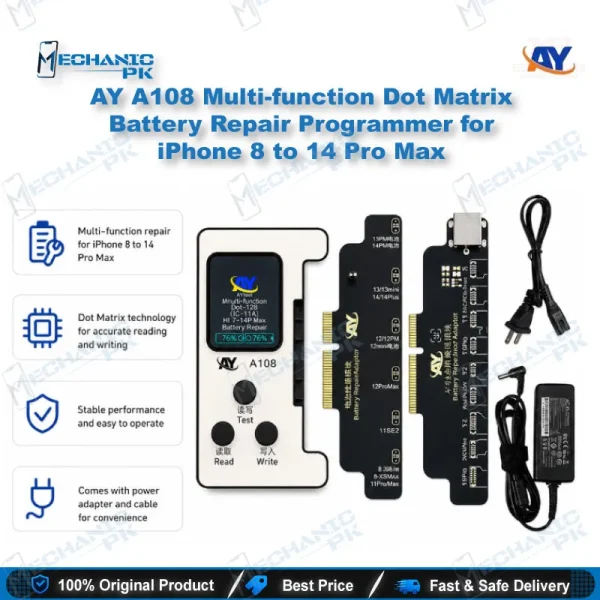
AY A108 Multi-function Dot Matrix Battery Repair Programmer
Out of stock
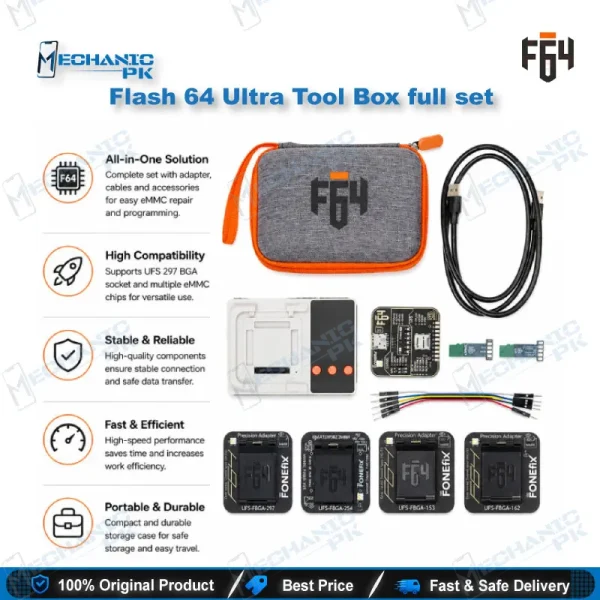
Flash 64 Ultra Tool Box full set – UFS eMMC ISP Programmer
In stock
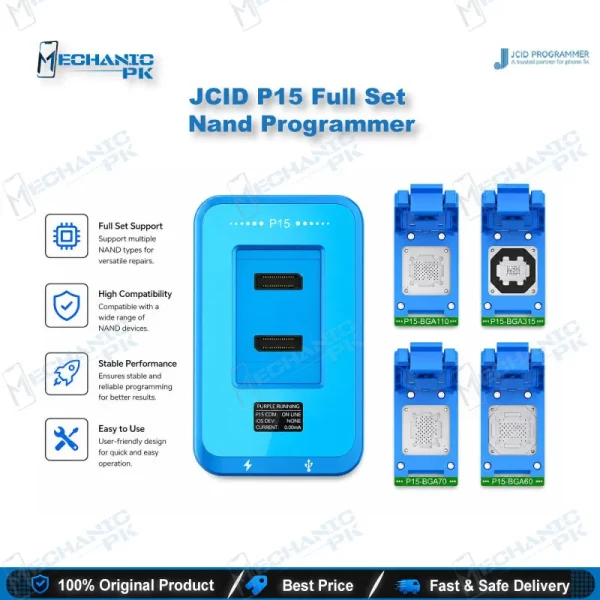
JCID P15 Full Set Nand Programmer for iPhone 6-15 Pro Max
Out of stock

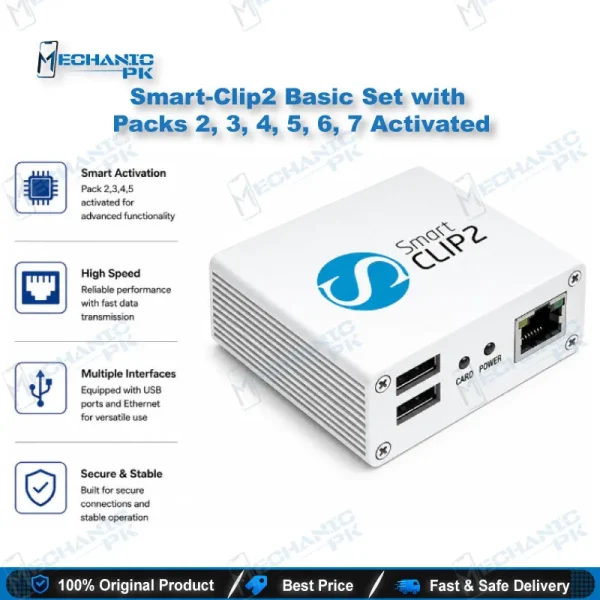
Smart-Clip2 Basic Set with Packs 2, 3, 4, 5, 6, 7 Activated
Out of stock

UFI UFS-Prog UFS and eMMC Programmer for Mobile Repair
In stock
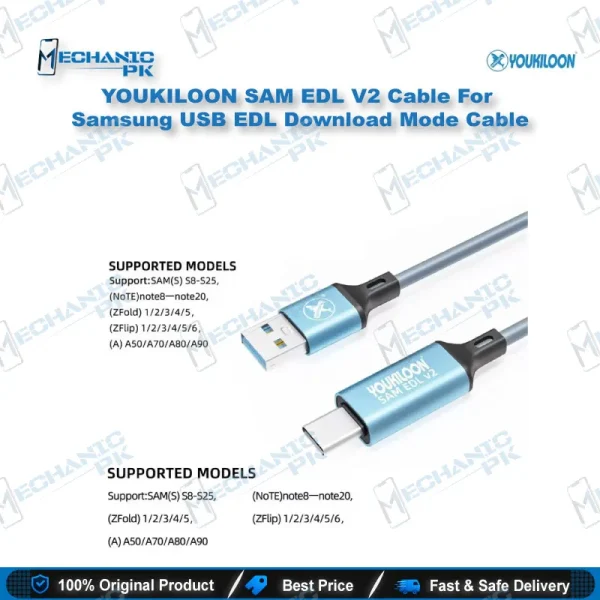
YOUKILOON SAM EDL V2 Cable For Samsung USB EDL Download Mode Cable
In stock