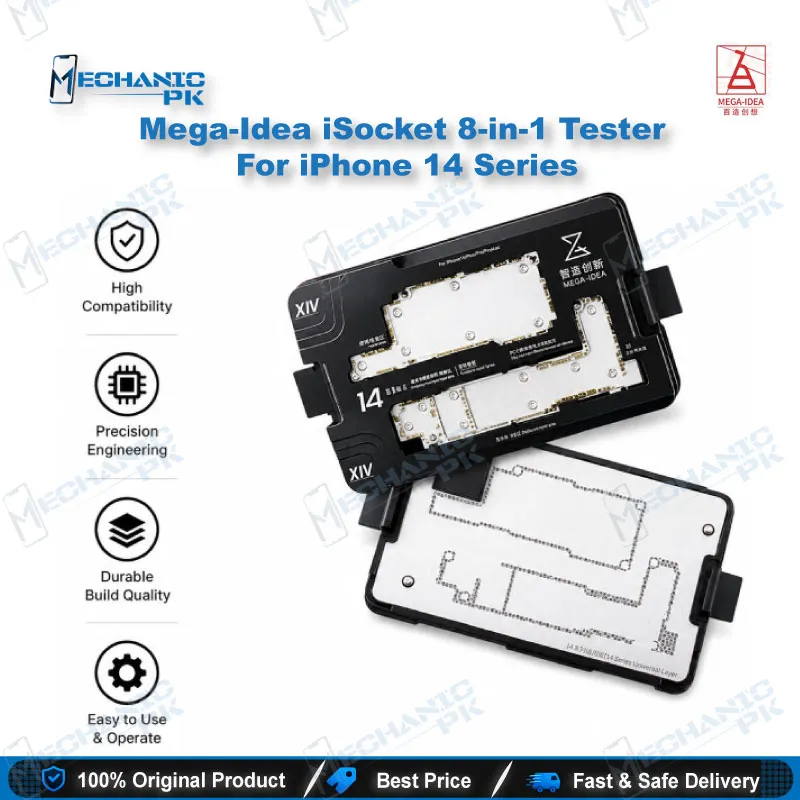
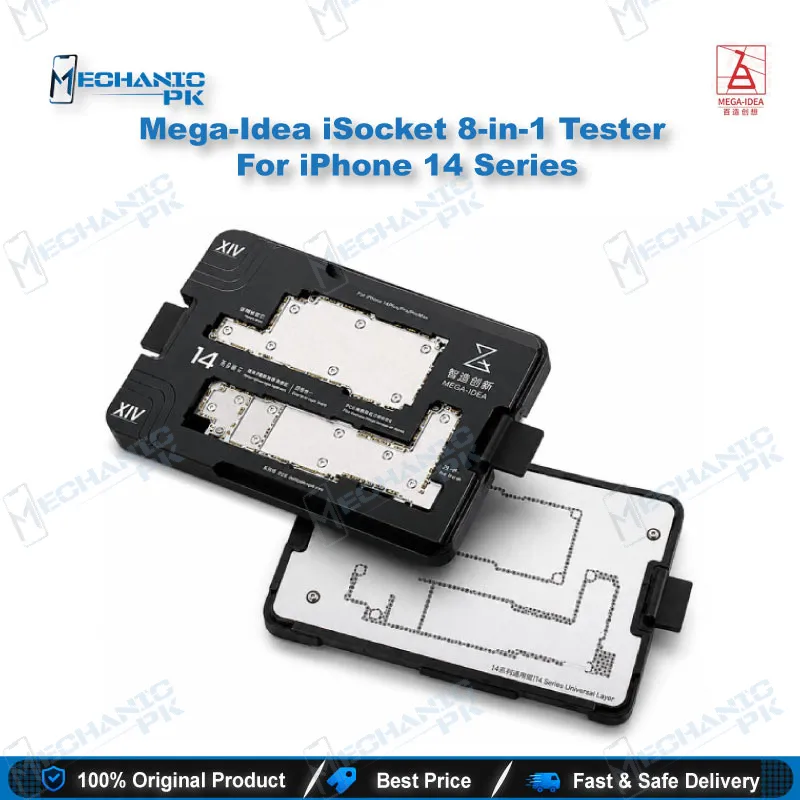
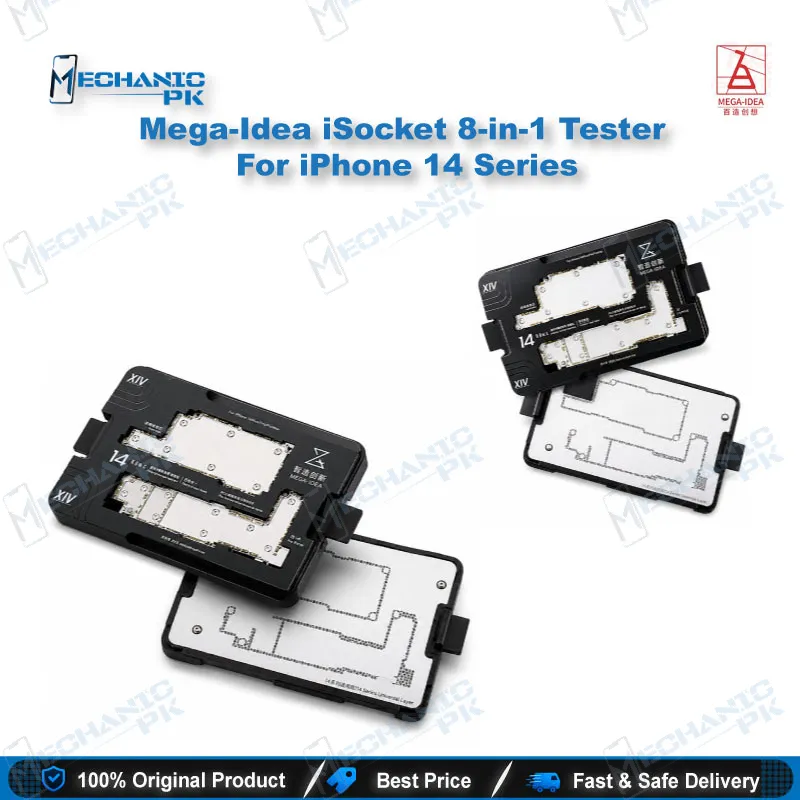
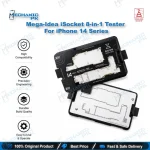
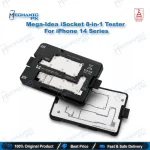
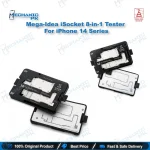
Mega-Idea iSocket 8-in-1 Tester For iPhone 14 Series
₨ 1
iPhone 14 Motherboard Test Fixture
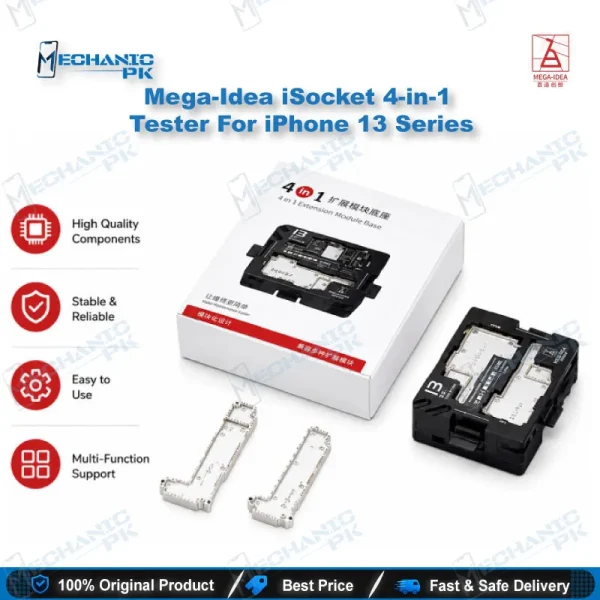
Mega-Idea iSocket 8-in-1 Tester For iPhone 14 Series is a layered motherboard test fixture for the iPhone 14, 14 Plus, 14 Pro and 14 Pro Max. It lets you check the upper and lower layers of the logic board in a stacked setup, so you can confirm where a fault sits before final reassembly. Testing without repeated soldering protects the board from thermal stress. The integrated reballing stencil supports the rework stage on the same platform. It suits repair shops and service centers that need precise, repeatable board-level diagnostics on iPhone 14 devices.
Out of stock
The Mega-Idea iSocket 8-in-1 Tester For iPhone 14 Series is a layered motherboard test fixture built for the iPhone 14, iPhone 14 Plus, iPhone 14 Pro and iPhone 14 Pro Max. It belongs to the board-level diagnostic stage of the mobile repair workflow, the point where a technician needs to isolate whether a fault sits on the upper or lower layer of the logic board before any soldering begins. Testing the board in this stacked, solder-free setup removes the cycle of desoldering and resoldering that normally follows each diagnostic step. Your bench sees less thermal stress on the board, and each device spends less time between intake and a confirmed diagnosis. The iPhone 14 generation rewards this approach because its layered architecture makes faults hard to isolate with a multimeter alone. The product carries an integrated reballing stencil, so the fixture supports two stages of the rework process on one platform. A typical session starts with confirming the fault, then moves into BGA preparation for the component that needs attention. Keeping both steps on the same platform limits how often the board changes stations, and that reduced handling protects delicate pads and nearby components. For a service center running several iPhone 14 variants, this is a practical advantage over keeping separate fixtures for diagnostics and reballing. Seating the board correctly is the step that decides whether the fixture helps or causes new damage. The frame uses precision needle contacts that must align with the board pads, so inspect alignment under magnification before applying any power. A microscope gives you that inspection, and the compact mini design fits on a crowded bench. Work carefully around the contact pins, because bent or worn needles produce false readings that waste diagnostic time. Good alignment and clean pins mean the readings you record reflect the board itself rather than a contact problem. Diagnostic workflow pairing matters here. Use a multimeter to check rails and ground continuity before you seat the board, then run the layered test to see whether the upper and lower sections respond as expected. If a charging issue appears during that test, a PMIC or charging path check is the logical next step, and a hot air station handles the component removal that follows. Soldering stations take over for pad repair, and a PCB holder keeps the board steady throughout. Pairing these tools in the right order turns a vague no-power complaint into a specific faulty component. The 8-in-1 configuration covers the iPhone 14 series as one set, which simplifies stock management for a shop handling several models. Technicians still need to confirm the exact model before use, since the iPhone 14 frame differs from frames built for other generations. An iPhone 15 board, for example, requires its own layered fixture, so a shop that repairs newer devices should plan a separate purchase. Treat the frame as model-specific equipment, and you avoid testing a board against the wrong fixture. Upgrade paths matter for a growing workshop. A basic setup with a multimeter, a microscope and a soldering station covers simple board checks, while the layered fixture adds solder-free testing and a reballing platform for advanced board-level work. Repair shops that handle eMMC or UFS data recovery alongside board repair will find that the fixture complements programmers and UFS adapters, since those tools address storage-side faults that a layered test cannot reveal. Plan the toolkit by fault type rather than by brand, and each purchase will support a defined repair stage. For buyers in Pakistan, the decision usually comes down to whether the fixture pays back through fewer repeat reassemblies and faster turnaround on iPhone 14 jobs. A shop that handles several boards a week will see the time savings compound, especially on intake days when a backlog builds quickly. Before each use, confirm the model on your intake sheet matches the iPhone 14 series, check the pins for straightness, and keep the frame dust-free between jobs. Those three checks protect the fixture and the readings it produces, and they keep your technical results consistent across every customer device.
| Weight | 0.35 kg |
|---|
Key Features
- Covers the full iPhone 14 lineup: 14, 14 Plus, 14 Pro and 14 Pro Max
- Layered test frame for checking the upper and lower motherboard layers
- Solder-free testing reduces repeated desoldering on the board
- Integrated reballing stencil supports BGA preparation
- Precision needle contacts for aligning with board pads
- Compact mini design for easy bench handling
- Model-specific alignment for iPhone 14 series boards
- Supports fault isolation before final reassembly
Specifications
| Brand Entity | Mega-Idea (QianLi) |
|---|---|
| Product Entity | iSocket 8-in-1 motherboard test fixture |
| Technology Entity | Layered motherboard test frame with reballing stencil |
| Compatible Device Entities | iPhone 14, iPhone 14 Plus, iPhone 14 Pro, iPhone 14 Pro Max |
| Repair Process Entity | Board-level fault isolation, solder-free layer testing, BGA reballing |
| Industry Entity | Mobile phone logic board repair |
Common Repair Uses
- Upper and lower layer motherboard testing before reassembly
- Solder-free fault isolation on iPhone 14 logic boards
- BGA reballing preparation with the integrated stencil
- Post-repair validation before the board is fully reassembled
- Diagnosing no-power and charging issues in a layered setup
- Pairing with microscope inspection and multimeter rail checks
Compatible Devices
- iPhone 14
- iPhone 14 Plus
- iPhone 14 Pro
- iPhone 14 Pro Max
FAQ
What is the product name?
What is the brand of this product?
What is the model of this product?
What is this product used for?
Which devices are compatible with this product?
Who should use this product?
Does this fixture cover the iPhone 14 Plus and 14 Pro Max?
Can this fixture be used for iPhone 15 boards?
Related products