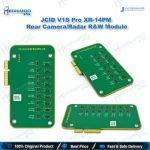
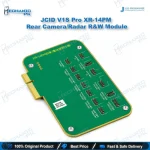
JCID V1S Pro XR-14PM Rear Camera/Radar R&W Module
₨ 8,500
V1S Pro XR-14PM Rear Camera and Radar Read Write Module
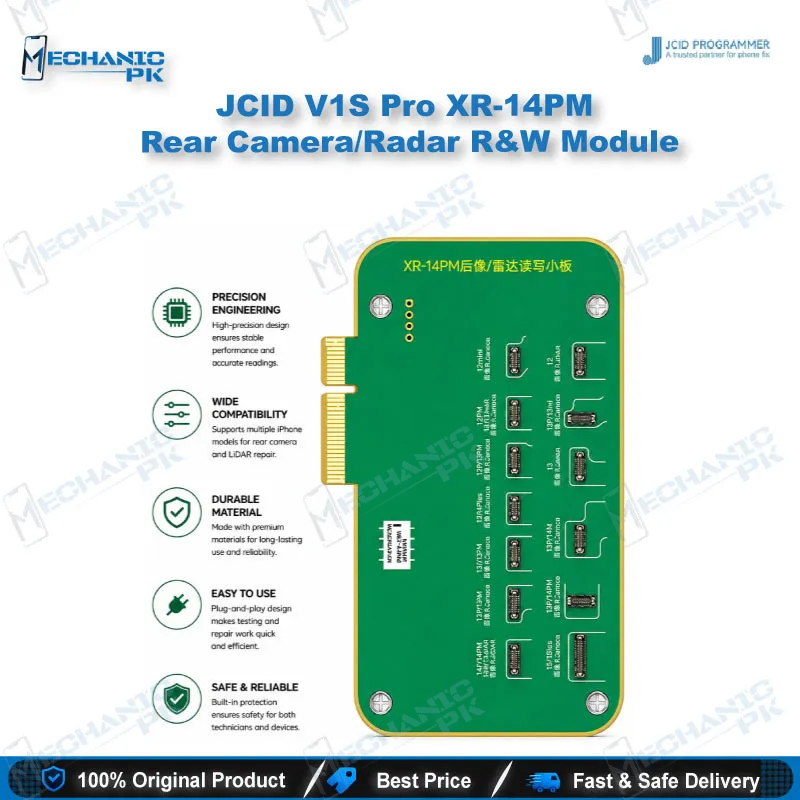
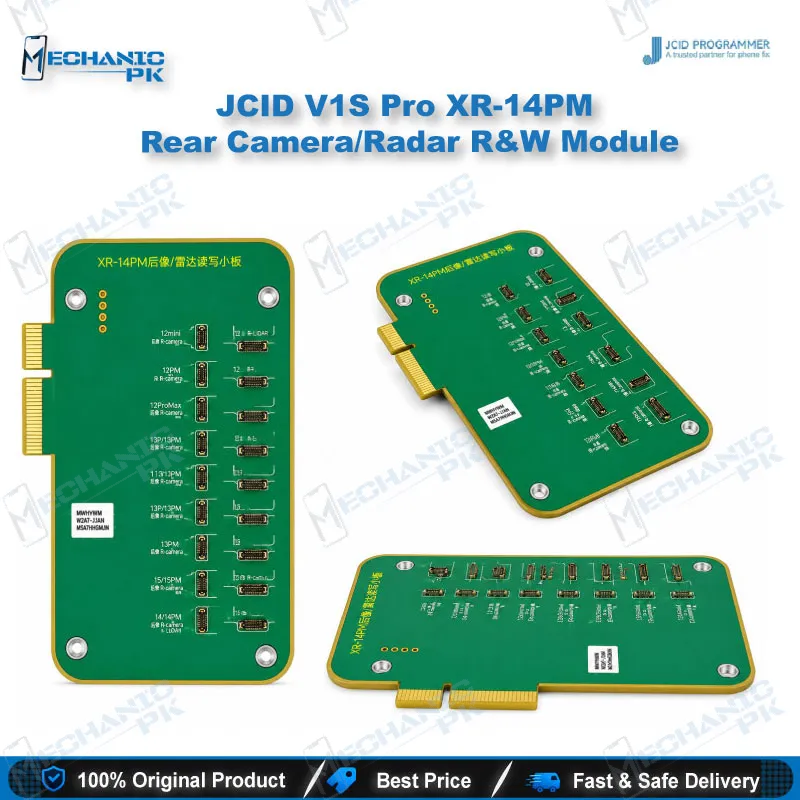
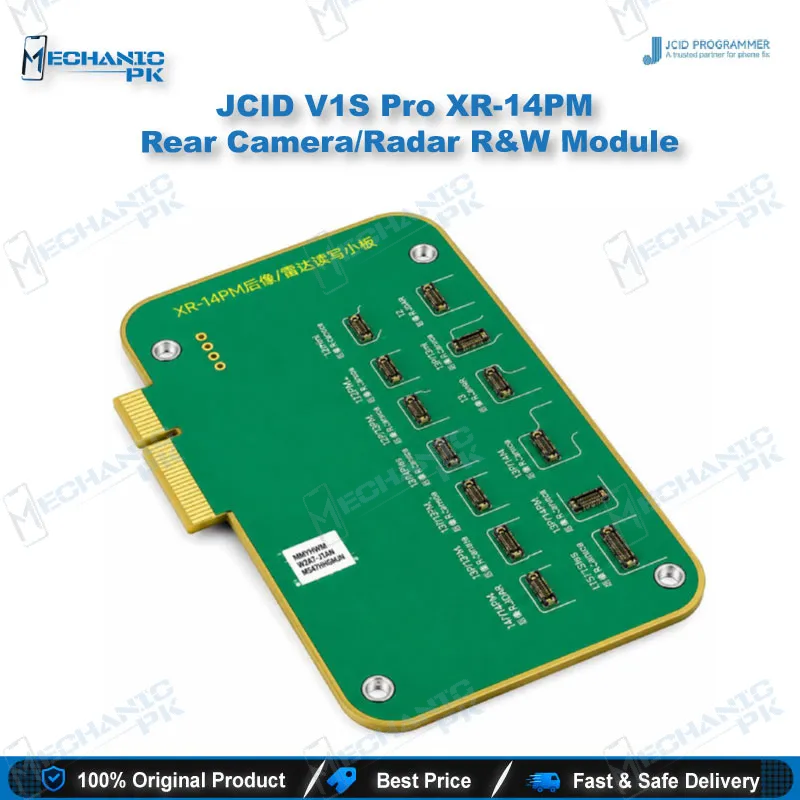
The JCID V1S Pro XR-14PM rear camera module lets you read, write, and diode-test rear camera and radar data on iPhone XR through 14 Pro Max boards. It pairs with the JCID camera and radar repair FPCs to address pop-up windows caused by unmatched rear cameras and 3D scanning faults caused by unmatched radar. Pin-level diode scanning helps you locate abnormal connections quickly. Update your V1S Pro software to version 1.64 or later to run the module. It fits directly into an existing V1S Pro repair setup.
In stock
V1S Pro XR-14PM Rear Camera Module for Camera and Radar Repair
The V1S Pro XR-14PM rear camera module gives your repair bench a dedicated route into rear camera and radar data across the XR to 14 Pro Max range. A replacement camera that triggers a pop-up or a radar swap that breaks 3D scanning rarely shows a clear cause on the surface. This module lets you check the data layer directly through the V1S Pro programmer. It reads and writes the camera and radar data, and it scans the diode values so you can see which pins behave abnormally. Technicians who handle rear camera and LiDAR faults every week will find it a practical addition to their workflow.
Where This Module Fits in the Camera Repair Workflow
Rear camera faults on iPhone boards usually appear after a part swap, when the handset rejects the new camera or throws a pop-up during boot. This module belongs in the verification stage, after the physical repair is complete and you need to confirm that camera and radar data match the device. Start with a diode scan so you know which pins read normally before you touch any data. Move to read and write operations only after the scan points to a clean connection. This order keeps you from rewriting data on a board that still has a hardware fault upstream. Treat the module as one step inside a longer repair, not as a standalone fix for every camera complaint.
Diode Testing and Pin-Level Fault Isolation
The module supports diode scanning of the XR-14PM rear camera and radar, which helps you locate abnormal pins quickly. Seat the matched flex, run the scan, and compare the readings across the connector pins. A pin that falls outside the expected pattern points you toward a connector, trace, or solder fault before you start replacing parts. This stage matters most when a camera works on one unit and fails on another. Save the readings from a known-good board so you have a reference for the next job. Your bench time drops when you isolate the fault before the first component comes off. Document each scan with the handset model, because the same pin layout can behave differently across the range.
Matching Camera and Radar FPCs for Clean Results
The module works alongside the JCID camera repair FPC and the JCID radar repair FPC, and each one solves a different symptom. Without a matched camera FPC, a replacement camera can trigger pop-up windows during setup. Without a matched radar FPC, 3D scanning and photo functions can still fail even when the camera itself is healthy. Match the FPC to both the module and the handset family before you start the transfer. Check the connector orientation and seating carefully, because a loose tag-on connection can mimic a data fault. Label the camera and radar FPCs by model so every new job starts with the right cable on the bench.
Software Setup and Update Notes
The XR-14PM rear camera read and write module appeared in V1S Pro software version 1.64, so update your programmer before you run the module. Version 1.77 fixed a problem where the 14-series rear camera repair FPC did not recognize its version number. Install updates on a stable power source and confirm the module appears in the software menu before you connect a handset. If the module does not show, check the software version before you suspect the hardware. Record the version number on each bench unit so your team works from the same build. Consistent software across units prevents confusing results when two technicians compare notes on the same fault.
| Weight | 0.3 kg |
|---|
Key Features
- Reads and writes rear camera and radar data for the XR-14PM range
- Scans diode values on the rear camera and radar to locate abnormal pins quickly
- Addresses pop-up windows caused by unmatched rear cameras when paired with the camera repair FPC
- Addresses 3D scanning and photo faults caused by unmatched radar when paired with the radar repair FPC
- Runs on the V1S Pro programmer, with the module added in software version 1.64
- Fits into an existing V1S Pro repair setup without extra hardware
- Supports a verification step after board-level camera and radar work
- Pairs with JCID repair FPCs for model-specific matching
Specifications
| Brand | JCID |
|---|---|
| Model | XR-14PM |
| Category | Programmer Modules |
| Compatibility | JCID V1S Pro programmer |
| Supported Devices | iPhone XR to iPhone 14 Pro Max rear camera and radar |
| Technology | Rear camera and radar read/write with diode scanning |
Common Repair Uses
- Clearing pop-up windows after a rear camera replacement with an unmatched camera
- Reading and writing rear camera data after a camera swap
- Fixing 3D scanning and photo faults caused by an unmatched radar unit
- Reading and writing radar data after a LiDAR replacement
- Running diode scans to locate abnormal pins on the camera and radar connection
- Isolating connector, trace, or solder faults before replacing parts
- Verifying data match after installing a camera or radar flex
- Checking a camera or radar repair before returning the handset to the customer
Compatible Devices
- iPhone XR
- iPhone 11, 11 Pro, and 11 Pro Max
- iPhone 12 series
- iPhone 13 series
- iPhone 14 series (14, 14 Plus, 14 Pro, 14 Pro Max)
- Rear camera unit, used with the JCID camera repair FPC
- Radar (LiDAR) unit, used with the JCID radar repair FPC
- Scope: XR-14PM range, paired with the matching JCID repair FPC for your model
FAQ
What is the product name?
What is the brand of this product?
What is the model of this product?
What is this product used for?
Which devices are compatible with this product?
Who should use this product?
Does this module work without the JCID camera and radar repair FPCs?
Which V1S Pro software version supports the XR-14PM rear camera module?
Related products