
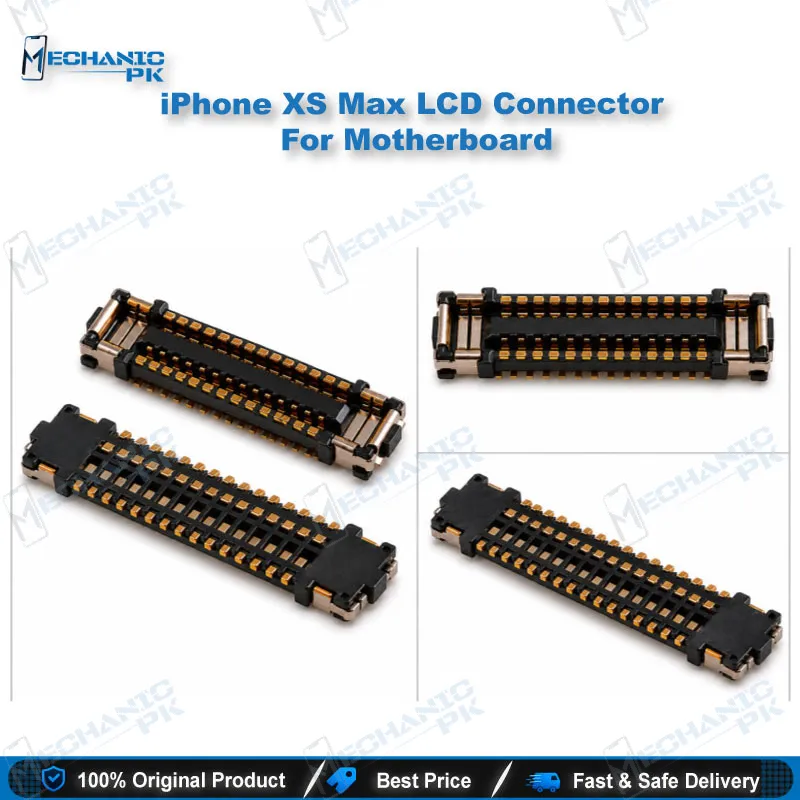
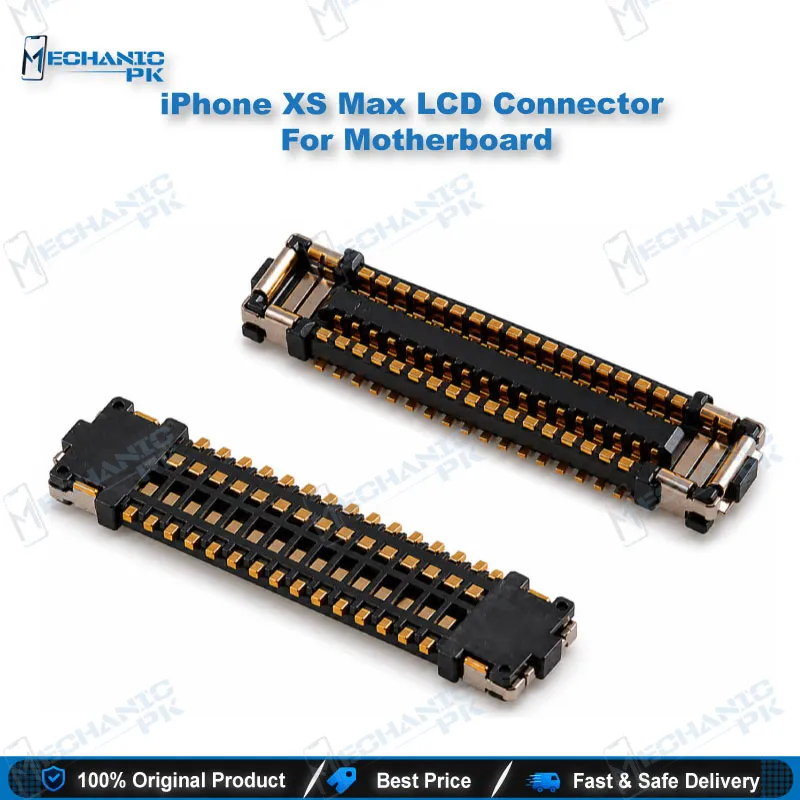
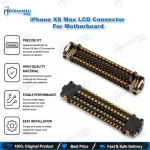
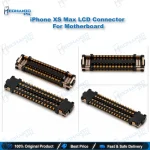
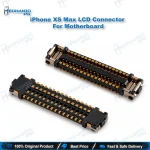
iPhone XS Max LCD Connector For Motherboard Pakistan
₨ 250
iPhone XS Max LCD Connector for Motherboard in Pakistan
This iPhone XS Max LCD connector is the flexible printed circuit port soldered onto the logic board. It receives the display cable and carries the screen signal into the board circuitry. Technicians in Pakistan use this part when the display port is torn, lifted, or corroded after a failed screen change or liquid exposure. It covers the iPhone XS Max models A1921, A2101, A2102 and A2104. Pair it with a hot air station, flux, and a microscope to replace the port cleanly without damaging nearby pads.
In stock
iPhone XS Max LCD Connector for Motherboard Repair
The iPhone XS Max LCD connector for motherboard is the fine-pitch flex port that receives the display cable and routes its signal into the logic board. When this port fails, the phone may show no image, a flickering display, or a backlight with no picture, even though the screen itself tests fine. Your workflow starts with a visual and continuity check under a microscope, because the pins are small and a lifted pad is easy to miss. This part suits technicians who handle board-level display faults and want a direct replacement instead of a full logic board swap. It covers models A1921, A2101, A2102 and A2104, so confirm your device model before ordering.
Where This Port Sits on the Logic Board
The display connector on the iPhone XS Max logic board is a fine-pitch FPC socket that receives the display cable from the screen assembly. Its contacts carry the display signal lines between the screen and the board circuitry, so a fault here often looks like a screen fault at first glance. The pins are soldered onto small copper pads, and every removal or reflow adds stress to those traces. You protect the board by heating the joints evenly and never forcing the old port while solder remains molten. Before you start, map the pad layout on your own board under magnification. Knowing which pads carry signal lines and which only anchor the connector helps you decide how much heat each area can take.
Diagnosing a Faulty LCD Connector Before Replacement
Start by separating a screen fault from a board fault, because both can produce a blank or flickering display. Test the phone with a known good display cable or a verified screen, and note whether the symptom changes. Inspect the connector under a microscope for bent pins, burnt pads, lifted copper, or residue from liquid exposure. Measure continuity between the connector pins and their nearby test points, and compare the readings with a healthy board of the same model when one is available. If corrosion is the cause, clean the area with isopropyl alcohol and a soft brush before you decide on replacement. A clear diagnosis prevents a new connector from going onto a board that has a different fault elsewhere.
Replacing the Connector on the Logic Board
Preheat the board evenly, then remove the old port with hot air at a moderate setting, lifting only after the solder fully reflows. Clean the pads with flux and solder wick, and check that each pad stays flat and attached. Align the new connector to the pad outline with the pins centered, and add a small amount of fresh flux before reflow. Heat the joints with low, even, circular motion until the solder wets each pin, then let the board cool undisturbed. Inspect every pin under magnification, and test the display before reassembly. Lead-free solder needs a slightly higher temperature than leaded solder, so keep the hot air moving and watch the pads closely.
| Weight | 0.1 kg |
|---|
Key Features
- Replaces the LCD display FPC port on the iPhone XS Max logic board
- Designed for board-level microsoldering and hot air rework
- Matches models A1921, A2101, A2102 and A2104
- Fine-pitch pins suited to microscope-assisted installation
- Supports display signal routing from the screen cable to the board
- Useful for repairing display faults without a full logic board change
- Suits lead-free and leaded soldering workflows with proper heat control
- Practical part for repair shops and service centers
Specifications
| Brand | Apple |
|---|---|
| Model | A1921, A2101, A2102, A2104 |
| Category | Logic Board Display Connector |
| Compatibility | iPhone XS Max |
| Supported Devices | iPhone XS Max |
| Technology | FPC (flexible printed circuit) connector |
Common Repair Uses
- Replacing a torn or lifted LCD connector on the logic board
- Fixing a blank screen after display port damage
- Restoring display signal after corrosion from liquid exposure
- Repairing a display port damaged by a poor-quality replacement screen
- Recovering a board where the display cable fails to seat
- Rework of the display port during microsoldering
- Board-level diagnosis of display faults before a logic board swap
- Replacing a damaged port after forced screen removal
Compatible Devices
- iPhone XS Max, model-specific scope (A1921, A2101, A2102, A2104)
- iPhone XS Max model A1921
- iPhone XS Max model A2101
- iPhone XS Max model A2102
- iPhone XS Max model A2104
- iPhone XS Max logic board display port
- iPhone XS Max LCD display FPC cable connection
- iPhone XS Max board-level display repair
- Apple iPhone XS Max display assembly interface
FAQ
What is the product name?
What is the brand of this product?
What is the model of this product?
What is this product used for?
Which devices are compatible with this product?
Who should use this product?
Which iPhone XS Max models does this LCD connector support?
Can a damaged display connector be replaced without changing the logic board?
Related products