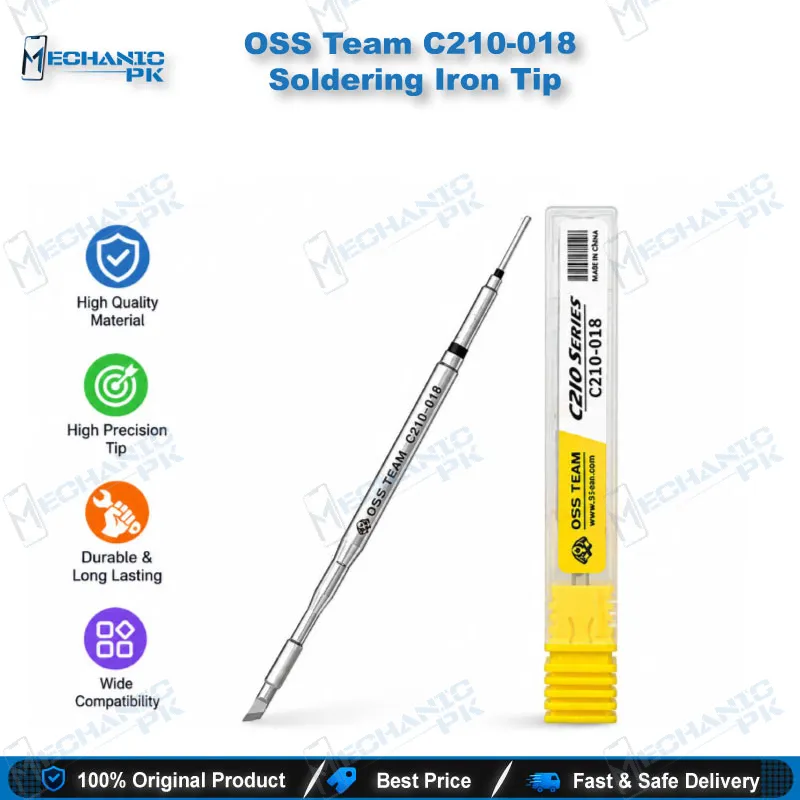
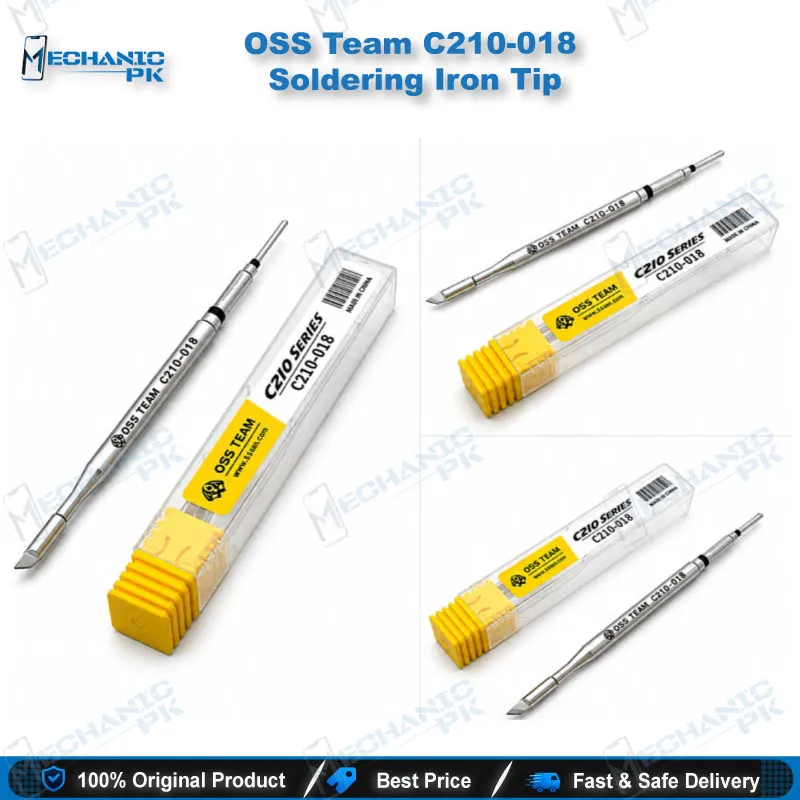
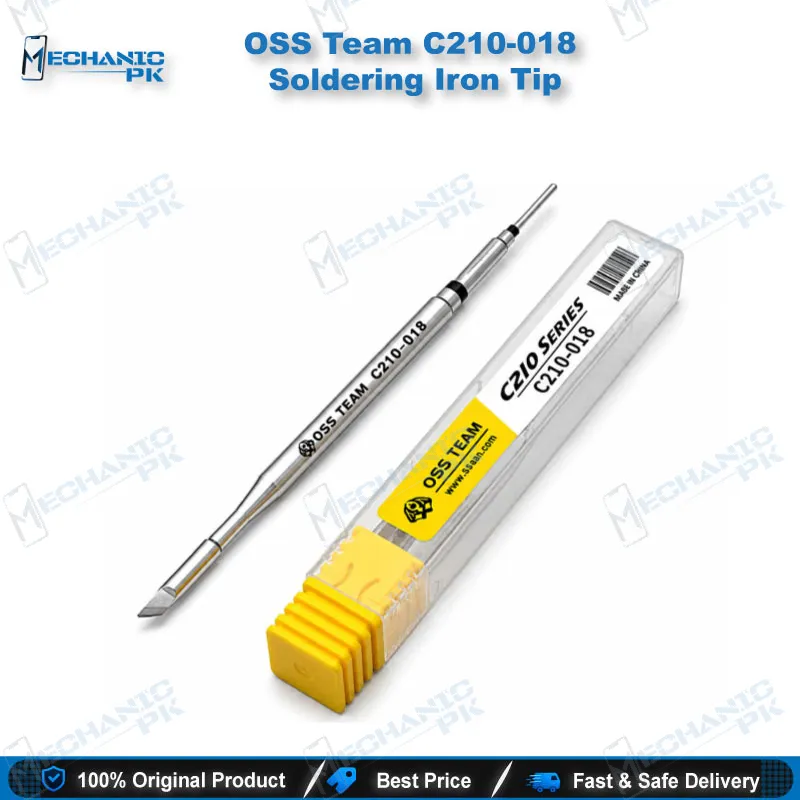
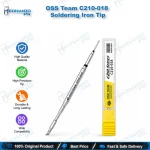
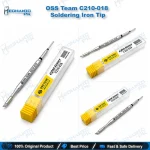
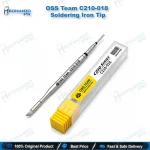
OSS Team C210-018 Soldering Iron Tip
₨ 650
C210-018 Knife Soldering Tip
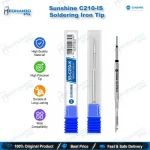
The OSS Team C210-018 soldering tip gives your bench a knife-profile edge measuring 3.4 x 0.3 mm with a 7.6 mm tip length. It fits T210 precision handles and B100/B500 handpieces in the C210 series. The straight blade spreads heat along a line, so you can drag-solder connector pins, clear solder bridges and clean lifted pads on mobile phone boards without switching to a larger tool. Mobile repair shops use this knife soldering tip for T210 handle stations when a dead phone traces back to a bridged FPC connector, a cold joint or a damaged pad. Check that your station uses the C210 format before you order.
In stock
C210-018 Soldering Tip for Fine-Pitch Phone Board Rework
The C210-018 soldering tip from OSS Team gives you a knife-shaped contact edge of 3.4 x 0.3 mm, built for the C210 tip format that T210 precision handles use. If your bench runs a C210-compatible soldering station, this tip covers the drag-soldering, bridge removal and pad cleanup jobs that a conical tip handles poorly. Pakistani repair labs reach for this profile when a boot loop issue or a charging issue points to a flex connector, a USB port joint or a lifted pad on a crowded board.
Knife Geometry and What It Does on a Board
The blade-shaped edge carries heat along a straight line instead of a single point. At 7.6 mm tip length and 0.3 mm thickness, it reaches between closely spaced components while it keeps enough contact area to melt solder quickly. You drag it across a row of connector pins, and the edge pulls solder along the row and splits bridges. Display problem repairs benefit most: a shorted display connector or a smeared battery connector responds to one clean pass with flux. A conical tip needs many small touches to finish the same job and risks lifting pads.
Fit and Handle Compatibility
This tip belongs to the C210 series. It works with T210 precision handles and with B100 and B500 handpieces that take C210 tips. T12 and C245 stations use different tip formats, so this tip will not seat in them. Before you power up, switch the station off, let the handle cool, push the tip in until it seats fully, then bring the temperature up. A half-seated tip transfers heat poorly and gives a station that seems slow to recover. Set your temperature to suit the solder alloy on the board. Lead-free joints need more heat than leaded ones, and the 0.3 mm edge reacts fast.
Workflow Fit and Tip Care
On a typical bench, a hot air station lifts shields and removes the failed part. The C210-018 then levels the leftover solder on the pads and tins them clean. Mount the board in a PCB holder, work under a microscope, and check continuity with your multimeter after the pass. You use the same tip for jumper lagana on broken tracks, because the blade tins a narrow pad evenly before you lay the wire. A reballing kit takes over once the pads are flat and clean. For IC change karna jobs on small SMD parts, the edge also heats both pads of a resistor or capacitor at once and lifts the part cleanly.
Keep the tip alive with a short routine. Wipe it on a damp cellulose sponge or brass wool before and after each session. Re-tin it with fresh solder before you set it in the stand, since a bare hot tip oxidises quickly. Watch for a dark, dull surface that refuses solder. That usually means oxidation, and cleaning and re-tinning fixes it. Avoid heavy pressure when you drag; the heat does the work, not force.
| Weight | 0.1 kg |
|---|
Key Features
- Knife-shaped blade edge of 3.4 x 0.3 mm
- 7.6 mm tip length for reach into tight areas
- C210 series format for T210, B100 and B500 handles
- Straight contact line for drag soldering
- Splits solder bridges in one pass
- Suited to SMD work under a microscope
- Works for pad cleanup and pad tinning
- Single replacement tip, easy to swap on the bench
Specifications
| Brand | OSS Team |
|---|---|
| Model | C210-018 |
| Category | Soldering Iron Tips |
| Compatibility | T210 precision handles, B100 and B500 handpieces (C210 series) |
| Supported Devices | Universal — not device-specific |
| Technology | C210 series tip format, knife (blade) profile |
| Dimensions | Tip 3.4 x 0.3 mm, tip length 7.6 mm |
Common Repair Uses
- Drag soldering, bridge removal and pad cleanup on phone mainboards.
- Drag soldering connector pin rows
- Clearing solder bridges on FPC connectors
- Tinning pads before jumper lagana
- Leveling pads after IC removal
- Lifting small SMD parts
- Cleaning lifted charging port pads
- Repairing display connector joints
- Reworking battery connector solder joints
Compatible Devices
- Universal — works on any phone board repair that suits a knife-profile tip; not tied to a single brand or chipset.
- Android phone motherboards (all brands)
- iPhone logic boards
- Display and battery FPC connectors
- USB and charging port solder joints
- Small SMD resistors and capacitors
- Shield cans and frame solder points
- Flex cable pads on daughter boards
- Jumper wire pads on damaged tracks
FAQ
What is the product name?
What is the brand of this product?
What is the model of this product?
What is this product used for?
Which devices are compatible with this product?
Who should use this product?
What are the tip shape and size of the C210-018?
Can I use the C210-018 tip on a T12 or C245 handle?
Related products