











































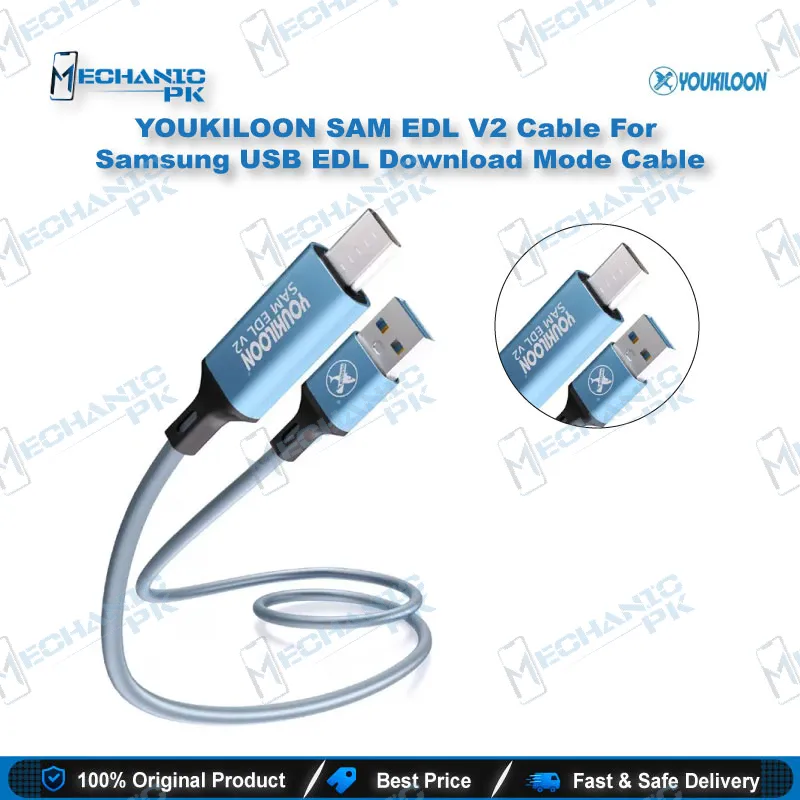
YOUKILOON SAM EDL V2 Cable For Samsung USB EDL Download Mode Cable
₨ 1,250
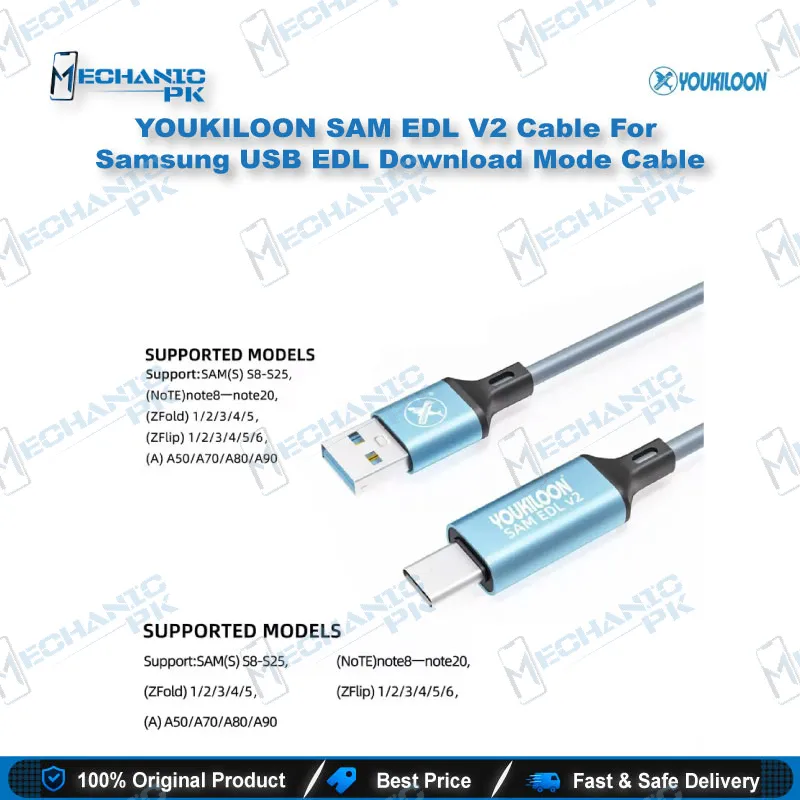
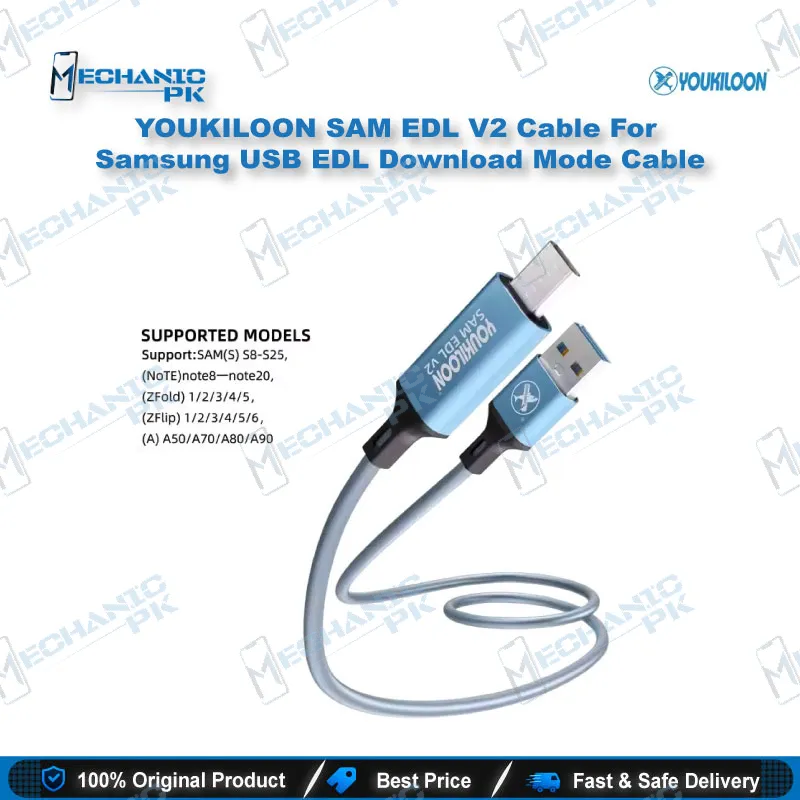
The YOUKILOON SAM EDL V2 cable puts supported Samsung phones into Download Mode the moment you connect them. Plug the USB-A end into a PC port, power bank, or wall adapter, then push the reversible Type-C end into a powered-off phone. The screen jumps to Download Mode without a button combination. It covers Galaxy S8 to S25, Note 8, 9, 10 and 20, Z Fold 1 to 5, Z Flip 1 to 6, and the Galaxy A53. Keep it on your bench for firmware flashing, boot loop issue jobs, and dead phone recovery on Samsung devices.
YOUKILOON SAM EDL V2 Cable For Samsung USB EDL Download Mode Cable
Every Samsung software job starts at the same point: the phone has to reach Download Mode before your flashing software can see it. On a dead phone or a phone that hangs on logo, the button combination can be slow or unreliable. The SAM EDL V2 cable from YOUKILOON handles that step in hardware. You connect it to a power source, push the Type-C end into the powered-off Samsung, and the phone drops into Download Mode on its own.
How the SAM EDL V2 Cable Works on Your Bench
The cable has a USB-A plug on one end and a reversible Type-C plug on the other, so you never fight the orientation. Feed it power from a PC USB port, a power bank, or a wall adapter. The cable needs that live current to send its boot signal. Once you insert the Type-C end into the powered-off handset, the phone reads the signal and jumps to the Samsung Download Mode screen. You skip the manual key press, and you do not need a PC just to trigger the mode. You still connect the phone to your computer and run your usual Samsung flashing software, such as Odin, to load the firmware.
Verified Samsung Model Coverage
YOUKILOON built the SAM EDL V2 for Samsung’s modern Type-C lineup. The verified range covers Galaxy S8, S9, S10, S20, S21, S22, S23, S24 and S25, Note 8, 9, 10 and 20, Z Fold 1 to 5, Z Flip 1 to 6, and the Galaxy A53. Check your customer’s exact model against this list before you order. Other A-series models sit outside the confirmed scope, so verify first instead of assuming.
Where This Cable Fits in Your Samsung Repair Workflow
Samsung software marna jobs usually fall into three groups. The first is a dead phone that shows nothing. The second is a boot loop issue that never reaches the home screen. The third is a phone that hangs on logo after an update or a bad flash. All three need Download Mode as the doorway to a clean firmware flash, and this cable opens that doorway in seconds.
Some phones stay dead after flash or show no sign of life even with the cable connected. Those cases point to a hardware fault, and your bench workflow changes. Check the charging line and supply rails with your multimeters, inspect the board under your microscope, and move to your ISP pinout tools or eMMC programmers when the storage chip needs attention. If the fault traces back to a failed IC, you reach for your hot air station, soldering station, reballing kit, and PCB holder. Keep this cable in your software tray and keep your test box beside it for the jobs where you need box chalana instead.
Try the Cable Before You Open the Phone
Opening a Samsung to reach a test point or jumper takes time and risks the board. This cable enters Download Mode without opening the phone, so plug it in first. If the Download Mode screen appears, you know the fault sits in software and a flash can fix it. If nothing appears, check the charging port and battery for a charging issue before you plan an IC change karna or jumper lagana. That single test saves you from opening phones that never needed a soldering iron.
Everyday Use and Buying Notes for Pakistani Repair Shops
The cable also charges, so it stays useful on your bench between flashes. It ships as a single cable per pack. If your shop runs Samsung software jobs every day, keep one cable at each bench so no technician waits for a shared cable. Service centers with several technicians and repair shops that handle Samsung volume get the most from a dedicated SAM EDL V2 cable at every workstation.
| Weight | 0.2 kg |
|---|
Key Features
- Plug-and-play Download Mode entry when you connect a powered-off Samsung
- No manual button combination required
- Reversible Type-C plug for fast, orientation-free connection
- USB-A end powers from a PC USB port, power bank, or wall adapter
- No PC required to trigger Download Mode
- Enters the mode without opening the phone
- Doubles as a charging cable
- Covers Galaxy S8 to S25, Note, Z Fold, Z Flip, and the A53
Specifications
| Brand | YOUKILOON |
|---|---|
| Model | SAM EDL V2 |
| Category | Samsung Download Mode Cable (Programming & Flashing Cables) |
| Compatibility | Samsung Galaxy S8 to S25, Note 8/9/10/20, Z Fold 1 to 5, Z Flip 1 to 6, Galaxy A53 |
| Supported Devices | Samsung Type-C smartphones and foldables listed under Compatible Devices |
| Technology | Hardware-triggered Samsung Download Mode entry; USB-A to reversible Type-C; powers from PC USB port, power bank, or wall adapter |
Common Repair Uses
- Firmware flashing and software recovery on supported Samsung phones
- Forcing Download Mode on a dead phone before firmware flashing
- Fixing hang on logo through a full firmware flash
- Recovering a boot loop issue with stock firmware
- Recovering a phone that went dead after flash
- Handling daily software marna jobs in a Samsung repair queue
- Reaching Download Mode without opening the phone
- Charging Samsung phones on the bench between flashes
- Separating a software fault from a hardware fault before IC change karna
Compatible Devices
- Samsung Galaxy S, Note, Z Fold and Z Flip series plus Galaxy A53
- Galaxy S8, S9 and S10
- Galaxy S20 and S21
- Galaxy S22 and S23
- Galaxy S24 and S25
- Galaxy Note 8, 9, 10 and 20
- Galaxy Z Fold 1 to 5
- Galaxy Z Flip 1 to 6
- Galaxy A53
FAQ
What is the product name?
What is the brand of this product?
What is the model of this product?
What is this product used for?
Which devices are compatible with this product?
Who should use this product?
Do I need a PC to put a Samsung phone into Download Mode with the SAM EDL V2 cable?
Does the SAM EDL V2 cable work on every Samsung A-series phone?
Related products
i2C Syn14 18in1 Silicone Middle Layer Platform iPhone X-14PM
Out of stock
Reviews
Clear filtersThere are no reviews yet.