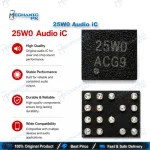
25W0 Audio IC for Mobile Board Repair
₨ 250
Replacement Audio IC for Dead Audio and Mic Faults
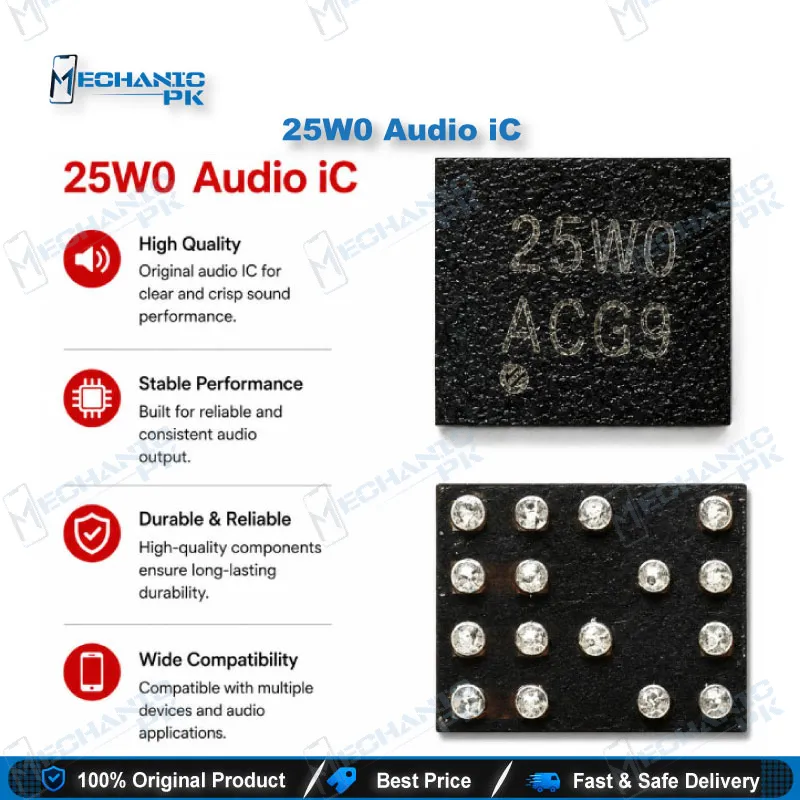
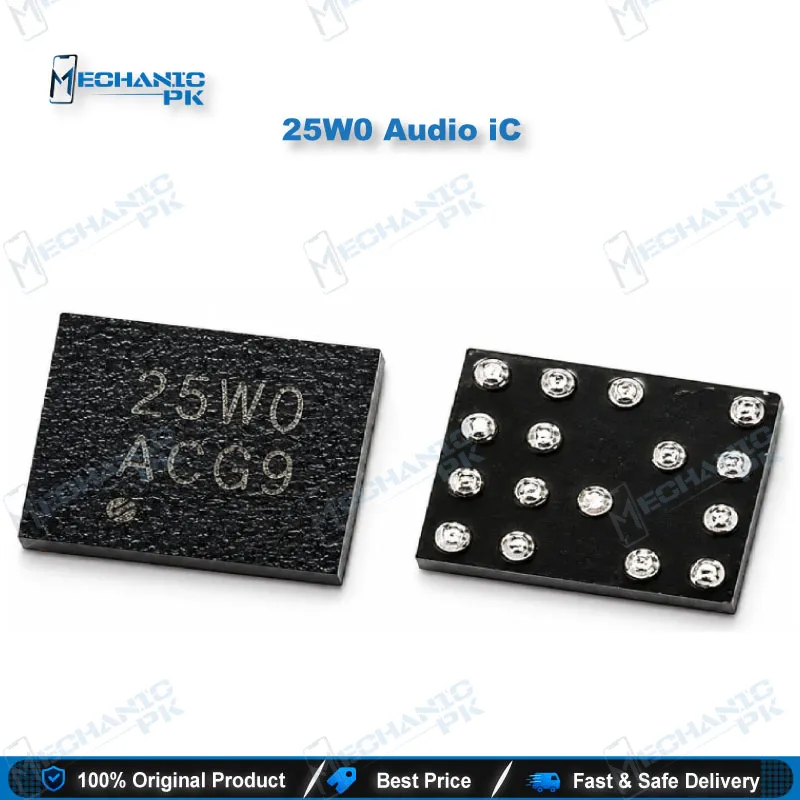
The 25W0 Audio IC is a replacement chip for the audio signal path on mobile motherboards. Technicians reach for it when a board shows dead audio, no microphone response, or a silent speaker after liquid exposure or a failed repair. Its value shows up only after diagnosis confirms the fault sits in the IC itself. Before replacement, check the audio lines for continuity and inspect the pads for corrosion, because a lifted pad or broken trace can produce the same symptoms. This part suits board-level technicians and service centers already doing hot air rework.
25W0 Audio IC in Board-Level Audio Repair
This IC targets one specific failure zone on a mobile board: the audio circuit that moves sound between the microphone, earpiece, and speaker. Replacing it is a chip-level job, so it belongs in the hands of technicians who already control a hot air station and reballing process. The steps below follow the order a board-level technician works through, from diagnosis to reflow testing.
Diagnosing Before You Replace
Confirm the fault before lifting anything off the board. Test continuity on the audio lines and check whether the speaker and microphone respond when the board is powered. Inspect the area around the chip for corrosion, which is common after liquid damage. A broken trace or lifted pad mimics an IC fault, and replacing a good chip will not restore sound. Document each reading so you can compare it after the repair.
Removing and Preparing the Pads
Heat the old chip evenly and lift it only when the solder has fully reflowed. Excess force or uneven heat often damages neighboring components on a board that already carries stress from an earlier repair. Clean the pads with flux and a fine tip, then check each pad under magnification. Clean, level pads give the new chip the best chance of a reliable joint.
Reballing and Reflow Testing
Reball the chip with the correct ball size for the package before placement. Set the hot air station to a controlled profile and avoid overheating the surrounding area. After reflow, test the speaker, earpiece, and microphone before reassembling the device. Keep a few spare units in stock if your shop handles steady audio-fault volume, since each failed attempt consumes a part.
| Weight | 0.1 kg |
|---|
Specifications
| Category | Audio IC |
|---|---|
| Technology | Audio signal processing chip |
Common Repair Uses
- Dead audio or no sound on a mobile board
- No microphone response after liquid damage
- Silent speaker on a board diagnosed with audio IC failure
- Board-level audio circuit repair and reballing
Compatible Devices
- Universal, not device-specific. Confirm the original chip marking on the faulty board before ordering, because audio IC compatibility depends on the board model.
FAQ
What is the product name?
What is this product used for?
Which devices are compatible with this product?
Who should use this product?
Can this IC be installed with a regular soldering iron?
Should I replace the IC before checking the board traces?
Related products