











































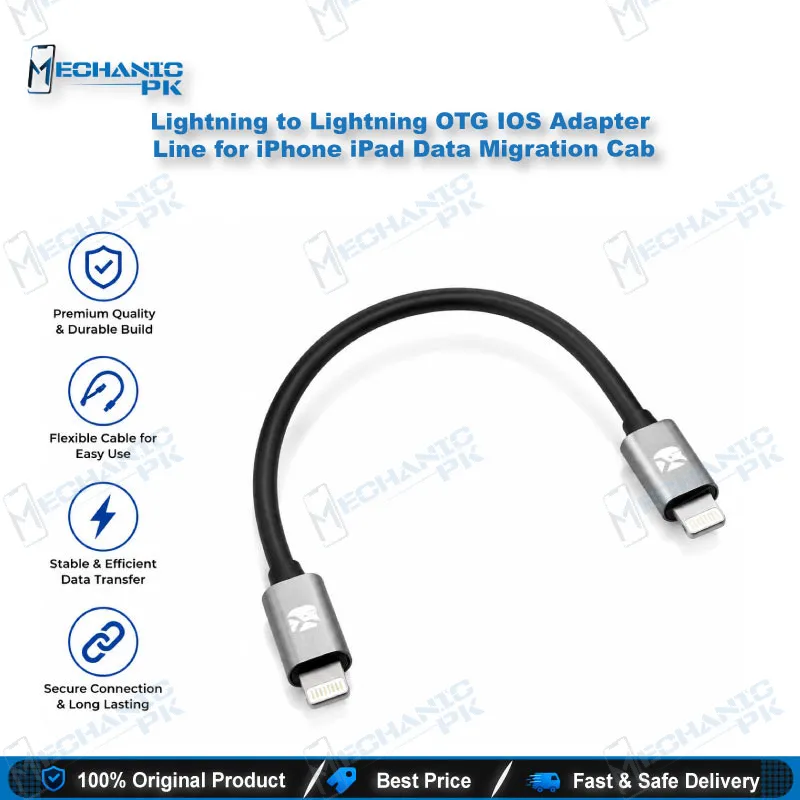
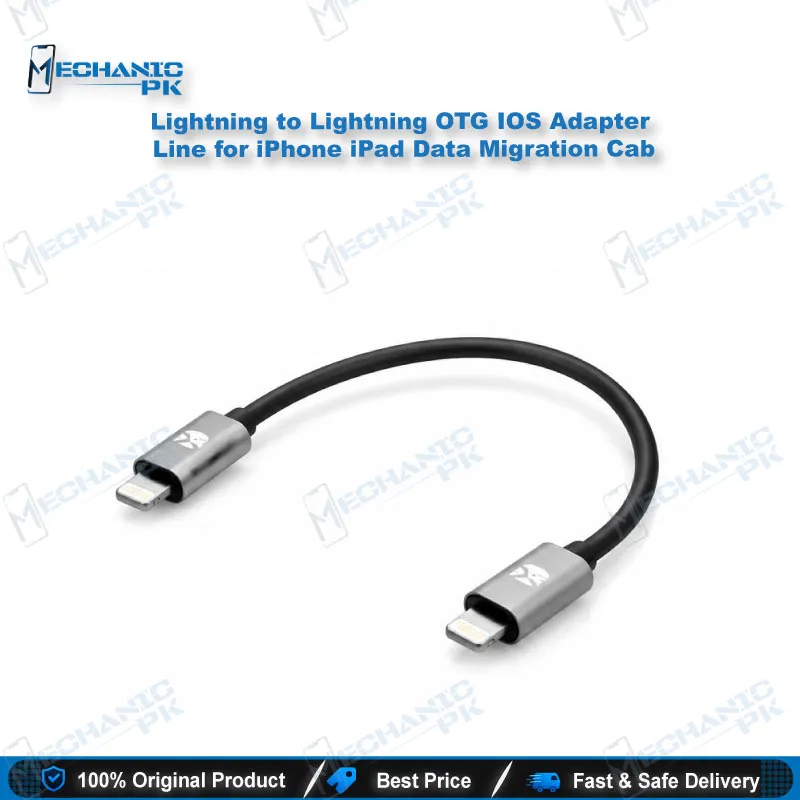
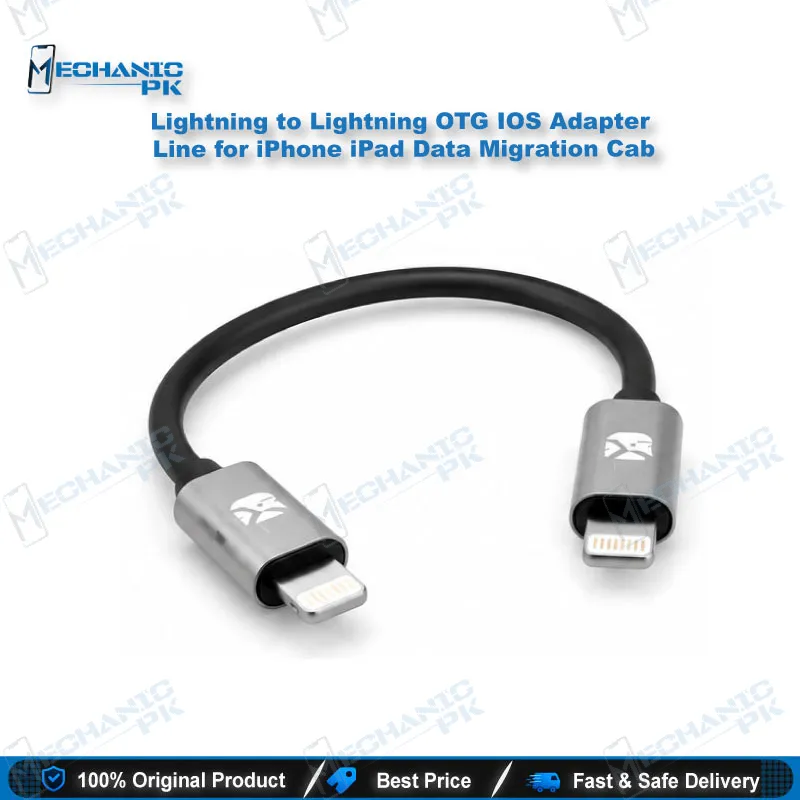
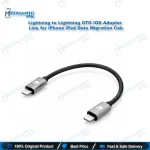
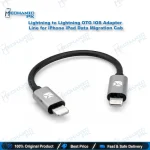
Lightning to Lightning OTG IOS Adapter Line for iPhone iPad Data Migration Cab
₨ 1,500
Lightning to Lightning OTG IOS Adapter Line for iPhone iPad Data Migration Cab connects an old iPhone directly to a new iPhone or iPad for wired Quick Start data migration. Plug the Host end into the old device and the Logo end into the new one, then follow the on-screen pairing steps. Contacts, photos, videos, messages, apps and settings move across the cable without Wi-Fi, iCloud or a computer. For repair shops and mobile stores in Pakistan, a wired link keeps large photo libraries transferring at a steady speed while you serve the next customer.
In stock
Lightning to Lightning OTG IOS Adapter Line for iPhone iPad Data Migration Cab tackles one of the most time-consuming jobs at a phone counter, moving a customer’s data onto a new handset. Wireless migration slows down badly once a photo library reaches tens of gigabytes, and a shared shop network makes the wait worse when several technicians run setups at the same time. A direct wired connection gives you a steady transfer speed that does not depend on the internet connection in your shop. The cable has two marked ends, and getting them right matters before you start. The Host end plugs into the old iPhone that holds the customer’s data, and the Logo end plugs into the new iPhone or iPad being set up. Before you connect anything, charge both devices to a comfortable level so a low battery does not interrupt the transfer halfway through. Power on the new device and bring it close to the old one, and Apple’s Quick Start screen should appear. Continue with the customer’s Apple ID, then complete the on-screen pairing step, where the old phone’s camera reads the animated pattern shown on the new screen. Once pairing confirms, choose the option to restore from the old device. The transfer then moves contacts, photo libraries, message history, installed apps, health data and system settings without a computer, iTunes or Finder. Your bench stays clear because you never need to open either handset or touch internal hardware. This makes the cable a practical fit for walk-in sales, phone upgrades and after-sale setup work. Compatibility depends on the iOS version running on both devices rather than a fixed model list. Both the old and new device need iOS 12.4 or later for the direct migration option to appear during setup. Check the version under Settings, then General, then About, and then Version before you begin. An outdated device costs you time, so update it first if needed. Keep this cable in mind as a fallback as well. When a customer’s iCloud storage is full, or their Apple ID has a sync problem that blocks a wireless restore, a wired Quick Start transfer gets the data across without waiting for cloud limits to clear. Build quality matters on a busy counter where the cable goes in and out of many devices every day. The product page describes a shielded, reinforced connector that supports a stable link for the length of a transfer. A customer who is waiting for a new phone does not want to hear about a failed copy, so check both ends for damage before each job and retire any cable that shows wear at the connector. Store the cable next to your other iPhone setup accessories so it is ready for the next customer. Pay attention to port types as well. This cable works only between two Lightning-port devices, so newer iPhones with a USB-C port need a USB-C to Lightning cable for a wired Quick Start transfer instead. Confirm both ports before you promise a wired migration, and explain each step to the customer so they know what to expect from pairing through to the final restore. A clear explanation builds trust at the counter and turns a one-time setup into a repeat visit.
| Weight | 0.9 kg |
|---|
Key Features
- Direct Lightning to Lightning connection for wired iPhone to iPhone data transfer
- Works with Apple’s built-in Quick Start migration screen
- Transfers contacts, photos, videos, messages, apps and settings
- Clearly marked Host and Logo ends for correct orientation
- No computer, iTunes or Finder required for the transfer
- Faster and more stable than Wi-Fi based Quick Start migration
- Handles large photo and video libraries during device setup
- Compact bench accessory for repair shop and mobile store counters
Specifications
| Brand Entity | Generic third-party iOS accessory |
|---|---|
| Product Entity | Lightning to Lightning data migration cable |
| Technology Entity | Apple Quick Start, Lightning connector |
| Compatible Device Entities | iPhone, iPad (Lightning port) |
| Repair Process Entity | Device setup and data migration |
| Industry Entity | Mobile phone sales and repair accessories |
Common Repair Uses
- New device setup at phone sales counters
- Data migration for customers switching to a new handset
- Fallback transfer when iCloud storage is full
- Migration when an Apple ID sync problem blocks a wireless restore
- Fast transfer of large photo and video libraries during walk-in setup
- Quick data move from a working old device to a replacement unit
Compatible Devices
- iPhone models with a Lightning port running iOS 12.4 or later
- iPad models with a Lightning port running iOS 12.4 or later
- Both the old and new device must run iOS 12.4 or later
- Newer iPhones with a USB-C port are not supported by this cable
FAQ
What is the product name?
What is the brand of this product?
What is the model of this product?
What is this product used for?
Which devices are compatible with this product?
Who should use this product?
Does the old iPhone need a working screen to use this cable?
Can this cable transfer data to a new iPhone with a USB-C port?
Related products







