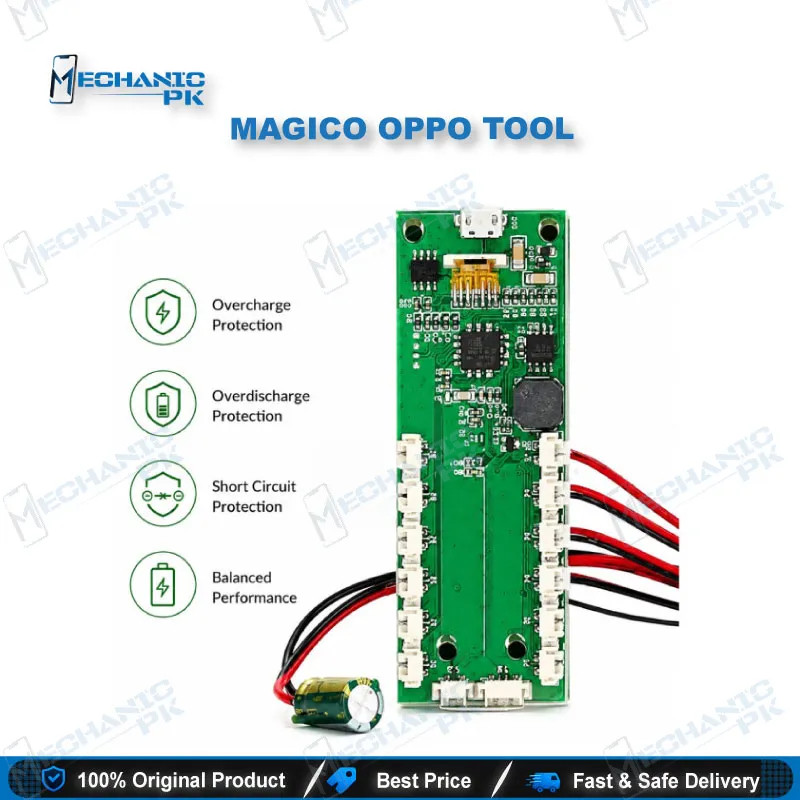
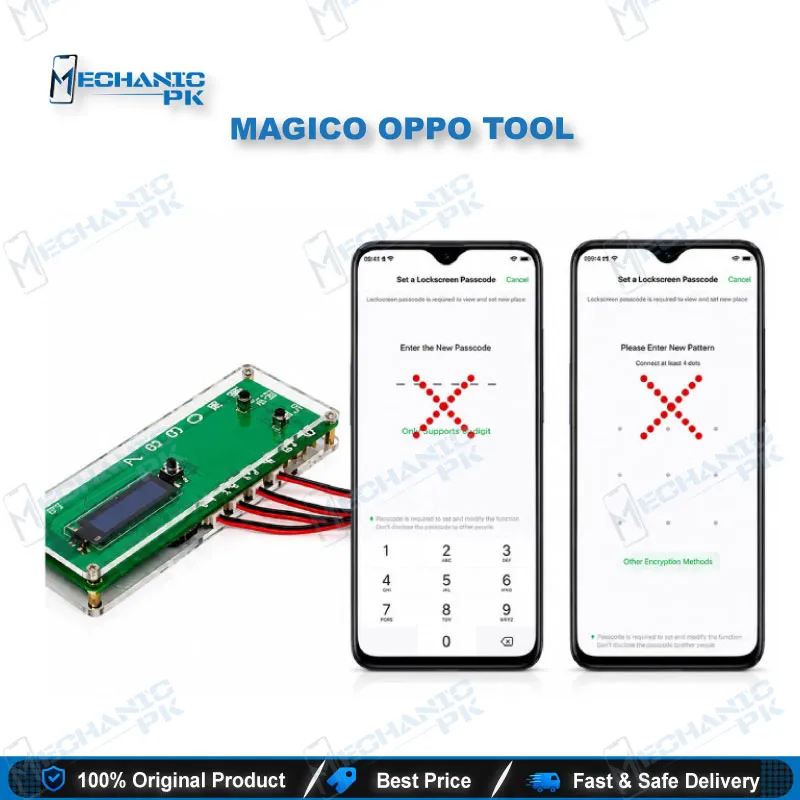
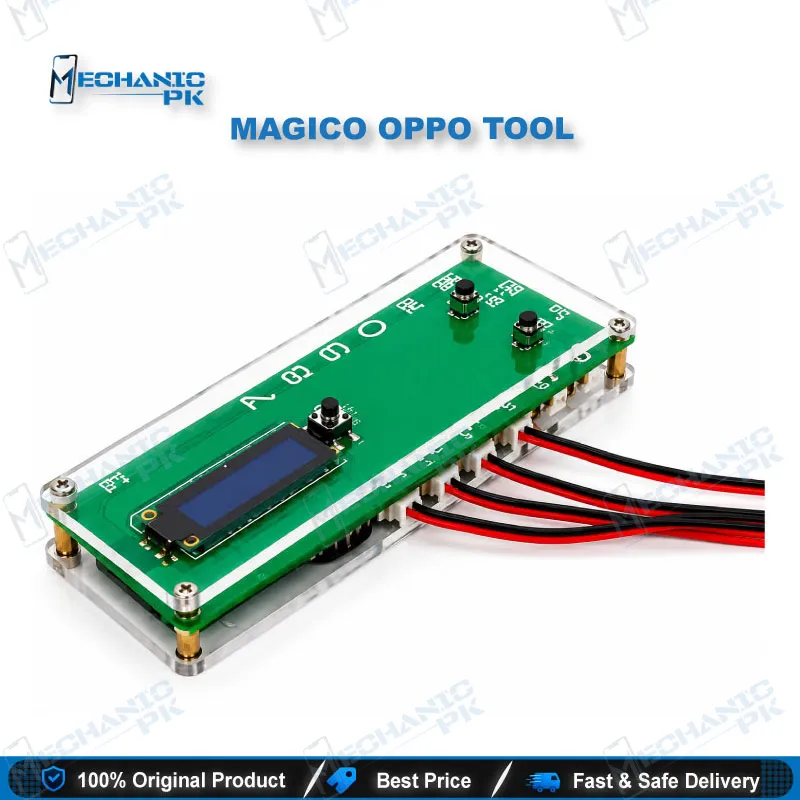
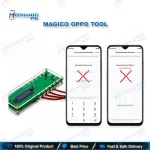
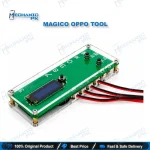
Magico OPPO Tool Account Lock Bypass Dongle
₨ 6,000
OPPO Account Unlock Dongle for Supported K, R, A, Find X and Reno Models
The Magico OPPO Tool is an OPPO account unlock dongle that pairs a hardware key with dedicated PC software. It targets account locks and lost mode restrictions on supported OPPO handsets. The software gives you one-click operation modes and manual timing control, so you adjust the bypass sequence yourself when OPPO changes its server-side checks. Coverage includes the K-series, R17, Find X, A-series, and Reno family. At 0.15 kg, the dongle suits a busy repair bench. This tool handles the account-lock layer only and does not flash firmware or repair boards. Verify device ownership before every job.
In stock
Magico OPPO Tool: OPPO Account Unlock Dongle for Repair Benches
The Magico OPPO Tool is an OPPO account unlock dongle. It combines a physical hardware key with dedicated PC software to remove account locks and lost mode restrictions on supported OPPO handsets. MagicoTeam designed it around a single job, so you get a focused account-lock workflow instead of a crowded multi-brand menu. The software offers one-click operation modes and manual timing controls, which matter because OPPO verifies accounts against its own servers and adjusts that behaviour over time. If your intake includes steady volumes of K-series, R17, Find X, A-series, and Reno devices, this dongle gives you a dedicated route for the account-lock complaints that reach your counter. You confirm ownership first, then you work the lock.
Dongle and PC Software Workflow
You connect the dongle to your computer, launch the companion software, and switch between operation modes with a single click. No command-line utilities or scattered configuration files slow the job down. That matters on a bench where you juggle several brands and several boxes in one shift, because every minute spent configuring software costs you a finished phone. The dongle weighs 0.15 kg and sits next to your UFI Box, test boxes, and power supply without crowding the workspace. Keep the PC software on its latest release, because the developer ships updates that extend model coverage and respond to server-side changes. You get a tool that stays current only if you keep updating it.
Adjustable Timing for OPPO Server-Side Changes
OPPO updates its account verification on the server side, so a fixed bypass sequence loses reliability over time. The Magico software lets you set the timing of the button-click sequence manually. When results shift on a stubborn ID lock, you recalibrate the timing yourself and avoid waiting for a new tool release. This makes the dongle a technician’s instrument, not a click-once utility, so expect occasional tuning when you meet a difficult handset. The bypass interacts with OPPO’s account servers, so keep a stable connection active during each attempt. Treat every new OPPO software version as a prompt to recheck your timing values before you quote a job.
Supported OPPO Model Coverage
The verified model list covers the K-series (K1, K3, K5), the R17, and the Find X. The A-series entries include the A7, A8, A9 (the high-version A9 included), A11, and A11X. The Reno family covers the original Reno, Reno Ace, Reno2, and RenoZ. Support expands through software updates, so check the current release notes before you accept an unlisted model. Match the exact model number on the device against the supported list, and never assume that a sibling model shares the same support. This discipline keeps your turnaround honest and your customer expectations accurate.
Scope, Limits, and Bench Placement
This dongle works on the account-lock layer only. It does not flash firmware, repair ICs, or diagnose boards. A dead phone, a boot loop issue, or a hang on logo still needs your flash tools, your ISP pinout workflow, and your eMMC programmer. Pair it with Mobile Phone Flash Tools and a UFI Box for software faults, and with ISP Pinout Tools for dead boards. It earns its slot in the “phone powers on and works, but the account lock blocks the customer” scenario, which appears constantly at OPPO intake. Work only on devices the customer owns or can document ownership of, and record that check at intake. If your volume spreads beyond OPPO, a multi-brand unlock box is the logical upgrade path.
| Weight | 0.15 kg |
|---|
Key Features
- Dedicated hardware dongle for OPPO account lock removal
- Lost mode and account-lock restriction handling on supported models
- Companion PC software with one-click operation modes
- Manual timing control for button-click bypass sequences
- Coverage of K-series, R17, Find X, A-series, and Reno-series models
- Software updates that expand model support over time
- Compact 0.15 kg body for crowded repair benches
- Single-purpose design with no multi-brand menu clutter
Specifications
| Brand | Magico (MagicoTeam) |
|---|---|
| Model | Magico OPPO Tool |
| Category | OPPO account lock bypass dongle |
| Compatibility | Select OPPO K-series, R17, Find X, A-series, and Reno-series models |
| Supported Devices | OPPO K1, K3, K5, R17, Find X, A7, A8, A9 (including high version), A11, A11X, Reno, Reno Ace, Reno2, RenoZ |
| Technology | Hardware dongle with companion PC unlock software |
| Weight | 0.15 kg |
Common Repair Uses
- Account-lock and lost mode scenarios on supported OPPO models
- Removing OPPO account locks on K-series handsets
- Clearing lost mode restrictions on supported devices after verified owner authorization
- Handling secondhand OPPO units with unknown account credentials, with ownership verified
- Resolving account-lock walk-in complaints on the A7, A8, A9, A11, and A11X
- Servicing locked Reno, Reno Ace, Reno2, and RenoZ handsets
- Unlocking R17 and Find X units that arrive with account locks
- Restoring device access without a full firmware reflash
- Recalibrating timing values after OPPO changes its server-side checks
Compatible Devices
- Select OPPO models listed below, with further models added through software updates
- OPPO K1 and K3
- OPPO K5
- OPPO R17
- OPPO Find X
- OPPO A7 and A8
- OPPO A9, including the high version
- OPPO A11 and A11X
- OPPO Reno, Reno Ace, Reno2, and RenoZ
FAQ
What is the product name?
What is the brand of this product?
What is the model of this product?
What is this product used for?
Which devices are compatible with this product?
Who should use this product?
Does the Magico OPPO Tool need an internet connection to remove an OPPO account lock?
Can the Magico OPPO Tool flash firmware or fix a dead OPPO phone?
Related products