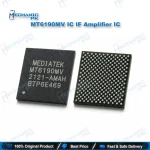
MT6190MV IF IC – MediaTek 5G RF Transceiver IC
₨ 350
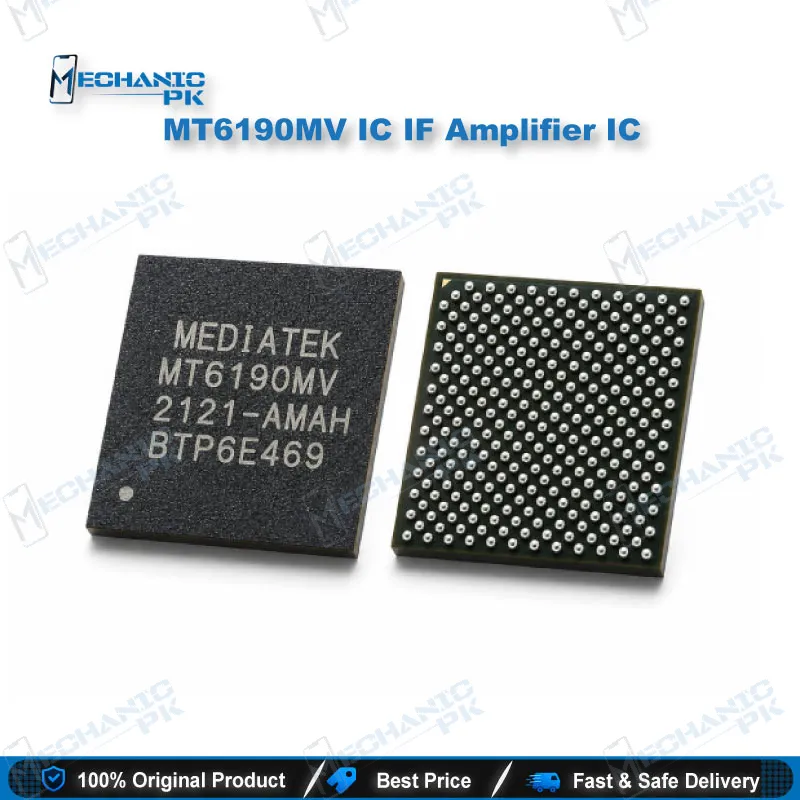
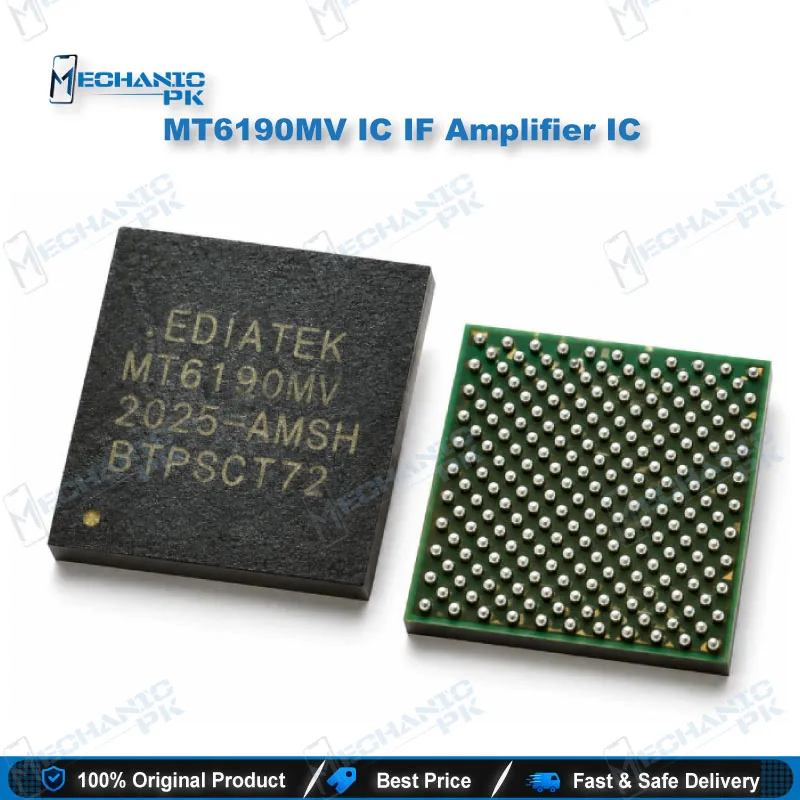
MT6190MV IF IC for MediaTek 5G Network Repair
The MT6190MV IF IC is MediaTek’s RF transceiver for Dimensity-based 5G smartphones, handling both the transmit and receive conversion between the baseband modem and the RF front-end. Teardown records confirm it on the Oppo K10 5G (PGJM10) and Infinix Zero 5G (X6815) motherboards. Technicians use this part when a 5G MediaTek phone shows a network issue that survives a clean firmware flash and points to a hardware fault in the transceiver stage. Match the board marking exactly before you order, then replace it with a proper hot air, flux, and reballing setup for a reliable network restoration.
Out of stock
MT6190MV IF IC: MediaTek’s RF Transceiver for Dimensity 5G Boards
The MT6190MV IF IC is MediaTek’s RF transceiver, the chip that sits between the Dimensity baseband processor and the RF front-end on 5G phone motherboards. Pakistani technicians call this part the “IF IC” or network IC, and it converts data between baseband and radio frequency for both the transmit and receive paths. Teardown records confirm the MT6190MV on the Oppo K10 5G (PGJM10), which runs the Dimensity 8000-MAX, and on the Infinix Zero 5G (X6815), which runs the MT6877V platform. When a customer hands you a 5G MediaTek phone with no service and the software side checks out clean, this transceiver earns a place on your diagnostic list.
Where the MT6190MV Sits in the Network Signal Chain
A 5G MediaTek board splits its radio work across three stages. The Dimensity SoC runs the modem and produces baseband data. The MT6190MV takes that data, converts it to RF for transmission, and brings received signals back down so the modem can decode them. Power amplifier modules, antenna switches, and filters in the front-end then drive the antennas. Because the transceiver carries both directions, a dead MT6190MV usually kills network across every band, not just one carrier or one SIM slot. A PA fault behaves differently: you typically lose specific bands or see weak uplink while reception stays alive. Reading the symptom this way saves you from lifting the wrong chip.
Diagnosing a MediaTek RF Transceiver IC Fault Before IC Change Karna
Start with software, because a bad flash produces the same “no service” screen as a hardware fault. Confirm the IMEI shows correctly, check that the baseband version appears in settings, and reflash matching firmware if the phone went dead after flash or lost network after an update. If network stays missing on a verified firmware, move to the board. Inspect the transceiver area under a microscope for corrosion from liquid damage, lifted shields, or cracked solder around the package. Measure the supply rails that feed the IC with your multimeter, since a missing rail from the PMIC side mimics a dead transceiver. If light pressure on the shield briefly brings signal back, you are likely dealing with cracked BGA joints, and a reball often fixes the phone without a new part. Order the MT6190MV IF IC only after these checks point clearly at the chip itself.
Replacing the MT6190MV IF IC on Your Repair Bench
Clamp the board in a PCB holder and preheat it evenly so the surrounding components and the multilayer board handle the heat without warping. Many modern 5G boards apply underfill around RF and processor ICs, so soften it with controlled hot air and remove it gradually rather than prying the chip. Once the old IC lifts, clean the pads flat with flux and solder wick, then inspect every pad under magnification for damage before you continue. Reball the new or reused chip with a stencil that matches the footprint from your reballing kit, align it carefully against the silkscreen outline, and reflow with a steady airflow profile. Let the board cool naturally before reassembly. Finish by testing network registration on both SIM slots and checking signal strength across 4G and 5G where the carrier supports them.
For this job, a reliable hot air station and a stereo microscope matter more than any other tool on your bench. If you handle 5G board work regularly, a dedicated BGA preheater makes the natural upgrade, giving you even bottom heat that protects the board and the transceiver’s neighbours during removal.
| Weight | 0.1 kg |
|---|
Key Features
- MediaTek MT6190MV part number for exact board matching
- RF transceiver handling both transmit and receive conversion
- Pairs with MediaTek Dimensity 5G baseband platforms
- Verified on Oppo K10 5G and Infinix Zero 5G motherboards
- Restores network on all bands when the transceiver is the fault
- Suited to standard hot air, flux, and reballing workflows
- Lets you repair the board instead of replacing the motherboard
- Fits Pakistani repair shop demand for 5G MediaTek network repairs
Specifications
| Brand | MediaTek |
|---|---|
| Model | MT6190MV |
| Category | Mobile Phone IC – Network / IF IC (RF Transceiver) |
| Compatibility | MediaTek Dimensity 5G platforms (verified on Dimensity 8000-MAX and MT6877V boards) |
| Supported Devices | Oppo K10 5G (PGJM10), Infinix Zero 5G (X6815) |
| Technology | Cellular RF transceiver (transmit and receive chain) |
Common Repair Uses
- Board-level network repair on MediaTek 5G phones.
- No service on all bands after liquid damage to the transceiver area
- Network loss after a drop that cracks BGA joints under the IC
- Network missing after firmware is verified clean and the IMEI shows correctly
- Signal that returns when pressing the RF shield (dry joint diagnosis)
- Full MT6190MV IC change on a confirmed dead transceiver
- Reballing and reflowing the existing MT6190MV
- Replacing a transceiver damaged during a previous failed rework
- Network restoration after corrosion cleaning on the RF section
Compatible Devices
- Verified device-level compatibility from teardown records; match the IC marking on the board before ordering.
- Oppo K10 5G (PGJM10) – Dimensity 8000-MAX (MT6895Z-C)
- Infinix Zero 5G (X6815) – MediaTek MT6877V
- Other MediaTek Dimensity boards carrying the MT6190MV marking (confirm on the board)
FAQ
What is the product name?
What is the brand of this product?
What is the model of this product?
What is this product used for?
Which devices are compatible with this product?
Who should use this product?
How do I know if the MT6190MV IF IC is faulty?
Is the MT6190MV the same as the MT6190W?
Related products