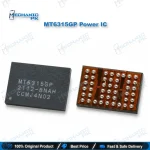
MT6315GP Power IC MediaTek 4-Output Buck PMIC
₨ 300
MT6315GP Power IC for MediaTek Core Rail Repair
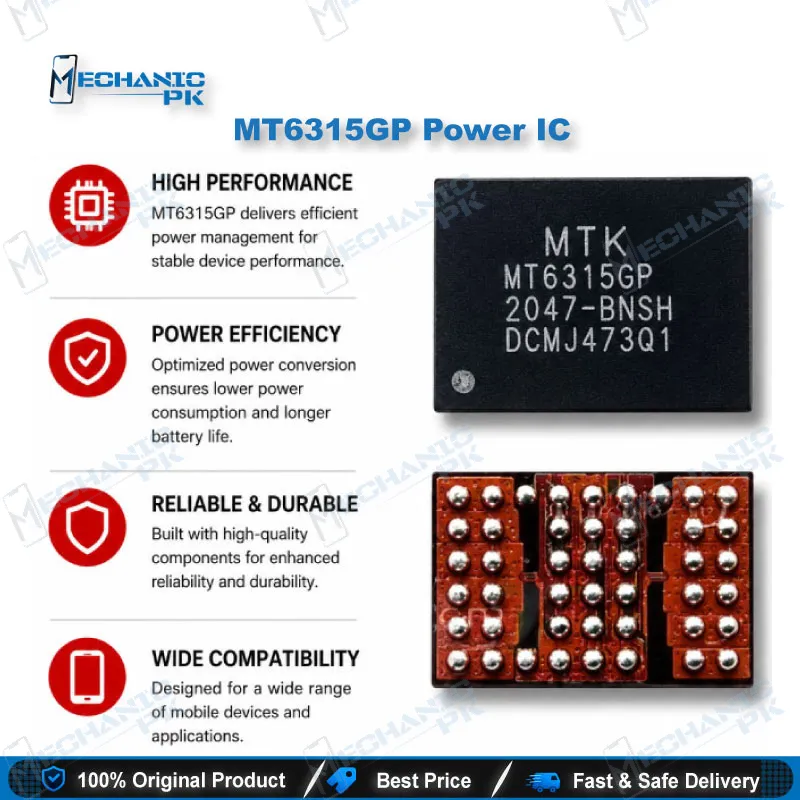
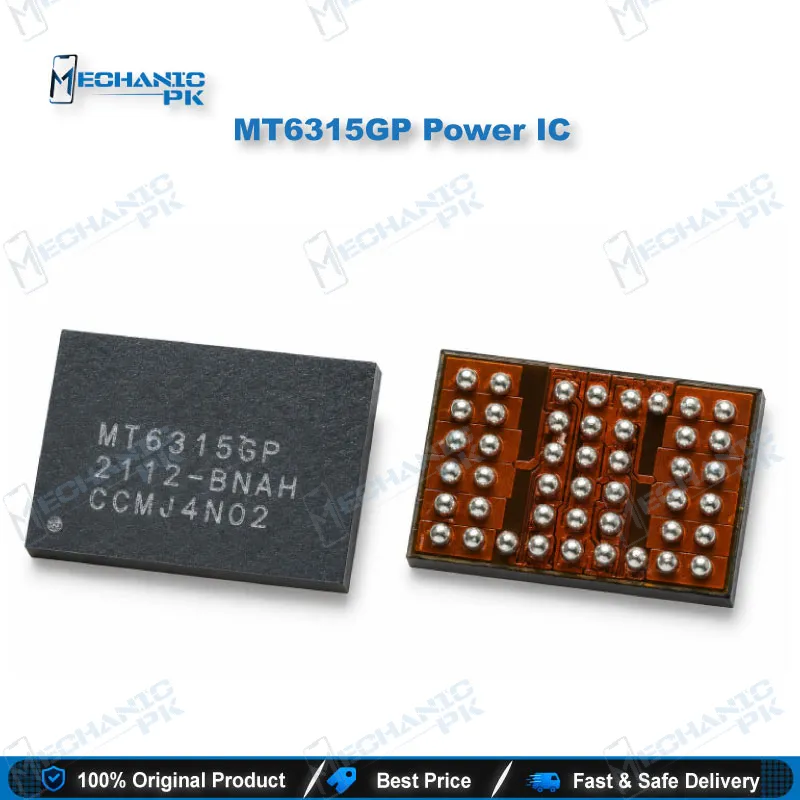
The MT6315GP Power IC is a MediaTek step-down buck regulator that supplies the low-voltage, high-current rails a MediaTek application processor needs to run. It combines four programmable buck outputs in a 45-ball WLCSP package measuring 2.35 x 3.44 mm, accepts up to 6V at the input, and regulates outputs up to 1.19375V. Technicians use it to replace a shorted or burnt companion PMIC on dead MediaTek boards when the processor core supply drops out. Check the marking on the original chip before you order. MediaTek ships the MT6315 in several suffix variants, and the GP version must match the board design.
MT6315GP Power IC: MediaTek Multi-Output Buck Regulator for Board-Level Repair
The MT6315GP Power IC is a MediaTek companion PMIC that feeds dedicated, programmable supply rails to the application processor. MediaTek pairs this buck regulator with the main PMIC, so the processor gets its own regulated core supply that stays separate from the general system rails. The chip has four buck outputs in a 45-ball wafer-level package with a 2.35 x 3.44 mm footprint. It takes a maximum input of 6V and sets outputs up to 1.19375V. When the IC fails, the processor loses its core supply. You then see a dead phone, a short on the battery line, or a board that hangs on logo. Mechanicpk stocks the MT6315GP for technicians who replace the exact marked part instead of bypassing a rail.
Electrical Profile and Package Details
MediaTek built the MT6315GP as a programmable step-down converter. Software sets each output anywhere from 0.4V up to 1.19375V, and that range covers the core voltages modern processors need under changing load. The distributor listing gives four outputs and a 5A output current rating, with an operating range of -30°C to 85°C. The WLCSP package puts the solder balls directly on the silicon die with no molded plastic body around it. As a result, the marking is tiny and the die edges chip easily. Read the part number under a microscope before you remove anything. You also need to confirm the suffix, because MediaTek uses the MT6315 family on several platforms with different suffix codes, and a mismatched variant may not deliver the voltages that platform expects.
Where the MT6315 PMIC Fits in Your Repair Workflow
Diagnosis usually starts at the DC power supply. A board that pulls heavy current the moment you connect power, or one that sits at zero draw with no boot, points you toward the power section. From there, take your multimeter in diode or resistance mode to the large inductors around the MT6315 PMIC. A near-zero reading to ground on one buck output tells you that rail has a short. Then inject a low, current-limited voltage into the shorted line and find the heat point with rosin or a thermal camera. If the IC itself heats up, it has failed internally. If a nearby capacitor heats up instead, replace the capacitor and keep the original IC. This order saves you an unnecessary IC change karna job. A stereo microscope from our Microscopes range and a solid board clamp from our PCB Holders category make this stage faster. A thermal camera is the natural upgrade for shops that handle MediaTek power faults every day.
Replacing the MT6315GP: Rework Practice for a Clean Result
WLCSP rework punishes rushed heat, so plan the job before you start. Clamp the board, preheat it evenly, and soften any underfill or glue around the chip before you lift it. Set a controlled airflow on your hot air station so the small capacitors beside the IC stay in place. Once the old part comes off, clean the pads with fresh flux and solder wick, and leave them flat and lightly tinned. Place the new MT6315GP Power IC with the ball side down, align its pin-one mark with the board’s original orientation, and reflow it with steady, moderate heat until it self-centres. Let the board cool naturally, clean off the flux, and recheck every buck output for shorts before you connect the battery. Power the board from your DC supply and watch the current draw climb in normal boot steps. A good result shows stable current and correct output voltages on the inductors.
Matching the Right Part to Your Board
Technicians often treat every MT6315 marking as interchangeable, and that habit causes repeat failures. Compare the full marking on the old IC with the new one, including the GP suffix, before installation. If you cannot read the original marking because of burn damage, check the board’s schematic or boardview for the exact part. You also save time by keeping the related bench tools ready: our Hot Air Stations, Soldering Stations, Multimeters, and Reballing Kits categories cover the full replacement job from diagnosis to final current test.
| Weight | 0.1 kg |
|---|
Key Features
- Genuine MediaTek MT6315GP marking for exact-match replacement
- Four programmable step-down buck outputs in one chip
- Output voltage range of 0.4V to 1.19375V for processor core rails
- Accepts input up to 6V from the system supply line
- 5A output current rating per distributor specification
- Compact 45-ball WLCSP package, 2.35 x 3.44 mm
- Rated for operation from -30°C to 85°C
- Surface-mount part suited to hot air rework on MediaTek boards
Specifications
| Brand | MediaTek |
|---|---|
| Model | MT6315GP (manufacturer part number MT6315GP/B) |
| Category | Power Management IC (PMIC), Step-Down Buck Regulator |
| Compatibility | MediaTek platforms designed with the MT6315GP companion buck PMIC |
| Supported Devices | Boards that carry the original MT6315GP marking |
| Technology | 4-output programmable step-down (buck) regulator, 5A output current rating (distributor listing), surface mount |
| Input Voltage | 6V maximum |
| Output Voltage | Programmable, 0.4V to 1.19375V |
| Dimensions | 2.35 x 3.44 mm (45-ball WLCSP) |
Common Repair Uses
- Board-level power-section repair on MediaTek motherboards
- Replacing a shorted MT6315GP on a dead phone with no boot
- Clearing a battery or VSYS line short traced to the buck IC
- Restoring a missing processor core rail after an internal IC failure
- Fixing hang on logo when diagnosis points to an unstable buck output
- Liquid-damage repair where corrosion destroyed the IC or its solder balls
- Board recovery after a failed rework damaged the original IC
- Re-fitting the IC when cracked solder joints cause intermittent power loss
- Service-centre stock for MediaTek power-section hardware fault repairs
Compatible Devices
- Verified at the platform and marking level. Phone-model compatibility for the GP suffix is not published, so match the marking on your board.
- MediaTek boards that carry the MT6315GP marking on the original IC
- MediaTek platforms that use an MT6315-series companion buck PMIC alongside the main PMIC
- MediaTek Genio 1200 platform (MediaTek lists the MT6315GP/B as its buck converter)
- Boards whose schematic or boardview specifies MT6315GP at the companion PMIC location
- Replacement of a damaged MT6315GP with an identical GP-suffix part
- Universal across board brands only when the original marking reads MT6315GP
FAQ
What is the product name?
What is the brand of this product?
What is the model of this product?
What is this product used for?
Which devices are compatible with this product?
Who should use this product?
How do I check whether the MT6315GP has a short on a dead MediaTek phone?
Can I replace MT6315GP with MT6315FP or another MT6315 suffix?
Related products