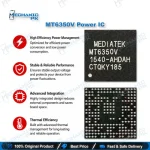
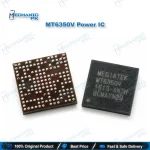
MT6350V Power IC – MediaTek BGA PMIC for Tecno & itel
₨ 250
MT6350V Power IC – MediaTek BGA PMIC
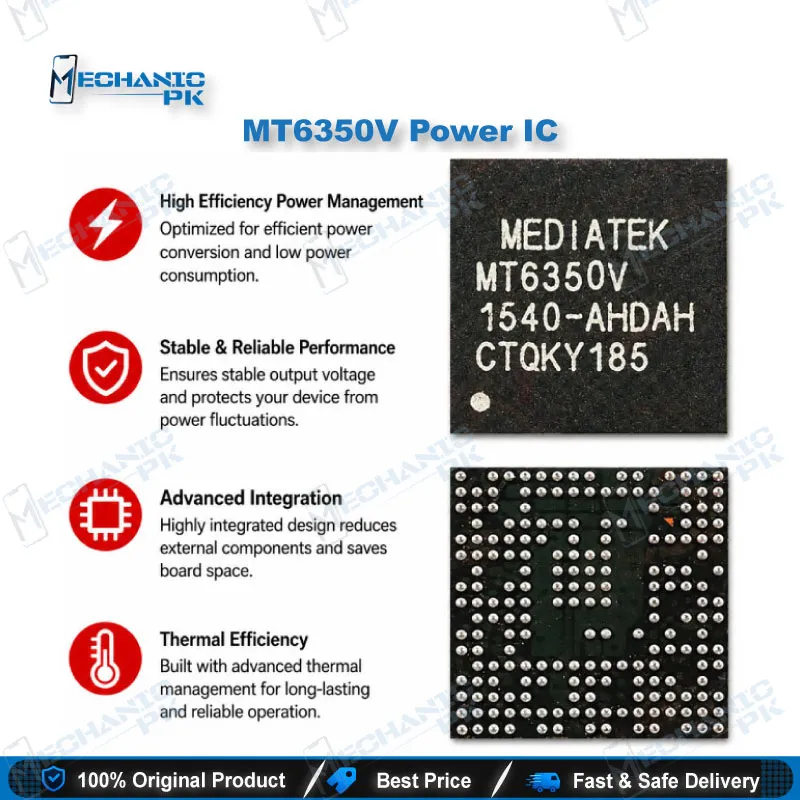
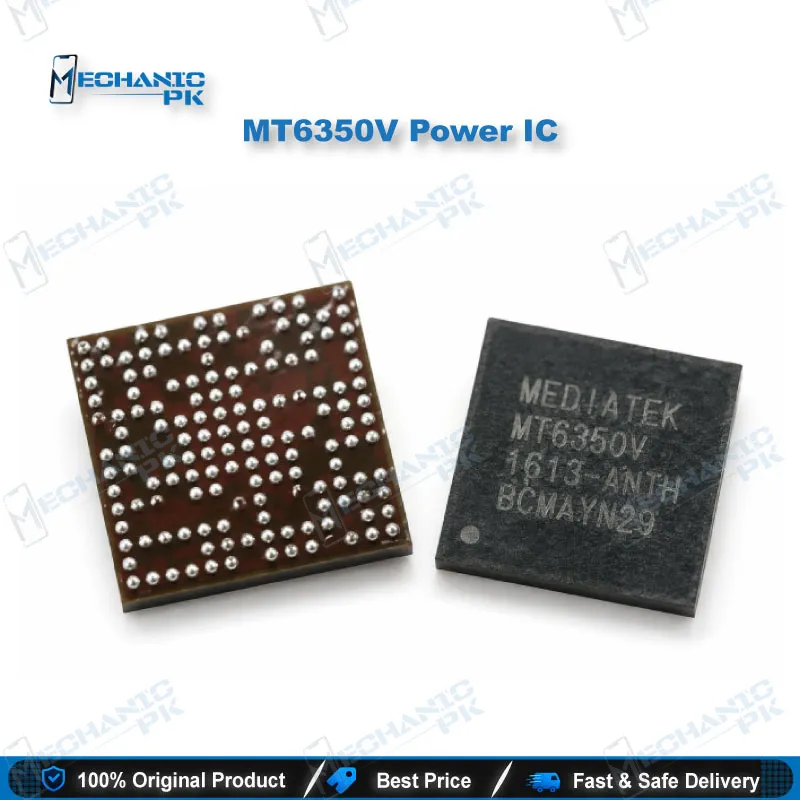
The MT6350V Power IC is a MediaTek power management IC in a BGA package. It generates and regulates the supply rails on MediaTek-based Android motherboards. Board-level technicians replace it when a phone has no power-up response, pulls high current on the DC supply, or has a PMIC that overheats within seconds of connection. The chip appears on popular Tecno and itel models that reach Pakistani repair benches, so it is a practical stock part for any hardware repair shop. Match the chip marking with your board and reball it with the correct stencil to bring a dead phone back to full power-up.
MT6350V Power IC – MediaTek PMIC for Board-Level Power Repair
The MT6350V Power IC is a MediaTek power management IC (PMIC) in a BGA package. It supplies and regulates the internal voltage rails on MediaTek-based Android motherboards. Technicians across Pakistan source this part for budget Tecno and itel models where a failed PMIC leaves the board with no power-up response. This page explains what the chip does, where it fits in the repair workflow, and what you need on the bench to replace it correctly.
What the MT6350V Power IC Does on the Board
A smartphone processor cannot run directly from the battery. The PMIC takes the battery voltage and converts it into the stable rails that the CPU, memory, display interface, and radio sections each need. On boards built around it, the MT6350V performs this job. That makes it one of the first components a hardware technician checks when a phone shows no sign of life. If the chip fails, the processor never receives its supply rails, and the phone stays dead no matter how many times you flash firmware.
Diagnosing a Faulty PMIC Before Replacement
Accurate diagnosis protects the board and saves bench time. Connect the phone to a DC power supply and watch the current reading when you press the power key. Three readings point toward the power section: an immediate high current draw that indicates a short, a fixed draw with no boot sequence, or a PMIC that heats up within seconds. Use a multimeter to compare rail outputs against a known-good board. Check the capacitors around the chip as well, because a shorted filter capacitor can produce the same symptoms as a PMIC fault. A thermal camera or the rosin method finds the heat source quickly. Replace the MT6350V only after these checks clearly point at the IC itself.
MT6350V Power IC Replacement Workflow
BGA PMIC replacement requires controlled heat and clean preparation. Secure the board in a PCB holder, cover nearby plastic connectors and sensitive chips with heat-resistant tape, and apply quality flux around the IC. Remove the old chip with a hot air station set to a profile that suits the board’s solder type. Clean the pads with desoldering wick and a soldering station until every pad sits flat and bright. Reball the new MT6350V with the correct BGA stencil from a reballing kit, align it to the silkscreen marks, and reflow it with steady, even airflow. Inspect all four edges under a microscope to confirm a clean seat with no solder bridges before you power the board again.
Verifying the Repair
After reflow, connect the board to the DC supply again. A normal boot current pattern followed by the logo or charging animation confirms that the power section now works. If the phone hangs on logo or enters a boot loop after replacement, look for disturbed components around the IC and check neighboring BGA chips for lifted joints before you suspect firmware. Software tools and a test box only become relevant once hardware power-up is stable.
Compatibility and Part Matching
Always read the marking on the original chip before ordering. MediaTek makes several PMICs with similar part numbers, and suppliers often list the MT6350V and MT6351V side by side. These are different parts and cannot replace each other. The MT6350V appears on a range of MediaTek-based Tecno and itel models, including the Tecno W3, WX3, L8, and L9 Plus. Matching the exact marking prevents a second rework cycle and spares the board from repeated heat stress.
Why Technicians Stock the MT6350V
Budget Tecno and itel phones account for a large share of the repair counter in Pakistani markets, and as these models age, power section failures keep coming into the workshop. With the MT6350V Power IC in stock, your shop can turn around dead-board jobs the same day instead of waiting on supplier orders. Combined with dependable rework tools, it makes PMIC faults a routine, repeatable repair rather than a risky one.
| Weight | 0.1 kg |
|---|
Key Features
- MediaTek MT6350V part marking for exact board matching
- Power management IC that supplies the core voltage rails on compatible MediaTek boards
- BGA package suited to professional hot air rework and reballing
- Surface-mount design for direct replacement on the original footprint
- Targets dead phone and no-power faults that originate in the power section
- Covers multiple Tecno and itel models, so one part handles several board families
- Works with a standard workshop rework setup: hot air station, BGA stencil, flux, and microscope
- Restores stable rails so the board can complete its boot sequence after replacement
Specifications
| Brand | MediaTek |
|---|---|
| Model | MT6350V |
| Category | Mobile Phone IC – Power Management IC (PMIC) |
| Compatibility | MediaTek-based Tecno and itel motherboards using the MT6350V marking |
| Technology | BGA package, surface-mount (SMD) |
Common Repair Uses
- Board-level power section repair on compatible MediaTek boards
- Dead phone with no power-up response
- Short circuit or high current draw traced to the PMIC
- PMIC overheating immediately on DC power connection
- PMIC replacement after liquid damage to the power section
- Restoring missing supply rails to the CPU and memory
- BGA reballing of a PMIC with cracked or lifted joints
- Replacing a PMIC damaged during a previous failed rework
- Power section repair before firmware flashing on a dead board
Compatible Devices
- Device-specific for MediaTek-based Tecno and itel boards; always match the original chip marking
- Tecno W3
- Tecno WX3
- Tecno L8
- Tecno L9 Plus
- Tecno W5 Lite
- Tecno W4S
- Tecno L5 / Tecno W2
- itel S12
FAQ
What is the product name?
What is the brand of this product?
What is the model of this product?
What is this product used for?
Which devices are compatible with this product?
Who should use this product?
Can I use the MT6351V instead of the MT6350V Power IC?
What tools do I need to replace the MT6350V Power IC?
Related products