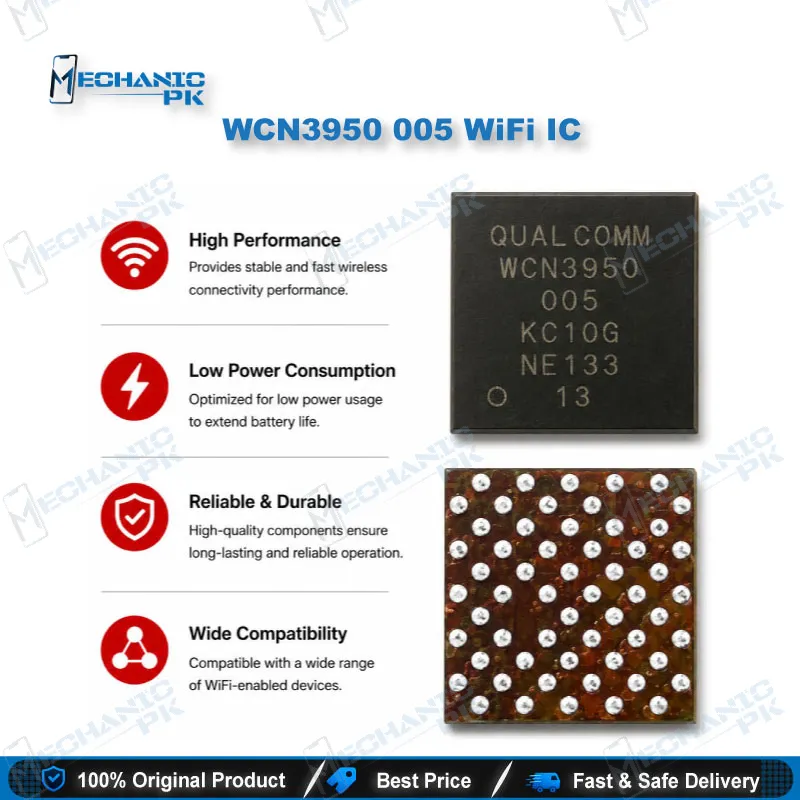
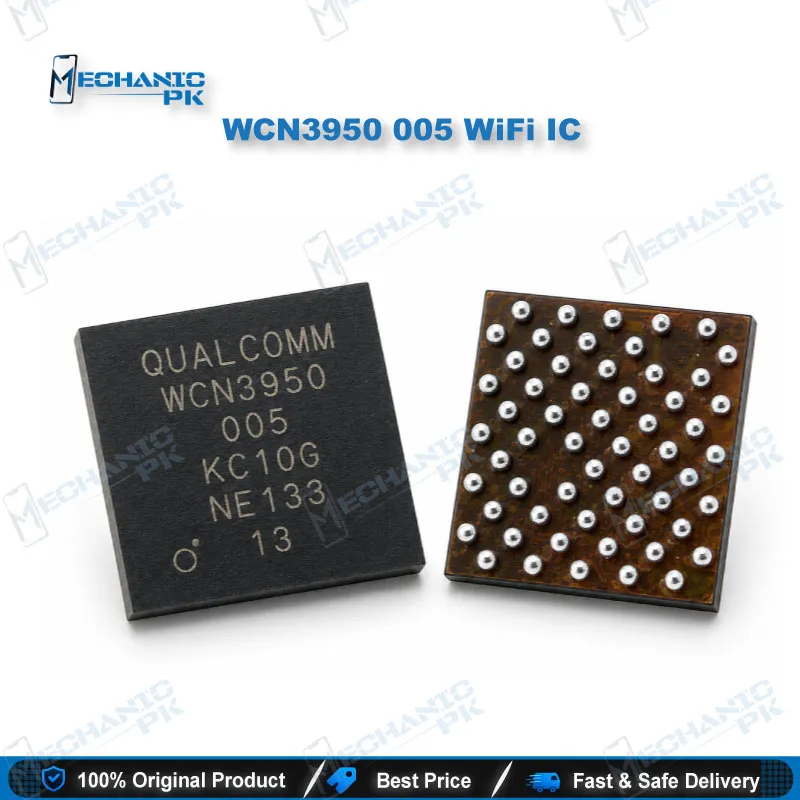
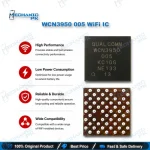
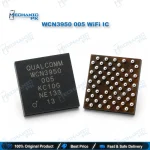
WCN3950 005 WiFi IC – Qualcomm WiFi Bluetooth Combo Chip
₨ 250
WCN3950 005 WiFi IC for WLAN and Bluetooth Repair
The WCN3950 005 WiFi IC is a Qualcomm WCN39xx-family connectivity chip that handles WLAN and Bluetooth on boards built around compatible Qualcomm platforms. Technicians replace it when a phone shows a WiFi toggle that will not turn on, a missing WiFi MAC address, or Bluetooth that never finds devices after the antenna path and software check out. The chip carries an on-die power management unit and its own firmware profile, so it does not swap with the WCN3988 or WCN3990. Match the top marking with your board before ordering, and reball it with the correct stencil for a clean, stable connectivity repair.
WCN3950 WiFi IC for Qualcomm WLAN and Bluetooth Board Repair
The WCN3950 WiFi IC is a Qualcomm connectivity chip from the WCN39xx family, and it runs the WLAN and Bluetooth radio side of the boards it powers. When the WiFi toggle refuses to switch on, Bluetooth disappears from settings, or a water-damaged phone loses all wireless function while calls and charging still work, the connectivity section deserves your first look, and this Qualcomm WiFi Bluetooth IC sits at its center. Match the full top marking, including the 005 code, against the chip on your board before you order. Mechanicpk stocks the WCN3950 for technicians who diagnose at component level and replace only the part that actually failed.
How the WCN3950 Fits Into a Qualcomm Platform
The WCN3950 does not work alone. It pairs with a Qualcomm SoC that hosts the WLAN core, while Bluetooth control runs over a UART link to the processor. Qualcomm builds a simple power management unit into the die, and that PMU spreads the incoming supply across the chip’s internal rails. This design brings one strict rule: the IO supply (VDD_IO) must come up first, and the remaining voltages follow. Unlike later Qualcomm connectivity chips, the WCN39xx family uses no separate enable lines for WLAN and Bluetooth, so the chip decides internally which blocks to power. Published family data lists Bluetooth 5.0 and FM radio support for this part. Qualcomm platform support covers the QCM2290, including the QRB2210 Robotics RB1 board. The WCN3950 also loads its own firmware and draws different current than its WCN3988 and WCN3990 siblings, so you cannot treat these parts as drop-in substitutes.
Diagnosing a WCN3950 WiFi IC Hardware Fault
Start with the symptoms the phone shows you. A WiFi switch that slides back to off, a blank WiFi MAC address, and a Bluetooth menu that never finds devices all point toward the connectivity section. Before you commit to IC change karna, rule out software, since a corrupted firmware or a bad flash can produce identical symptoms. Flash clean stock firmware before you lift any component. Next, inspect the antenna path. A loose coaxial cable, a corroded antenna spring, or a damaged matching component causes weak signal that looks like an IC fault. Once software and antenna check out, move to the supply rails. Set your multimeter to diode mode, compare the IC’s rails against a known-good board, and check for shorts to ground. A shorted rail that heats the chip under a thermal camera or rosin test confirms internal damage. Because the chip needs VDD_IO first, a missing IO rail keeps the whole IC dead even when the main supply measures fine, so trace that line before you condemn the chip. Keep the boardview open throughout.
Replacing the IC on Your Repair Bench
Clamp the board in a PCB holder and shield nearby connectors and camera modules with heat-resistant tape. Preheat the board, then apply quality flux around the IC. If the manufacturer applied underfill, soften it gradually and work it away with a fine blade instead of forcing the chip off. Lift the old WCN3950 WiFi IC with your hot air station, then use your soldering station, low-melt solder, and desoldering wick to leave the pads flat and bright. Reball the replacement with the correct stencil from your reballing kit, align it under a microscope, and reflow until the chip settles on its own. Let the board cool naturally, clean the flux, and inspect every edge for bridged joints. Power the phone, confirm that WiFi scans networks and Bluetooth pairs, and run a short transfer test before you return the device. Record the before-and-after current draw on a DC power supply so your customer sees measurable proof of the fix. A stereo microscope with a stable boom stand makes the logical next upgrade, since fine-pitch connectivity ICs reward precise alignment.
| Weight | 0.1 kg |
|---|
Key Features
- Genuine Qualcomm WCN39xx-family connectivity chip
- Combines WLAN and Bluetooth 5.0 in one package
- FM radio support listed in family data
- On-die PMU distributes power to internal rails
- Strict VDD_IO-first power-up sequence
- No separate WLAN/BT enable lines needed
- Dedicated firmware profile, distinct from WCN3988/WCN3990
- Suited to BGA reballing and hot-air replacement
Specifications
| Brand | Qualcomm |
|---|---|
| Model | WCN3950 |
| Category | WiFi / Bluetooth Connectivity IC |
| Compatibility | Qualcomm WCN39xx-family platforms (QCM2290 / QRB2210) |
| Technology | WLAN + Bluetooth 5.0 + FM radio, on-die PMU |
Common Repair Uses
- WiFi toggle not turning on
- Blank or missing WiFi MAC address
- Bluetooth not scanning or pairing
- Total wireless loss after water damage
- Shorted connectivity supply rail
- Overheating connectivity IC confirmed by thermal test
- Weak WiFi after antenna path rules out
- Rework after failed reflow on the connectivity section
Compatible Devices
- Verified at chipset/platform level — device-specific model list not verified
- Qualcomm QCM2290 platform boards
- Qualcomm QRB2210 Robotics RB1 board
- Boards that use a WCN3950 marked 005 in the connectivity section
- Qualcomm platforms that pair the SoC WLAN core with a WCN39xx-family companion chip
- Boards with UART-linked Qualcomm Bluetooth on WCN3950 firmware
- Not a substitute for WCN3988 boards
- Not a substitute for WCN3990 / WCN3991 / WCN3998 boards
- Match the top marking before replacement
FAQ
What is the product name?
What is the brand of this product?
What is the model of this product?
What is this product used for?
Which devices are compatible with this product?
Who should use this product?
Can I use a WCN3988 or WCN3990 in place of the WCN3950?
Why does the WCN3950 stay dead even when the main supply is present?
Related products