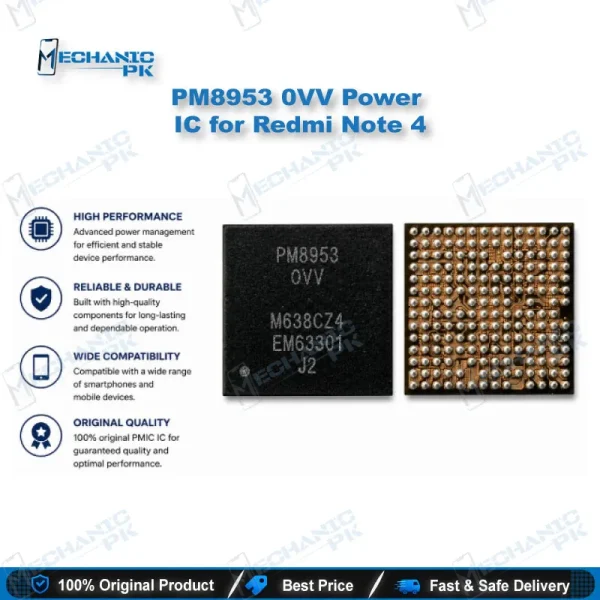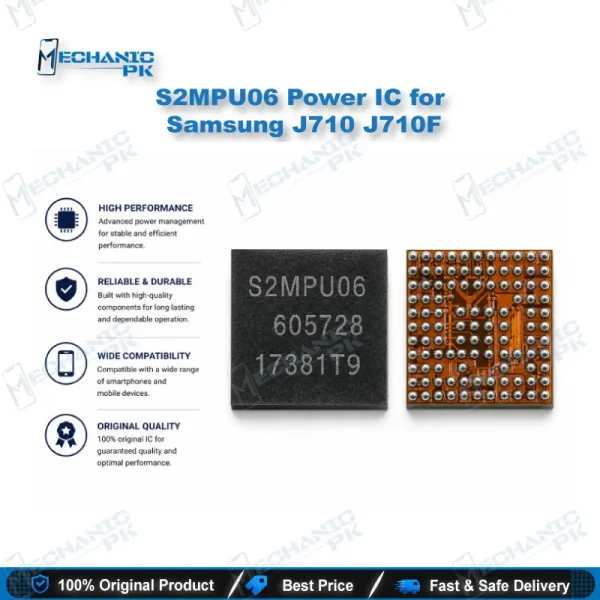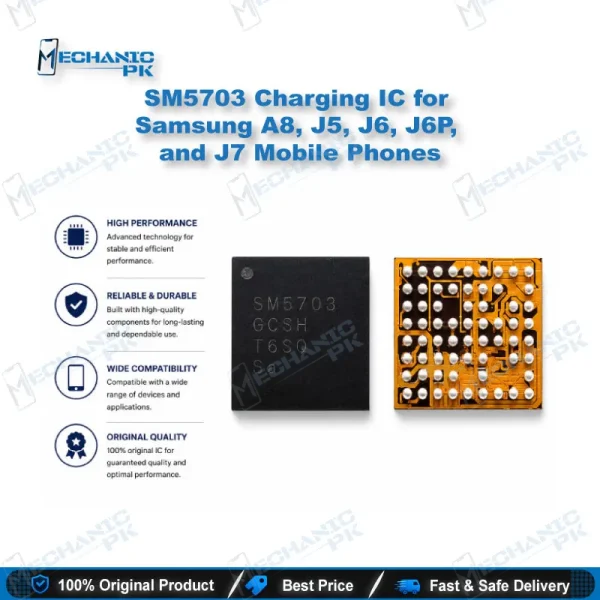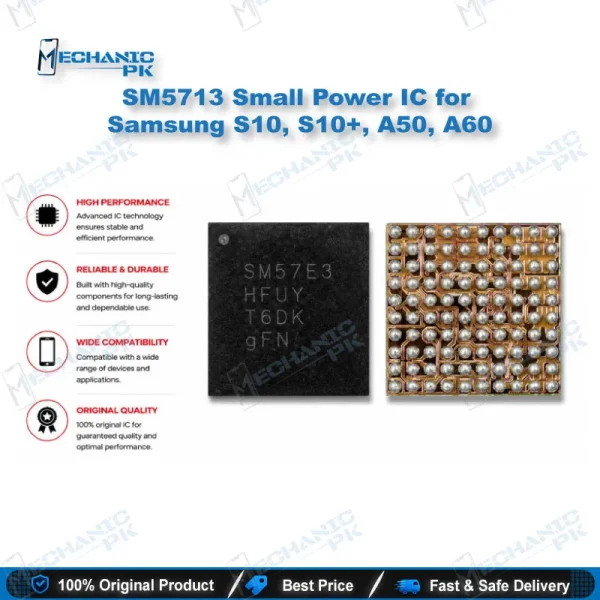
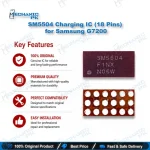
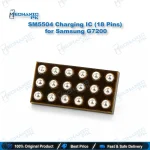
SM5504 Charging IC (18 Pins) for Samsung G7200 – MUIC
₨ 150
SM5504 Charging IC for Samsung Galaxy Grand Max
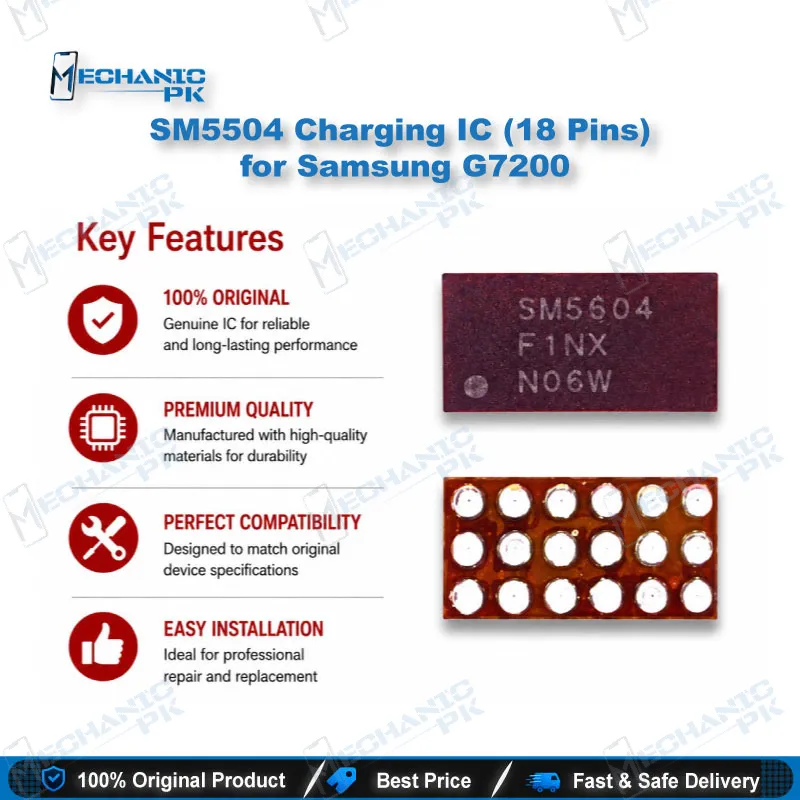
The SM5504 Charging IC (18 Pins) for Samsung G7200 is a Silicon Mitus micro-USB interface controller (MUIC) that detects what you plug into the Galaxy Grand Max port and routes the USB lines accordingly. When this chip fails, the phone stops recognizing the charger or the PC even with a healthy port and battery. Mechanicpk supplies this SM5504 charging IC in its 18-ball BGA package for board-level replacement on your rework bench. It suits technicians handling charging issue complaints, USB detection faults, and water-damaged charging sections on the G7200 and other Samsung boards that share the same MUIC.
SM5504 Charging IC (18 Pins) for Samsung G7200: Technical Overview
The SM5504 Charging IC (18 Pins) for Samsung G7200 is a Silicon Mitus MUIC that sits between the micro-USB connector and the charging and data circuits of the Galaxy Grand Max. The repair market calls it the SM5504 charging IC, and the name fits how it behaves on the bench: this chip decides what the phone thinks is connected to its port. When it fails, the G7200 stops showing a charging indication or never appears on a computer, even though the port, flex, and battery all test fine. A precise diagnosis around this chip saves you from replacing parts that never had a fault.
What the SM5504 Does on the Board
A MUIC works as an intelligent USB switch. The SM5504 reads the ID line resistance and the data lines to identify the connected accessory, such as a wall charger, a PC USB connection, or a factory jig cable. It then routes the D+ and D- signals to the correct path. The application processor controls the chip over I2C, and mainline Linux handles the SM5504 with the same driver family as the Silicon Mitus SM5502 and SM5703. The charging path depends on this detection result, so a damaged SM5504 can leave the phone not charging at all, charging only intermittently, or charging without USB data.
Package and Pin Configuration
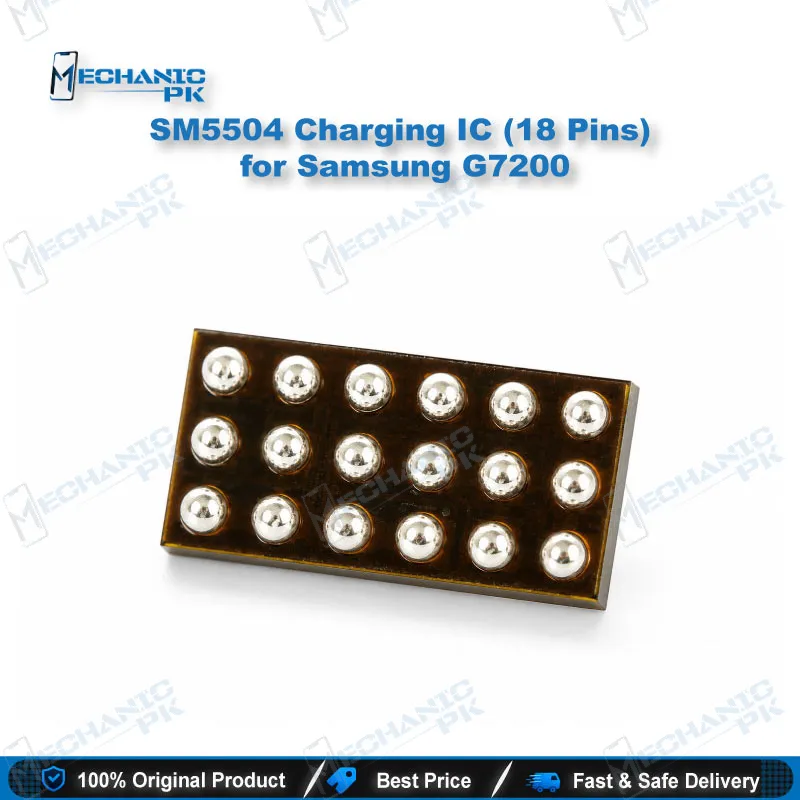
Silicon Mitus builds the SM5504 in an 18-ball BGA package, which the market lists as the 18-pin version. The footprint is small, and the balls sit close together. You need a stereo microscope for inspection and alignment, a controlled hot air station for removal, and quality flux to protect the pads. If the original chip comes off with damaged balls, reuse is not an option. Fit a fresh IC, and keep a reballing kit with a suitable stencil ready for pads that need rebuilding.
Diagnosing a Faulty SM5504 Before Replacement
Rule out the simple causes first. Check the micro-USB port for bent pins, dirt, or corrosion, and confirm the battery holds voltage. With a USB ammeter or test box, watch the current draw when you connect a charger. Zero draw on a known-good port points toward the detection and charging section of the board. Use a multimeter in diode mode to check the lines around the MUIC for shorts to ground, especially on water-damaged boards where corrosion often bridges the BGA balls. A board that shows a dead phone symptom only when you connect a charger also deserves a closer look at this area.
Replacement Workflow on the Rework Bench
Secure the G7200 board in a PCB holder and shield nearby plastic connectors and small capacitors with heat-resistant tape. Apply flux and lift the old SM5504 with hot air at a temperature suited to your solder alloy. Clean the pads with solder wick and flux until every pad is level, and inspect them under the microscope for torn pads or lifted traces. Place the new SM5504 charging IC with correct orientation, reflow it evenly, and let the board cool before cleaning. Finish by testing charger detection, charging current, and PC USB connection before you reassemble the phone.
Wider Compatibility Across Samsung Boards
Community hardware documentation lists the SM5504 as the MUIC on several Qualcomm-era Samsung devices beyond the Grand Max. These include the Galaxy Grand Prime, Core Prime LTE, Galaxy E7, Galaxy J3 LTE variant, Galaxy Xcover 3, Galaxy Tab A 7.0 (2016), and Galaxy Tab 4 8.0 Wi-Fi. Samsung shipped several of these models in multiple chipset variants, so confirm the chip marking on the board before you replace anything. One stock line of SM5504 can serve multiple repair jobs at your counter.
Building a Complete Charging Repair Setup
The SM5504 replacement goes smoothly when your bench holds the right supporting tools. A soldering station handles pad cleaning and jumper work on damaged traces, while a microscope confirms alignment after reflow. Multimeters and test boxes verify the repair before the phone leaves your workshop. Mechanicpk stocks these tools alongside the SM5504, so you can source the IC and the equipment for a full charging-section repair in one order.
| Weight | 0.1 kg |
|---|
Key Features
- Genuine Silicon Mitus SM5504 part number matching the original Galaxy Grand Max MUIC
- 18-ball BGA package for direct replacement on the G7200 board footprint
- Handles charger, USB, and accessory detection through ID line resistance sensing
- Routes D+ and D- USB signals to the correct path after detection
- I2C-controlled chip that the phone's processor manages directly
- Shares one part number across multiple Samsung models, which simplifies parts stocking
- Targets board-level charging issue and USB detection faults rather than port-level faults
- Suits hot air rework with standard flux and BGA reballing tools
Specifications
| Brand | Silicon Mitus |
|---|---|
| Model | SM5504 |
| Category | Mobile Phone IC / Charging IC (MUIC) |
| Compatibility | Samsung Galaxy Grand Max (SM-G7200) |
| Supported Devices | Samsung Galaxy Grand Max G7200 and other Samsung boards using the SM5504 MUIC |
| Technology | Micro-USB Interface Controller (MUIC), I2C control, 18-ball BGA package |
Common Repair Uses
- Samsung G7200 not charging even with a working port and battery
- Charger connected but no charging indication on screen
- Phone not detected by PC over USB for flashing or data transfer
- Intermittent charging that cuts in and out with the cable held still
- Water-damaged charging section with corrosion around the MUIC
- Charging fault that persists after micro-USB port replacement
- Replacing an IC damaged by a faulty or high-voltage charger
- Restoring accessory and factory jig cable detection during board repair
Compatible Devices
- Samsung Galaxy Grand Max (SM-G7200), the primary target device
- Samsung Galaxy Grand Prime (Qualcomm-based variants)
- Samsung Galaxy Core Prime LTE
- Samsung Galaxy E7
- Samsung Galaxy J3 (Qualcomm LTE variant)
- Samsung Galaxy Xcover 3
- Samsung Galaxy Tab A 7.0 (2016)
- Samsung Galaxy Tab 4 8.0 Wi-Fi
FAQ
What is the product name?
What is the brand of this product?
What is the model of this product?
What is this product used for?
Which devices are compatible with this product?
Who should use this product?
Is the SM5504 a charging IC or a USB switch IC?
Can a faulty SM5504 cause the Samsung G7200 to stop charging or connecting to a PC?
Related products