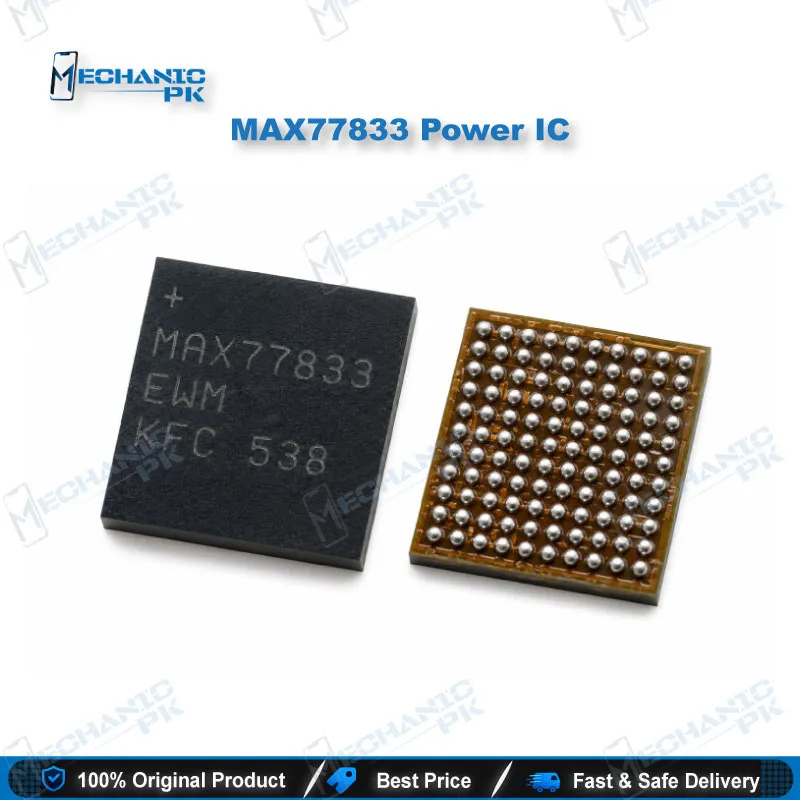
MAX77833 Power IC for Samsung Galaxy Note 5 & S6 Edge+
₨ 250
MAX77833 Power IC for Samsung Exynos 7420 Boards
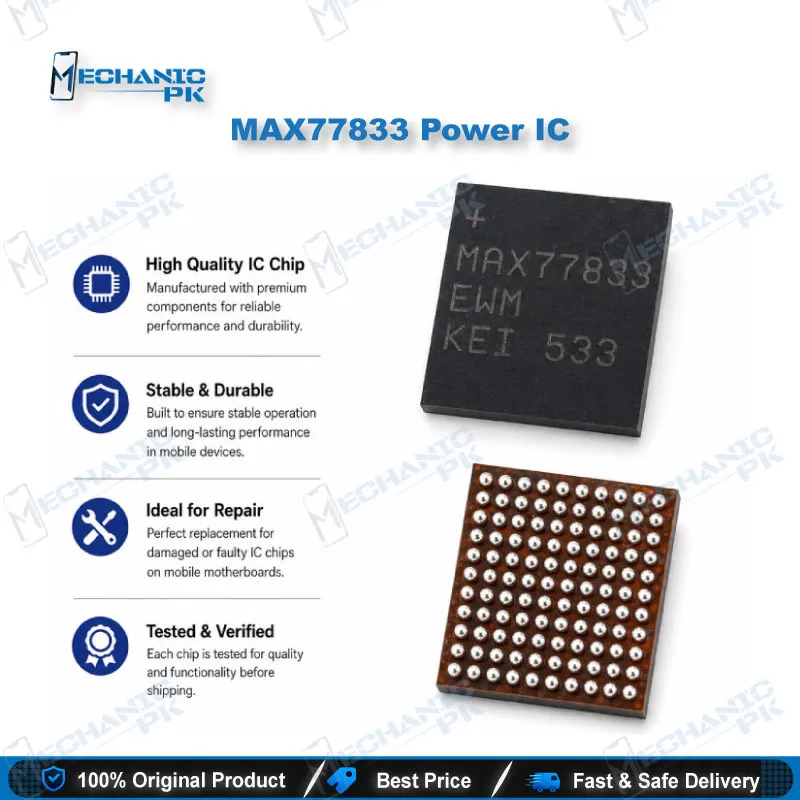
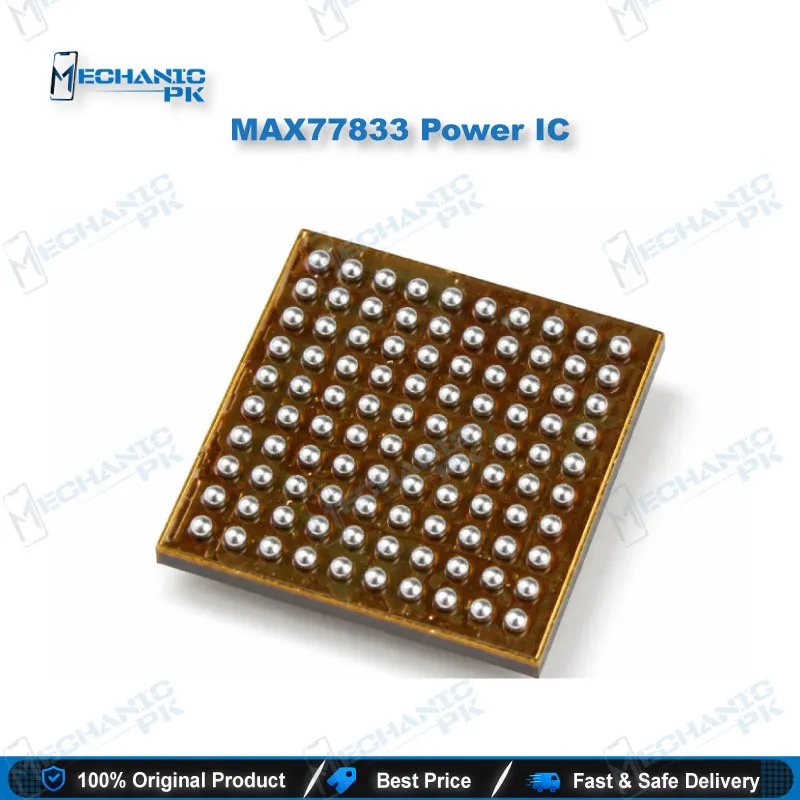
The MAX77833 Power IC is a Maxim auxiliary power management chip that Samsung mounts on the Galaxy Note 5 motherboard, and it appears in the Galaxy S6 Edge Plus (SM-G928F) board layout. It works alongside the main PMIC to handle supporting power and charging functions, which makes it a frequent suspect in charging issue and dead phone cases on these boards. Mechanicpk supplies this MAX77833 power IC as a board-level replacement part for technicians who handle IC-level diagnosis, hot air removal, reballing, and resoldering on Samsung flagship motherboards.
MAX77833 Power IC: Auxiliary PMIC for Samsung Note 5 Boards
The MAX77833 Power IC sits on the Samsung Galaxy Note 5 motherboard as a Maxim auxiliary power management chip, working next to the Exynos 7420 processor and the main power circuitry. Teardown documentation of the Note 5 identifies this chip by its Maxim MAX77833 marking, and parts suppliers list the same part for the Galaxy S6 Edge Plus (SM-G928F). When this MAX77833 power IC fails, the phone usually shows power-side symptoms: no charging, abnormal current draw, heating near the chip, or a dead phone that refuses to boot even with a healthy battery. You need this part when your diagnosis points to the IC itself rather than the charging port, battery connector, or flex.
Where the MAX77833 Fits in the Samsung Power Architecture
Samsung flagship boards from this generation split power management across more than one chip. The main PMIC feeds the processor and memory rails, while the MAX77833 handles auxiliary power duties, and suppliers commonly catalog it under Samsung charger ICs. That role puts the chip directly in the path of charger input and battery-related power flow. A faulty charger, a liquid-damaged port, or a cheap cable with unstable voltage can stress this section of the board first. Technicians who see a short on the charging side of a Note 5 often trace it back to this exact chip.
Diagnosing a Faulty Samsung Note 5 Power IC
Confirm the fault before you lift anything. Connect the board to a DC power supply and watch the current reading at power-on; an immediate high draw or a stuck reading points to a short. Use your multimeter in diode mode to check the lines around the IC for a short to ground, and a thermal camera or freeze spray to see whether the MAX77833 itself heats up first. Inspect the area under a microscope for corrosion, cracked solder joints, or burnt components nearby. If the chip heats instantly under supply voltage, or the short disappears once you remove it, you have a clear replacement case.
Replacement Workflow on the Repair Bench
Secure the motherboard in a PCB holder and shield nearby components with heat-resistant tape. Apply quality flux and lift the old IC with a hot air station using controlled airflow, so the surrounding small parts stay in place. Clean the pads with solder wick and a soldering station, then check every pad under the microscope for lifted or torn points. Reball the new MAX77833 using a matching stencil from a reballing kit, align it carefully against the board markings, and reflow it evenly. After the board cools, repeat the current test on the DC supply before you assemble the phone.
Verifying Compatibility Before You Order
Samsung reused and shuffled power IC part numbers across the Galaxy S6 and Note 5 families, and some S6 boards carry the MAX77843 instead. Always read the marking printed on the original chip on your board and match it to MAX77833 before you order. This single check prevents wasted time, wrong-part returns, and a second rework cycle on an already stressed board. Supplier listings also mention the S6 Edge (SM-G925F) and other variants, so treat the chip marking as the final word rather than the model name alone.
Tools That Complete This Repair
A clean MAX77833 replacement depends on the right bench setup. A stable hot air station and a temperature-controlled soldering station handle removal and pad preparation. A microscope gives you the visibility that fine-pitch IC work demands, and a reballing kit with the correct stencil gives you even solder balls for a reliable joint. A multimeter and DC power supply confirm the fault before removal and the fix after installation, while a PCB holder keeps the board stable throughout. Workshops that repair Samsung flagship boards regularly can keep the MAX77833 power IC in stock alongside these tools, so a charging fault on a Note 5 turns into a same-day job instead of a parts wait.
| Weight | 0.1 kg |
|---|
Key Features
- Original-marked Maxim MAX77833 auxiliary power management IC
- Direct replacement for the chip on the Samsung Galaxy Note 5 motherboard
- Matches the power IC listed for the Galaxy S6 Edge Plus SM-G928F
- Suited for board-level charging and power fault repair
- Works with standard hot air, flux, and reballing workflows
- Lets you finish IC-level repairs in-house instead of swapping the full board
- Supports quick turnaround for workshops that repair Samsung flagship boards
- A practical stock item for service centers that handle Exynos-era Samsung repairs
Specifications
| Brand | Maxim Integrated |
|---|---|
| Model | MAX77833 |
| Category | Mobile Phone Power IC / Auxiliary Power Management IC |
| Compatibility | Samsung Galaxy Note 5 and Galaxy S6 Edge Plus motherboards |
| Supported Devices | Samsung Galaxy Note 5 (N920 series), Samsung Galaxy S6 Edge Plus (SM-G928F) |
| Technology | Auxiliary power management IC with charging-side function, cataloged by suppliers under Samsung charger ICs |
Common Repair Uses
- Replacing a shorted power IC on a Galaxy Note 5 dead phone
- Repairing charging issue cases where the port and battery test good
- Fixing abnormal current draw on a DC power supply test
- Replacing the IC after heating appears near the power section
- Board repair after liquid damage corrodes the power area
- Repair after a faulty charger or unstable voltage damages the charging circuit
- Pad and IC rework after a previous failed IC change
- Restoring power functions on S6 Edge Plus boards with a confirmed MAX77833 fault
Compatible Devices
- Samsung Galaxy Note 5 SM-N920C
- Samsung Galaxy Note 5 SM-N920F
- Samsung Galaxy Note 5 SM-N9208
- Samsung Galaxy S6 Edge Plus SM-G928F
- Samsung Galaxy S6 Edge SM-G925F, listed by some suppliers; confirm the chip marking on your board
- Samsung Galaxy S6 G920 series, listed by some suppliers; many S6 boards use the MAX77843 instead, so check the marking first
- Samsung Exynos 7420 boards that carry the original MAX77833 marking
- Any Samsung motherboard where the original chip reads MAX77833; match the printed marking before you order
FAQ
What is the product name?
What is the brand of this product?
What is the model of this product?
What is this product used for?
Which devices are compatible with this product?
Who should use this product?
How do I confirm my Samsung board uses the MAX77833 before ordering?
What symptoms point to a faulty MAX77833 on a Galaxy Note 5?
Related products