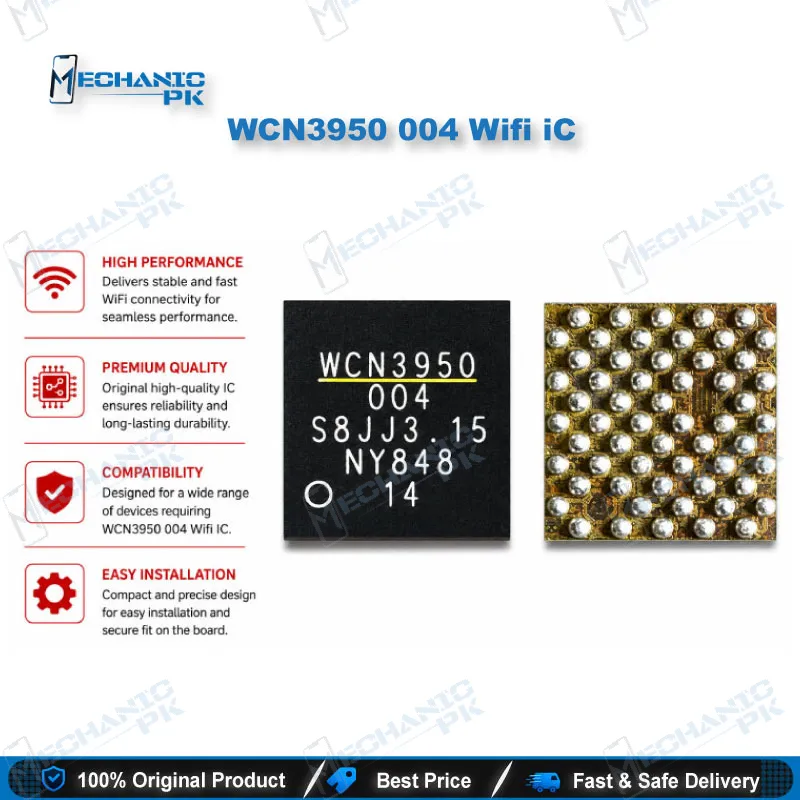
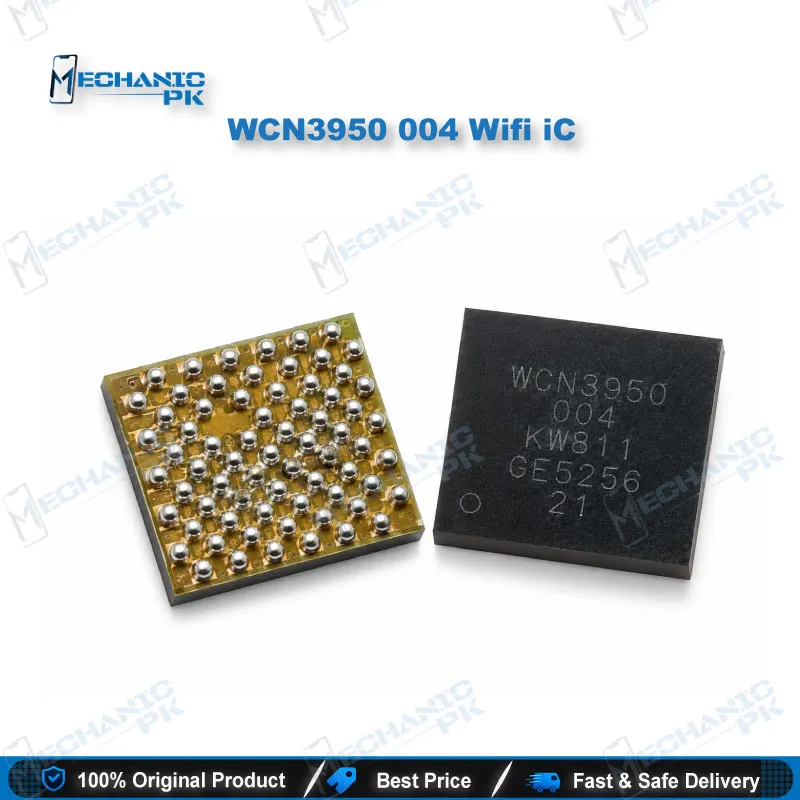
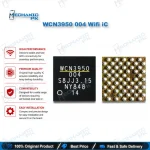
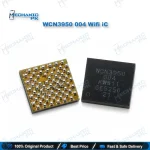
WCN3950 004 Wifi iC – Qualcomm WiFi Bluetooth Chip
₨ 250
WCN3950 004 Wifi iC – Qualcomm WiFi and Bluetooth Combo Chip
The WCN3950 004 Wifi iC is a Qualcomm WCN39xx-family connectivity chip that runs the WiFi and Bluetooth radios on Snapdragon-based Android boards. Technicians replace it when a phone shows WiFi not turning on, a greyed-out WiFi toggle, no network detection, or Bluetooth that refuses to pair after a hardware fault. The chip delivers single-stream (1×1) WiFi alongside Bluetooth 5.0 in a wafer-level package, so clean placement calls for a controlled hot air station, quality flux, and a microscope. Mechanicpk supplies this IC to board-level repair benches and service centers across Pakistan that handle connectivity faults at IC level.
Qualcomm WCN3950 004 WiFi IC for Board-Level Connectivity Repair
The WCN3950 004 Wifi iC belongs to Qualcomm’s WCN39xx connectivity family, the generation of WiFi/Bluetooth combo chips that pairs with Snapdragon application processors on mid-range Android boards. When you source a WCN3950 004 WiFi IC, you get the exact part that drives the WiFi radio and the Bluetooth link on supported boards, which makes it a direct-replacement component for connectivity faults that no flash file can fix. Honor 50 Lite boards carry this chip under a metal shield, and repair engineers report that a fresh WCN3950 restores network detection on units that arrive with WiFi completely non-operational.
Technical Profile of the WCN3950 004 WiFi IC
The WCN3950 integrates WiFi and Bluetooth in one package, supporting single-stream (1×1) WiFi with Bluetooth 5.0, and published platform listings also show FM radio support on this part. Qualcomm builds a simple power management unit (PMU) into the die. That on-die PMU distributes power across internal rails and expects a strict start-up order: the VDD_IO rail comes up first, then the remaining supply voltages. This detail matters on the repair bench, because a missing I/O rail produces a chip that looks dead even when the IC itself is healthy. The WCN3950 also runs its own firmware set, separate from the WCN3988 and WCN3990, so a cross-part swap between family members fails even when the footprints look alike.
Where It Fits in the Repair Workflow
Connectivity faults sit between software diagnosis and IC-level rework. Rule out software first: a clean firmware load clears configuration-level faults, and a phone that still shows WiFi not turning on after a fresh flash points toward a hardware fault. Check the antenna path and RF connections next, then measure the supply rails feeding the chip with a multimeter. If the rails read correctly and the chip stays silent, the WCN3950 itself becomes the prime suspect.
A reflow of the existing chip sometimes brings WiFi back temporarily. A new WCN3950 004 WiFi IC gives you a more durable fix, because drops and repeated heat cycles tend to crack the solder joints under a fine-pitch package, and a reflowed joint often fails again within weeks.
Replacement Procedure and Bench Requirements
Lift the shield with your hot air station, apply flux, and remove the old chip with controlled airflow so you leave neighboring passives undisturbed. Clean the pads with solder wick and inspect them under a microscope for lifted or torn pads before placement. The WCN3950 uses a wafer-level package (WLPSP), so pitch stays tight: a PCB holder that keeps the board flat and a low-residue flux both cut the risk of bridged joints. A reballing kit becomes necessary only when you rework a salvaged chip from a donor board. After placement, let the board cool, reassemble, and test both WiFi scanning and Bluetooth pairing before you close the phone.
Matching the Part to Your Board
Compare the top marking on the original chip with the part in hand before you start. The WCN39xx family includes close relatives such as the WCN3950, WCN3988, WCN3990, and WCN3991, and each one requires its own firmware, so the board accepts only the exact model it shipped with. Treat the board marking as the final reference rather than the phone model alone, since manufacturers sometimes change connectivity chips between hardware revisions of the same handset.
Complete Your IC Replacement Setup at Mechanicpk
Mechanicpk stocks connectivity ICs for technicians who handle board-level repair across Pakistan. Pair this chip with our hot air stations, soldering stations, microscopes, PCB holders, and multimeters to build a full IC replacement bench, or browse our reballing kits for donor-chip work. For the software half of diagnosis, our ISP pinout tools, eMMC programmers, UFS adapters, and test boxes let you rule out firmware faults before you commit to rework.
| Weight | 0.1 kg |
|---|
Key Features
- Genuine Qualcomm WCN39xx-family WiFi and Bluetooth combo IC
- Single-stream (1x1) WiFi with Bluetooth 5.0 on one chip
- On-die PMU with a defined VDD_IO-first power-up sequence
- Wafer-level package (WLPSP) for fine-pitch board-level rework
- Direct replacement for verified Honor 50 Lite board variants
- Restores WiFi scanning and Bluetooth pairing after a hardware fault
- Firmware-specific part, distinct from WCN3988 and WCN3990
- Suited to hot air rework benches with microscope inspection
Specifications
| Brand | Qualcomm |
|---|---|
| Model | WCN3950 004 |
| Category | WiFi / Bluetooth Connectivity IC |
| Compatibility | Qualcomm Snapdragon boards originally designed with the WCN3950 |
| Supported Devices | Honor 50 Lite (NTN-L22, NTN-LX1, NTN-LX3) |
| Technology | Single-stream (1x1) WiFi + Bluetooth 5.0 + FM radio combo, on-die PMU, wafer-level package (WLPSP) |
Common Repair Uses
- IC-level WiFi and Bluetooth fault repair
- WiFi not turning on or WiFi toggle greyed out
- No WiFi network detection despite a healthy antenna path
- Bluetooth not pairing or switching off on its own
- WiFi and Bluetooth both dead after a drop
- Permanent fix after a failed reflow of the original chip
- Weak or unstable WiFi signal traced to the connectivity IC
- Donor-board chip transfer during board-level repair
Compatible Devices
- Device-specific where verified; otherwise any Snapdragon board that carries an original WCN3950 marking
- Honor 50 Lite NTN-L22
- Honor 50 Lite NTN-LX1
- Honor 50 Lite NTN-LX3
- Qualcomm Robotics RB1 platform (QRB2210)
- Other Snapdragon boards with an original WCN3950 top marking (verify before replacement)
FAQ
What is the product name?
What is the brand of this product?
What is the model of this product?
What is this product used for?
Which devices are compatible with this product?
Who should use this product?
Why does WiFi stay off after replacing the WCN3950 IC?
Can I replace a WCN3950 with a WCN3988 or WCN3990?
Related products