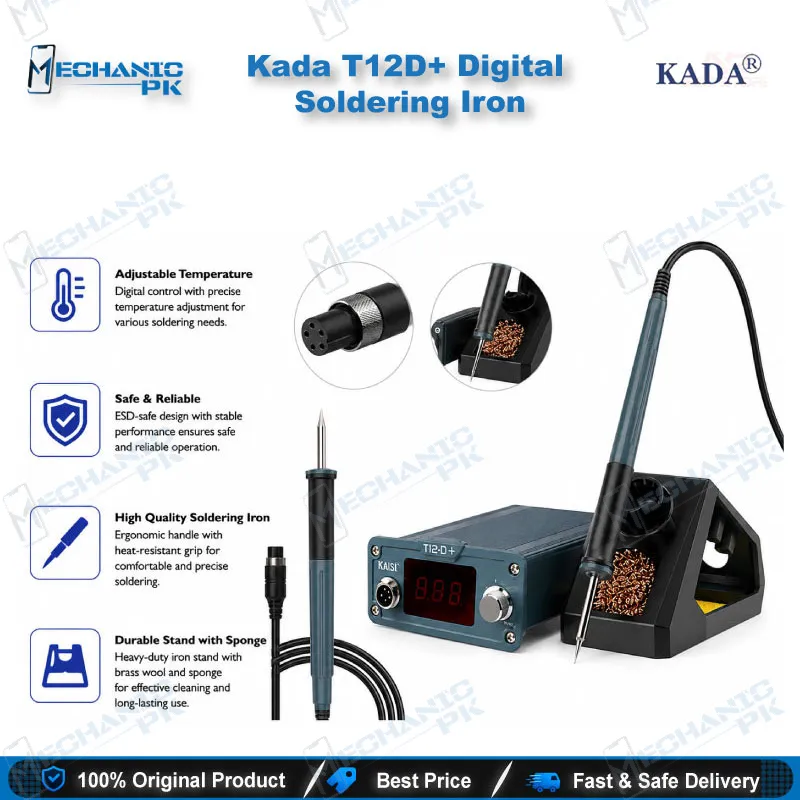
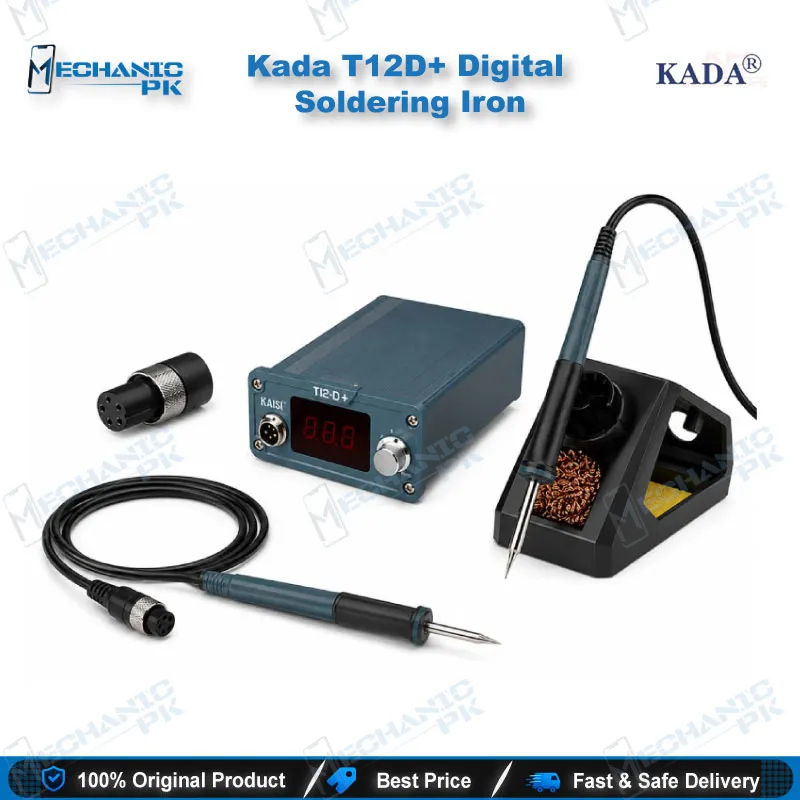
Kada T12D+ Digital Soldering Iron 72W PID Station
₨ 6,000
T12 Digital Soldering Station 72W with PID Temperature Control
The Kada T12D+ pairs a 72W T12 controller with PID temperature regulation, so you can hold any setting between 150°C and 450°C. The handle reaches working temperature within seconds, which saves time when you start a dead phone board. A digital display shows the live temperature, and the encoder adjusts it in fine steps. Boost heating raises tip temperature briefly on heavy joints, then returns to your set point. Standby mode protects the tip between joints. The station accepts 100–240V AC input and includes a T12 handle with a holder and sponge. Use it for SMD work, jumper lagana, and fine PCB rework under a microscope.
In stock
Kada T12D+ Digital Soldering Station for Precision Mobile Board Repair
A T12 digital soldering station forms the core of any mobile repair bench that handles SMD and IC work. The Kada T12D+ combines 72W heater output with PID control, so the tip recovers its temperature quickly after each joint. When you change ICs, clean pads, or tack small components, stability matters more than peak wattage. Your joints depend on the tip temperature holding steady while you solder. This guide covers how the controller regulates heat, how boost heating handles large joints, how the interface and handle work, and where the station fits in your repair workflow.
PID Temperature Control and Heat Recovery
PID control measures tip temperature and adjusts heater power continuously instead of switching it on and off. This keeps the set point steady when you press the tip into a large ground plane or a thermal pad. When a joint pulls heat away, the station responds within moments and restores the target. You get consistent wetting on fine-pitch pads, which reduces cold joints during board-level diagnostics. The 150°C to 450°C range covers both leaded and lead-free alloys, so you can match the setting to the solder on your bench. Set the temperature for your alloy and component, then leave it there through the session. Frequent setting changes waste time and make joint quality harder to repeat.
Boost Heating for Heavy Joints
Heavy joints such as ground pins, shield cans, and power connectors draw heat away faster than small pads. The boost function raises tip temperature briefly when the iron meets a large solder mass. Turn the encoder quickly to the right in normal mode to activate it. Once the joint reflows, the temperature returns to your setting. This method beats raising the entire station to a higher set point, which can scorch flux and damage nearby components. Use boost for connector removal and shield work. Keep normal mode for delicate IC pins where overheating does the real damage.
Controller Interface and Function Settings
Normal use mode lets you adjust the temperature directly with the encoder. Press and hold the encoder for one second, then release, to open the parameter menu. The menu offers options P01 through P04, and each click cycles to the next. The built-in buzzer signals every mode change, so you can keep your eyes on the board instead of the screen. Manual standby mode drops the station into a low-power state when you pause, which extends tip life between joints. Review the parameter settings at the start of each shift so the station responds the same way every time.
Choosing Settings for Your Bench
Settings that suit a busy bench differ from those for occasional hobby work. A high-volume shop benefits from standby enabled during breaks and a consistent set point across technicians. A solo technician can keep the set point lower and rely on boost for connectors. Write down your preferred settings for each task so new staff reproduce your results. Recording these values also helps you spot drift if a joint quality starts to change.
Handle, Tip System, and Accessories
The T12 handle uses a cartridge-type tip, so you can swap tips in seconds without disassembling anything. Switch from a chisel for pad cleaning to a conical tip for pin work during the same board session. The package includes a handle and a holder with a sponge for cleaning. Keep the sponge damp, and wipe the tip before each joint to prevent oxidation. A clean tip transfers heat more efficiently and holds solder longer. Tip contents vary by package, so check which tips came with your unit before you order replacements.
Where It Fits in Your Repair Workflow
A typical board repair starts with diagnostics using a multimeter and a microscope, then moves to removal and rework. The station covers both steps: fine tips for pad cleaning and jumper work, and heavier tips for connectors and shields. After rework, test the board under power to confirm the joints hold. Keep the station on a stable stand away from flux residue. Pair it with a hot air station for BGA work, since this unit handles iron-based joints rather than hot air rework. Clear workflow boundaries keep you from forcing the iron into jobs it does not suit.
Grounding and Safety on Sensitive ICs
Sensitive ICs and microcontrollers can fail from static discharge. Connect the handle ground through your station’s ground terminal when your bench setup allows it. Use an anti-static mat and wrist strap at the bench. Keep the tip clean and avoid excess pressure, which can lift pads. Let the iron cool in its holder rather than leaving it on the bench. These habits protect boards and reduce rework time.
| Weight | 1.0 kg |
|---|
Key Features
- PID temperature control for stable tip temperature
- 72W heater output for fast heat-up
- Temperature range of 150°C to 450°C
- Boost heating for large solder joints
- Digital display with live temperature readout
- Standby mode to extend tip life
- Buzzer alerts for each mode change
- T12 handle with holder and sponge
Specifications
| Model | omitted (unverified) |
|---|---|
| Category | Soldering Station |
| Compatibility | T12 cartridge tip series |
| Technology | PID digital temperature control, 150–450°C range |
| Input Voltage | 100–240V AC |
| Power Rating | 72W |
Common Repair Uses
- Board-level diagnostics: lifting and reflowing small components on phone mainboards
- IC removal and replacement during board-level repair
- Charging port and connector replacement on mobile boards
- Jumper and bridge work on power and charging lines
- Shield can removal and reseating
- Pad cleaning before hot air reballing
- Through-hole and wire repair on electronics
- Fine SMD soldering under a microscope
Compatible Devices
- T12 cartridge tip series, universal (not device-specific)
- T12-D24 chisel tip series
- T12-D16 and T12-D08 fine chisel tips
- T12-BC2 conical tip
- T12-ILS and T12-I pencil tips
- T12-C1 and T12-C4 tip shapes
- T12-J02 and T12-JL02 tip series
- T12-DL32 and T12-DL52 tips
- T12-BCF1 fine tip
FAQ
What is the product name?
What is the brand of this product?
What is the model of this product?
What is this product used for?
Which devices are compatible with this product?
Who should use this product?
Does this station run on Pakistan’s 220V mains?
Does this station support lead-free solder?
Related products
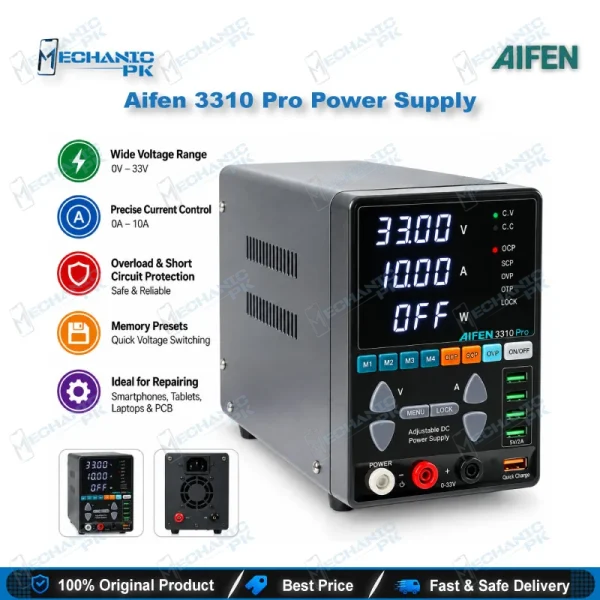
Aifen 3310 Pro 33V/10A 330W Adjustable DC Power Supply
In stock
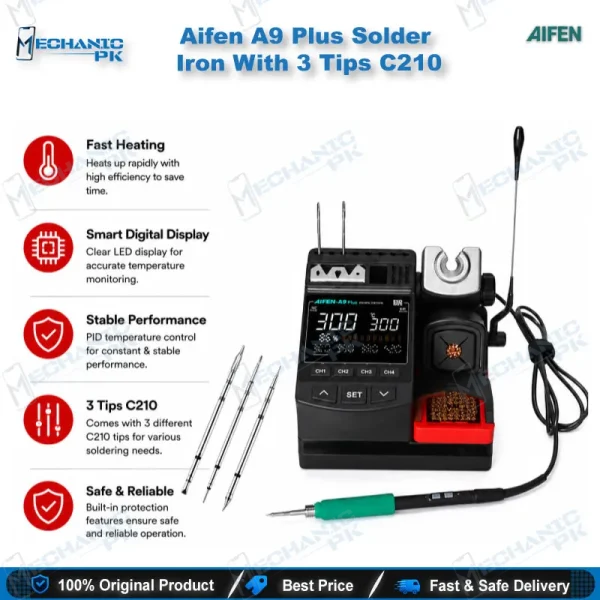
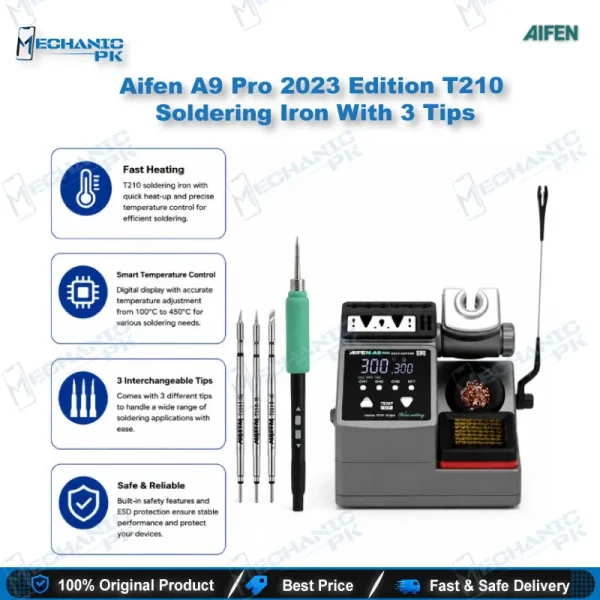
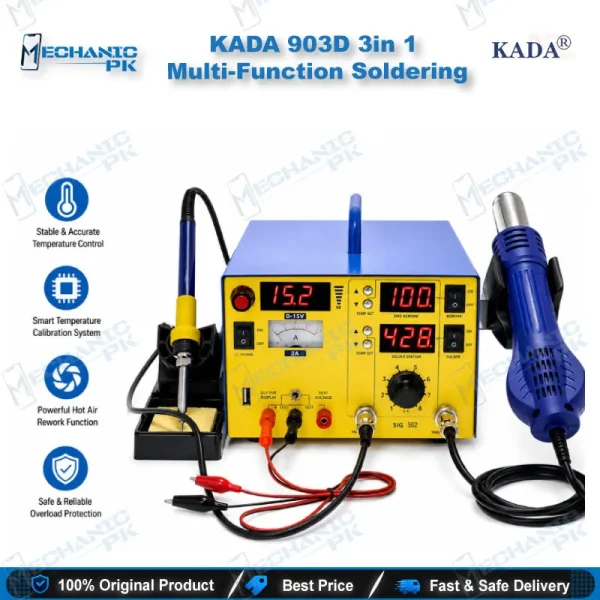
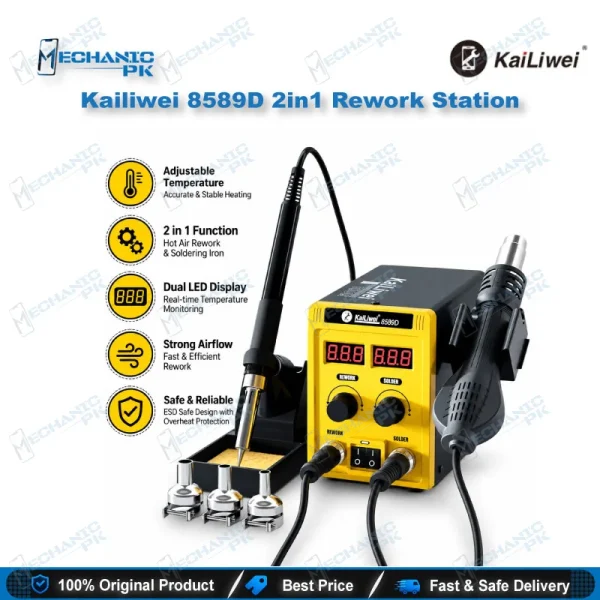
Kailiwei 8589D 2in1 Rework Station
In stock