
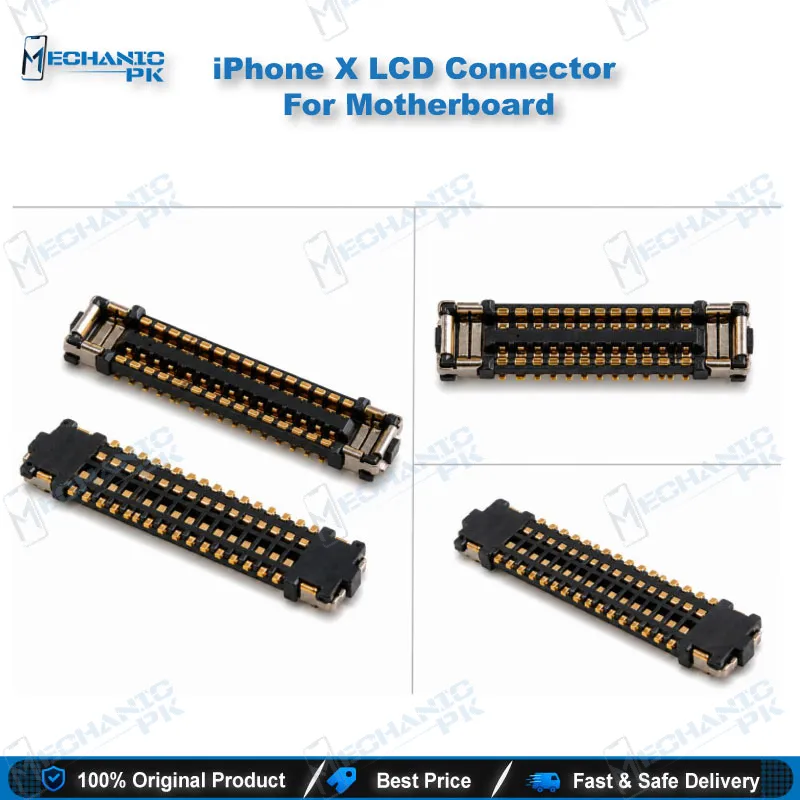
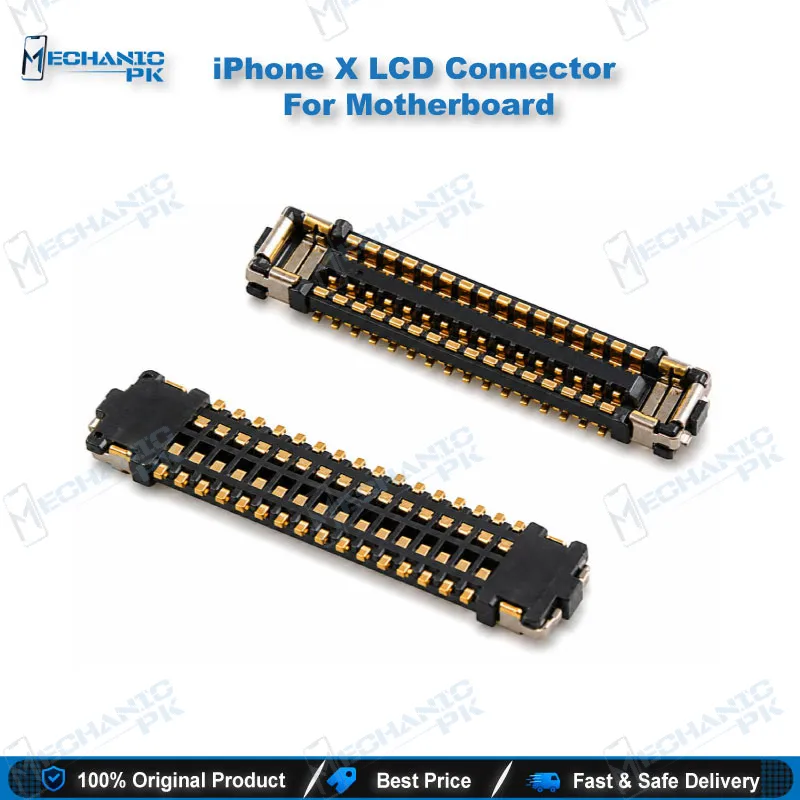
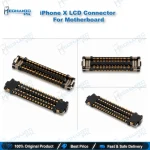
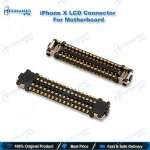
iPhone X LCD Connector J5700 34 Pin FPC
₨ 230
iPhone X LCD Connector J5700 for Display Repair
The iPhone X LCD connector J5700 is a 34-pin flex socket that carries display and digitizer signals between the screen and the logic board. When a phone shows a black screen or vertical lines while the glass and panel test in good condition, this socket belongs on your checklist. Each pack contains five pieces, so you can keep spares ready for logic board jobs. The part suits technicians who rework the display flex path on iPhone X models A1865, A1901, and A1902.
In stock
iPhone X LCD Connector J5700 Explained
The iPhone X LCD connector J5700 is the 34-pin flex socket that links the display and digitizer to the logic board. Technicians also call it the LCD and digitizer FPC connector. When a dead phone shows a black screen or vertical lines while the panel itself works, this socket deserves a close look at your repair bench. Each package holds five pieces, so you can keep spares ready for several logic board jobs. Understanding where this connector sits and how it fails saves time and protects the board. Your workflow improves when you test the display path before you order any parts.
Where the Connector Fits in the iPhone X Display Path
The display assembly on the iPhone X links to the logic board through several flex cables, and each cable plugs into its own socket. The J5700 position handles the LCD and digitizer lines, so it carries the image data and the touch information your logic board needs to run the screen. A metal connector bracket, held down by small screws, covers these sockets and presses the flex cables into place. You must lift that bracket before you can reach the J5700 socket, so plan your steps before you open the phone. Confirm which socket feeds the faulty function first, because a touch fault and a display fault can share a nearby area on the board. Map the display path before you touch a screw, and keep the bracket screws sorted so mixed lengths do not damage the board during reassembly. Check the foam gasket pads around the sockets as well, because they hold the connectors firmly and protect the flex when the bracket closes.
Symptoms That Point to a Faulty J5700 Socket
A damaged J5700 socket often shows up as a black or blank screen, or as vertical lines, even when the display panel itself works. Two faults cause most of these symptoms: a cracked metal pin inside the socket, or a flex cable that has loosened from its seat. Either fault breaks the signal path between the panel and the logic board, so the image never reaches the glass. Start by testing the display with a known good unit or a tester flex, which separates panel faults from connector faults. Under a microscope, inspect each pin for lifting, bending, or cracks, and check the solder joints around the socket. If the pins look clean and the flex seats firmly, the fault may lie elsewhere, such as other display circuitry on the logic board. Record the symptoms on your job card before you start, so you can compare results after the repair. A dead phone with a good panel often leads technicians straight to this socket, but a careful test prevents you from replacing parts you do not need.
Replacing the Socket Without Damaging the Board
Replacing a J5700 socket demands steady hands, controlled heat, and clean work habits. Surrounding pads lift easily when you apply too much heat or pull a socket with force, so keep the iron or hot air tip moving and protect nearby components. Inspect the pads for damage before you remove the old socket, because a lifted pad can turn a simple swap into a full board repair. Clean the flux residue, align the new socket with the pads, and confirm the pin one orientation before you solder. Once the new socket sits flat and the joints look even, check it under the microscope again. When the original foam gasket pads come off, replace them so the connectors seat correctly under the bracket and the flex stays protected. Reconnect the flex, reattach the bracket, and test the display before you close the phone and hand it back. Repeat the test with touch enabled, because a socket that passes display output can still fail on the digitizer lines.
| Weight | 0.1 kg |
|---|
Key Features
- 34-pin FPC design for LCD and digitizer signal transfer
- Designation J5700 on the iPhone X logic board
- Sold in a pack of five pieces
- Carries display and touch signals between the panel and the board
- Matches iPhone X models A1865, A1901, and A1902
- Suits microscope-based repair and socket rework
Specifications
| Brand Entity | Apple (iPhone X platform) |
|---|---|
| Product Entity | iPhone X LCD connector J5700 |
| Technology Entity | 34-pin FPC flex connector |
| Compatible Device Entities | iPhone X (A1865, A1901, A1902) |
| Repair Process Entity | LCD and digitizer flex socket replacement |
| Industry Entity | Mobile repair parts |
Common Repair Uses
- Fixing a black or blank screen when the display panel tests good
- Clearing vertical lines that appear after a display or logic board repair
- Replacing a socket with a cracked metal pin
- Re-seating a loose LCD flex cable on the logic board
- Restoring display signal after socket rework on the logic board
- Testing the display path with a known good panel before ordering parts
Compatible Devices
- iPhone X only, device-specific.
- iPhone X, model A1865
- iPhone X, model A1901
- iPhone X, model A1902
- Apple iPhone X logic board LCD and digitizer flex socket (J5700 position)
FAQ
What is the product name?
What is the model of this product?
What is this product used for?
Which devices are compatible with this product?
Who should use this product?
Does the J5700 connector fit the iPhone XS or XS Max?
How many J5700 connectors come in one pack?
Related products