
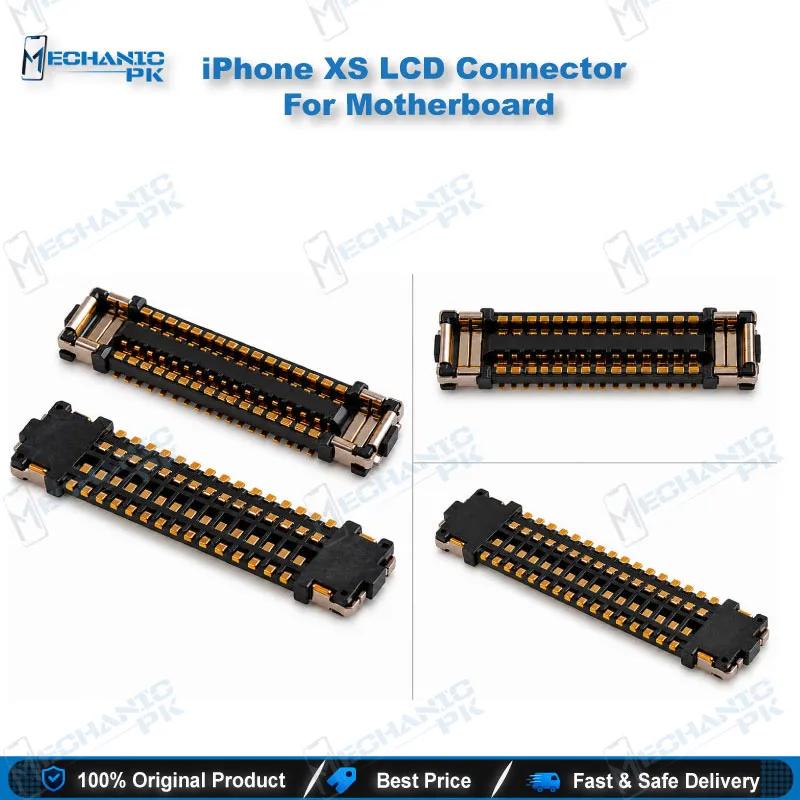
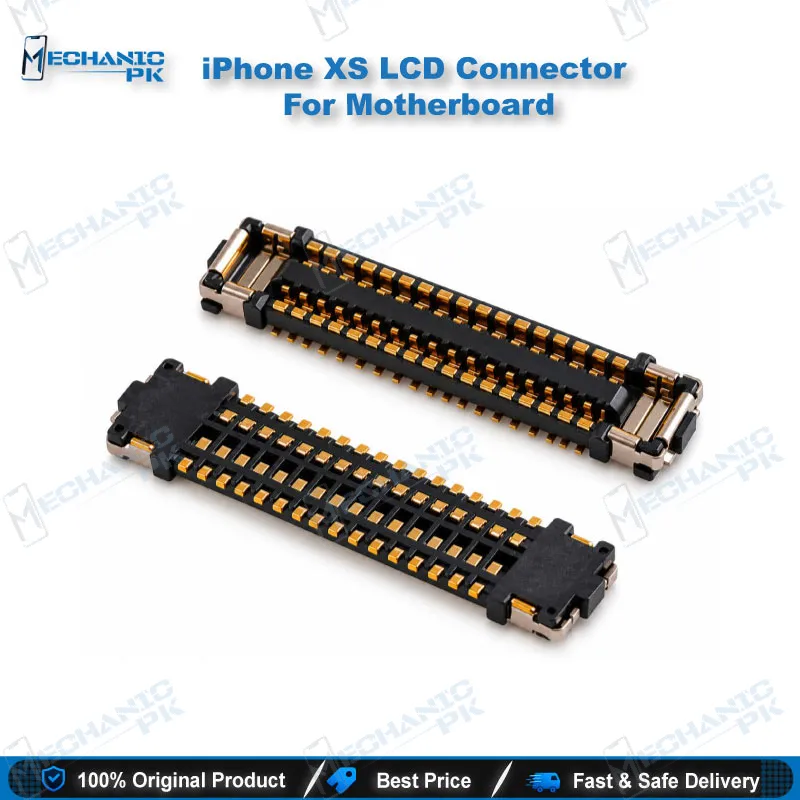
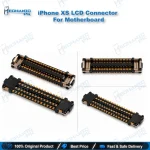
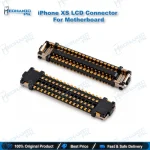
iPhone XS LCD Connector For Motherboard Replacement
₨ 240
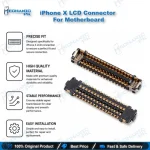
iPhone XS LCD Connector Replacement for Motherboard Repair
This board-level LCD connector sits on the iPhone XS logic board and carries the display signal from the motherboard to the screen. When this socket cracks, lifts, or loses contact, the display may flicker, show lines, or stop responding to touch. Replacing the connector restores the link without changing the rest of the board. Technicians use it for display faults that trace back to the logic board rather than the screen panel itself.
In stock
iPhone XS LCD Connector For Motherboard: Where It Fits in Your Repair Workflow
The LCD connector is the socket that your display flex plugs into on the iPhone XS logic board. Before you order a replacement, confirm the fault is at the board connection. A dead display, a blank screen with backlight, or lines that appear after a drop often point to this socket. Checking it early saves you from replacing a good screen. This page covers what the part does, how it fits your repair bench, and the checks you should run before and after the swap.
How the Connector Carries Your Display Signal
The LCD connector links the display flex cable to the logic board circuits that drive the panel. Each contact must sit flat on its solder pad for the image and touch data to pass. Lifted pads, bent pins, or a socket that has been stressed by repeated flex cable removal can break this path. You can often spot the damage with a microscope before you power the phone. Look for missing solder, cracked plastic, or a socket that sits higher than its neighbors.
Replacement Process on the Logic Board
Removing a soldered connector requires a hot air station, flux, and careful temperature control. Protect nearby components with heat shielding before you start. Work slowly so the board does not warp or lift the pads around the socket. Clean the pads with flux and a fine braid, then place the new socket and reflow it evenly. Inspect each pin under magnification before you move on. Rushed heat is the most common cause of a second failure after this repair.
Testing and Confirming the Fix
Test the phone with a display flex connected before you close the housing. Check the image, brightness, and touch response across the full screen. If the display works only when you press the connector, reflow the socket again rather than forcing the flex. Run a short functional check on the device, then reassemble. A clean test on the bench prevents a return visit from the customer.
| Weight | 0.1 kg |
|---|
Key Features
- Board-level LCD connector for iPhone XS motherboard repair
- Carries the display signal from the logic board to the panel
- Suited to hot air rework on a repair bench
- Matches the iPhone XS display connector position
- Supports diagnosis of display faults at the board
- Designed for technicians handling logic board repair
- Helps restore display and touch function after socket damage
- Verified for iPhone XS only
Common Repair Uses
- No display image after the screen flex was reconnected
- Flickering or line artifacts traced to the logic board socket
- Touch response lost when the display flex loosens at the board
- Replacing a cracked or lifted LCD socket after a drop
- Reflowing a loose display connector during board-level repair
- Verifying display function after logic board work
Compatible Devices
- Apple iPhone XS logic board
- iPhone XS LCD / display flex connector position
- iPhone XS display assembly flex path
- iPhone XS motherboard repair jobs involving the display connector
FAQ
What is the product name?
What is the brand of this product?
What is the model of this product?
What is this product used for?
Which devices are compatible with this product?
Who should use this product?
Is the LCD connector on the iPhone XS replaced with hot air?
What symptoms show a faulty iPhone XS LCD connector?
Related products