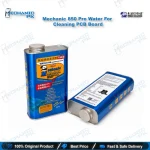
Mechanic 850 Pro PCB Cleaning Liquid for Mobile Repair
₨ 1,800
Fast-Drying PCB Cleaner for Repair Benches
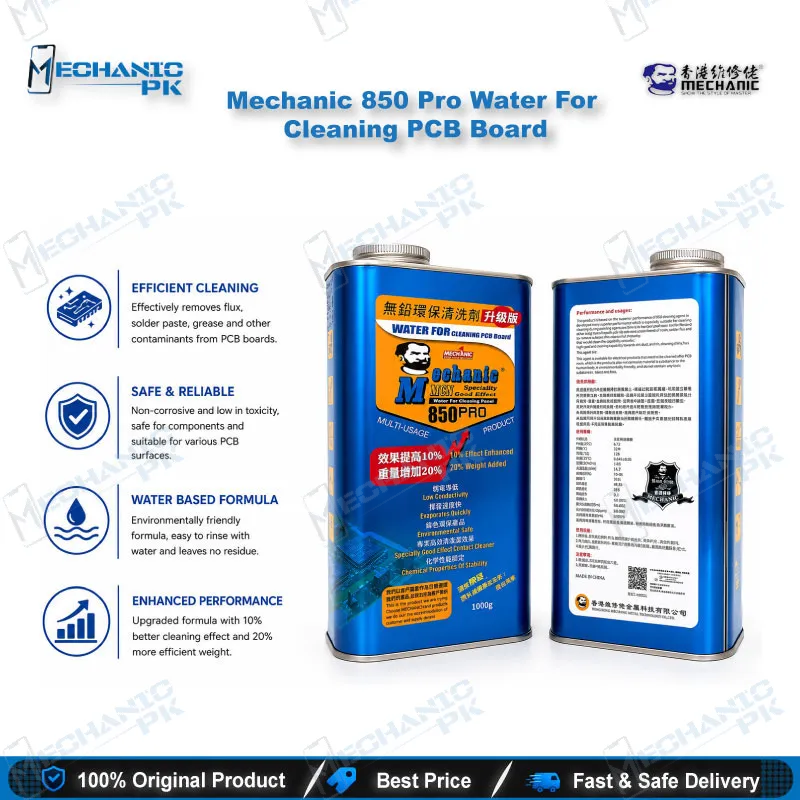
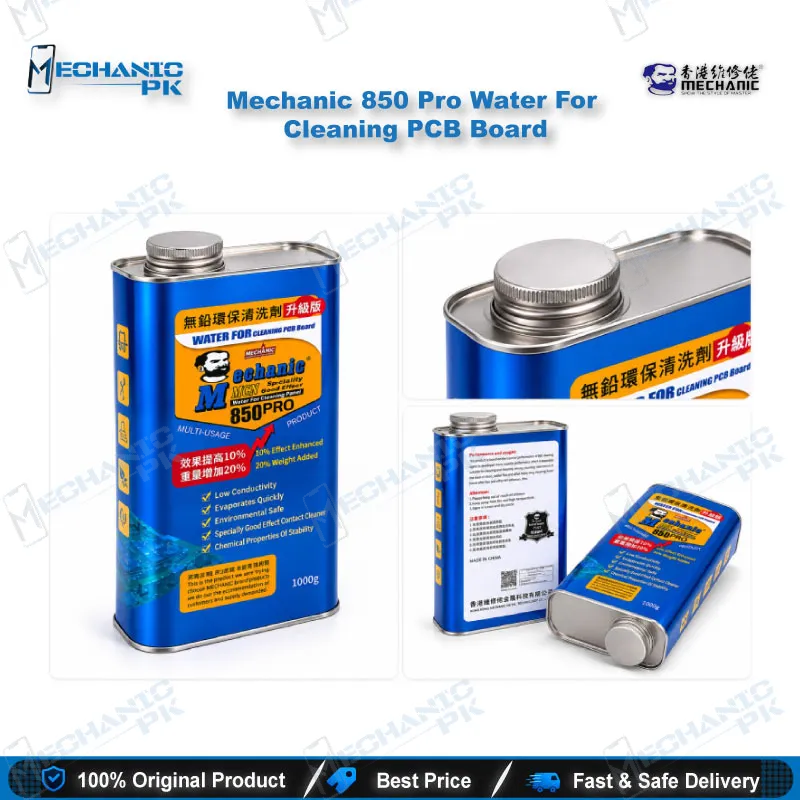
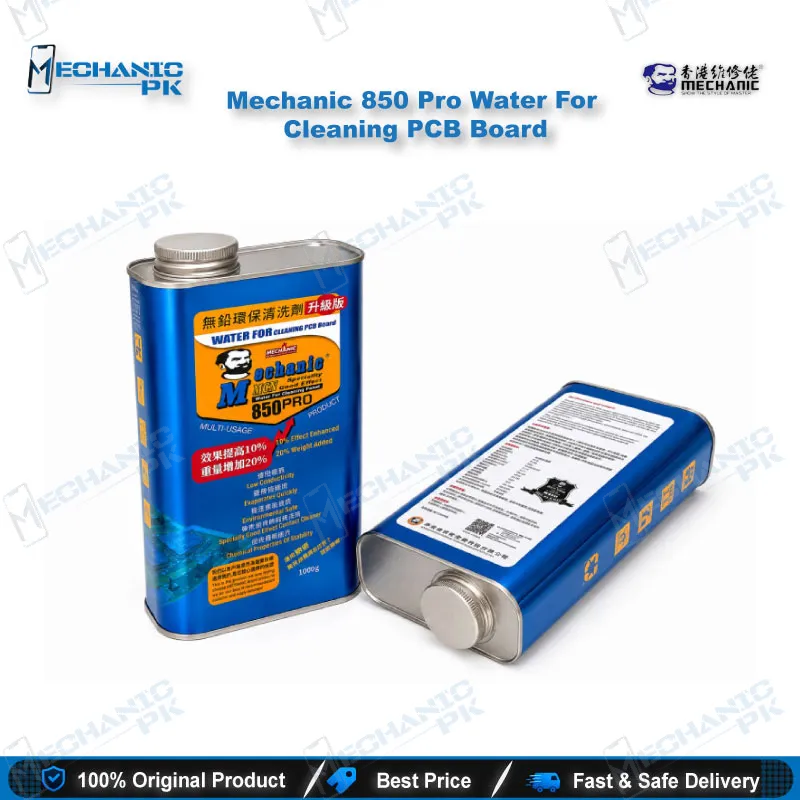
The Mechanic 850 Pro PCB cleaner is a low-conductivity, fast-evaporating cleaning liquid built for mobile repair benches. It lifts rosin, solder flux, grease and dirt from circuit boards, runs in ultrasonic cleaner tanks, and removes OCA/LOCA from LCD and touch screen assemblies. You use it after IC replacement, after reballing and on water-damaged boards where leftover residue blocks accurate testing. The formula suits lead-free boards and dries without leaving residue, so your multimeter and test box readings stay reliable. Mechanicpk supplies it to Pakistani repair shops and service centers that need a dependable board-cleaning liquid in volume.
In stock
Mechanic 850 Pro PCB Cleaner for Board-Level Repair
The Mechanic 850 Pro PCB cleaner gives your repair bench a low-conductivity cleaning liquid for post-solder boards, water-damaged motherboards and LCD assemblies carrying OCA/LOCA. Mechanic formulates it for lead-free circuit boards and for ultrasonic cleaner tanks, so one product covers both board-level cleaning and screen refurbishment. When a dead phone lands on your bench with flux haze around the charging IC or crusty residue near the battery connector, you need a liquid that lifts the contamination and dries fast enough for an immediate test. This cleaner delivers that fast-drying, residue-free finish.
Key Technical Highlights
Three properties define this liquid: low conductivity, quick evaporation and a stable chemical profile. Low conductivity reduces the risk of leakage paths while you clean around fine-pitch components. Quick evaporation lets the board dry without a film, which protects your readings when you move on to a multimeter or test box. The formula removes rosin, solder flux, grease and dirt. Supplier documentation positions it as a replacement for Freon-type volatile solvents, free of CFCs and toluene, with little effect on capacitors and resistors. That profile suits the dense passive layouts you find on smartphone boards, where aggressive cleaners put small components at risk.
Repair Workflow Fit
Cleaning closes almost every board-level job. After you finish IC change karna with a hot air station, flux residue surrounds the pads and hides cold joints from your microscope. Clamp the board in your PCB holder, apply the liquid, brush the area, wipe it down and inspect again under magnification. The same step follows reballing, where clean pads decide whether the stencil and balls seat correctly, and charging port repair, where flux creeps along the connector shell. For hardware fault boards with liquid damage, pour the liquid into an ultrasonic cleaner and run a cycle to clear contamination from under shields and around connectors before you start diagnostics.
Screen jobs follow a different method. Apply the liquid to the OCA surface, wait three to five seconds, then scrape gently with a blade or wipe the residue away with a clean cloth. The liquid works fast, leaves no residue and targets the adhesive layer on LCD and touch screen assemblies, so your refurbishment bench keeps moving.
Why Technicians Choose It
Repair shops buy this bottle because it replaces separate products for board cleaning and OCA removal, which cuts bench clutter and shortens your reorder list. You pair it with your soldering station, reballing kit, hot air station and microscope to build a complete rework routine, then verify the finished board with a multimeter or test box. Work in a ventilated area, wear gloves and keep the bottle sealed between jobs, as you would with any cleaning solvent. Mechanicpk stocks Mechanic-brand consumables alongside ISP pinout tools, eMMC programmers and UFS adapters, so you restock chemicals and tools in one order. For shops that clean boards daily, the Mechanic 850 Pro PCB cleaner gives you a consistent, fast-drying result on every batch.
| Weight | 1.0 kg |
|---|
Key Features
- Low conductivity formula
- Fast evaporation with no residue
- Removes rosin, solder flux, grease and dirt
- Suits lead-free PCB cleaning
- Works as ultrasonic cleaner liquid
- Removes OCA/LOCA from LCD and touch screen assemblies
- Free of CFCs and toluene
- Little effect on capacitors and resistors
Specifications
| Brand | Mechanic |
|---|---|
| Model | 850 Pro |
| Category | PCB Cleaning Liquid / OCA-LOCA Remover |
| Compatibility | Universal — not device-specific |
| Technology | Low-conductivity, fast-evaporating cleaning liquid for lead-free PCBs and ultrasonic cleaners |
Common Repair Uses
- Flux and rosin removal after IC change
- Pad cleaning after reballing
- Cleaning around charging ports and connectors
- Water-damaged board cleaning
- Ultrasonic cleaner bath liquid
- OCA/LOCA removal from LCD assemblies
- Grease and dirt removal from motherboards
- Pre-inspection cleaning before microscope and multimeter checks
Compatible Devices
- Smartphone motherboards (Samsung, Oppo, Vivo, Infinix, Tecno, iPhone and other brands)
- Tablet motherboards
- Lead-free circuit boards
- Post-soldering PCBs
- Water-damaged circuit boards
- LCD screen assemblies with OCA/LOCA
- Touch screen assemblies
- Boards cleaned in ultrasonic cleaner tanks
FAQ
What is the product name?
What is the brand of this product?
What is the model of this product?
What is this product used for?
Which devices are compatible with this product?
Who should use this product?
Can I use Mechanic 850 Pro in an ultrasonic cleaner?
How do I remove OCA with Mechanic 850 Pro?
Related products