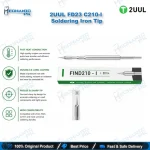
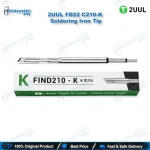
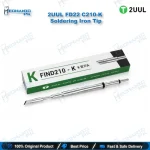
2UUL FD22 C210-K Soldering Iron Tip – Knife Tip
₨ 700
C210-K Knife Tip for Drag Soldering
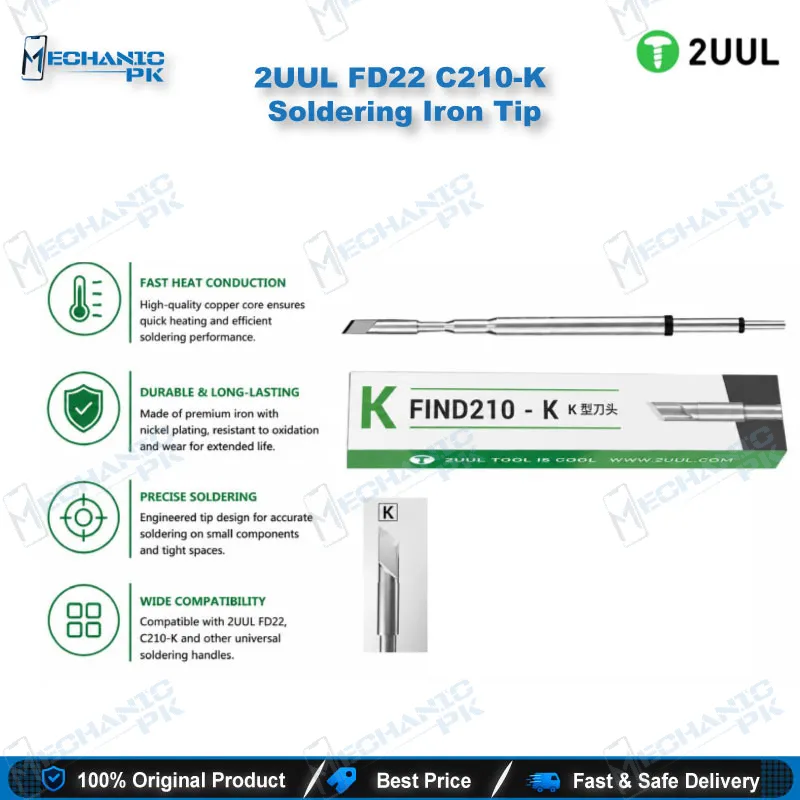
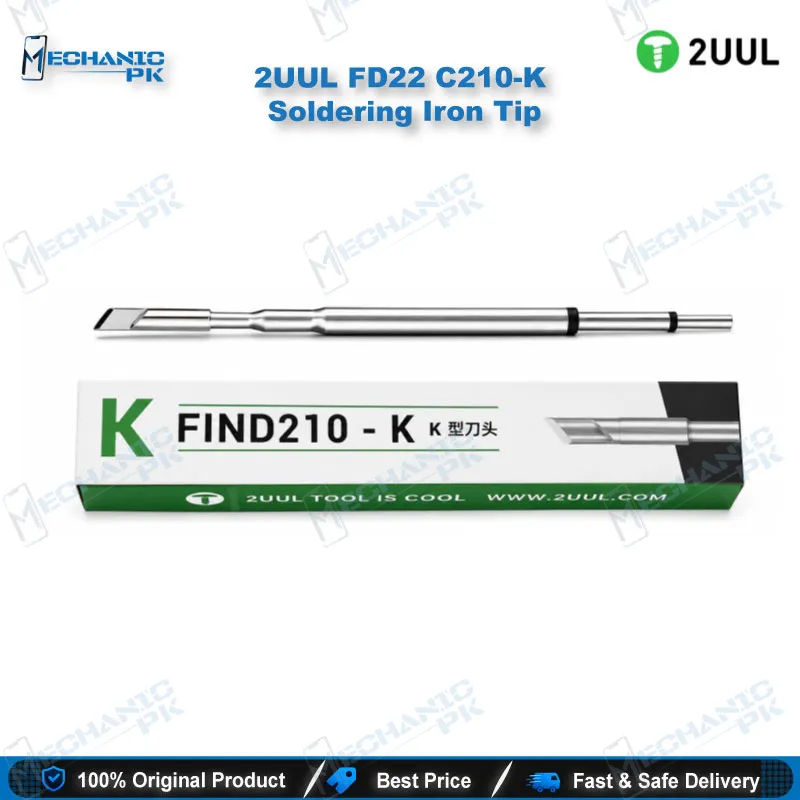
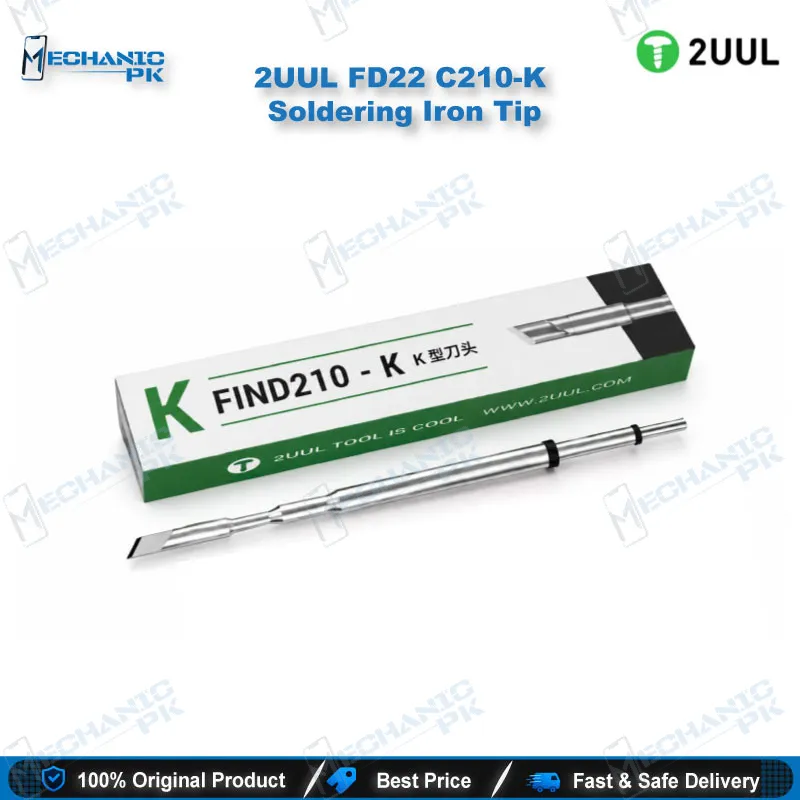
The 2UUL FD22 C210-K soldering iron tip puts a knife-profile working edge on your C210 handle. 2UUL lists the K profile as FD22 in its F210 series, so the FD22 code and the C210-K name describe the same tip. The flat blade carries heat along a line of contact, which suits drag soldering, pad cleaning, and clearing solder bridges on mobile phone motherboards. It fits C210-type handles on 2UUL Find210 and NT210 NextTip stations and on C210-compatible stations from other brands. Check your handle type before ordering, because C245 and C115 handles take different tips.
In stock
2UUL FD22 C210-K Soldering Iron Tip for Mobile Board Repair
The 2UUL FD22 C210-K soldering iron tip gives your C210 handle a knife-profile edge for the finishing stages of board repair. A dead phone often arrives with bridged pads after an IC change karna job. A blade-shaped tip covers more pad area per pass than a pointed conical tip and moves excess solder along in one controlled sweep. 2UUL files this K profile under its F210 series as FD22, so you can order by either code and get the same shape.
Knife Geometry and Where It Fits in the Soldering Process
The K profile flattens the working surface into a blade. That geometry spreads heat across a line of contact instead of a single point. You tin a row of pads, drag solder across a connector footprint, or lift a flying lead without chasing the joint with a fine tip. The FD22 belongs in the clean-up stage of a PCB repair. Use it to remove solder bridges after reballing, to level pads before you place a new IC, and to clear solder from the edges of shield frame footprints. For single-pin work on small passives, switch to a finer I-type tip from the same series. Keep the FD22 for the jobs where the blade saves you passes.
C210 Handle Compatibility and Station Pairing
The FD22 follows the C210 tip standard. It seats in C210-type handles on the 2UUL Find210 and NT210 NextTip stations. It also fits C210-compatible stations from Aifen, Aixun, GVM, and the Yihua 982D and 992D series. Confirm your handle type before you buy, because C245 and C115 handles use different tip sizes and the FD22 does not fit them. If you run an NT210 station, which accepts C210, C115, and C245 tip families, the station detects the installed family automatically. One station then covers fine board work and heavier soldering without a change of handle.
Bench Practice with the FD22 K Tip
A soldering tip lasts longest when you keep it tinned. Cover the blade with fresh solder before you park the iron, and wipe it on brass wool or a damp sponge before the next joint. Match your temperature setting to your solder alloy and to the heat the pad needs. Drag in one direction with light pressure, because a blade tip does the work through contact area, not force. Check the result under a microscope, and confirm continuity with a multimeter before you close the board. Hold the board in a PCB holder so both hands stay free for the drag.
Many repair shops stock several tips, since a tip that sees daily hardware fault repairs wears faster than the handle. Pair the FD22 with a hot air station for IC removal, a reballing kit for BGA work, and a soldering station that matches your handle. Mechanicpk stocks these categories, so you can build the full bench from one supplier.
| Weight | 0.3 kg |
|---|
Key Features
- K-type knife profile for line-contact heat transfer
- Listed as FD22 in the 2UUL F210 series
- Fits C210-type handles and stations
- Suits drag soldering and pad cleaning
- Replaces a worn tip without replacing the handle
- Works with 2UUL Find210 and NT210 NextTip stations
- Suits mobile phone motherboard and PCB rework
- Pairs with finer I-type tips for single-pin work
Specifications
| Brand | 2UUL |
|---|---|
| Model | FD22 (C210-K) |
| Category | Soldering Iron Tips |
| Compatibility | C210-type handles and stations |
| Technology | C210-series replaceable tip, K (knife) profile |
Common Repair Uses
- Soldering and rework on mobile phone motherboards
- Drag soldering across pad rows
- Removing solder bridges after reballing
- Levelling pads after IC removal
- Tinning pads before IC placement
- Desoldering flying leads on mobile phone motherboards
- Cleaning pad residue on charging port footprints
- Clearing solder around shield frame edges
- Tin dragging on IC and CPU pads
Compatible Devices
- Universal for C210-type handles and stations. The tip is not specific to any phone model.
- 2UUL Find210 (FD01) soldering station
- 2UUL NT210 NextTip soldering station
- Aifen C210 soldering stations
- Aixun C210 soldering stations
- GVM C210 soldering stations
- Yihua 982D series C210 handles
- Yihua 992D series C210 handles
- Other C210-compatible soldering handles
FAQ
What is the product name?
What is the brand of this product?
What is the model of this product?
What is this product used for?
Which devices are compatible with this product?
Who should use this product?
Is the 2UUL FD22 the same tip shape as a C210-K?
Can I use the FD22 tip on a C245 or C115 handle?
Related products