
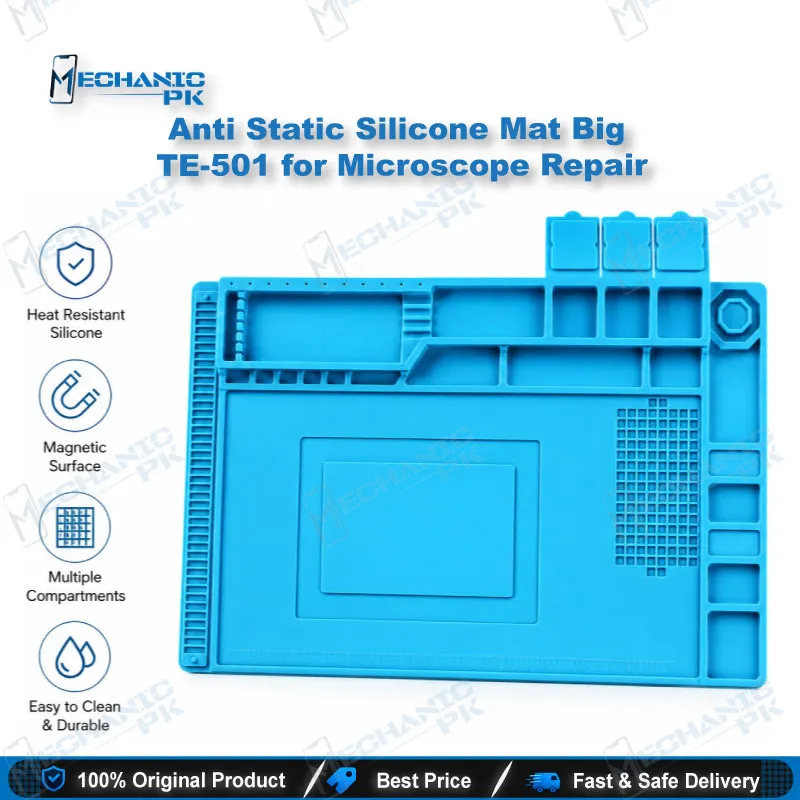
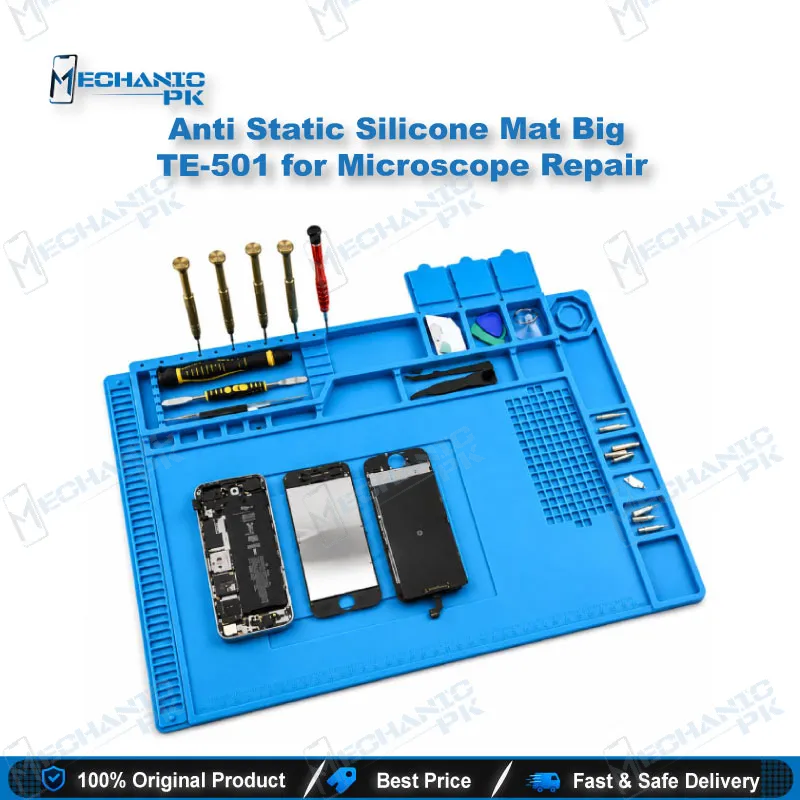
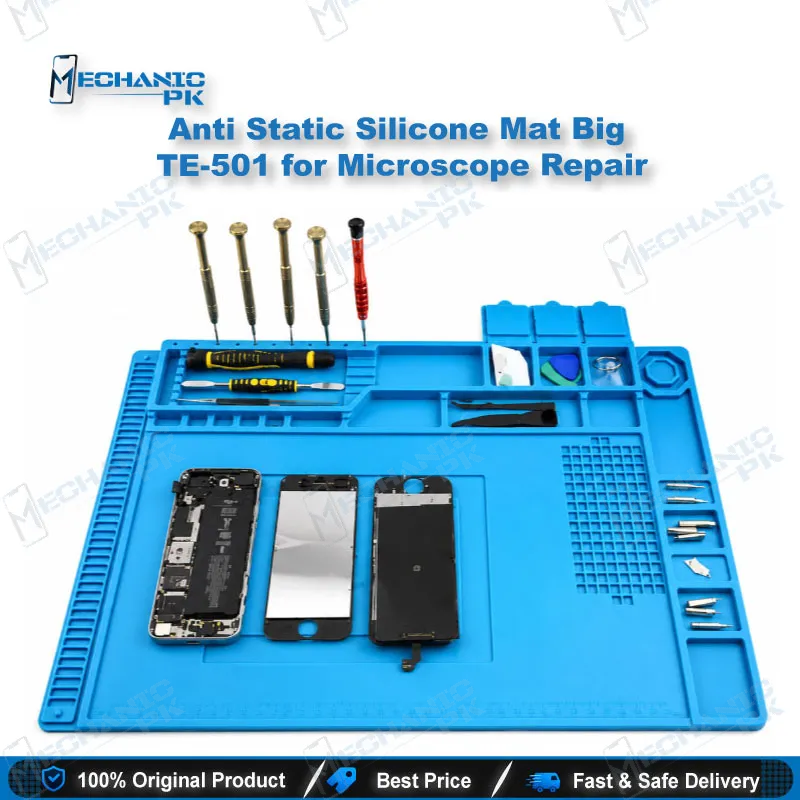
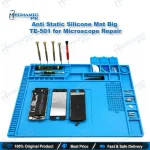
Anti Static Silicone Mat Big TE-501 for Microscope Repair
₨ 1
Anti Static Silicone Mat for Microscope Repair Work
The Anti Static Silicone Mat Big TE-501 gives your microscope repair bench a large, soft silicone work surface built for board-level mobile repair. You place the logic board, display assembly, and small parts on one clean surface and keep them steady while you work under magnification. The anti-static silicone material suits PCB repair, IC change, and display jobs where loose static is a risk. The big format leaves room for tweezers, screws, and phone housings beside your microscope. Add it to your repair bench at Mechanicpk and keep every job organized from teardown to testing.
In stock
Anti Static Silicone Mat for Microscope Repair on a Professional Bench
An anti static silicone mat for microscope repair gives your bench a controlled surface before you touch a single component. The Anti Static Silicone Mat Big TE-501 covers the area around your stereo microscope, so the logic board, display assembly, and loose screws rest on silicone instead of bare wood or laminate. Mobile repair under magnification punishes sloppy setups. A board shifts, a flex cable folds, a tiny screw rolls off the edge, and a ten-minute job turns into a search. The TE-501 targets that daily friction. It suits technicians who handle PCB repair, IC change work, and display jobs on a microscope bench in a Pakistani repair shop.
Silicone Surface Built for Board-Level Work
A silicone work surface behaves differently from a plain bench top. The soft material gives a motherboard or phone frame a stable place to rest while you adjust microscope focus, and it protects back glass and frames from scratches during teardown, which matters on a customer’s device. The anti-static property helps limit static buildup around sensitive components such as the CPU, PMIC, and eMMC or UFS chips. Treat it as one layer of ESD control, not the only layer. You still wear a wrist strap and keep your bench grounded when you handle boards that arrive dead after flash or dead after water damage. The big size also gives your forearms room to rest, which steadies fine tweezers work and long micro-soldering sessions.
Where the Big TE-501 Fits in Your Repair Workflow
The TE-501 sits under your whole repair sequence. You open the phone, lay out screws in order, lift the battery connector, and move the board under the microscope for diagnosis. When you trace a charging issue to a damaged charging IC, or a display problem to a lifted connector, you rework the area on the same surface. The same mat supports IC change karna jobs, jumper lagana on broken tracks, and pad cleaning before reballing. For eMMC and UFS work, you keep the ISP pinout tool, the board, and your probes together within reach. Because the mat is big, you stop shuffling parts between a tray and the bench. Your workflow stays continuous from teardown to final testing, and you spend more time under the microscope and less time hunting for parts.
Pairing the Mat with Your Microscope and Soldering Gear
Match the mat to the rest of your station. A microscope with a wide base needs a surface that does not crowd the stand, and the big TE-501 leaves space around it. Put your soldering station and hot air station to one side, and keep tweezers, flux, and solder wire along the mat’s edge. Silicone sits close to heat sources in many shops, so check how near your hot air nozzle works to the surface and keep a heat-safe tray under long rework cycles. Wipe the mat with a lint-free cloth and a little isopropyl alcohol to remove flux residue, because dust and residue show up fast under magnification. Combine it with a PCB holder, a multimeter, and a reballing kit to complete a PCB repair bench. When your volume grows, a trinocular microscope is the natural upgrade for documenting faults and training new technicians.
| Weight | 0.49 kg |
|---|
Key Features
- Anti-static silicone material for electronics repair
- Big work surface for board, tools, and parts
- Suits microscope repair benches
- Soft surface that protects phone glass and frames
- Stable resting surface for logic boards
- Wipes clean after flux and dust exposure
- Universal use across mobile brands
- Single-piece mat that sets up in seconds
Specifications
| Model | TE-501 |
|---|---|
| Category | Anti-Static Repair Mat |
| Compatibility | Microscope repair bench use |
| Supported Devices | Universal, not device-specific |
| Technology | Anti-static silicone |
| Material | Silicone |
Common Repair Uses
- Everyday bench workflows that use a microscope and a clean work surface.
- Microscope inspection of dead phone boards
- IC change and CPU rework
- Charging IC and PMIC replacement
- Jumper lagana on damaged PCB tracks
- Pad cleaning and BGA reballing preparation
- eMMC and UFS ISP wire work
- Display and connector fault diagnosis
- Screw and small part organization during teardown
Compatible Devices
- Universal work surface, not device-specific. It supports any board, module, or device that fits on the mat.
- Android smartphone motherboards
- iPhone logic boards
- Tablet PCBs and display assemblies
- Smartphone back housings and frames
- Smartwatch boards and modules
- Small laptop boards and modules
- Loose ICs, connectors, and SMD components
- Flex cables and display connectors
FAQ
What is the product name?
What is the model of this product?
What is this product used for?
Which devices are compatible with this product?
Who should use this product?
Does an anti static silicone mat replace an ESD wrist strap?
How do I clean flux residue off a silicone repair mat?
Related products