AD1 Charging IC Huawei – Mate 7 & Honor 4X 8-Pin USB Chip
₨ 350
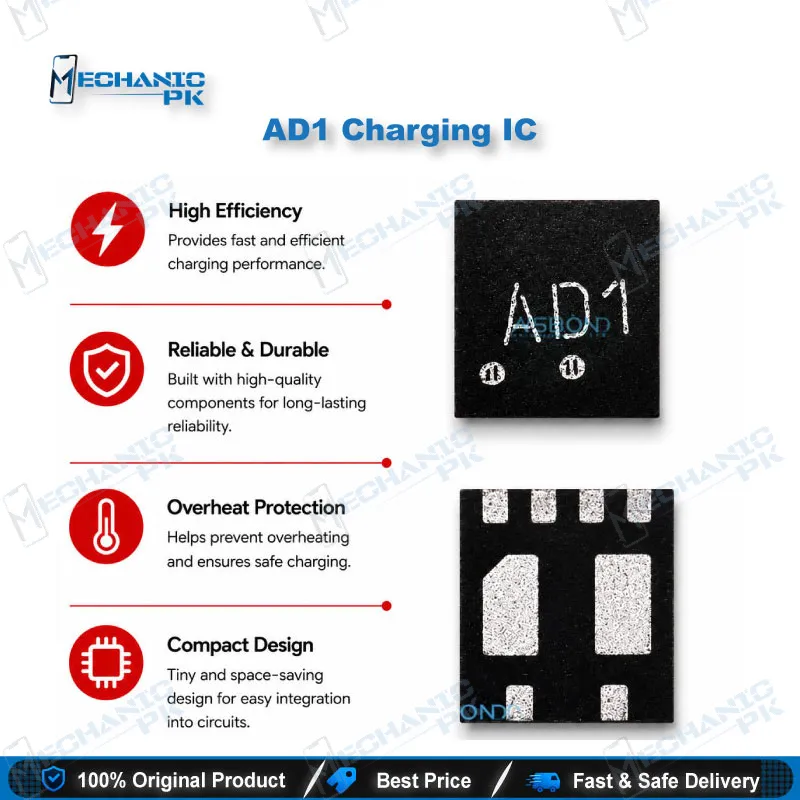
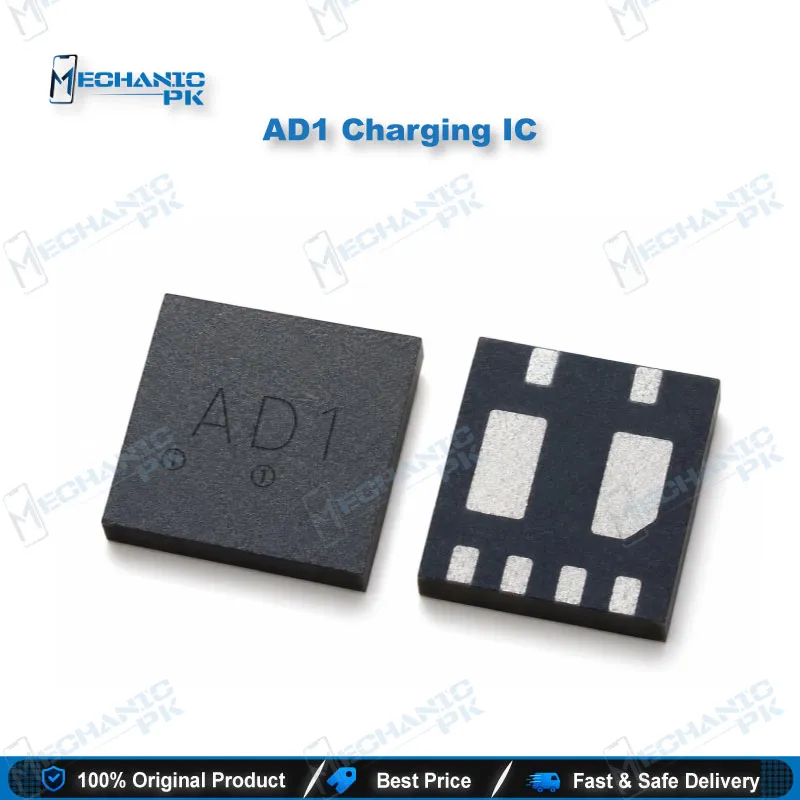
AD1 Charging IC – 8-Pin USB Charging Chip for Huawei
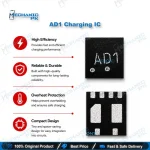
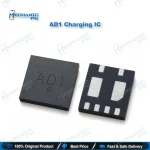
The AD1 Charging IC is an 8-pin USB charging chip for Huawei Mate 7 (MT7) and Huawei Honor 4X (Glory 4X) motherboards. It sits in the USB charging input path, so a failed chip leaves the phone with no charging response, unstable charging, or a dead-phone condition caused by a fully drained battery. Board-level technicians use this AD1 charging IC Huawei replacement once a new charging port, cable, and battery have failed to fix the fault. Mechanicpk lists it by its exact top marking so you can match it against your board before you order. It ships as a single bare IC for hot-air rework.
AD1 Charging IC Huawei Replacement for Mate 7 and Honor 4X
The AD1 Charging IC is an 8-pin USB charging chip used on Huawei Mate 7 (MT7) and Huawei Honor 4X (Glory 4X) motherboards. Technicians usually look for an AD1 charging IC Huawei replacement after the obvious fixes fail. A new charging port and a known-good cable haven’t helped, and the phone still refuses to charge. This part is known by its top-side marking rather than a long manufacturer part number. Matching that marking is the first step of a correct replacement. Mechanicpk supplies it as a single board-level component for technicians who diagnose down to the IC.
Where the AD1 Sits in the Charging Path
Every charge cycle on these Huawei boards starts at the USB connector. Power enters on VBUS, passes through the input charging circuitry, and then reaches the battery and the power management section. The AD1 belongs to that input stage. When it fails, the charging chain breaks early. The phone shows no charging icon, charges only intermittently, or reacts only at a certain cable angle even with a fresh port fitted. Diagnose it as a charging-path component and not as a general power fault.
Symptoms That Point Toward the AD1
Not every charging issue calls for an IC change. Start by ruling out the connector, the charging flex, the battery, and the cable. If the phone runs on a battery charged externally but still won’t charge from USB, the fault sits on the board. A USB ammeter reading zero current while the battery is low points the same way. Phones that stopped charging right after a cheap charger, a voltage spike, or liquid exposure near the bottom of the board also deserve a close look at this area.
Confirming the Fault Before Removal
Measure before you apply any heat. Put a digital multimeter in diode mode and compare the AD1 pad readings against a known-good board. A near-zero reading on the input line indicates a short that you need to isolate. Feed VBUS from a DC power supply and watch the current draw. If the AD1 warms up under freeze spray or a thermal camera, you have found your fault. A stereo microscope also helps you spot corrosion, lifted pins, or cracked joints, and sometimes a clean reflow solves the problem without a new chip.
AD1 Charging IC Huawei Rework Workflow
Lock the board in a PCB holder and shield nearby plastic parts and small passives with heat-resistant tape. Apply fresh flux and use a hot air station with low airflow, because a small 8-pin package moves easily under strong air. Lift the old chip with fine tweezers once the solder flows. Clean the pads with solder wick and a fine-tip soldering station, then leave a thin, even layer of solder. Align the new AD1 by its pin-1 marker so it matches the original orientation, then reflow it and check for bridges under magnification.
Testing After the Swap
Power the board from the DC supply and connect a USB tester before you close the phone. A steady charging current, a charging icon on screen, and a battery percentage that rises over several minutes together confirm the repair. If charging still fails after a correct AD1 replacement, move downstream to the power management circuit instead of replacing the same chip again.
Tools That Complete This Repair
A reliable AD1 swap depends on the rest of your bench. Hot Air Stations and Soldering Stations handle removal and pad preparation. Microscopes and Multimeters cover inspection and fault confirmation. PCB Holders keep a small Huawei board steady during heating. Technicians who move up to BGA-level power IC work will need Reballing Kits next. If a dead Mate 7 or Honor 4X turns out to have a storage or software fault, ISP Pinout Tools, eMMC Programmers, UFS Adapters, and Test Boxes cover that side of the workflow.
Why Order the AD1 from Mechanicpk
Mechanicpk lists every IC by its exact marking and verified board compatibility. That lets you check the part against your schematic or board view before you order. For repair shops across Pakistan that still see Mate 7 and Honor 4X units on the bench, keeping a few AD1 chips in stock makes a not-charging complaint a same-day repair instead of a wait for parts.
| Weight | 0.1 kg |
|---|
Key Features
- Identified by the exact AD1 top marking for accurate board matching
- 8-pin USB charging chip for the charging input stage
- Direct board-level replacement for Huawei Mate 7 (MT7)
- Direct board-level replacement for Huawei Honor 4X (Glory 4X)
- Fixes not-charging faults that a port replacement can't fix
- Small package suited to standard hot air station rework
- Supplied as a single bare IC, so you order only what the repair needs
- Lets a technician fix the fault at chip level without replacing the motherboard
Specifications
| Model | AD1 (top marking) |
|---|---|
| Category | Mobile Phone Charging IC |
| Compatibility | Huawei Mate 7 (MT7), Huawei Honor 4X (Glory 4X) |
| Supported Devices | Huawei Mate 7, Huawei Honor 4X |
| Technology | USB charging chip, 8-pin package |
Common Repair Uses
- Board-level USB charging-path repair on Huawei Mate 7 and Honor 4X
- Phone not charging after a charging port and cable replacement fail to fix it
- Short circuit on the USB charging input line
- Intermittent charging or charging only at certain cable angles caused by a board-side fault
- Charging circuit restoration after liquid damage near the bottom of the board
- Charging failure after use of a faulty charger or a voltage spike
- Dead phone caused by a fully drained battery that can no longer charge from USB
- Refurbishing used Mate 7 and Honor 4X motherboards
- Small-package hot air rework practice in training workshops
Compatible Devices
- erified device-level compatibility for two Huawei models
- Huawei Mate 7 (MT7)
- Huawei Honor 4X (Glory 4X)
FAQ
What is the product name?
What is the brand of this product?
What is the model of this product?
What is this product used for?
Which devices are compatible with this product?
Who should use this product?
How do I confirm the AD1 charging IC is faulty on a Huawei Mate 7?
Do I need a hot air station or a soldering iron to replace the AD1 chip?
Related products