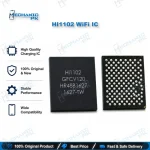
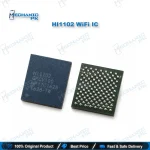
HI1102 WiFi IC for Huawei P9 Lite & P10 Lite Board Repair
₨ 350
HI1102 WiFi IC for Huawei Board-Level Repair
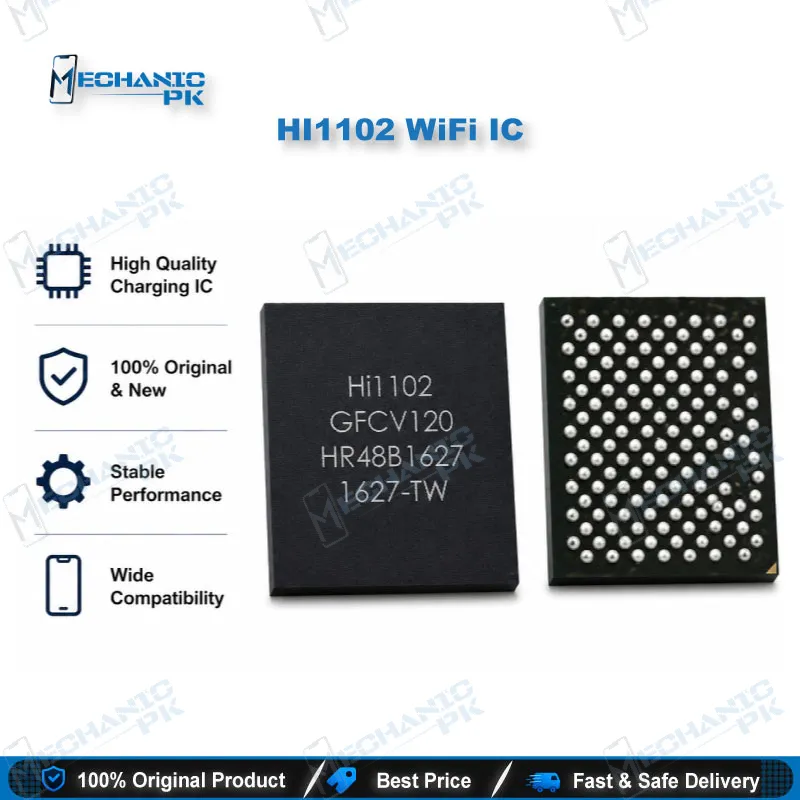
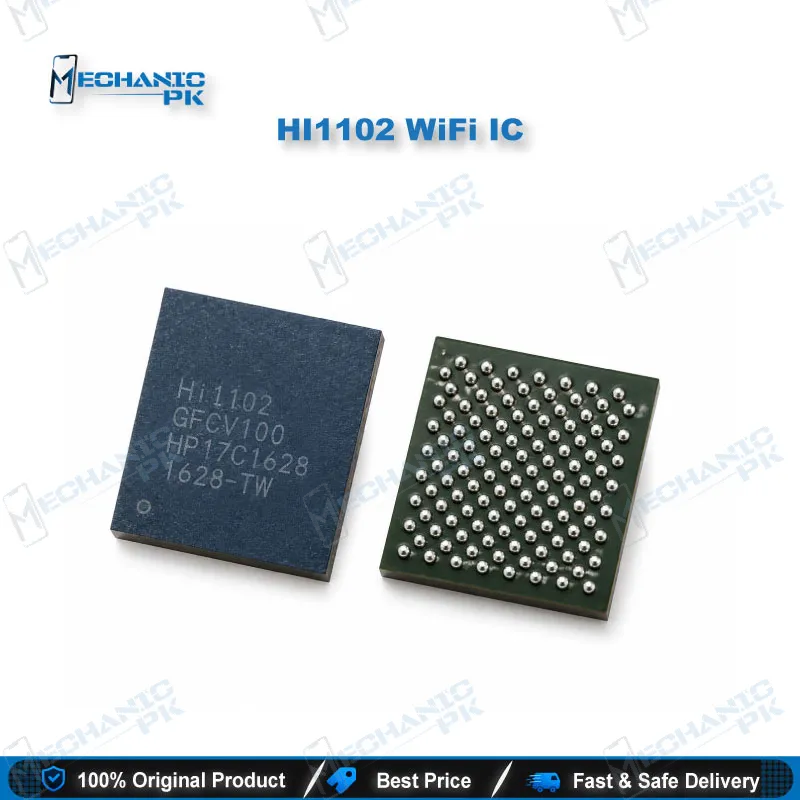
The HI1102 WiFi IC is HiSilicon’s combo connectivity chip that controls WiFi, Bluetooth, and GPS on Huawei boards such as the P9 Lite (VNS-L21) and P10 Lite. When WiFi stays greyed out, Bluetooth refuses to switch on, and GPS never locks, this chip often carries the fault. Mechanicpk supplies the exact HI1102 part number for technicians who repair at IC level instead of replacing the motherboard. Match the marking on the original chip before ordering, since the HI1102 differs from the Hi1101 and Hi1102A used on other Huawei generations.
HI1102 WiFi IC: HiSilicon Connectivity Chip for Huawei Board Repair
The HI1102 WiFi IC is a HiSilicon wireless combo chip that Huawei fitted on Kirin-era motherboards, including the Huawei P9 Lite (VNS-L21) and the Huawei P10 Lite. This single chip runs WiFi, Bluetooth, and GPS, so one failed component can take three radios offline at the same time. Mechanicpk stocks this part for technicians who repair at IC level instead of replacing the full motherboard. When a phone arrives with WiFi greyed out and Bluetooth refusing to switch on, the HI1102 belongs near the top of your suspect list.
What the HI1102 Controls on the Motherboard
Huawei’s software treats the HI1102 as one connectivity platform with three functions. Open-source driver work on the P10 Lite shows the split clearly: a platform driver brings up Bluetooth and GPS, while a separate WLAN driver loads proprietary WiFi firmware from the phone’s storage. That firmware path matters on your bench. A corrupted system can stop WiFi from starting even when the chip itself works perfectly, so a clean reflash belongs in your diagnosis before you touch the hot air.
Fault Symptoms That Point to the HI1102 WiFi IC
Customers usually describe this fault as a network issue, even though calls and mobile data still work. The pattern you see on the bench tells a more precise story. The WiFi toggle stays greyed out or flips back to off seconds after you enable it. Bluetooth refuses to turn on or drops every pairing, and maps apps sit without a GPS lock outdoors. When all three symptoms appear together after a drop, a bend, or liquid damage, the connectivity chip and its solder joints become the logical focus.
Diagnose Before You Change the IC
Start with software, because the phone loads WiFi firmware during boot. Flash the correct stock firmware and check whether WiFi and Bluetooth return. If the fault survives a clean flash, open the phone and inspect the shield area for corrosion, lifted components, or burn marks. Use a multimeter in diode mode on the supply lines feeding the chip, since a shorted line points straight to a failed IC. Check the antenna contacts and coaxial connections too, because a loose antenna produces weak WiFi but rarely a greyed-out toggle.
Replacement Workflow on the Repair Bench
On the P9 Lite, the HI1102 sits under a metal shield that you need to desolder first. Mount the board in a PCB holder and protect nearby plastic parts and small capacitors with heat-resistant tape. Apply quality flux, then lift the old chip with a hot air station at controlled airflow so you keep the surrounding passive components in place. Clean the pads with desoldering wick, check them under a microscope for torn pads, and restore solder points with a reballing stencil when the new HI1102 WiFi IC needs it. Reflow, let the board cool naturally, refit the shield, and test WiFi scanning, Bluetooth pairing, and a GPS fix before you close the phone.
HI1102 vs Hi1102A: Match the Exact Marking
HiSilicon uses closely related part numbers across generations, and mixing them up wastes your time and the customer’s board. The Hi1102A, marked Hi1102AGFCV100, appears on later models such as the Huawei Nova 5 and Honor 9X, and it brings a newer feature set with 802.11ac WiFi and Bluetooth 5.1. The older Hi1101 serves the P8 and P8 Lite. Read the marking on the original chip under magnification before you order, and treat each part number as a separate IC unless the board schematic confirms otherwise.
Tools That Complete an HI1102 Repair
A clean IC change depends on the equipment around it. Hot Air Stations and Soldering Stations handle chip removal and shield work, while Microscopes let you inspect pad condition and alignment. PCB Holders keep the board steady, and Reballing Kits restore the chip’s solder points when needed. A digital Multimeter confirms shorts before and after the job. When the fault turns out to be software, Test Boxes, ISP Pinout Tools, eMMC Programmers, and UFS Adapters cover the flashing side of the workflow.
| Weight | 0.1 kg |
|---|
Key Features
- Genuine HiSilicon HI1102 part number for exact-match replacement
- Single chip covering WiFi, Bluetooth, and GPS functions
- Verified fit for Huawei P9 Lite (VNS-L21) and P10 Lite boards
- Restores multiple connectivity faults with one IC change
- Suited to hot air removal and controlled reflow workflows
- Clear part identity separate from the Hi1101 and Hi1102A generations
- Supports IC-level repair instead of full motherboard replacement
- Practical stock part for service centers handling Huawei connectivity faults
Specifications
| Brand | HiSilicon |
|---|---|
| Model | HI1102 |
| Category | Mobile Phone WiFi IC / Connectivity IC |
| Compatibility | Huawei boards carrying the original HI1102 marking |
| Supported Devices | Huawei P9 Lite (VNS-L21), Huawei P10 Lite |
| Technology | WiFi, Bluetooth, and GPS combo connectivity |
Common Repair Uses
- Board-level connectivity repair on Huawei motherboards
- WiFi greyed out or WiFi switching itself off
- Bluetooth not turning on or failing to pair
- GPS failing to get a location lock
- Connectivity failure after liquid damage
- Replacing a cracked or lifted chip after a drop or board bend
- IC change after diagnosing a shorted supply line at the chip
- Combined WiFi, Bluetooth, and GPS failure that survives a clean firmware flash
- Board refurbishment and donor-board recovery
Compatible Devices
- Verified scope — Huawei boards fitted with the HI1102 marking
- Huawei P9 Lite (VNS-L21)
- Huawei P10 Lite
- Huawei Kirin-platform motherboards that carry the original HI1102 marking
- Honor motherboards that carry the original HI1102 marking (confirm against the old chip before ordering)
- Not a substitute for Hi1101 (P8 / P8 Lite) or Hi1102A (Nova 5 / Honor 9X) boards
FAQ
What is the product name?
What is the brand of this product?
What is the model of this product?
What is this product used for?
Which devices are compatible with this product?
Who should use this product?
Is the HI1102 the same chip as the Hi1102A used in the Huawei Nova 5?
Does the HI1102 WiFi IC also control Bluetooth and GPS?
Related products