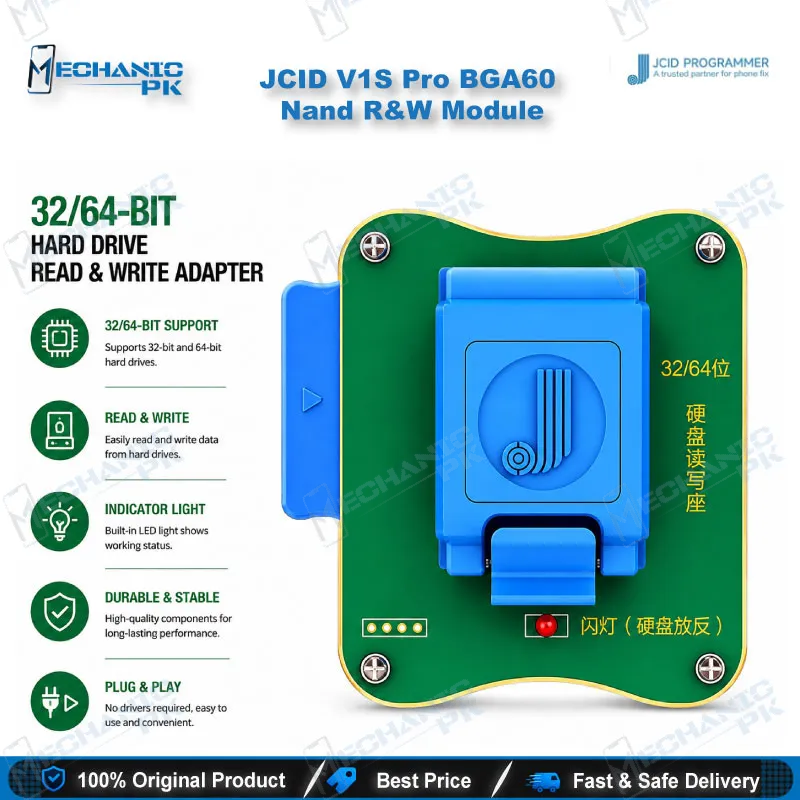
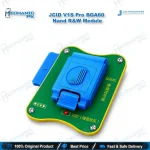
JCID V1S Pro BGA60 NAND R&W Module
₨ 17,500
BGA60 NAND Module for JCID V1S Pro
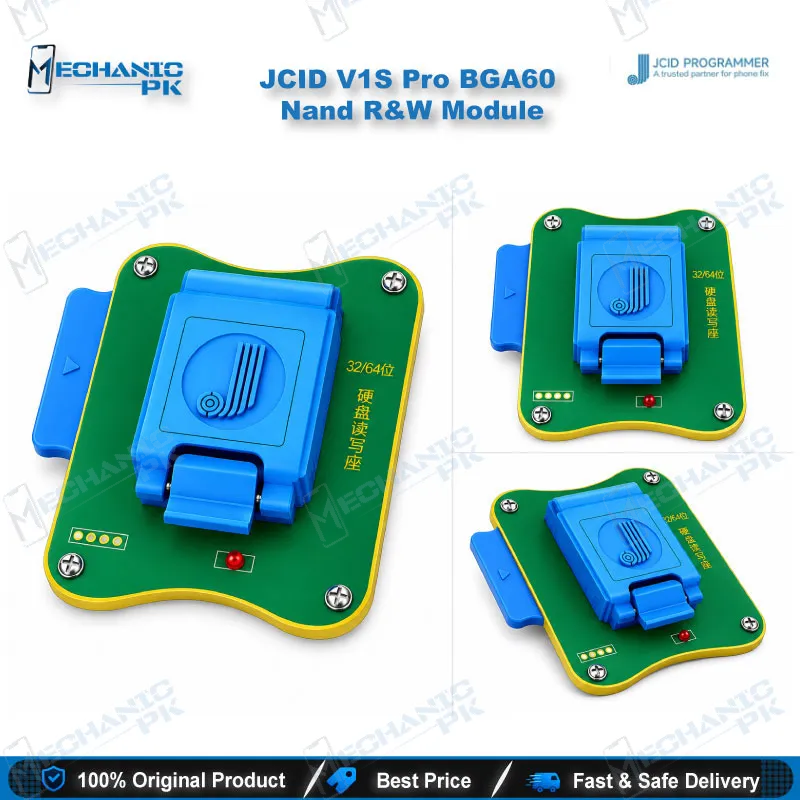
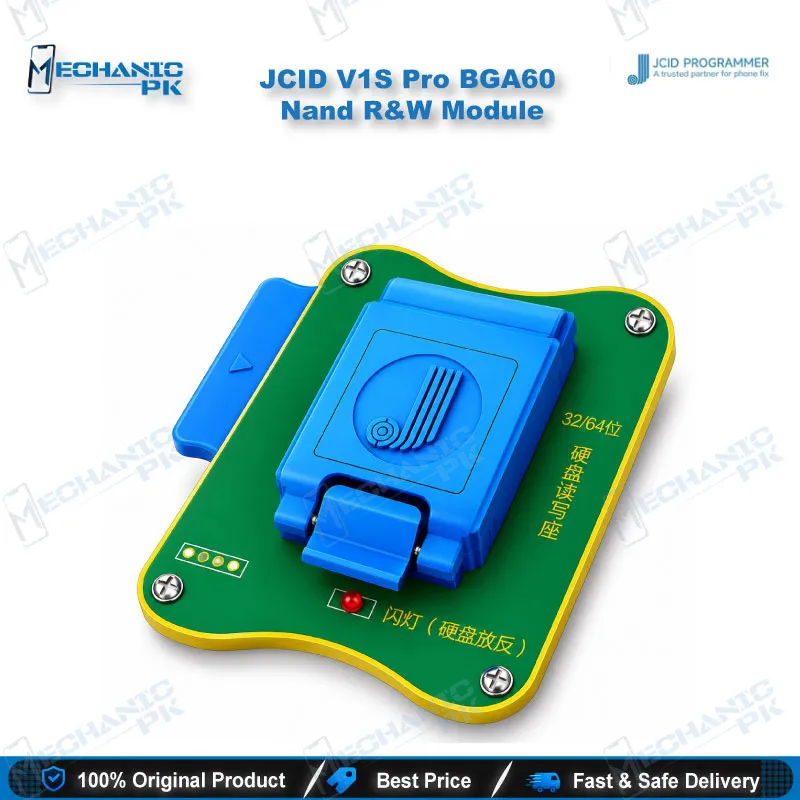
The JCID V1S Pro BGA60 NAND module adds a dedicated BGA60 socket to your V1S Pro programmer. It reads, writes and formats NAND flash for iPhone 6, iPhone 6 Plus and 32-bit and 64-bit iPad NAND, so you handle storage-level faults directly at the chip. Mechanicpk stocks this module for Pakistani repair shops and service centers that run the V1S Pro platform and want one expansion path for older iPhone and iPad boards. Pair it with the BGA70, BGA110 and BGA315 modules and you cover NAND work from iPhone 6 through the iPhone 14 series. Order it from Mechanicpk for your iOS board-level bench.
In stock
JCID V1S Pro BGA60 NAND Module for iPhone 6 and iPad Board Repair
The JCID V1S Pro BGA60 NAND module extends the V1S Pro programmer into NAND flash work on iPhone 6, iPhone 6 Plus and iPad boards with 32-bit or 64-bit NAND. The V1S Pro platform uses an expansion-module design. The main unit runs a six-core CPU with a 4.0 inch touch display, and each NAND socket module plugs in as a separate accessory. The BGA60 module covers the oldest NAND generation in the JCID lineup. If your bench still sees iPhone 6 and early iPad boards, this module is the entry point for NAND-level diagnosis and recovery.
Where the BGA60 Module Sits in the V1S Pro NAND Lineup
JCID splits NAND coverage across four socket modules. The BGA60 module covers iPhone 6, iPhone 6 Plus and iPad 32/64-bit NAND. The BGA70 module covers iPhone 6s to iPhone 7 Plus. The BGA110 module covers iPhone 8 to iPhone 13 Pro Max, and the BGA315 module covers the iPhone 14 series. You buy the module that matches the NAND package on the board in front of you, so a BGA60 purchase never pays for coverage you do not use. That modular structure also gives you a clean upgrade path: start with BGA60 for legacy boards, then add BGA70 and BGA110 as your workload shifts to newer devices.
Technical Capability at the NAND Level
The module reads, writes and formats NAND flash through the V1S Pro programmer. You work on the NAND chip after removal from the board, seat it in the BGA60 socket, and run the operation from the V1S Pro in standalone touch mode or in PC online mode. This workflow targets faults that software restore cannot fix: a dead phone with corrupted NAND data, a boot loop issue that survives restore attempts, a hang on logo after a failed update, and a dead after flash case where the storage contents no longer match the board. Reading the NAND first tells you whether the chip holds usable data or needs a rewrite. Formatting resets a corrupted NAND to a clean state before you rewrite it.
The V1S Pro programmer also supports DFU purple screen mode without disassembly on iPhone 6 to iPhone X, which helps you separate NAND faults from other causes before you commit to an IC change karna job. When the chip tests bad, you reprogram a replacement NAND on the same module and fit it to the board.
Repair Workflow Fit on a Professional Bench
Plan the BGA60 module as one stage in a full board-level routine. Check the board with a multimeter for shorts and abnormal current draw first, then lift the NAND with a hot air station or a soldering station with the right preheat profile. Hold the board in a PCB holder and inspect pads under a microscope. After the NAND passes through the V1S Pro BGA60 socket, you reball the chip with a reballing kit and refit it. Repair shops that already run eMMC programmers, ISP pinout tools, UFS adapters and test boxes for Android work will find the V1S Pro NAND modules fill the iOS side of the same bench. The workflow stays consistent: diagnose, remove, read, write, reball, refit.
Why Technicians Choose a Dedicated BGA60 Module
A dedicated socket module gives you repeatable chip contact instead of improvised clip and jumper setups, which matters when you software marna on a board you cannot afford to lose. You also keep the main V1S Pro unit free for its other functions, including Face ID, True Tone, battery, camera and vibration repair modules. Service centers handling iPhone 6 generation devices and older iPads benefit most, because those boards still arrive in volume for storage faults and the BGA60 package has no substitute in the BGA70, BGA110 or BGA315 modules. Buy it from Mechanicpk if your workshop already owns a V1S Pro and needs verified legacy NAND coverage for your iOS repair stock.
| Weight | 0.31 kg |
|---|
Key Features
- Dedicated BGA60 socket for iPhone 6 and iPhone 6 Plus NAND
- Covers 32-bit and 64-bit iPad NAND
- Reads NAND flash data
- Writes NAND flash data
- Formats NAND flash
- Expansion module design for the JCID V1S Pro programmer
- Sits beside BGA70, BGA110 and BGA315 modules in the same NAND lineup
- Runs from the V1S Pro in standalone touch mode or PC online mode
Specifications
| Brand | JCID |
|---|---|
| Model | V1S Pro BGA60 Nand R&W Module |
| Category | Programmers / iPhone NAND Modules |
| Compatibility | JCID V1S Pro programmer |
| Supported Devices | iPhone 6, iPhone 6 Plus, iPad 32-bit and 64-bit NAND |
| Technology | BGA60 NAND flash read, write and format |
Common Repair Uses
- Storage-level iOS repair on legacy iPhone and iPad boards
- Reading NAND data from a dead phone before deciding on a rewrite
- Writing NAND data back after corruption
- Formatting a corrupted NAND chip
- Fixing a boot loop issue caused by damaged NAND contents
- Recovering a hang on logo case after a failed update
- Handling dead after flash boards that need NAND reprogramming
- Reprogramming a replacement NAND during an IC change karna job
- Verifying NAND health before reballing and refitting the chip
Compatible Devices
- JCID V1S Pro programmer host with iPhone 6 / 6 Plus and iPad BGA60 NAND scope
- iPhone 6
- iPhone 6 Plus
- iPad boards with 32-bit BGA60 NAND
- iPad boards with 64-bit BGA60 NAND
- JCID V1S Pro programmer (host unit, sold separately)
FAQ
What is the product name?
What is the brand of this product?
What is the model of this product?
What is this product used for?
Which devices are compatible with this product?
Who should use this product?
Does the BGA60 module work on its own without the V1S Pro programmer?
Which JCID module do I need for iPhone 6s, iPhone 8 and iPhone 14 NAND?
Related products