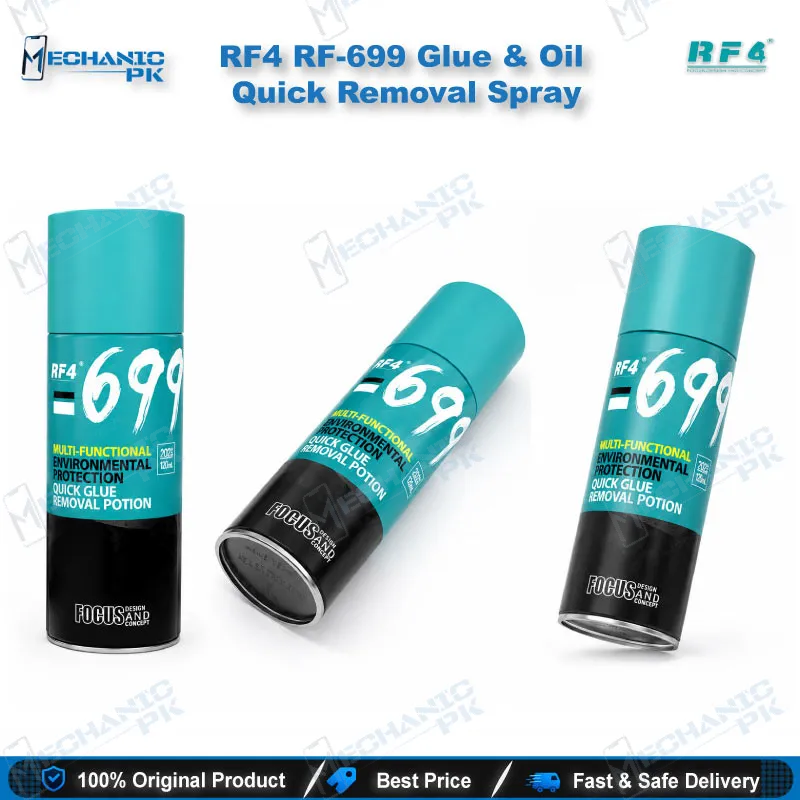
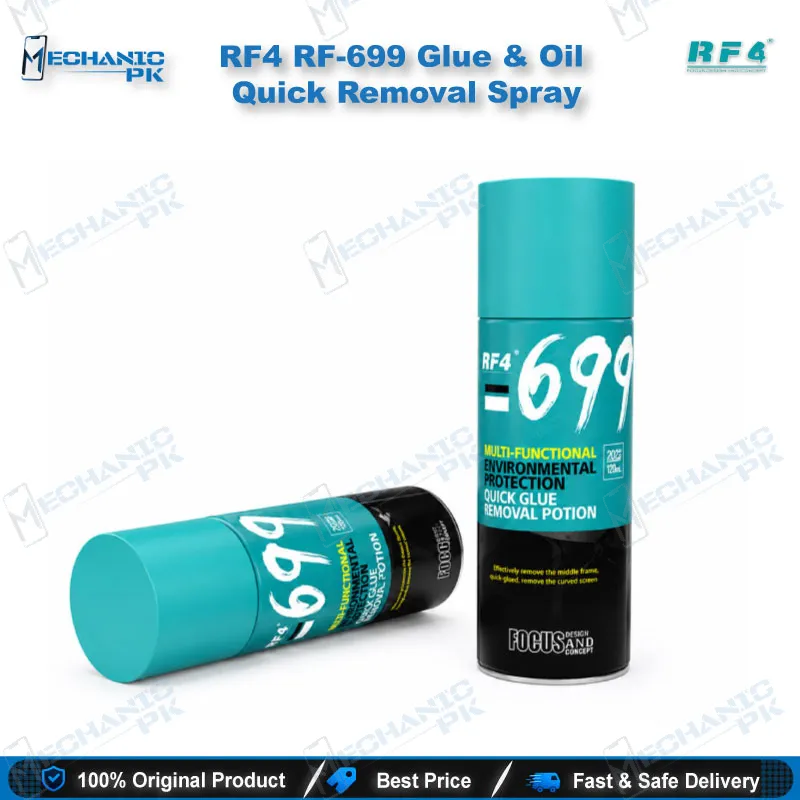
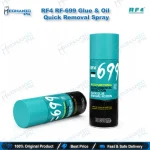
RF4 RF-699 Glue & Oil Quick Removal Spray
₨ 1
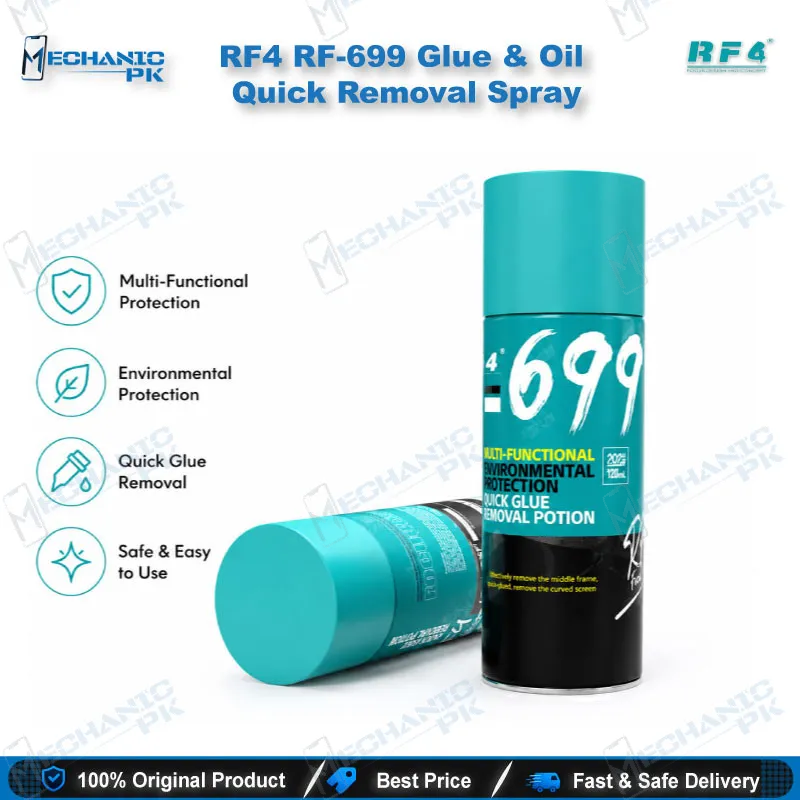
RF-699 Glue Remover Spray by RF4
The RF-699 glue remover spray from RF4 strips hard glue from LCD surfaces, feature film layers, middle frames, and brackets during screen burst repair. You spray an appropriate amount on the adhesive layer, wait 3 to 5 seconds, and wipe the softened glue away with a blade or a dust-free cloth. RF4 states the formula does not corrode flex cables and does not hurt the backlight or the LCD. Mechanicpk supplies RF-699 to Pakistani repair shops that handle iPhone, Samsung, HTC, and other smart touch phone display jobs every day. Add it to your bench as the cleaning step before every screen refit.
Out of stock
RF-699 Glue Remover Spray for Screen Burst and Frame Cleaning
The RF-699 glue remover spray from RF4 clears hard glue off LCD surfaces, feature film layers, and phone frames during screen burst repair. RF4 builds this spray for iPhone, HTC, Samsung, and other smart touch phone assemblies. You spray an appropriate amount on the adhesive layer, wait 3 to 5 seconds, and wipe the softened glue away with a blade or a dust-free cloth. That short dwell time keeps your bench moving when display problem jobs stack up through the day.
Where RF-699 Fits in the Screen Repair Process
Every screen replacement ends with the same chore. Old adhesive stays bonded to the middle frame, the bracket, and the glass edge after you separate the display. Scraping dry glue with a blade alone burns minutes on each phone and risks a slip near a flex cable. RF-699 moves that effort into the chemistry. You apply the spray along the glue line, give it a few seconds to work, and lift the residue with light blade pressure.
The same routine covers three disassembly tasks that RF4 names for this product: middle frame removal, bracket removal, and curved screen separation. Workshops that pair a microscope for inspection with PCB holders for stable handling treat this spray as the cleaning step that sits between teardown and reassembly. A frame that you clean properly seats the new screen flat and avoids lifted corners and uneven adhesion.
Key Technical Highlights
RF4 describes RF-699 as an environmentally friendly cleaning glue remover. The formula targets hard glue on the LCD and feature film surface. The manufacturer states it does not corrode flex cables, does not hurt the backlight, and does not hurt the LCD. Those three points carry the most weight on a repair bench, because a solvent that attacks a flex cable turns a routine display swap into a hardware fault.
The spray format gives you control over where the liquid lands. You treat a single frame edge or the full face of a screen layer without soaking the whole assembly. Keep each application light, because the product description calls for an appropriate amount rather than a flood. Spray, count your 3 to 5 seconds, and wipe. If a stubborn patch remains, repeat the cycle on that patch only.
Why Repair Shops Stock RF-699
A consumable like this runs out fast in a shop that completes screen jobs daily, so repeat supply matters as much as performance. RF4 also manufactures repair tools such as trinocular microscopes and electric glue removers, so you can source consistent gear for one bench from one brand family. Mechanicpk keeps RF-699 available for technicians, service centers, and repair shop owners across Pakistan who buy by capability, not by hype.
Build a simple routine around it. Remove the screen, spray the glue line, wipe with a dust-free cloth, and inspect the frame under your microscope before you fit the replacement display. Pair the cleaning step with your hot air station for screen separation and your soldering station for any board work that follows, and your whole screen workflow stays inside one organized setup. A clean frame saves you a redo, and a redo costs more than a bottle of spray.
| Weight | 0.5 kg |
|---|
Key Features
- Removes hard glue from the LCD and feature film surface
- Works in 3 to 5 seconds after you spray the adhesive layer
- Wipes clean with a blade or a dust-free cloth
- Does not corrode flex cables, per the manufacturer
- Does not hurt the backlight, per the manufacturer
- Does not hurt the LCD, per the manufacturer
- Environmentally friendly cleaning formula
- Suits middle frame, bracket, and curved screen disassembly
Specifications
| Brand | RF4 |
|---|---|
| Model | RF-699 |
| Category | Glue & Fluxes |
| Compatibility | iPhone, Samsung, HTC, and other smart touch phones |
| Supported Devices | iPhone, Samsung, HTC, and other smart touch phones |
Common Repair Uses
- Glue removal during smart touch phone screen burst repair
- Removing hard glue from the LCD surface
- Removing glue from the feature film surface
- Disassembling the middle frame
- Disassembling the bracket
- Disassembling the curved screen
- Cleaning glue residue from the frame before fitting a new screen
- Wiping softened glue with a blade
- Wiping softened glue with a dust-free cloth
Compatible Devices
- Smart touch phone screen assemblies, including iPhone, Samsung, and HTC (manufacturer-stated scope)
- iPhone screen assemblies
- Samsung screen assemblies
- HTC screen assemblies
- Other smart touch phone screens
- Curved screen phones
- LCD assemblies with hard glue on the surface
- Feature film surfaces on LCD assemblies
- Middle frames and brackets from touch phones
FAQ
What is the product name?
What is the brand of this product?
What is the model of this product?
What is this product used for?
Which devices are compatible with this product?
Who should use this product?
How long should I leave RF-699 on the glue before wiping?
Is RF-699 safe for flex cables, the backlight, and the LCD?
Related products