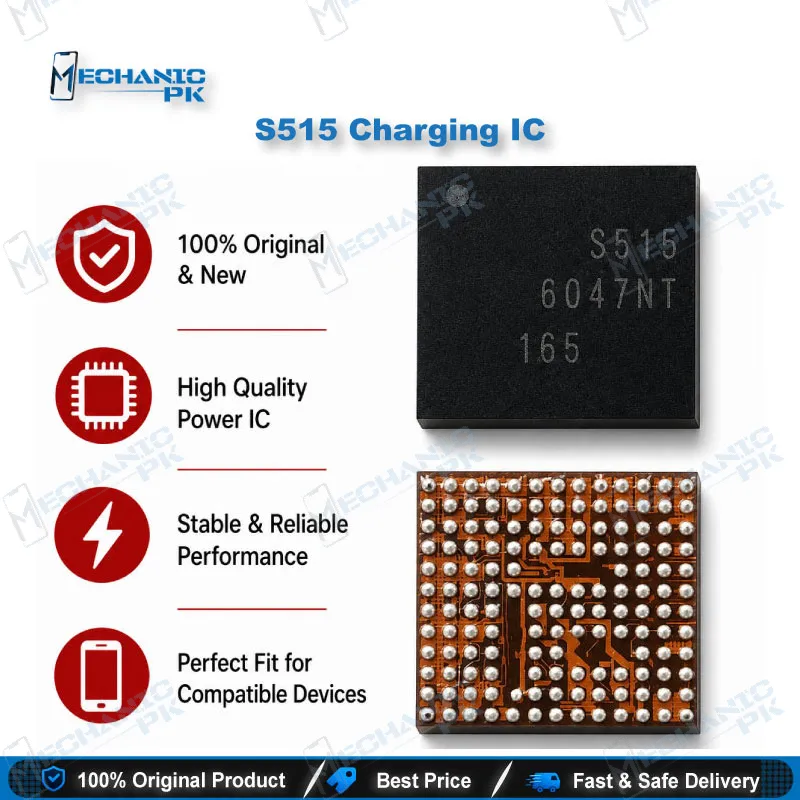
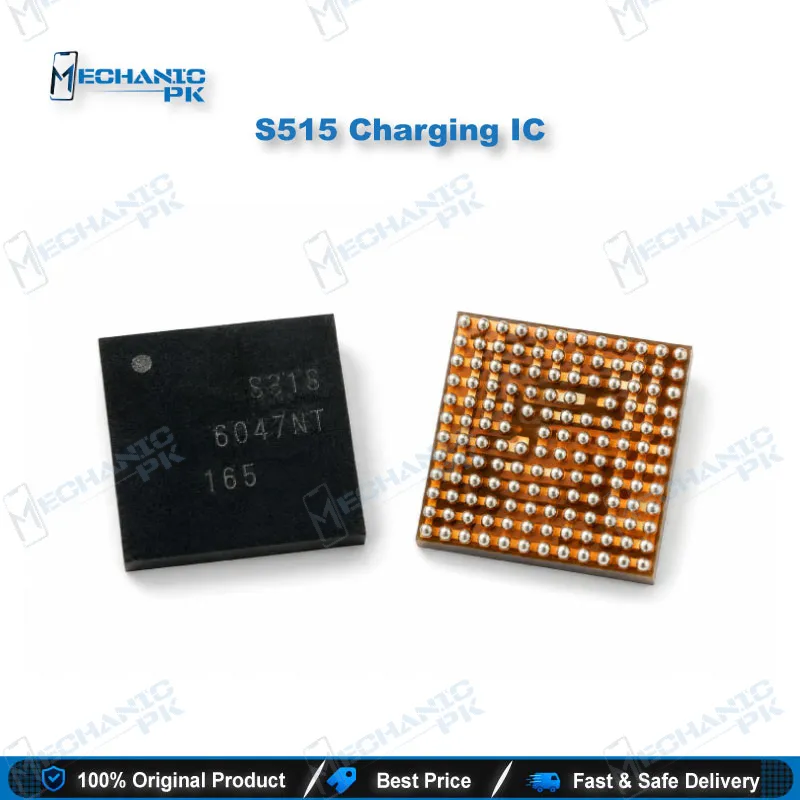
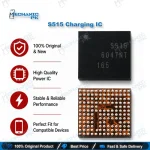
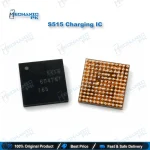
S515 Charging IC for Samsung Galaxy S7, J7 & J5 Series
₨ 350
Samsung Galaxy S515 Charging IC for Charge and USB Faults
The S515 Charging IC is a board-level replacement chip for Samsung Galaxy models that rely on it for charging input and USB control, including the Galaxy S7, S7 Edge, J5 2017, J6, J7 2016, J7 Neo and J7 Pro. Technicians replace it when a phone stops charging, fails to connect to a PC, or shows a short on the charging line traced back to this IC. The chip uses a BGA footprint, so you fit it with a hot air station, flux, and standard reballing practice. Mechanicpk stocks it for repair shops that handle Samsung charging faults regularly.
S515 Charging IC: Charge and USB Control Replacement for Samsung Galaxy Boards
The S515 Charging IC handles charging input and USB control duties on a defined group of Samsung Galaxy motherboards, including the Galaxy S7 (G930F), S7 Edge (G935F), J7 Pro (J730F), J7 2016 (J710F), J7 Neo (J701F), J5 2017 (J530F) and J6 (J600). When the S515 charging IC Samsung uses on these boards fails, the symptoms rarely stay subtle. The handset stops charging, the PC no longer detects it, or the board pulls abnormal current the moment you connect a charger. Mechanicpk supplies this IC for technicians who already know the board and need the correct replacement part on the bench.
Where the S515 Sits in the Samsung Charging Path
On supported boards, the S515 works on the charging input side, between the USB connector line and the rest of the power section. It manages the incoming charge supply and takes part in USB connection detection. That dual role explains why one damaged S515 can produce a charging issue and a data connection fault at the same time. A non-compliant charger, a liquid-damaged charging port, or a voltage spike on the USB line often reaches this chip first, so it absorbs damage that would otherwise travel deeper into the board.
Diagnosing an S515 Charging IC Samsung Fault Before Replacement
Confirm the fault before you lift the chip. Connect the board to a DC power supply and watch the current reading when you plug in a charger. No response, a fixed low reading, or an immediate short on the VBUS line all point toward the charging section. Use a multimeter in diode mode to compare VBUS and battery-side readings against a known-good board. Check the area under a microscope for corrosion, cracked solder joints, or burn marks around the chip. Replace a damaged charging port flex first, because a bad port mimics an IC fault and wastes a good part.
Removal and Installation Workflow
Mount the board in a PCB holder and shield nearby plastic connectors with heat-resistant tape. Apply quality flux and lift the old S515 with a hot air station, using controlled airflow so the small surrounding components stay in place. Clean the pads with a soldering station and desoldering wick until they sit flat and bright. If the new IC needs fresh balls, reball it with a matching stencil from a reballing kit. Align the S515 by its orientation mark, apply a thin layer of flux, and reflow until the chip settles evenly on the pads. Let the board cool naturally, then clean the flux residue before testing.
Testing After Fitting the IC
Power the board from a DC supply first and confirm normal standby current before you reconnect the battery. Plug in a charger and watch for a stable charging current, then check that the charging indicator appears on screen. Connect the phone to a PC and confirm that it shows up as a USB device. A pass on both checks tells you the charge path and USB detection work again. If the phone still refuses to charge, look upstream at the PMIC area, the battery connector, or the charging port flex for a second hardware fault.
Why Technicians Source This IC from Mechanicpk
Galaxy S7 and J-series units still reach Pakistani repair benches in large numbers, and a charging fault ranks among the most common reasons they arrive. Keeping the S515 in stock lets your shop close a “not charging” job the same day instead of waiting on parts. Mechanicpk lists this IC alongside the tools the job needs, including hot air stations, soldering stations, reballing kits, microscopes, multimeters, and PCB holders, so you can complete the full repair workflow from one supplier.
| Weight | 0.1 kg |
|---|
Key Features
- Handles charging input control and USB connection detection on supported Samsung Galaxy motherboards
- Direct replacement for the S515-marked chip on Galaxy S7, S7 Edge, J5 2017, J6, J7 2016, J7 Neo and J7 Pro boards
- One stock part covers several Galaxy models, which keeps your IC inventory lean
- BGA package suited to standard hot air rework and reballing workflows
- Restores charging when diagnostics trace the fault to the IC itself
- Restores PC and USB detection lost through damage to the charging section
- Fits a clear diagnostic path: DC supply current check, diode-mode readings, then IC replacement
- Practical part for shops that refurbish used Galaxy S7 and J-series phones for resale
Specifications
| Model | S515 |
|---|---|
| Category | Charging IC (Charging and USB Control IC) |
| Compatibility | Samsung Galaxy S7, S7 Edge, J5 2017, J6, J7 2016, J7 Neo, J7 Pro |
| Supported Devices | G930F, G930FD, G9300, G935F, G935FD, J530F, J600, J701F, J710F, J730F |
| Technology | BGA surface-mount IC |
Common Repair Uses
- Board-level repair of charging and USB faults on supported Samsung boards
- Phone not charging after the charging port flex has been ruled out
- Phone not detected by a PC over USB
- Short on the VBUS charging line traced to the IC
- Charging section damage after use of a faulty or non-compliant charger
- Liquid damage repair involving the charging input area
- Dead phone recovery where the fault sits in the charging section
- Replacement of a burnt or cracked IC found under microscope inspection
- Refurbishing used Galaxy S7 and J-series boards for resale
Compatible Devices
- Samsung Galaxy models that use the S515-marked charging and USB control IC
- Samsung Galaxy S7 / S7 Duos (G930F / G930FD)
- Samsung Galaxy S7 (G9300)
- Samsung Galaxy S7 Edge / S7 Edge Duos (G935F / G935FD)
- Samsung Galaxy J5 2017 (J530F)
- Samsung Galaxy J6 (J600)
- Samsung Galaxy J7 Neo (J701F/DS)
- Samsung Galaxy J7 2016 (J710F)
- Samsung Galaxy J7 Pro (J730F)
FAQ
What is the product name?
What is the brand of this product?
What is the model of this product?
What is this product used for?
Which devices are compatible with this product?
Who should use this product?
Does the S515 IC fix a Samsung J7 Pro that is not charging?
Does a faulty S515 IC also affect USB connection to a PC?
Related products